mirror of
https://github.com/huggingface/lerobot.git
synced 2026-05-11 22:59:50 +00:00
Compare commits
178 Commits
| Author | SHA1 | Date | |
|---|---|---|---|
 Martino Russi Martino Russi
|
020fc12ead | ||
|
Michel Aractingi
|
f816092993 | ||
|
CarolinePascal
|
1753235a61 | ||
|
Caroline Pascal
|
739aaa8edd | ||
|
Caroline Pascal
|
15678bd51a | ||
|
Caroline Pascal
|
d72b4fe056 | ||
|
CarolinePascal
|
f9fd0fb841 | ||
|
CarolinePascal
|
6cf4555081 | ||
|
croissant
|
5ec2615b21 | ||
|
croissant
|
65c11eb5e6 | ||
|
croissant
|
7621acf776 | ||
|
croissant
|
3b33f9e34c | ||
|
croissant
|
7157794f58 | ||
|
pepijn kooijmans
|
88bc763033 | ||
|
croissant
|
64172756a7 | ||
|
Pepijn
|
3cd10d3560 | ||
|
pepijn kooijmans
|
dc69ae3fc0 | ||
|
Pepijn
|
bb0175e05e | ||
|
Pepijn
|
cff530a17a | ||
|
croissant
|
746336f9c8 | ||
|
croissant
|
e48d8babe0 | ||
|
croissant
|
da71b233be | ||
|
croissant
|
485aa2332c | ||
|
croissant
|
0bd16432bc | ||
|
croissant
|
5ab6505ea8 | ||
|
croissant
|
5170862d23 | ||
|
Michel Aractingi
|
101fb02697 | ||
|
Pepijn
|
0664addec1 | ||
|
croissant
|
a7391e82c7 | ||
|
Pepijn
|
3521dd93c1 | ||
|
Pepijn
|
6288439d48 | ||
|
Pepijn
|
1cf768e17a | ||
|
Steven Palma
|
d11ec6b5ef | ||
|
Steven Palma
|
c75455a6de | ||
|
Steven Palma
|
f25ac02e6c | ||
|
Steven Palma
|
23cb668cac | ||
|
Steven Palma
|
2ea3043b1b | ||
|
Steven Palma
|
0f61e2415f | ||
|
Michel Aractingi
|
76a425c600 | ||
|
Lior Ben Horin
|
df71f3ce24 | ||
|
Francesco Capuano
|
326aca0a48 | ||
|
Steven Palma
|
be46bdea8f | ||
|
Steven Palma
|
306429a85b | ||
|
Michel Aractingi
|
12f2f35760 | ||
|
Jade Choghari
|
a024d33750 | ||
|
Hakjin Lee
|
63cd2111ad | ||
|
Steven Palma
|
abe9e79825 | ||
|
Steven Palma
|
503fc4e9f4 | ||
|
Xiaoxuan Liu
|
92b479f9ac | ||
|
Steven Palma
|
b954337ac7 | ||
|
Jade Choghari
|
5f6f476f32 | ||
|
Antoine
|
502fdc0630 | ||
|
Steven Palma
|
9db6213895 | ||
|
hls
|
aa1d906802 | ||
|
tetsugo02
|
eff8a6fd12 | ||
|
Jaisree25
|
c54cd529a2 | ||
|
Huy
|
a5ca206c49 | ||
|
Bryson Jones
|
88100943ef | ||
|
Jade Choghari
|
a95b15ccc0 | ||
|
Xingdong Zuo
|
a97d078d95 | ||
|
Steven Palma
|
98662e5f24 | ||
|
Caroline Pascal
|
4d8f242af9 | ||
|
Francesco Capuano
|
1ff8986c77 | ||
|
Lycoris
|
f0aeded142 | ||
|
Steven Palma
|
da5d2f3e91 | ||
|
Steven Palma
|
d6ea3bbce0 | ||
|
pre-commit-ci[bot]
|
7aedbbf81a | ||
|
Steven Palma
|
1ee8d824f5 | ||
|
Maximilian Li
|
f7c4f99545 | ||
|
Steven Palma
|
92b6254473 | ||
|
Ilia Larchenko
|
79137f58d1 | ||
|
azaracla
|
da9c2e66f4 | ||
|
Steven Palma
|
45730cc71e | ||
|
yfynb1111
|
5d4af4b0b1 | ||
|
Edgar Riba
|
0050d7c61c | ||
|
Jade Choghari
|
cf2897f545 | ||
|
Steven Palma
|
2c18210d02 | ||
|
dependabot[bot]
|
44bf283701 | ||
|
Antoine
|
a51682b266 | ||
|
Robin Glauser
|
ed49c9935a | ||
|
Infinity4B
|
52455d03a7 | ||
|
Steven Palma
|
4afb253825 | ||
|
Steven Palma
|
96c664e09f | ||
|
Steven Palma
|
8bd0aec618 | ||
|
Pepijn
|
e82e7a02e9 | ||
|
Ryan Pennings
|
845b359d39 | ||
|
Steven Palma
|
a6ff3cfebb | ||
|
Jade Choghari
|
271d92dcaa | ||
|
Michel Aractingi
|
8e940bf361 | ||
|
Steven Palma
|
6e8be57eb2 | ||
|
Francesco Capuano
|
723013c71b | ||
|
Steven Palma
|
bf6ac5e110 | ||
|
Steven Palma
|
3ce5bcf24d | ||
|
Francesco Capuano
|
6f5bb4d4a4 | ||
|
Francesco Capuano
|
f29311ccb0 | ||
|
Michel Aractingi
|
0c79cf8f4e | ||
|
Michel Aractingi
|
f2ff370459 | ||
|
Juan Pizarro
|
25f60c301b | ||
|
Jade Choghari
|
0699b46d87 | ||
|
Michel Aractingi
|
b8f7e401d4 | ||
|
Pepijn
|
656fc0f059 | ||
|
Steven Palma
|
829d2d1ad9 | ||
|
Pepijn
|
4ccf28437a | ||
|
Steven Palma
|
9a49e57c72 | ||
|
Steven Palma
|
6c28ef894a | ||
|
Steven Palma
|
bf3c8746b7 | ||
|
Pepijn
|
9f32e00f90 | ||
|
Michel Aractingi
|
fcaa0ea5f9 | ||
|
Iulia Feroli
|
5ac9356135 | ||
|
Steven Palma
|
b74e2a6113 | ||
|
Pepijn
|
a4bed41132 | ||
|
Michel Aractingi
|
5c8dd883be | ||
|
Michel Aractingi
|
38f6fc816b | ||
|
Pepijn
|
abde7be3b3 | ||
|
Akhil Ivaturi
|
b6c528a438 | ||
|
Adil Zouitine
|
6d331310ab | ||
|
Adil Zouitine
|
5dfdec9288 | ||
|
Caroline Pascal
|
50977a2c28 | ||
|
Adil Zouitine
|
a0d7627d81 | ||
|
Adil Zouitine
|
1ad2da403d | ||
|
Adil Zouitine
|
2d3a605b3c | ||
|
Adil Zouitine
|
f173265354 | ||
|
Steven Palma
|
bbcf66bd82 | ||
|
Steven Palma
|
c378a325f0 | ||
|
Qizhi Chen
|
90684a9690 | ||
|
Steven Palma
|
f59eb54f5c | ||
|
Qizhi Chen
|
62e9849ffd | ||
|
Francesco Capuano
|
e3b572992e | ||
|
Jade Choghari
|
5b647e3bcb | ||
|
Adil Zouitine
|
ddfff054bc | ||
|
Steven Palma
|
49918efbc1 | ||
|
Steven Palma
|
c5b5955c5a | ||
|
Michel Aractingi
|
ec40ccde0d | ||
|
Steven Palma
|
d2782cf66b | ||
|
Adil Zouitine
|
9627765ce2 | ||
|
Steven Palma
|
43d878a102 | ||
|
Steven Palma
|
ddba994d73 | ||
|
Jade Choghari
|
a87d4c9a74 | ||
|
Steven Palma
|
170c09e7f6 | ||
|
Steven Palma
|
853cc70194 | ||
|
Steven Palma
|
ec63225dc1 | ||
|
Steven Palma
|
af1760f175 | ||
|
Steven Palma
|
163df97c0c | ||
|
Steven Palma
|
cdd2bf1c4e | ||
|
Steven Palma
|
1cba47da20 | ||
|
Steven Palma
|
7359e18eb6 | ||
|
Steven Palma
|
13010647bc | ||
|
Steven Palma
|
acbc14f60a | ||
|
Steven Palma
|
2b59850f15 | ||
|
Steven Palma
|
42e4b3d09e | ||
|
Steven Palma
|
98bcda2d8b | ||
|
Steven Palma
|
a4178f385b | ||
|
Steven Palma
|
bd09b2153f | ||
|
Steven Palma
|
1033680a57 | ||
|
Steven Palma
|
7cf04a5ec3 | ||
|
Steven Palma
|
c9787bd98a | ||
|
Steven Palma
|
c435d3cebc | ||
|
Steven Palma
|
1666097fd3 | ||
|
Steven Palma
|
3068ce3569 | ||
|
Steven Palma
|
d6a32e9742 | ||
|
Steven Palma
|
9d0cf64da6 | ||
|
Jivin.L
|
a68424c3c9 | ||
|
Mohit
|
664c00b594 | ||
|
Steven Palma
|
a665a9df83 | ||
|
Steven Palma
|
4bad09cd25 | ||
|
Jade Choghari
|
2538472781 | ||
|
Adil Zouitine
|
f7283193ea | ||
|
Michel Aractingi
|
ce3670a20e | ||
|
Pepijn
|
62d6169d2f | ||
|
Pepijn
|
d65668ff3c | ||
|
Michel Aractingi
|
cc135d3c4a | ||
|
Pepijn
|
5d1837d87e | ||
|
Francesco Capuano
|
1bc38be719 | ||
|
Adil Zouitine
|
78b866116f | ||
|
Jade Choghari
|
55e752f0c2 | ||
|
Michel Aractingi
|
847e74f628 | ||
|
Francesco Capuano
|
33cad37054 | ||
|
Michel Aractingi
|
f55c6e89f0 |
@@ -25,7 +25,7 @@ body:
|
||||
id: system-info
|
||||
attributes:
|
||||
label: System Info
|
||||
description: If needed, you can share your lerobot configuration with us by running `python -m lerobot.scripts.display_sys_info` and copy-pasting its outputs below
|
||||
description: Please share your LeRobot configuration by running `lerobot-info` (if installed) or `python -m lerobot.scripts.display_sys_info` (if not installed) and pasting the output below.
|
||||
render: Shell
|
||||
placeholder: lerobot version, OS, python version, numpy version, torch version, and lerobot's configuration
|
||||
validations:
|
||||
|
||||
@@ -78,7 +78,7 @@ jobs:
|
||||
python-version: ${{ env.PYTHON_VERSION }}
|
||||
|
||||
- name: Install lerobot with all extras
|
||||
run: uv sync --all-extras
|
||||
run: uv sync --all-extras --no-extra groot # TODO(Steven): Make flash-attn optional
|
||||
|
||||
- name: Run pytest (all extras)
|
||||
run: uv run pytest tests -vv --maxfail=10
|
||||
|
||||
@@ -119,6 +119,7 @@ jobs:
|
||||
TRITON_CACHE_DIR: /home/user_lerobot/.cache/triton
|
||||
container:
|
||||
image: ${{ needs.build-docker-cpu-nightly.outputs.image_tag }} # zizmor: ignore[unpinned-images]
|
||||
options: --shm-size "16gb"
|
||||
credentials:
|
||||
username: ${{ secrets.DOCKERHUB_LEROBOT_USERNAME }}
|
||||
password: ${{ secrets.DOCKERHUB_LEROBOT_PASSWORD }}
|
||||
@@ -158,3 +159,36 @@ jobs:
|
||||
run: pytest tests -vv --maxfail=10
|
||||
- name: Run end-to-end tests
|
||||
run: make test-end-to-end
|
||||
|
||||
# This job runs multi-GPU training tests with 4 GPUs
|
||||
nightly-multi-gpu-tests:
|
||||
name: Nightly Multi-GPU Tests
|
||||
needs: [build-docker-gpu-nightly]
|
||||
runs-on:
|
||||
group: aws-g4dn-12xlarge # Instance with 4 GPUs
|
||||
env:
|
||||
HF_HOME: /home/user_lerobot/.cache/huggingface
|
||||
HF_LEROBOT_HOME: /home/user_lerobot/.cache/huggingface/lerobot
|
||||
TORCH_HOME: /home/user_lerobot/.cache/torch
|
||||
TRITON_CACHE_DIR: /home/user_lerobot/.cache/triton
|
||||
CUDA_VISIBLE_DEVICES: "0,1,2,3"
|
||||
container:
|
||||
image: ${{ needs.build-docker-gpu-nightly.outputs.image_tag }} # zizmor: ignore[unpinned-images]
|
||||
options: --gpus all --shm-size "16gb"
|
||||
credentials:
|
||||
username: ${{ secrets.DOCKERHUB_LEROBOT_USERNAME }}
|
||||
password: ${{ secrets.DOCKERHUB_LEROBOT_PASSWORD }}
|
||||
defaults:
|
||||
run:
|
||||
shell: bash
|
||||
working-directory: /lerobot
|
||||
steps:
|
||||
- name: Verify GPU availability
|
||||
run: |
|
||||
nvidia-smi
|
||||
python -c "import torch; print(f'PyTorch CUDA available: {torch.cuda.is_available()}'); print(f'Number of GPUs: {torch.cuda.device_count()}')"
|
||||
|
||||
- name: Run multi-GPU training tests
|
||||
# TODO(Steven): Investigate why motors tests are failing in multi-GPU setup
|
||||
run: pytest tests -vv --maxfail=10 --ignore=tests/motors/
|
||||
timeout-minutes: 10
|
||||
|
||||
@@ -82,6 +82,14 @@ jobs:
|
||||
exit 1
|
||||
fi
|
||||
|
||||
- name: Remove Tags with Git dependencies
|
||||
# TODO(Steven): Temporary patch to remove libero and pi from PyPi 0.4.0 release due to its reliance on git dependencies.
|
||||
run: |
|
||||
echo "::info:: Checking for Git dependencies to remove from pyproject.toml..."
|
||||
grep -E '@ git\+https|lerobot\[pi\]|lerobot\[libero\]' pyproject.toml | sed 's/^/::warning:: Removing line: /' || true
|
||||
sed -E -i '/@ git\+https|lerobot\[pi\]|lerobot\[libero\]/d' pyproject.toml
|
||||
echo "::info:: Git dependencies removed. Proceeding with build."
|
||||
|
||||
- name: Install build dependencies
|
||||
run: python -m pip install build
|
||||
|
||||
@@ -103,7 +111,7 @@ jobs:
|
||||
- name: Publish to TestPyPI for pre-releases
|
||||
# True for tags like 'v0.2.0-rc1'
|
||||
if: startsWith(github.ref, 'refs/tags/v') && contains(github.ref, '-')
|
||||
uses: pypa/gh-action-pypi-publish@v1.12.4 # zizmor: ignore[unpinned-uses, use-trusted-publishing]
|
||||
uses: pypa/gh-action-pypi-publish@v1.13.0 # zizmor: ignore[unpinned-uses, use-trusted-publishing]
|
||||
with:
|
||||
repository-url: https://test.pypi.org/legacy/
|
||||
verbose: true
|
||||
@@ -111,7 +119,7 @@ jobs:
|
||||
|
||||
- name: Publish to PyPI
|
||||
if: startsWith(github.ref, 'refs/tags/v') && !contains(github.ref, '-')
|
||||
uses: pypa/gh-action-pypi-publish@v1.12.4 # zizmor: ignore[unpinned-uses, use-trusted-publishing]
|
||||
uses: pypa/gh-action-pypi-publish@v1.13.0 # zizmor: ignore[unpinned-uses, use-trusted-publishing]
|
||||
with:
|
||||
verbose: true
|
||||
print-hash: true
|
||||
@@ -138,7 +146,7 @@ jobs:
|
||||
- name: Setup uv and Python
|
||||
uses: astral-sh/setup-uv@v6 # zizmor: ignore[unpinned-uses]
|
||||
with:
|
||||
enable-cache: true
|
||||
enable-cache: true # zizmor: ignore[cache-poisoning]
|
||||
version: ${{ env.UV_VERSION }}
|
||||
python-version: ${{ env.PYTHON_VERSION }}
|
||||
- name: Create uv virtual environment
|
||||
|
||||
@@ -0,0 +1,70 @@
|
||||
# Copyright 2025 The HuggingFace Inc. team. All rights reserved.
|
||||
#
|
||||
# Licensed under the Apache License, Version 2.0 (the "License");
|
||||
# you may not use this file except in compliance with the License.
|
||||
# You may obtain a copy of the License at
|
||||
#
|
||||
# http://www.apache.org/licenses/LICENSE-2.0
|
||||
#
|
||||
# Unless required by applicable law or agreed to in writing, software
|
||||
# distributed under the License is distributed on an "AS IS" BASIS,
|
||||
# WITHOUT WARRANTIES OR CONDITIONS OF ANY KIND, either express or implied.
|
||||
# See the License for the specific language governing permissions and
|
||||
# limitations under the License.
|
||||
|
||||
# This workflow handles closing stale issues and PRs.
|
||||
name: Stale
|
||||
on:
|
||||
# Allows running this workflow manually from the Actions tab
|
||||
workflow_dispatch:
|
||||
|
||||
# Runs at 02:00
|
||||
schedule:
|
||||
- cron: "0 2 * * *"
|
||||
|
||||
env:
|
||||
CLOSE_ISSUE_MESSAGE: >
|
||||
This issue was closed because it has been stalled for 14 days with no activity.
|
||||
Feel free to reopen if is still relevant, or to ping a collaborator if you have any questions.
|
||||
CLOSE_PR_MESSAGE: >
|
||||
This PR was closed because it has been stalled for 21 days with no activity.
|
||||
Feel free to reopen if is still relevant, or to ping a collaborator if you have any questions.
|
||||
WARN_ISSUE_MESSAGE: >
|
||||
This issue has been automatically marked as stale because it has not had
|
||||
recent activity (6 months). It will be closed if no further activity occurs.
|
||||
Any change, comment or update to this issue will reset this count.
|
||||
Thank you for your contributions.
|
||||
WARN_PR_MESSAGE: >
|
||||
This PR has been automatically marked as stale because it has not had
|
||||
recent activity (1 year). It will be closed if no further activity occurs.
|
||||
Any change, comment or update to this PR will reset this count.
|
||||
Thank you for your contributions.
|
||||
|
||||
jobs:
|
||||
# This job runs the actions/stale action to close stale issues and PRs.
|
||||
stale:
|
||||
name: Close Stale Issues and PRs
|
||||
runs-on: ubuntu-latest
|
||||
permissions:
|
||||
actions: write
|
||||
contents: write # only for delete-branch option
|
||||
issues: write
|
||||
pull-requests: write
|
||||
steps:
|
||||
- uses: actions/stale@v10
|
||||
with:
|
||||
repo-token: ${{ secrets.GITHUB_TOKEN }}
|
||||
stale-issue-label: stale
|
||||
stale-pr-label: stale
|
||||
exempt-issue-labels: never-stale
|
||||
exempt-pr-labels: never-stale
|
||||
days-before-issue-stale: 180
|
||||
days-before-issue-close: 14
|
||||
days-before-pr-stale: 365
|
||||
days-before-pr-close: 21
|
||||
delete-branch: true
|
||||
close-issue-message: ${{ env.CLOSE_ISSUE_MESSAGE }}
|
||||
close-pr-message: ${{ env.CLOSE_PR_MESSAGE }}
|
||||
stale-issue-message: ${{ env.WARN_ISSUE_MESSAGE }}
|
||||
stale-pr-message: ${{ env.WARN_PR_MESSAGE }}
|
||||
operations-per-run: 500
|
||||
@@ -0,0 +1,183 @@
|
||||
# Copyright 2025 The HuggingFace Inc. team. All rights reserved.
|
||||
#
|
||||
# Licensed under the Apache License, Version 2.0 (the "License");
|
||||
# you may not use this file except in compliance with the License.
|
||||
# You may obtain a copy of the License at
|
||||
#
|
||||
# http://www.apache.org/licenses/LICENSE-2.0
|
||||
#
|
||||
# Unless required by applicable law or agreed to in writing, software
|
||||
# distributed under the License is distributed on an "AS IS" BASIS,
|
||||
# WITHOUT WARRANTIES OR CONDITIONS OF ANY KIND, either express or implied.
|
||||
# See the License for the specific language governing permissions and
|
||||
# limitations under the License.
|
||||
|
||||
# This workflow handles full testing with unboud dependencies versions.
|
||||
name: Unbound Dependency Tests
|
||||
|
||||
on:
|
||||
# Allows running this workflow manually from the Actions tab
|
||||
workflow_dispatch:
|
||||
|
||||
# Run on the 1st and 15th of every month at 09:00 UTC
|
||||
schedule:
|
||||
- cron: '0 2 1,15 * *'
|
||||
|
||||
permissions:
|
||||
contents: read
|
||||
|
||||
# Sets up the environment variables
|
||||
env:
|
||||
UV_VERSION: "0.8.0"
|
||||
PYTHON_VERSION: "3.10"
|
||||
DOCKER_IMAGE_NAME: huggingface/lerobot-gpu:unbound
|
||||
|
||||
# Ensures that only the latest action is built, canceling older runs.
|
||||
concurrency:
|
||||
group: ${{ github.workflow }}-${{ github.head_ref || github.run_id }}
|
||||
cancel-in-progress: true
|
||||
|
||||
jobs:
|
||||
|
||||
# This job runs the E2E tests + pytest with all unbound extras
|
||||
full-tests:
|
||||
name: Full Unbound Tests
|
||||
runs-on: ubuntu-latest
|
||||
env:
|
||||
MUJOCO_GL: egl
|
||||
steps:
|
||||
- uses: actions/checkout@v4
|
||||
with:
|
||||
lfs: true
|
||||
persist-credentials: false
|
||||
|
||||
- name: Install apt dependencies
|
||||
run: |
|
||||
sudo apt-get update && sudo apt-get install -y build-essential \
|
||||
git curl libglib2.0-0 libegl1-mesa-dev ffmpeg libusb-1.0-0-dev \
|
||||
speech-dispatcher libgeos-dev portaudio19-dev
|
||||
|
||||
- name: Setup uv and Python
|
||||
uses: astral-sh/setup-uv@v6 # zizmor: ignore[unpinned-uses]
|
||||
with:
|
||||
enable-cache: true
|
||||
version: ${{ env.UV_VERSION }}
|
||||
python-version: ${{ env.PYTHON_VERSION }}
|
||||
|
||||
- name: Unbound dependencies
|
||||
run: |
|
||||
sed -i 's/,[[:space:]]*<[0-9\.]*//g' pyproject.toml
|
||||
echo "Dependencies unbound:" && cat pyproject.toml
|
||||
|
||||
- name: Install lerobot with all extras
|
||||
run: uv sync --all-extras
|
||||
|
||||
- name: Run pytest (all extras)
|
||||
run: uv run pytest tests -vv
|
||||
|
||||
- name: Run end-to-end tests
|
||||
run: uv run make test-end-to-end
|
||||
|
||||
# This job builds a GPU enabled image for testing
|
||||
build-and-push-docker:
|
||||
name: Build and Push Docker
|
||||
runs-on:
|
||||
group: aws-general-8-plus
|
||||
outputs:
|
||||
image_tag: ${{ env.DOCKER_IMAGE_NAME }}
|
||||
env:
|
||||
GITHUB_REF: ${{ github.ref }}
|
||||
steps:
|
||||
- name: Install Git LFS
|
||||
run: |
|
||||
sudo apt-get update
|
||||
sudo apt-get install git-lfs
|
||||
git lfs install
|
||||
- uses: actions/checkout@v4
|
||||
with:
|
||||
lfs: true
|
||||
persist-credentials: false
|
||||
- name: Set up Docker Buildx
|
||||
uses: docker/setup-buildx-action@v3 # zizmor: ignore[unpinned-uses]
|
||||
with:
|
||||
cache-binary: false
|
||||
- name: Login to Docker Hub
|
||||
uses: docker/login-action@v3 # zizmor: ignore[unpinned-uses]
|
||||
with:
|
||||
username: ${{ secrets.DOCKERHUB_LEROBOT_USERNAME }}
|
||||
password: ${{ secrets.DOCKERHUB_LEROBOT_PASSWORD }}
|
||||
- name: Build and push Docker image
|
||||
uses: docker/build-push-action@v6 # zizmor: ignore[unpinned-uses]
|
||||
with:
|
||||
context: .
|
||||
file: ./docker/Dockerfile.internal
|
||||
push: true
|
||||
tags: ${{ env.DOCKER_IMAGE_NAME }}
|
||||
build-args: |
|
||||
UNBOUND_DEPS=true
|
||||
|
||||
# This job runs pytest with all unbound extras in a GPU enabled host
|
||||
# It runs everytime a test image is created
|
||||
gpu-tests:
|
||||
name: GPU Unbound Tests
|
||||
needs: [build-and-push-docker]
|
||||
runs-on:
|
||||
group: aws-g6-4xlarge-plus
|
||||
env:
|
||||
HF_HOME: /home/user_lerobot/.cache/huggingface
|
||||
HF_LEROBOT_HOME: /home/user_lerobot/.cache/huggingface/lerobot
|
||||
TORCH_HOME: /home/user_lerobot/.cache/torch
|
||||
TRITON_CACHE_DIR: /home/user_lerobot/.cache/triton
|
||||
container:
|
||||
image: ${{ needs.build-and-push-docker.outputs.image_tag }} # zizmor: ignore[unpinned-images]
|
||||
options: --gpus all --shm-size "16gb"
|
||||
credentials:
|
||||
username: ${{ secrets.DOCKERHUB_LEROBOT_USERNAME }}
|
||||
password: ${{ secrets.DOCKERHUB_LEROBOT_PASSWORD }}
|
||||
defaults:
|
||||
run:
|
||||
shell: bash
|
||||
working-directory: /lerobot
|
||||
steps:
|
||||
- name: Run pytest on GPU
|
||||
run: pytest tests -vv
|
||||
- name: Run end-to-end tests
|
||||
run: make test-end-to-end
|
||||
|
||||
# This job deletes the test image recently created
|
||||
# It runs everytime after the gpu-tests have finished
|
||||
delete-unbound-image:
|
||||
name: Delete Unbound Image
|
||||
needs: [gpu-tests, build-and-push-docker]
|
||||
if: always() && needs.build-and-push-docker.result == 'success'
|
||||
runs-on: ubuntu-latest
|
||||
steps:
|
||||
- name: Get Docker Hub Token and Delete Image
|
||||
# zizmor: ignore[template-injection]
|
||||
run: |
|
||||
IMAGE_NAME=$(echo "${{ needs.build-and-push-docker.outputs.image_tag }}" | cut -d':' -f1)
|
||||
IMAGE_TAG=$(echo "${{ needs.build-and-push-docker.outputs.image_tag }}" | cut -d':' -f2)
|
||||
|
||||
echo "Attempting to delete image: $IMAGE_NAME:$IMAGE_TAG"
|
||||
|
||||
TOKEN=$(curl -s -H "Content-Type: application/json" \
|
||||
-X POST \
|
||||
-d '{"username": "${{ secrets.DOCKERHUB_LEROBOT_USERNAME }}", "password": "${{ secrets.DOCKERHUB_LEROBOT_PASSWORD }}"}' \
|
||||
https://hub.docker.com/v2/users/login/ | jq -r .token)
|
||||
|
||||
if [ "$TOKEN" == "null" ] || [ -z "$TOKEN" ]; then
|
||||
echo "::error::Failed to get Docker Hub token."
|
||||
exit 1
|
||||
fi
|
||||
|
||||
HTTP_RESPONSE=$(curl -s -o /dev/null -w "%{http_code}" \
|
||||
-H "Authorization: JWT ${TOKEN}" \
|
||||
-X DELETE \
|
||||
https://hub.docker.com/v2/repositories/${IMAGE_NAME}/tags/${IMAGE_TAG}/)
|
||||
|
||||
if [ "$HTTP_RESPONSE" -eq 204 ]; then
|
||||
echo "Successfully deleted Docker image tag: $IMAGE_NAME:$IMAGE_TAG"
|
||||
else
|
||||
echo "::error::Failed to delete Docker image. HTTP status: $HTTP_RESPONSE"
|
||||
exit 1
|
||||
fi
|
||||
@@ -173,3 +173,7 @@ outputs/
|
||||
|
||||
# Dev folders
|
||||
.cache/*
|
||||
*.stl
|
||||
*.urdf
|
||||
*.xml
|
||||
*.part
|
||||
|
||||
+12
-11
@@ -26,7 +26,7 @@ repos:
|
||||
|
||||
##### General Code Quality & Formatting #####
|
||||
- repo: https://github.com/pre-commit/pre-commit-hooks
|
||||
rev: v5.0.0
|
||||
rev: v6.0.0
|
||||
hooks:
|
||||
- id: check-added-large-files
|
||||
args: ['--maxkb=1024']
|
||||
@@ -39,20 +39,20 @@ repos:
|
||||
- id: trailing-whitespace
|
||||
|
||||
- repo: https://github.com/astral-sh/ruff-pre-commit
|
||||
rev: v0.12.4
|
||||
rev: v0.14.1
|
||||
hooks:
|
||||
- id: ruff-format
|
||||
- id: ruff
|
||||
args: [--fix, --exit-non-zero-on-fix]
|
||||
|
||||
- repo: https://github.com/adhtruong/mirrors-typos
|
||||
rev: v1.34.0
|
||||
rev: v1.38.1
|
||||
hooks:
|
||||
- id: typos
|
||||
args: [--force-exclude]
|
||||
|
||||
- repo: https://github.com/asottile/pyupgrade
|
||||
rev: v3.20.0
|
||||
rev: v3.21.0
|
||||
hooks:
|
||||
- id: pyupgrade
|
||||
args: [--py310-plus]
|
||||
@@ -68,12 +68,12 @@ repos:
|
||||
|
||||
##### Security #####
|
||||
- repo: https://github.com/gitleaks/gitleaks
|
||||
rev: v8.27.2
|
||||
rev: v8.28.0
|
||||
hooks:
|
||||
- id: gitleaks
|
||||
|
||||
- repo: https://github.com/woodruffw/zizmor-pre-commit
|
||||
rev: v1.11.0
|
||||
rev: v1.15.2
|
||||
hooks:
|
||||
- id: zizmor
|
||||
|
||||
@@ -86,11 +86,12 @@ repos:
|
||||
|
||||
# TODO(Steven): Uncomment when ready to use
|
||||
##### Static Analysis & Typing #####
|
||||
# - repo: https://github.com/pre-commit/mirrors-mypy
|
||||
# rev: v1.16.0
|
||||
# hooks:
|
||||
# - id: mypy
|
||||
# args: [--python-version=3.10]
|
||||
- repo: https://github.com/pre-commit/mirrors-mypy
|
||||
rev: v1.18.2
|
||||
hooks:
|
||||
- id: mypy
|
||||
args: [--config-file=pyproject.toml]
|
||||
exclude: ^(examples|benchmarks|tests)/
|
||||
|
||||
##### Docstring Checks #####
|
||||
# - repo: https://github.com/akaihola/darglint2
|
||||
|
||||
+1
-2
@@ -72,7 +72,6 @@ post it.
|
||||
|
||||
Look at our implementations for [datasets](./src/lerobot/datasets/), [policies](./src/lerobot/policies/),
|
||||
environments ([aloha](https://github.com/huggingface/gym-aloha),
|
||||
[xarm](https://github.com/huggingface/gym-xarm),
|
||||
[pusht](https://github.com/huggingface/gym-pusht))
|
||||
and follow the same api design.
|
||||
|
||||
@@ -138,7 +137,7 @@ Follow these steps to start contributing:
|
||||
4. for development, we advise to use a tool like `poetry` or `uv` instead of just `pip` to easily track our dependencies.
|
||||
Follow the instructions to [install poetry](https://python-poetry.org/docs/#installation) (use a version >=2.1.0) or to [install uv](https://docs.astral.sh/uv/getting-started/installation/#installation-methods) if you don't have one of them already.
|
||||
|
||||
Set up a development environment with conda or miniconda:
|
||||
Set up a development environment with conda:
|
||||
|
||||
```bash
|
||||
conda create -y -n lerobot-dev python=3.10 && conda activate lerobot-dev
|
||||
|
||||
@@ -119,10 +119,9 @@ test-tdmpc-ete-train:
|
||||
--policy.type=tdmpc \
|
||||
--policy.device=$(DEVICE) \
|
||||
--policy.push_to_hub=false \
|
||||
--env.type=xarm \
|
||||
--env.task=XarmLift-v0 \
|
||||
--env.type=pusht \
|
||||
--env.episode_length=5 \
|
||||
--dataset.repo_id=lerobot/xarm_lift_medium \
|
||||
--dataset.repo_id=lerobot/pusht_image \
|
||||
--dataset.image_transforms.enable=true \
|
||||
--dataset.episodes="[0]" \
|
||||
--batch_size=2 \
|
||||
@@ -140,9 +139,10 @@ test-tdmpc-ete-eval:
|
||||
lerobot-eval \
|
||||
--policy.path=tests/outputs/tdmpc/checkpoints/000002/pretrained_model \
|
||||
--policy.device=$(DEVICE) \
|
||||
--env.type=xarm \
|
||||
--env.type=pusht \
|
||||
--env.episode_length=5 \
|
||||
--env.task=XarmLift-v0 \
|
||||
--env.observation_height=96 \
|
||||
--env.observation_width=96 \
|
||||
--eval.n_episodes=1 \
|
||||
--eval.batch_size=1
|
||||
|
||||
|
||||
@@ -104,14 +104,14 @@ LeRobot works with Python 3.10+ and PyTorch 2.2+.
|
||||
|
||||
### Environment Setup
|
||||
|
||||
Create a virtual environment with Python 3.10 and activate it, e.g. with [`miniconda`](https://docs.anaconda.com/free/miniconda/index.html):
|
||||
Create a virtual environment with Python 3.10 and activate it, e.g. with [`miniforge`](https://conda-forge.org/download/):
|
||||
|
||||
```bash
|
||||
conda create -y -n lerobot python=3.10
|
||||
conda activate lerobot
|
||||
```
|
||||
|
||||
When using `miniconda`, install `ffmpeg` in your environment:
|
||||
When using `conda`, install `ffmpeg` in your environment:
|
||||
|
||||
```bash
|
||||
conda install ffmpeg -c conda-forge
|
||||
@@ -185,6 +185,11 @@ _Replace `[...]` with your desired features._
|
||||
For a full list of optional dependencies, see:
|
||||
https://pypi.org/project/lerobot/
|
||||
|
||||
> [!NOTE]
|
||||
> For lerobot 0.4.0, if you want to install libero or pi tags, you will have to do: `pip install "lerobot[pi,libero]@git+https://github.com/huggingface/lerobot.git"`.
|
||||
>
|
||||
> This will be solved in the next patch release
|
||||
|
||||
### Weights & Biases
|
||||
|
||||
To use [Weights and Biases](https://docs.wandb.ai/quickstart) for experiment tracking, log in with
|
||||
@@ -197,23 +202,23 @@ wandb login
|
||||
|
||||
### Visualize datasets
|
||||
|
||||
Check out [example 1](https://github.com/huggingface/lerobot/blob/main/examples/1_load_lerobot_dataset.py) that illustrates how to use our dataset class which automatically downloads data from the Hugging Face hub.
|
||||
Check out [example 1](https://github.com/huggingface/lerobot/blob/main/examples/dataset/load_lerobot_dataset.py) that illustrates how to use our dataset class which automatically downloads data from the Hugging Face hub.
|
||||
|
||||
You can also locally visualize episodes from a dataset on the hub by executing our script from the command line:
|
||||
|
||||
```bash
|
||||
python -m lerobot.scripts.visualize_dataset \
|
||||
lerobot-dataset-viz \
|
||||
--repo-id lerobot/pusht \
|
||||
--episode-index 0
|
||||
```
|
||||
|
||||
or from a dataset in a local folder with the `root` option and the `--local-files-only` (in the following case the dataset will be searched for in `./my_local_data_dir/lerobot/pusht`)
|
||||
or from a dataset in a local folder with the `root` option and the `--mode local` (in the following case the dataset will be searched for in `./my_local_data_dir/lerobot/pusht`)
|
||||
|
||||
```bash
|
||||
python -m lerobot.scripts.visualize_dataset \
|
||||
lerobot-dataset-viz \
|
||||
--repo-id lerobot/pusht \
|
||||
--root ./my_local_data_dir \
|
||||
--local-files-only 1 \
|
||||
--mode local \
|
||||
--episode-index 0
|
||||
```
|
||||
|
||||
@@ -221,13 +226,13 @@ It will open `rerun.io` and display the camera streams, robot states and actions
|
||||
|
||||
https://github-production-user-asset-6210df.s3.amazonaws.com/4681518/328035972-fd46b787-b532-47e2-bb6f-fd536a55a7ed.mov?X-Amz-Algorithm=AWS4-HMAC-SHA256&X-Amz-Credential=AKIAVCODYLSA53PQK4ZA%2F20240505%2Fus-east-1%2Fs3%2Faws4_request&X-Amz-Date=20240505T172924Z&X-Amz-Expires=300&X-Amz-Signature=d680b26c532eeaf80740f08af3320d22ad0b8a4e4da1bcc4f33142c15b509eda&X-Amz-SignedHeaders=host&actor_id=24889239&key_id=0&repo_id=748713144
|
||||
|
||||
Our script can also visualize datasets stored on a distant server. See `python -m lerobot.scripts.visualize_dataset --help` for more instructions.
|
||||
Our script can also visualize datasets stored on a distant server. See `lerobot-dataset-viz --help` for more instructions.
|
||||
|
||||
### The `LeRobotDataset` format
|
||||
|
||||
A dataset in `LeRobotDataset` format is very simple to use. It can be loaded from a repository on the Hugging Face hub or a local folder simply with e.g. `dataset = LeRobotDataset("lerobot/aloha_static_coffee")` and can be indexed into like any Hugging Face and PyTorch dataset. For instance `dataset[0]` will retrieve a single temporal frame from the dataset containing observation(s) and an action as PyTorch tensors ready to be fed to a model.
|
||||
|
||||
A specificity of `LeRobotDataset` is that, rather than retrieving a single frame by its index, we can retrieve several frames based on their temporal relationship with the indexed frame, by setting `delta_timestamps` to a list of relative times with respect to the indexed frame. For example, with `delta_timestamps = {"observation.image": [-1, -0.5, -0.2, 0]}` one can retrieve, for a given index, 4 frames: 3 "previous" frames 1 second, 0.5 seconds, and 0.2 seconds before the indexed frame, and the indexed frame itself (corresponding to the 0 entry). See example [1_load_lerobot_dataset.py](https://github.com/huggingface/lerobot/blob/main/examples/1_load_lerobot_dataset.py) for more details on `delta_timestamps`.
|
||||
A specificity of `LeRobotDataset` is that, rather than retrieving a single frame by its index, we can retrieve several frames based on their temporal relationship with the indexed frame, by setting `delta_timestamps` to a list of relative times with respect to the indexed frame. For example, with `delta_timestamps = {"observation.image": [-1, -0.5, -0.2, 0]}` one can retrieve, for a given index, 4 frames: 3 "previous" frames 1 second, 0.5 seconds, and 0.2 seconds before the indexed frame, and the indexed frame itself (corresponding to the 0 entry). See example [1_load_lerobot_dataset.py](https://github.com/huggingface/lerobot/blob/main/examples/dataset/load_lerobot_dataset.py) for more details on `delta_timestamps`.
|
||||
|
||||
Under the hood, the `LeRobotDataset` format makes use of several ways to serialize data which can be useful to understand if you plan to work more closely with this format. We tried to make a flexible yet simple dataset format that would cover most type of features and specificities present in reinforcement learning and robotics, in simulation and in real-world, with a focus on cameras and robot states but easily extended to other types of sensory inputs as long as they can be represented by a tensor.
|
||||
|
||||
@@ -246,19 +251,29 @@ dataset attributes:
|
||||
│ ├ timestamp (float32): timestamp in the episode
|
||||
│ ├ next.done (bool): indicates the end of an episode ; True for the last frame in each episode
|
||||
│ └ index (int64): general index in the whole dataset
|
||||
├ episode_data_index: contains 2 tensors with the start and end indices of each episode
|
||||
│ ├ from (1D int64 tensor): first frame index for each episode — shape (num episodes,) starts with 0
|
||||
│ └ to: (1D int64 tensor): last frame index for each episode — shape (num episodes,)
|
||||
├ stats: a dictionary of statistics (max, mean, min, std) for each feature in the dataset, for instance
|
||||
│ ├ observation.images.cam_high: {'max': tensor with same number of dimensions (e.g. `(c, 1, 1)` for images, `(c,)` for states), etc.}
|
||||
│ ...
|
||||
├ info: a dictionary of metadata on the dataset
|
||||
│ ├ codebase_version (str): this is to keep track of the codebase version the dataset was created with
|
||||
│ ├ fps (float): frame per second the dataset is recorded/synchronized to
|
||||
│ ├ video (bool): indicates if frames are encoded in mp4 video files to save space or stored as png files
|
||||
│ └ encoding (dict): if video, this documents the main options that were used with ffmpeg to encode the videos
|
||||
├ videos_dir (Path): where the mp4 videos or png images are stored/accessed
|
||||
└ camera_keys (list of string): the keys to access camera features in the item returned by the dataset (e.g. `["observation.images.cam_high", ...]`)
|
||||
├ meta: a LeRobotDatasetMetadata object containing:
|
||||
│ ├ info: a dictionary of metadata on the dataset
|
||||
│ │ ├ codebase_version (str): this is to keep track of the codebase version the dataset was created with
|
||||
│ │ ├ fps (int): frame per second the dataset is recorded/synchronized to
|
||||
│ │ ├ features (dict): all features contained in the dataset with their shapes and types
|
||||
│ │ ├ total_episodes (int): total number of episodes in the dataset
|
||||
│ │ ├ total_frames (int): total number of frames in the dataset
|
||||
│ │ ├ robot_type (str): robot type used for recording
|
||||
│ │ ├ data_path (str): formattable string for the parquet files
|
||||
│ │ └ video_path (str): formattable string for the video files (if using videos)
|
||||
│ ├ episodes: a DataFrame containing episode metadata with columns:
|
||||
│ │ ├ episode_index (int): index of the episode
|
||||
│ │ ├ tasks (list): list of tasks for this episode
|
||||
│ │ ├ length (int): number of frames in this episode
|
||||
│ │ ├ dataset_from_index (int): start index of this episode in the dataset
|
||||
│ │ └ dataset_to_index (int): end index of this episode in the dataset
|
||||
│ ├ stats: a dictionary of statistics (max, mean, min, std) for each feature in the dataset, for instance
|
||||
│ │ ├ observation.images.front_cam: {'max': tensor with same number of dimensions (e.g. `(c, 1, 1)` for images, `(c,)` for states), etc.}
|
||||
│ │ └ ...
|
||||
│ └ tasks: a DataFrame containing task information with task names as index and task_index as values
|
||||
├ root (Path): local directory where the dataset is stored
|
||||
├ image_transforms (Callable): optional image transformations to apply to visual modalities
|
||||
└ delta_timestamps (dict): optional delta timestamps for temporal queries
|
||||
```
|
||||
|
||||
A `LeRobotDataset` is serialised using several widespread file formats for each of its parts, namely:
|
||||
@@ -269,42 +284,6 @@ A `LeRobotDataset` is serialised using several widespread file formats for each
|
||||
|
||||
Dataset can be uploaded/downloaded from the HuggingFace hub seamlessly. To work on a local dataset, you can specify its location with the `root` argument if it's not in the default `~/.cache/huggingface/lerobot` location.
|
||||
|
||||
### Evaluate a pretrained policy
|
||||
|
||||
Check out [example 2](https://github.com/huggingface/lerobot/blob/main/examples/2_evaluate_pretrained_policy.py) that illustrates how to download a pretrained policy from Hugging Face hub, and run an evaluation on its corresponding environment.
|
||||
|
||||
We also provide a more capable script to parallelize the evaluation over multiple environments during the same rollout. Here is an example with a pretrained model hosted on [lerobot/diffusion_pusht](https://huggingface.co/lerobot/diffusion_pusht):
|
||||
|
||||
```bash
|
||||
lerobot-eval \
|
||||
--policy.path=lerobot/diffusion_pusht \
|
||||
--env.type=pusht \
|
||||
--eval.batch_size=10 \
|
||||
--eval.n_episodes=10 \
|
||||
--policy.use_amp=false \
|
||||
--policy.device=cuda
|
||||
```
|
||||
|
||||
Note: After training your own policy, you can re-evaluate the checkpoints with:
|
||||
|
||||
```bash
|
||||
lerobot-eval --policy.path={OUTPUT_DIR}/checkpoints/last/pretrained_model
|
||||
```
|
||||
|
||||
See `lerobot-eval --help` for more instructions.
|
||||
|
||||
### Train your own policy
|
||||
|
||||
Check out [example 3](https://github.com/huggingface/lerobot/blob/main/examples/3_train_policy.py) that illustrates how to train a model using our core library in python, and [example 4](https://github.com/huggingface/lerobot/blob/main/examples/4_train_policy_with_script.md) that shows how to use our training script from command line.
|
||||
|
||||
To use wandb for logging training and evaluation curves, make sure you've run `wandb login` as a one-time setup step. Then, when running the training command above, enable WandB in the configuration by adding `--wandb.enable=true`.
|
||||
|
||||
A link to the wandb logs for the run will also show up in yellow in your terminal. Here is an example of what they look like in your browser. Please also check [here](https://github.com/huggingface/lerobot/blob/main/examples/4_train_policy_with_script.md#typical-logs-and-metrics) for the explanation of some commonly used metrics in logs.
|
||||
|
||||
\<img src="https://raw.githubusercontent.com/huggingface/lerobot/main/media/wandb.png" alt="WandB logs example"\>
|
||||
|
||||
Note: For efficiency, during training every checkpoint is evaluated on a low number of episodes. You may use `--eval.n_episodes=500` to evaluate on more episodes than the default. Or, after training, you may want to re-evaluate your best checkpoints on more episodes or change the evaluation settings. See `lerobot-eval --help` for more instructions.
|
||||
|
||||
#### Reproduce state-of-the-art (SOTA)
|
||||
|
||||
We provide some pretrained policies on our [hub page](https://huggingface.co/lerobot) that can achieve state-of-the-art performances.
|
||||
@@ -336,7 +315,7 @@ To upload these to the hub, run the following:
|
||||
huggingface-cli upload ${hf_user}/${repo_name} path/to/pretrained_model
|
||||
```
|
||||
|
||||
See [eval.py](https://github.com/huggingface/lerobot/blob/main/src/lerobot/scripts/eval.py) for an example of how other people may use your policy.
|
||||
See [lerobot_eval.py](https://github.com/huggingface/lerobot/blob/main/src/lerobot/scripts/lerobot_eval.py) for an example of how other people may use your policy.
|
||||
|
||||
### Acknowledgment
|
||||
|
||||
|
||||
@@ -35,12 +35,13 @@ import torch
|
||||
from skimage.metrics import mean_squared_error, peak_signal_noise_ratio, structural_similarity
|
||||
from tqdm import tqdm
|
||||
|
||||
from benchmarks.video.benchmark import TimeBenchmark
|
||||
from lerobot.datasets.lerobot_dataset import LeRobotDataset
|
||||
from lerobot.datasets.video_utils import (
|
||||
decode_video_frames_torchvision,
|
||||
encode_video_frames,
|
||||
)
|
||||
from lerobot.utils.benchmark import TimeBenchmark
|
||||
from lerobot.utils.constants import OBS_IMAGE
|
||||
|
||||
BASE_ENCODING = OrderedDict(
|
||||
[
|
||||
@@ -108,7 +109,8 @@ def save_decoded_frames(
|
||||
|
||||
|
||||
def save_first_episode(imgs_dir: Path, dataset: LeRobotDataset) -> None:
|
||||
ep_num_images = dataset.episode_data_index["to"][0].item()
|
||||
episode_index = 0
|
||||
ep_num_images = dataset.meta.episodes["length"][episode_index]
|
||||
if imgs_dir.exists() and len(list(imgs_dir.glob("frame_*.png"))) == ep_num_images:
|
||||
return
|
||||
|
||||
@@ -116,7 +118,7 @@ def save_first_episode(imgs_dir: Path, dataset: LeRobotDataset) -> None:
|
||||
hf_dataset = dataset.hf_dataset.with_format(None)
|
||||
|
||||
# We only save images from the first camera
|
||||
img_keys = [key for key in hf_dataset.features if key.startswith("observation.image")]
|
||||
img_keys = [key for key in hf_dataset.features if key.startswith(OBS_IMAGE)]
|
||||
imgs_dataset = hf_dataset.select_columns(img_keys[0])
|
||||
|
||||
for i, item in enumerate(
|
||||
@@ -265,7 +267,8 @@ def benchmark_encoding_decoding(
|
||||
overwrite=True,
|
||||
)
|
||||
|
||||
ep_num_images = dataset.episode_data_index["to"][0].item()
|
||||
episode_index = 0
|
||||
ep_num_images = dataset.meta.episodes["length"][episode_index]
|
||||
width, height = tuple(dataset[0][dataset.meta.camera_keys[0]].shape[-2:])
|
||||
num_pixels = width * height
|
||||
video_size_bytes = video_path.stat().st_size
|
||||
|
||||
@@ -39,6 +39,7 @@ RUN apt-get update && apt-get install -y --no-install-recommends \
|
||||
software-properties-common build-essential git curl \
|
||||
libglib2.0-0 libgl1-mesa-glx libegl1-mesa ffmpeg \
|
||||
libusb-1.0-0-dev speech-dispatcher libgeos-dev portaudio19-dev \
|
||||
cmake pkg-config ninja-build \
|
||||
&& add-apt-repository -y ppa:deadsnakes/ppa \
|
||||
&& apt-get update \
|
||||
&& apt-get install -y --no-install-recommends \
|
||||
@@ -74,6 +75,14 @@ RUN uv venv --python python${PYTHON_VERSION}
|
||||
# Install Python dependencies for caching
|
||||
COPY --chown=user_lerobot:user_lerobot pyproject.toml README.md MANIFEST.in ./
|
||||
COPY --chown=user_lerobot:user_lerobot src/ src/
|
||||
|
||||
ARG UNBOUND_DEPS=false
|
||||
|
||||
RUN if [ "$UNBOUND_DEPS" = "true" ]; then \
|
||||
sed -i 's/,[[:space:]]*<[0-9\.]*//g' pyproject.toml; \
|
||||
echo "Dependencies unbound:" && cat pyproject.toml; \
|
||||
fi
|
||||
|
||||
RUN uv pip install --no-cache ".[all]"
|
||||
|
||||
# Copy the rest of the application source code
|
||||
|
||||
@@ -31,6 +31,7 @@ ENV DEBIAN_FRONTEND=noninteractive \
|
||||
RUN apt-get update && apt-get install -y --no-install-recommends \
|
||||
build-essential git curl libglib2.0-0 libegl1-mesa-dev ffmpeg \
|
||||
libusb-1.0-0-dev speech-dispatcher libgeos-dev portaudio19-dev \
|
||||
cmake pkg-config ninja-build \
|
||||
&& curl -LsSf https://astral.sh/uv/install.sh | sh \
|
||||
&& mv /root/.local/bin/uv /usr/local/bin/uv \
|
||||
&& useradd --create-home --shell /bin/bash user_lerobot \
|
||||
@@ -60,6 +61,14 @@ RUN uv venv
|
||||
# Install Python dependencies for caching
|
||||
COPY --chown=user_lerobot:user_lerobot pyproject.toml README.md MANIFEST.in ./
|
||||
COPY --chown=user_lerobot:user_lerobot src/ src/
|
||||
|
||||
ARG UNBOUND_DEPS=false
|
||||
|
||||
RUN if [ "$UNBOUND_DEPS" = "true" ]; then \
|
||||
sed -i 's/,[[:space:]]*<[0-9\.]*//g' pyproject.toml; \
|
||||
echo "Dependencies unbound:" && cat pyproject.toml; \
|
||||
fi
|
||||
|
||||
RUN uv pip install --no-cache ".[all]"
|
||||
|
||||
# Copy the rest of the application code
|
||||
|
||||
@@ -7,8 +7,6 @@
|
||||
- sections:
|
||||
- local: il_robots
|
||||
title: Imitation Learning for Robots
|
||||
- local: il_sim
|
||||
title: Imitation Learning in Sim
|
||||
- local: cameras
|
||||
title: Cameras
|
||||
- local: integrate_hardware
|
||||
@@ -19,14 +17,48 @@
|
||||
title: Train RL in Simulation
|
||||
- local: async
|
||||
title: Use Async Inference
|
||||
- local: multi_gpu_training
|
||||
title: Multi GPU training
|
||||
title: "Tutorials"
|
||||
- sections:
|
||||
- local: lerobot-dataset-v3
|
||||
title: Using LeRobotDataset
|
||||
- local: porting_datasets_v3
|
||||
title: Porting Large Datasets
|
||||
- local: using_dataset_tools
|
||||
title: Using the Dataset Tools
|
||||
title: "Datasets"
|
||||
- sections:
|
||||
- local: act
|
||||
title: ACT
|
||||
- local: smolvla
|
||||
title: Finetune SmolVLA
|
||||
title: SmolVLA
|
||||
- local: pi0
|
||||
title: π₀ (Pi0)
|
||||
- local: pi05
|
||||
title: π₀.₅ (Pi05)
|
||||
- local: groot
|
||||
title: NVIDIA GR00T N1.5
|
||||
title: "Policies"
|
||||
- sections:
|
||||
- local: hope_jr
|
||||
title: Hope Jr
|
||||
- local: il_sim
|
||||
title: Imitation Learning in Sim
|
||||
- local: libero
|
||||
title: Using Libero
|
||||
- local: metaworld
|
||||
title: Using MetaWorld
|
||||
title: "Simulation"
|
||||
- sections:
|
||||
- local: introduction_processors
|
||||
title: Introduction to Robot Processors
|
||||
- local: debug_processor_pipeline
|
||||
title: Debug your processor pipeline
|
||||
- local: implement_your_own_processor
|
||||
title: Implement your own processor
|
||||
- local: processors_robots_teleop
|
||||
title: Processors for Robots and Teleoperators
|
||||
title: "Robot Processors"
|
||||
- sections:
|
||||
- local: so101
|
||||
title: SO-101
|
||||
- local: so100
|
||||
@@ -35,9 +67,15 @@
|
||||
title: Koch v1.1
|
||||
- local: lekiwi
|
||||
title: LeKiwi
|
||||
- local: hope_jr
|
||||
title: Hope Jr
|
||||
- local: reachy2
|
||||
title: Reachy 2
|
||||
title: "Robots"
|
||||
- sections:
|
||||
- local: phone_teleop
|
||||
title: Phone
|
||||
title: "Teleoperators"
|
||||
- sections:
|
||||
- local: notebooks
|
||||
title: Notebooks
|
||||
|
||||
@@ -0,0 +1,92 @@
|
||||
# ACT (Action Chunking with Transformers)
|
||||
|
||||
ACT is a **lightweight and efficient policy for imitation learning**, especially well-suited for fine-grained manipulation tasks. It's the **first model we recommend when you're starting out** with LeRobot due to its fast training time, low computational requirements, and strong performance.
|
||||
|
||||
<div class="video-container">
|
||||
<iframe
|
||||
width="100%"
|
||||
height="415"
|
||||
src="https://www.youtube.com/embed/ft73x0LfGpM"
|
||||
title="LeRobot ACT Tutorial"
|
||||
frameborder="0"
|
||||
allow="accelerometer; autoplay; clipboard-write; encrypted-media; gyroscope; picture-in-picture"
|
||||
allowfullscreen
|
||||
></iframe>
|
||||
</div>
|
||||
|
||||
_Watch this tutorial from the LeRobot team to learn how ACT works: [LeRobot ACT Tutorial](https://www.youtube.com/watch?v=ft73x0LfGpM)_
|
||||
|
||||
## Model Overview
|
||||
|
||||
Action Chunking with Transformers (ACT) was introduced in the paper [Learning Fine-Grained Bimanual Manipulation with Low-Cost Hardware](https://arxiv.org/abs/2304.13705) by Zhao et al. The policy was designed to enable precise, contact-rich manipulation tasks using affordable hardware and minimal demonstration data.
|
||||
|
||||
### Why ACT is Great for Beginners
|
||||
|
||||
ACT stands out as an excellent starting point for several reasons:
|
||||
|
||||
- **Fast Training**: Trains in a few hours on a single GPU
|
||||
- **Lightweight**: Only ~80M parameters, making it efficient and easy to work with
|
||||
- **Data Efficient**: Often achieves high success rates with just 50 demonstrations
|
||||
|
||||
### Architecture
|
||||
|
||||
ACT uses a transformer-based architecture with three main components:
|
||||
|
||||
1. **Vision Backbone**: ResNet-18 processes images from multiple camera viewpoints
|
||||
2. **Transformer Encoder**: Synthesizes information from camera features, joint positions, and a learned latent variable
|
||||
3. **Transformer Decoder**: Generates coherent action sequences using cross-attention
|
||||
|
||||
The policy takes as input:
|
||||
|
||||
- Multiple RGB images (e.g., from wrist cameras, front/top cameras)
|
||||
- Current robot joint positions
|
||||
- A latent style variable `z` (learned during training, set to zero during inference)
|
||||
|
||||
And outputs a chunk of `k` future action sequences.
|
||||
|
||||
## Installation Requirements
|
||||
|
||||
1. Install LeRobot by following our [Installation Guide](./installation).
|
||||
2. ACT is included in the base LeRobot installation, so no additional dependencies are needed!
|
||||
|
||||
## Training ACT
|
||||
|
||||
ACT works seamlessly with the standard LeRobot training pipeline. Here's a complete example for training ACT on your dataset:
|
||||
|
||||
```bash
|
||||
lerobot-train \
|
||||
--dataset.repo_id=${HF_USER}/your_dataset \
|
||||
--policy.type=act \
|
||||
--output_dir=outputs/train/act_your_dataset \
|
||||
--job_name=act_your_dataset \
|
||||
--policy.device=cuda \
|
||||
--wandb.enable=true \
|
||||
--policy.repo_id=${HF_USER}/act_policy
|
||||
```
|
||||
|
||||
### Training Tips
|
||||
|
||||
1. **Start with defaults**: ACT's default hyperparameters work well for most tasks
|
||||
2. **Training duration**: Expect a few hours for 100k training steps on a single GPU
|
||||
3. **Batch size**: Start with batch size 8 and adjust based on your GPU memory
|
||||
|
||||
### Train using Google Colab
|
||||
|
||||
If your local computer doesn't have a powerful GPU, you can utilize Google Colab to train your model by following the [ACT training notebook](./notebooks#training-act).
|
||||
|
||||
## Evaluating ACT
|
||||
|
||||
Once training is complete, you can evaluate your ACT policy using the `lerobot-record` command with your trained policy. This will run inference and record evaluation episodes:
|
||||
|
||||
```bash
|
||||
lerobot-record \
|
||||
--robot.type=so100_follower \
|
||||
--robot.port=/dev/ttyACM0 \
|
||||
--robot.id=my_robot \
|
||||
--robot.cameras="{ front: {type: opencv, index_or_path: 0, width: 640, height: 480, fps: 30}}" \
|
||||
--display_data=true \
|
||||
--dataset.repo_id=${HF_USER}/eval_act_your_dataset \
|
||||
--dataset.num_episodes=10 \
|
||||
--dataset.single_task="Your task description" \
|
||||
--policy.path=${HF_USER}/act_policy
|
||||
```
|
||||
+13
-13
@@ -31,15 +31,15 @@ Then, spin up a policy server (in one terminal, or in a separate machine) specif
|
||||
You can spin up a policy server running:
|
||||
|
||||
```shell
|
||||
python src/lerobot/scripts/server/policy_server.py \
|
||||
--host=127.0.0.1 \
|
||||
--port=8080 \
|
||||
python -m lerobot.async_inference.policy_server \
|
||||
--host=127.0.0.1 \
|
||||
--port=8080
|
||||
```
|
||||
|
||||
This will start a policy server listening on `127.0.0.1:8080` (`localhost`, port 8080). At this stage, the policy server is empty, as all information related to which policy to run and with which parameters are specified during the first handshake with the client. Spin up a client with:
|
||||
|
||||
```shell
|
||||
python src/lerobot/scripts/server/robot_client.py \
|
||||
python -m lerobot.async_inference.robot_client \
|
||||
--server_address=127.0.0.1:8080 \ # SERVER: the host address and port of the policy server
|
||||
--robot.type=so100_follower \ # ROBOT: your robot type
|
||||
--robot.port=/dev/tty.usbmodem585A0076841 \ # ROBOT: your robot port
|
||||
@@ -113,17 +113,17 @@ As such, spinning up a policy server is as easy as specifying the host address a
|
||||
<hfoptions id="start_policy_server">
|
||||
<hfoption id="Command">
|
||||
```bash
|
||||
python -m lerobot.scripts.server.policy_server \
|
||||
--host="localhost" \
|
||||
--port=8080
|
||||
python -m lerobot.async_inference.policy_server \
|
||||
--host=127.0.0.1 \
|
||||
--port=8080
|
||||
```
|
||||
</hfoption>
|
||||
<hfoption id="API example">
|
||||
|
||||
<!-- prettier-ignore-start -->
|
||||
```python
|
||||
from lerobot.scripts.server.configs import PolicyServerConfig
|
||||
from lerobot.scripts.server.policy_server import serve
|
||||
from lerobot.async_inference.configs import PolicyServerConfig
|
||||
from lerobot.async_inference.policy_server import serve
|
||||
|
||||
config = PolicyServerConfig(
|
||||
host="localhost",
|
||||
@@ -148,7 +148,7 @@ The `RobotClient` streams observations to the `PolicyServer`, and receives actio
|
||||
<hfoptions id="start_robot_client">
|
||||
<hfoption id="Command">
|
||||
```bash
|
||||
python src/lerobot/scripts/server/robot_client.py \
|
||||
python -m lerobot.async_inference.robot_client \
|
||||
--server_address=127.0.0.1:8080 \ # SERVER: the host address and port of the policy server
|
||||
--robot.type=so100_follower \ # ROBOT: your robot type
|
||||
--robot.port=/dev/tty.usbmodem585A0076841 \ # ROBOT: your robot port
|
||||
@@ -171,9 +171,9 @@ python src/lerobot/scripts/server/robot_client.py \
|
||||
import threading
|
||||
from lerobot.robots.so100_follower import SO100FollowerConfig
|
||||
from lerobot.cameras.opencv.configuration_opencv import OpenCVCameraConfig
|
||||
from lerobot.scripts.server.configs import RobotClientConfig
|
||||
from lerobot.scripts.server.robot_client import RobotClient
|
||||
from lerobot.scripts.server.helpers import visualize_action_queue_size
|
||||
from lerobot.async_inference.configs import RobotClientConfig
|
||||
from lerobot.async_inference.robot_client import RobotClient
|
||||
from lerobot.async_inference.helpers import visualize_action_queue_size
|
||||
|
||||
# 1. Create the robot instance
|
||||
"""Check out the cameras available in your setup by running `python lerobot/find_cameras.py`"""
|
||||
|
||||
@@ -1,5 +1,61 @@
|
||||
# Backward compatibility
|
||||
|
||||
## Policy Normalization Migration (PR #1452)
|
||||
|
||||
**Breaking Change**: LeRobot policies no longer have built-in normalization layers embedded in their weights. Normalization is now handled by external `PolicyProcessorPipeline` components.
|
||||
|
||||
### What changed?
|
||||
|
||||
| | Before PR #1452 | After PR #1452 |
|
||||
| -------------------------- | ------------------------------------------------ | ------------------------------------------------------------ |
|
||||
| **Normalization Location** | Embedded in model weights (`normalize_inputs.*`) | External `PolicyProcessorPipeline` components |
|
||||
| **Model State Dict** | Contains normalization statistics | **Clean weights only** - no normalization parameters |
|
||||
| **Usage** | `policy(batch)` handles everything | `preprocessor(batch)` → `policy(...)` → `postprocessor(...)` |
|
||||
|
||||
### Impact on existing models
|
||||
|
||||
- Models trained **before** PR #1452 have normalization embedded in their weights
|
||||
- These models need migration to work with the new `PolicyProcessorPipeline` system
|
||||
- The migration extracts normalization statistics and creates separate processor pipelines
|
||||
|
||||
### Migrating old models
|
||||
|
||||
Use the migration script to convert models with embedded normalization:
|
||||
|
||||
```shell
|
||||
python src/lerobot/processor/migrate_policy_normalization.py \
|
||||
--pretrained-path lerobot/act_aloha_sim_transfer_cube_human \
|
||||
--push-to-hub \
|
||||
--branch migrated
|
||||
```
|
||||
|
||||
The script:
|
||||
|
||||
1. **Extracts** normalization statistics from model weights
|
||||
2. **Creates** external preprocessor and postprocessor pipelines
|
||||
3. **Removes** normalization layers from model weights
|
||||
4. **Saves** clean model + processor pipelines
|
||||
5. **Pushes** to Hub with automatic PR creation
|
||||
|
||||
### Using migrated models
|
||||
|
||||
```python
|
||||
# New usage pattern (after migration)
|
||||
from lerobot.policies.factory import make_policy, make_pre_post_processors
|
||||
|
||||
# Load model and processors separately
|
||||
policy = make_policy(config, ds_meta=dataset.meta)
|
||||
preprocessor, postprocessor = make_pre_post_processors(
|
||||
policy_cfg=config,
|
||||
dataset_stats=dataset.meta.stats
|
||||
)
|
||||
|
||||
# Process data through pipeline
|
||||
processed_batch = preprocessor(raw_batch)
|
||||
action = policy.select_action(processed_batch)
|
||||
final_action = postprocessor(action)
|
||||
```
|
||||
|
||||
## Hardware API redesign
|
||||
|
||||
PR [#777](https://github.com/huggingface/lerobot/pull/777) improves the LeRobot calibration but is **not backward-compatible**. Below is a overview of what changed and how you can continue to work with datasets created before this pull request.
|
||||
|
||||
@@ -0,0 +1,299 @@
|
||||
# Debug Your Processor Pipeline
|
||||
|
||||
Processor pipelines can be complex, especially when chaining multiple transformation steps.
|
||||
Unlike simple function calls, pipelines lack natural observability, you can't easily see what happens
|
||||
between each step or where things go wrong.
|
||||
This guide provides debugging tools and techniques specifically designed to address these challenges
|
||||
and help you understand data flow through your pipelines.
|
||||
|
||||
We'll explore three complementary debugging approaches: **hooks** for runtime monitoring, **step-through debugging** for detailed inspection, and **feature validation** for catching structural mismatches. Each serves a different purpose and together they provide complete visibility into your pipeline's behavior.
|
||||
|
||||
## Understanding Hooks
|
||||
|
||||
Hooks are functions that get called at specific points during pipeline execution.
|
||||
They provide a way to inspect, monitor, or modify data without changing your pipeline code.
|
||||
Think of them as "event listeners" for your pipeline.
|
||||
|
||||
### What is a Hook?
|
||||
|
||||
A hook is a callback function that gets automatically invoked at specific moments during pipeline execution.
|
||||
The concept comes from event-driven programming, imagine you could "hook into" the pipeline's execution flow to observe or react to what's happening.
|
||||
|
||||
Think of hooks like inserting checkpoints into your pipeline. Every time the pipeline reaches one of these checkpoints, it pauses briefly to call your hook function, giving you a chance to inspect the current state, log information, and validate data.
|
||||
|
||||
A hook is simply a function that accepts two parameters:
|
||||
|
||||
- `step_idx: int` - The index of the current processing step (0, 1, 2, etc.)
|
||||
- `transition: EnvTransition` - The data transition at that point in the pipeline
|
||||
|
||||
The beauty of hooks is their non-invasive nature: you can add monitoring, validation, or debugging logic without changing a single line of your pipeline code. The pipeline remains clean and focused on its core logic, while hooks handle the cross-cutting concerns like logging, monitoring, and debugging.
|
||||
|
||||
### Before vs After Hooks
|
||||
|
||||
The pipeline supports two types of hooks:
|
||||
|
||||
- **Before hooks** (`register_before_step_hook`) - Called before each step executes
|
||||
- **After hooks** (`register_after_step_hook`) - Called after each step completes
|
||||
|
||||
```python
|
||||
def before_hook(step_idx: int, transition: EnvTransition):
|
||||
"""Called before step processes the transition."""
|
||||
print(f"About to execute step {step_idx}")
|
||||
# Useful for: logging, validation, setup
|
||||
|
||||
def after_hook(step_idx: int, transition: EnvTransition):
|
||||
"""Called after step has processed the transition."""
|
||||
print(f"Completed step {step_idx}")
|
||||
# Useful for: monitoring results, cleanup, debugging
|
||||
|
||||
processor.register_before_step_hook(before_hook)
|
||||
processor.register_after_step_hook(after_hook)
|
||||
```
|
||||
|
||||
### Implementing a NaN Detection Hook
|
||||
|
||||
Here's a practical example of a hook that detects NaN values:
|
||||
|
||||
```python
|
||||
def check_nans(step_idx: int, transition: EnvTransition):
|
||||
"""Check for NaN values in observations."""
|
||||
obs = transition.get(TransitionKey.OBSERVATION)
|
||||
if obs:
|
||||
for key, value in obs.items():
|
||||
if isinstance(value, torch.Tensor) and torch.isnan(value).any():
|
||||
print(f"NaN detected in {key} at step {step_idx}")
|
||||
|
||||
# Register the hook to run after each step
|
||||
processor.register_after_step_hook(check_nans)
|
||||
|
||||
# Process your data - the hook will be called automatically
|
||||
output = processor(input_data)
|
||||
|
||||
# Remove the hook when done debugging
|
||||
processor.unregister_after_step_hook(check_nans)
|
||||
```
|
||||
|
||||
### How Hooks Work Internally
|
||||
|
||||
Understanding the internal mechanism helps you use hooks more effectively. The pipeline maintains two separate lists: one for before-step hooks and another for after-step hooks. When you register a hook, it's simply appended to the appropriate list.
|
||||
|
||||
During execution, the pipeline follows a strict sequence: for each processing step, it first calls all before-hooks in registration order, then executes the actual step transformation, and finally calls all after-hooks in registration order. This creates a predictable, sandwich-like structure around each step.
|
||||
|
||||
The key insight is that hooks don't change the core pipeline logic—they're purely additive. The pipeline's `_forward` method orchestrates this dance between hooks and processing steps, ensuring that your debugging or monitoring code runs at exactly the right moments without interfering with the main data flow.
|
||||
|
||||
Here's a simplified view of how the pipeline executes hooks:
|
||||
|
||||
```python
|
||||
class DataProcessorPipeline:
|
||||
def __init__(self):
|
||||
self.steps = [...]
|
||||
self.before_step_hooks = [] # List of before hooks
|
||||
self.after_step_hooks = [] # List of after hooks
|
||||
|
||||
def _forward(self, transition):
|
||||
"""Internal method that processes the transition through all steps."""
|
||||
for step_idx, processor_step in enumerate(self.steps):
|
||||
# 1. Call all BEFORE hooks
|
||||
for hook in self.before_step_hooks:
|
||||
hook(step_idx, transition)
|
||||
|
||||
# 2. Execute the actual processing step
|
||||
transition = processor_step(transition)
|
||||
|
||||
# 3. Call all AFTER hooks
|
||||
for hook in self.after_step_hooks:
|
||||
hook(step_idx, transition)
|
||||
|
||||
return transition
|
||||
|
||||
def register_before_step_hook(self, hook_fn):
|
||||
self.before_step_hooks.append(hook_fn)
|
||||
|
||||
def register_after_step_hook(self, hook_fn):
|
||||
self.after_step_hooks.append(hook_fn)
|
||||
```
|
||||
|
||||
### Execution Flow
|
||||
|
||||
The execution flow looks like this:
|
||||
|
||||
```
|
||||
Input → Before Hook → Step 0 → After Hook → Before Hook → Step 1 → After Hook → ... → Output
|
||||
```
|
||||
|
||||
For example, with 3 steps and both hook types:
|
||||
|
||||
```python
|
||||
def timing_before(step_idx, transition):
|
||||
print(f"⏱️ Starting step {step_idx}")
|
||||
|
||||
def validation_after(step_idx, transition):
|
||||
print(f"✅ Completed step {step_idx}")
|
||||
|
||||
processor.register_before_step_hook(timing_before)
|
||||
processor.register_after_step_hook(validation_after)
|
||||
|
||||
# This will output:
|
||||
# ⏱️ Starting step 0
|
||||
# ✅ Completed step 0
|
||||
# ⏱️ Starting step 1
|
||||
# ✅ Completed step 1
|
||||
# ⏱️ Starting step 2
|
||||
# ✅ Completed step 2
|
||||
```
|
||||
|
||||
### Multiple Hooks
|
||||
|
||||
You can register multiple hooks of the same type - they execute in the order registered:
|
||||
|
||||
```python
|
||||
def log_shapes(step_idx: int, transition: EnvTransition):
|
||||
obs = transition.get(TransitionKey.OBSERVATION)
|
||||
if obs:
|
||||
print(f"Step {step_idx} observation shapes:")
|
||||
for key, value in obs.items():
|
||||
if isinstance(value, torch.Tensor):
|
||||
print(f" {key}: {value.shape}")
|
||||
|
||||
processor.register_after_step_hook(check_nans) # Executes first
|
||||
processor.register_after_step_hook(log_shapes) # Executes second
|
||||
|
||||
# Both hooks will be called after each step in registration order
|
||||
output = processor(input_data)
|
||||
```
|
||||
|
||||
While hooks are excellent for monitoring specific issues (like NaN detection) or gathering metrics during normal pipeline execution, sometimes you need to dive deeper. When you want to understand exactly what happens at each step or debug complex transformation logic, step-through debugging provides the detailed inspection you need.
|
||||
|
||||
## Step-Through Debugging
|
||||
|
||||
Step-through debugging is like having a slow-motion replay for your pipeline. Instead of watching your data get transformed in one quick blur from input to output, you can pause and examine what happens after each individual step.
|
||||
|
||||
This approach is particularly valuable when you're trying to understand a complex pipeline, debug unexpected behavior, or verify that each transformation is working as expected. Unlike hooks, which are great for automated monitoring, step-through debugging gives you manual, interactive control over the inspection process.
|
||||
|
||||
The `step_through()` method is a generator that yields the transition state after each processing step, allowing you to inspect intermediate results. Think of it as creating a series of snapshots of your data as it flows through the pipeline—each snapshot shows you exactly what your data looks like after one more transformation has been applied.
|
||||
|
||||
### How Step-Through Works
|
||||
|
||||
The `step_through()` method fundamentally changes how the pipeline executes. Instead of running all steps in sequence and only returning the final result, it transforms the pipeline into an iterator that yields intermediate results.
|
||||
|
||||
Here's what happens internally: the method starts by converting your input data into the pipeline's internal transition format, then yields this initial state. Next, it applies the first processing step and yields the result. Then it applies the second step to that result and yields again, and so on. Each `yield` gives you a complete snapshot of the transition at that point.
|
||||
|
||||
This generator pattern is powerful because it's lazy—the pipeline only computes the next step when you ask for it. This means you can stop at any point, inspect the current state thoroughly, and decide whether to continue. You're not forced to run the entire pipeline just to debug one problematic step.
|
||||
|
||||
Instead of running the entire pipeline and only seeing the final result, `step_through()` pauses after each step and gives you the intermediate transition:
|
||||
|
||||
```python
|
||||
# This creates a generator that yields intermediate states
|
||||
for i, intermediate_result in enumerate(processor.step_through(input_data)):
|
||||
print(f"=== After step {i} ===")
|
||||
|
||||
# Inspect the observation at this stage
|
||||
obs = intermediate_result.get(TransitionKey.OBSERVATION)
|
||||
if obs:
|
||||
for key, value in obs.items():
|
||||
if isinstance(value, torch.Tensor):
|
||||
print(f"{key}: shape={value.shape}, dtype={value.dtype}")
|
||||
```
|
||||
|
||||
### Interactive Debugging with Breakpoints
|
||||
|
||||
You can add breakpoints in the step-through loop to interactively debug:
|
||||
|
||||
```python
|
||||
# Step through the pipeline with debugging
|
||||
for i, intermediate in enumerate(processor.step_through(data)):
|
||||
print(f"Step {i}: {processor.steps[i].__class__.__name__}")
|
||||
|
||||
# Set a breakpoint to inspect the current state
|
||||
breakpoint() # Debugger will pause here
|
||||
|
||||
# You can now inspect 'intermediate' in the debugger:
|
||||
# - Check tensor shapes and values
|
||||
# - Verify expected transformations
|
||||
# - Look for unexpected changes
|
||||
```
|
||||
|
||||
During the debugger session, you can:
|
||||
|
||||
- Examine `intermediate[TransitionKey.OBSERVATION]` to see observation data
|
||||
- Check `intermediate[TransitionKey.ACTION]` for action transformations
|
||||
- Inspect any part of the transition to understand what each step does
|
||||
|
||||
Step-through debugging is perfect for understanding the _data_ transformations, but what about the _structure_ of that data? While hooks and step-through help you debug runtime behavior, you also need to ensure your pipeline produces data in the format expected by downstream components. This is where feature contract validation comes in.
|
||||
|
||||
## Validating Feature Contracts
|
||||
|
||||
Feature contracts define what data structure your pipeline expects as input and produces as output.
|
||||
Validating these contracts helps catch mismatches early.
|
||||
|
||||
### Understanding Feature Contracts
|
||||
|
||||
Each processor step has a `transform_features()` method that describes how it changes the data structure:
|
||||
|
||||
```python
|
||||
# Get the expected output features from your pipeline
|
||||
initial_features = {
|
||||
PipelineFeatureType.OBSERVATION: {
|
||||
"observation.state": PolicyFeature(type=FeatureType.STATE, shape=(7,)),
|
||||
"observation.image": PolicyFeature(type=FeatureType.IMAGE, shape=(3, 224, 224))
|
||||
},
|
||||
PipelineFeatureType.ACTION: {
|
||||
"action": PolicyFeature(type=FeatureType.ACTION, shape=(4,))
|
||||
}
|
||||
}
|
||||
|
||||
# Check what your pipeline will output
|
||||
output_features = processor.transform_features(initial_features)
|
||||
|
||||
print("Input features:")
|
||||
for feature_type, features in initial_features.items():
|
||||
print(f" {feature_type}:")
|
||||
for key, feature in features.items():
|
||||
print(f" {key}: {feature.type.value}, shape={feature.shape}")
|
||||
|
||||
print("\nOutput features:")
|
||||
for feature_type, features in output_features.items():
|
||||
print(f" {feature_type}:")
|
||||
for key, feature in features.items():
|
||||
print(f" {key}: {feature.type.value}, shape={feature.shape}")
|
||||
```
|
||||
|
||||
### Verifying Expected Features
|
||||
|
||||
Check that your pipeline produces the features you expect:
|
||||
|
||||
```python
|
||||
# Define what features you expect the pipeline to produce
|
||||
expected_keys = ["observation.state", "observation.image", "action"]
|
||||
|
||||
print("Validating feature contract...")
|
||||
for expected_key in expected_keys:
|
||||
found = False
|
||||
for feature_type, features in output_features.items():
|
||||
if expected_key in features:
|
||||
feature = features[expected_key]
|
||||
print(f"✅ {expected_key}: {feature.type.value}, shape={feature.shape}")
|
||||
found = True
|
||||
break
|
||||
|
||||
if not found:
|
||||
print(f"❌ Missing expected feature: {expected_key}")
|
||||
```
|
||||
|
||||
This validation helps ensure your pipeline will work correctly with downstream components that expect specific data structures.
|
||||
|
||||
## Summary
|
||||
|
||||
Now that you understand the three debugging approaches, you can tackle any pipeline issue systematically:
|
||||
|
||||
1. **Hooks** - For runtime monitoring and validation without modifying pipeline code
|
||||
2. **Step-through** - For inspecting intermediate states and understanding transformations
|
||||
3. **Feature validation** - For ensuring data structure contracts are met
|
||||
|
||||
**When to use each approach:**
|
||||
|
||||
- Start with **step-through debugging** when you need to understand what your pipeline does or when something unexpected happens
|
||||
- Add **hooks** for continuous monitoring during development and production to catch issues automatically
|
||||
- Use **feature validation** before deployment to ensure your pipeline works with downstream components
|
||||
|
||||
These three tools work together to give you the complete observability that complex pipelines naturally lack. With hooks watching for issues, step-through helping you understand behavior, and feature validation ensuring compatibility, you'll be able to debug any pipeline confidently and efficiently.
|
||||
@@ -0,0 +1,122 @@
|
||||
# GR00T N1.5 Policy
|
||||
|
||||
GR00T N1.5 is an open foundation model from NVIDIA designed for generalized humanoid robot reasoning and skills. It is a cross-embodiment model that accepts multimodal input, including language and images, to perform manipulation tasks in diverse environments.
|
||||
|
||||
This document outlines the specifics of its integration and usage within the LeRobot framework.
|
||||
|
||||
## Model Overview
|
||||
|
||||
NVIDIA Isaac GR00T N1.5 is an upgraded version of the GR00T N1 foundation model. It is built to improve generalization and language-following abilities for humanoid robots.
|
||||
|
||||
Developers and researchers can post-train GR00T N1.5 with their own real or synthetic data to adapt it for specific humanoid robots or tasks.
|
||||
|
||||
GR00T N1.5 (specifically the GR00T-N1.5-3B model) is built using pre-trained vision and language encoders. It utilizes a flow matching action transformer to model a chunk of actions, conditioned on vision, language, and proprioception.
|
||||
|
||||
Its strong performance comes from being trained on an expansive and diverse humanoid dataset, which includes:
|
||||
|
||||
- Real captured data from robots.
|
||||
- Synthetic data generated using NVIDIA Isaac GR00T Blueprint.
|
||||
- Internet-scale video data.
|
||||
|
||||
This approach allows the model to be highly adaptable through post-training for specific embodiments, tasks, and environments.
|
||||
|
||||
## Installation Requirements
|
||||
|
||||
As of today, GR00T N1.5 requires flash attention for it's internal working.
|
||||
|
||||
We are working on making this optional, but in the meantime that means that we require an extra installation step and it can only be used in CUDA enabled devices.
|
||||
|
||||
1. Following the Environment Setup of our [Installation Guide](./installation). **Attention** don't install `lerobot` in this step.
|
||||
2. Install [Flash Attention](https://github.com/Dao-AILab/flash-attention) by running:
|
||||
|
||||
```bash
|
||||
# Check https://pytorch.org/get-started/locally/ for your system
|
||||
pip install "torch>=2.2.1,<2.8.0" "torchvision>=0.21.0,<0.23.0" # --index-url https://download.pytorch.org/whl/cu1XX
|
||||
pip install ninja "packaging>=24.2,<26.0" # flash attention dependencies
|
||||
pip install "flash-attn>=2.5.9,<3.0.0" --no-build-isolation
|
||||
python -c "import flash_attn; print(f'Flash Attention {flash_attn.__version__} imported successfully')"
|
||||
```
|
||||
|
||||
3. Install LeRobot by running:
|
||||
|
||||
```bash
|
||||
pip install lerobot[groot] # consider also installing libero,dev and test tags
|
||||
```
|
||||
|
||||
## Usage
|
||||
|
||||
To use GR00T in your LeRobot configuration, specify the policy type as:
|
||||
|
||||
```python
|
||||
policy.type=groot
|
||||
```
|
||||
|
||||
## Training
|
||||
|
||||
### Training Command Example
|
||||
|
||||
Here's a complete training command for finetuning the base GR00T model on your own dataset:
|
||||
|
||||
```bash
|
||||
# Using a multi-GPU setup
|
||||
accelerate launch \
|
||||
--multi_gpu \
|
||||
--num_processes=$NUM_GPUS \
|
||||
$(which lerobot-train) \
|
||||
--output_dir=$OUTPUT_DIR \
|
||||
--save_checkpoint=true \
|
||||
--batch_size=$BATCH_SIZE \
|
||||
--steps=$NUM_STEPS \
|
||||
--save_freq=$SAVE_FREQ \
|
||||
--log_freq=$LOG_FREQ \
|
||||
--policy.push_to_hub=true \
|
||||
--policy.type=groot \
|
||||
--policy.repo_id=$REPO_ID \
|
||||
--policy.tune_diffusion_model=false \
|
||||
--dataset.repo_id=$DATASET_ID \
|
||||
--wandb.enable=true \
|
||||
--wandb.disable_artifact=true \
|
||||
--job_name=$JOB_NAME
|
||||
```
|
||||
|
||||
## Performance Results
|
||||
|
||||
### Libero Benchmark Results
|
||||
|
||||
GR00T has demonstrated strong performance on the Libero benchmark suite. To compare and test its LeRobot implementation, we finetuned the GR00T N1.5 model for 30k steps on the Libero dataset and compared the results to the GR00T reference results.
|
||||
|
||||
| Benchmark | LeRobot Implementation | GR00T Reference |
|
||||
| ------------------ | ---------------------- | --------------- |
|
||||
| **Libero Spatial** | 82.0% | 92.0% |
|
||||
| **Libero Object** | 99.0% | 92.0% |
|
||||
| **Libero Long** | 82.0% | 76.0% |
|
||||
| **Average** | 87.0% | 87.0% |
|
||||
|
||||
These results demonstrate GR00T's strong generalization capabilities across diverse robotic manipulation tasks. To reproduce these results, you can follow the instructions in the [Libero](https://huggingface.co/docs/lerobot/libero) section.
|
||||
|
||||
### Evaluate in your hardware setup
|
||||
|
||||
Once you have trained your model using your parameters you can run inference in your downstream task. Follow the instructions in [Imitation Learning for Robots](./il_robots). For example:
|
||||
|
||||
```bash
|
||||
lerobot-record \
|
||||
--robot.type=bi_so100_follower \
|
||||
--robot.left_arm_port=/dev/ttyACM1 \
|
||||
--robot.right_arm_port=/dev/ttyACM0 \
|
||||
--robot.id=bimanual_follower \
|
||||
--robot.cameras='{ right: {"type": "opencv", "index_or_path": 0, "width": 640, "height": 480, "fps": 30},
|
||||
left: {"type": "opencv", "index_or_path": 2, "width": 640, "height": 480, "fps": 30},
|
||||
top: {"type": "opencv", "index_or_path": 4, "width": 640, "height": 480, "fps": 30},
|
||||
}' \
|
||||
--display_data=true \
|
||||
--dataset.repo_id=<user>/eval_groot-bimanual \
|
||||
--dataset.num_episodes=10 \
|
||||
--dataset.single_task="Grab and handover the red cube to the other arm"
|
||||
--policy.path=<user>/groot-bimanual # your trained model
|
||||
--dataset.episode_time_s=30
|
||||
--dataset.reset_time_s=10
|
||||
```
|
||||
|
||||
## License
|
||||
|
||||
This model follows the **Apache 2.0 License**, consistent with the original [GR00T repository](https://github.com/NVIDIA/Isaac-GR00T).
|
||||
+397
-75
@@ -4,7 +4,13 @@ In this tutorial you will go through the full Human-in-the-Loop Sample-Efficient
|
||||
|
||||
HIL-SERL is a sample-efficient reinforcement learning algorithm that combines human demonstrations with online learning and human interventions. The approach starts from a small set of human demonstrations, uses them to train a reward classifier, and then employs an actor-learner architecture where humans can intervene during policy execution to guide exploration and correct unsafe behaviors. In this tutorial, you'll use a gamepad to provide interventions and control the robot during the learning process.
|
||||
|
||||
It combines three key ingredients: 1. **Offline demonstrations & reward classifier:** a handful of human-teleop episodes plus a vision-based success detector give the policy a shaped starting point. 2. **On-robot actor / learner loop with human interventions:** a distributed Soft Actor Critic (SAC) learner updates the policy while an actor explores on the physical robot; the human can jump in at any time to correct dangerous or unproductive behaviour. 3. **Safety & efficiency tools:** joint/end-effector (EE) bounds, crop region of interest (ROI) preprocessing and WandB monitoring keep the data useful and the hardware safe.
|
||||
It combines three key ingredients:
|
||||
|
||||
1. **Offline demonstrations & reward classifier:** a handful of human-teleop episodes plus a vision-based success detector give the policy a shaped starting point.
|
||||
|
||||
2. **On-robot actor / learner loop with human interventions:** a distributed Soft Actor Critic (SAC) learner updates the policy while an actor explores on the physical robot; the human can jump in at any time to correct dangerous or unproductive behaviour.
|
||||
|
||||
3. **Safety & efficiency tools:** joint/end-effector (EE) bounds, crop region of interest (ROI) preprocessing and WandB monitoring keep the data useful and the hardware safe.
|
||||
|
||||
Together these elements let HIL-SERL reach near-perfect task success and faster cycle times than imitation-only baselines.
|
||||
|
||||
@@ -56,49 +62,258 @@ pip install -e ".[hilserl]"
|
||||
|
||||
### Understanding Configuration
|
||||
|
||||
The training process begins with proper configuration for the HILSerl environment. The configuration class of interest is `HILSerlRobotEnvConfig` in `lerobot/envs/configs.py`. Which is defined as:
|
||||
The training process begins with proper configuration for the HILSerl environment. The main configuration class is `GymManipulatorConfig` in `lerobot/rl/gym_manipulator.py`, which contains nested `HILSerlRobotEnvConfig` and `DatasetConfig`. The configuration is organized into focused, nested sub-configs:
|
||||
|
||||
<!-- prettier-ignore-start -->
|
||||
```python
|
||||
class GymManipulatorConfig:
|
||||
env: HILSerlRobotEnvConfig # Environment configuration (nested)
|
||||
dataset: DatasetConfig # Dataset recording/replay configuration (nested)
|
||||
mode: str | None = None # "record", "replay", or None (for training)
|
||||
device: str = "cpu" # Compute device
|
||||
|
||||
class HILSerlRobotEnvConfig(EnvConfig):
|
||||
robot: RobotConfig | None = None # Main robot agent (defined in `lerobot/robots`)
|
||||
teleop: TeleoperatorConfig | None = None # Teleoperator agent, e.g., gamepad or leader arm, (defined in `lerobot/teleoperators`)
|
||||
wrapper: EnvTransformConfig | None = None # Environment wrapper settings; check `lerobot/scripts/server/gym_manipulator.py`
|
||||
fps: int = 10 # Control frequency
|
||||
teleop: TeleoperatorConfig | None = None # Teleoperator agent, e.g., gamepad or leader arm
|
||||
processor: HILSerlProcessorConfig # Processing pipeline configuration (nested)
|
||||
name: str = "real_robot" # Environment name
|
||||
mode: str = None # "record", "replay", or None (for training)
|
||||
repo_id: str | None = None # LeRobot dataset repository ID
|
||||
dataset_root: str | None = None # Local dataset root (optional)
|
||||
task: str = "" # Task identifier
|
||||
num_episodes: int = 10 # Number of episodes for recording
|
||||
episode: int = 0 # episode index for replay
|
||||
device: str = "cuda" # Compute device
|
||||
push_to_hub: bool = True # Whether to push the recorded datasets to Hub
|
||||
pretrained_policy_name_or_path: str | None = None # For policy loading
|
||||
reward_classifier_pretrained_path: str | None = None # For reward model
|
||||
number_of_steps_after_success: int = 0 # For reward classifier, collect more positive examples after a success to train a classifier
|
||||
task: str | None = None # Task identifier
|
||||
fps: int = 10 # Control frequency
|
||||
|
||||
# Nested processor configuration
|
||||
class HILSerlProcessorConfig:
|
||||
control_mode: str = "gamepad" # Control mode
|
||||
observation: ObservationConfig | None = None # Observation processing settings
|
||||
image_preprocessing: ImagePreprocessingConfig | None = None # Image crop/resize settings
|
||||
gripper: GripperConfig | None = None # Gripper control and penalty settings
|
||||
reset: ResetConfig | None = None # Environment reset and timing settings
|
||||
inverse_kinematics: InverseKinematicsConfig | None = None # IK processing settings
|
||||
reward_classifier: RewardClassifierConfig | None = None # Reward classifier settings
|
||||
max_gripper_pos: float | None = 100.0 # Maximum gripper position
|
||||
|
||||
# Sub-configuration classes
|
||||
class ObservationConfig:
|
||||
add_joint_velocity_to_observation: bool = False # Add joint velocities to state
|
||||
add_current_to_observation: bool = False # Add motor currents to state
|
||||
display_cameras: bool = False # Display camera feeds during execution
|
||||
|
||||
class ImagePreprocessingConfig:
|
||||
crop_params_dict: dict[str, tuple[int, int, int, int]] | None = None # Image cropping parameters
|
||||
resize_size: tuple[int, int] | None = None # Target image size
|
||||
|
||||
class GripperConfig:
|
||||
use_gripper: bool = True # Enable gripper control
|
||||
gripper_penalty: float = 0.0 # Penalty for inappropriate gripper usage
|
||||
|
||||
class ResetConfig:
|
||||
fixed_reset_joint_positions: Any | None = None # Joint positions for reset
|
||||
reset_time_s: float = 5.0 # Time to wait during reset
|
||||
control_time_s: float = 20.0 # Maximum episode duration
|
||||
terminate_on_success: bool = True # Whether to terminate episodes on success detection
|
||||
|
||||
class InverseKinematicsConfig:
|
||||
urdf_path: str | None = None # Path to robot URDF file
|
||||
target_frame_name: str | None = None # End-effector frame name
|
||||
end_effector_bounds: dict[str, list[float]] | None = None # EE workspace bounds
|
||||
end_effector_step_sizes: dict[str, float] | None = None # EE step sizes per axis
|
||||
|
||||
class RewardClassifierConfig:
|
||||
pretrained_path: str | None = None # Path to pretrained reward classifier
|
||||
success_threshold: float = 0.5 # Success detection threshold
|
||||
success_reward: float = 1.0 # Reward value for successful episodes
|
||||
|
||||
# Dataset configuration
|
||||
class DatasetConfig:
|
||||
repo_id: str # LeRobot dataset repository ID
|
||||
task: str # Task identifier
|
||||
root: str | None = None # Local dataset root directory
|
||||
num_episodes_to_record: int = 5 # Number of episodes for recording
|
||||
replay_episode: int | None = None # Episode index for replay
|
||||
push_to_hub: bool = False # Whether to push datasets to Hub
|
||||
```
|
||||
<!-- prettier-ignore-end -->
|
||||
|
||||
### Processor Pipeline Architecture
|
||||
|
||||
HIL-SERL uses a modular processor pipeline architecture that processes robot observations and actions through a series of composable steps. The pipeline is divided into two main components:
|
||||
|
||||
#### Environment Processor Pipeline
|
||||
|
||||
The environment processor (`env_processor`) handles incoming observations and environment state:
|
||||
|
||||
1. **VanillaObservationProcessorStep**: Converts raw robot observations into standardized format
|
||||
2. **JointVelocityProcessorStep** (optional): Adds joint velocity information to observations
|
||||
3. **MotorCurrentProcessorStep** (optional): Adds motor current readings to observations
|
||||
4. **ForwardKinematicsJointsToEE** (optional): Computes end-effector pose from joint positions
|
||||
5. **ImageCropResizeProcessorStep** (optional): Crops and resizes camera images
|
||||
6. **TimeLimitProcessorStep** (optional): Enforces episode time limits
|
||||
7. **GripperPenaltyProcessorStep** (optional): Applies penalties for inappropriate gripper usage
|
||||
8. **RewardClassifierProcessorStep** (optional): Automated reward detection using vision models
|
||||
9. **AddBatchDimensionProcessorStep**: Converts data to batch format for neural network processing
|
||||
10. **DeviceProcessorStep**: Moves data to the specified compute device (CPU/GPU)
|
||||
|
||||
#### Action Processor Pipeline
|
||||
|
||||
The action processor (`action_processor`) handles outgoing actions and human interventions:
|
||||
|
||||
1. **AddTeleopActionAsComplimentaryDataStep**: Captures teleoperator actions for logging
|
||||
2. **AddTeleopEventsAsInfoStep**: Records intervention events and episode control signals
|
||||
3. **InterventionActionProcessorStep**: Handles human interventions and episode termination
|
||||
4. **Inverse Kinematics Pipeline** (when enabled):
|
||||
- **MapDeltaActionToRobotActionStep**: Converts delta actions to robot action format
|
||||
- **EEReferenceAndDelta**: Computes end-effector reference and delta movements
|
||||
- **EEBoundsAndSafety**: Enforces workspace safety bounds
|
||||
- **InverseKinematicsEEToJoints**: Converts end-effector actions to joint targets
|
||||
- **GripperVelocityToJoint**: Handles gripper control commands
|
||||
|
||||
#### Configuration Examples
|
||||
|
||||
**Basic Observation Processing**:
|
||||
|
||||
```json
|
||||
{
|
||||
"env": {
|
||||
"processor": {
|
||||
"observation": {
|
||||
"add_joint_velocity_to_observation": true,
|
||||
"add_current_to_observation": false,
|
||||
"display_cameras": false
|
||||
}
|
||||
}
|
||||
}
|
||||
}
|
||||
```
|
||||
|
||||
**Image Processing**:
|
||||
|
||||
```json
|
||||
{
|
||||
"env": {
|
||||
"processor": {
|
||||
"image_preprocessing": {
|
||||
"crop_params_dict": {
|
||||
"observation.images.front": [180, 250, 120, 150],
|
||||
"observation.images.side": [180, 207, 180, 200]
|
||||
},
|
||||
"resize_size": [128, 128]
|
||||
}
|
||||
}
|
||||
}
|
||||
}
|
||||
```
|
||||
|
||||
**Inverse Kinematics Setup**:
|
||||
|
||||
```json
|
||||
{
|
||||
"env": {
|
||||
"processor": {
|
||||
"inverse_kinematics": {
|
||||
"urdf_path": "path/to/robot.urdf",
|
||||
"target_frame_name": "end_effector",
|
||||
"end_effector_bounds": {
|
||||
"min": [0.16, -0.08, 0.03],
|
||||
"max": [0.24, 0.2, 0.1]
|
||||
},
|
||||
"end_effector_step_sizes": {
|
||||
"x": 0.02,
|
||||
"y": 0.02,
|
||||
"z": 0.02
|
||||
}
|
||||
}
|
||||
}
|
||||
}
|
||||
}
|
||||
```
|
||||
|
||||
### Advanced Observation Processing
|
||||
|
||||
The HIL-SERL framework supports additional observation processing features that can improve policy learning:
|
||||
|
||||
#### Joint Velocity Processing
|
||||
|
||||
Enable joint velocity estimation to provide the policy with motion information:
|
||||
|
||||
```json
|
||||
{
|
||||
"env": {
|
||||
"processor": {
|
||||
"observation": {
|
||||
"add_joint_velocity_to_observation": true
|
||||
}
|
||||
}
|
||||
}
|
||||
}
|
||||
```
|
||||
|
||||
This processor:
|
||||
|
||||
- Estimates joint velocities using finite differences between consecutive joint position readings
|
||||
- Adds velocity information to the observation state vector
|
||||
- Useful for policies that need motion awareness for dynamic tasks
|
||||
|
||||
#### Motor Current Processing
|
||||
|
||||
Monitor motor currents to detect contact forces and load conditions:
|
||||
|
||||
```json
|
||||
{
|
||||
"env": {
|
||||
"processor": {
|
||||
"observation": {
|
||||
"add_current_to_observation": true
|
||||
}
|
||||
}
|
||||
}
|
||||
}
|
||||
```
|
||||
|
||||
This processor:
|
||||
|
||||
- Reads motor current values from the robot's control system
|
||||
- Adds current measurements to the observation state vector
|
||||
- Helps detect contact events, object weights, and mechanical resistance
|
||||
- Useful for contact-rich manipulation tasks
|
||||
|
||||
#### Combined Observation Processing
|
||||
|
||||
You can enable multiple observation processing features simultaneously:
|
||||
|
||||
```json
|
||||
{
|
||||
"env": {
|
||||
"processor": {
|
||||
"observation": {
|
||||
"add_joint_velocity_to_observation": true,
|
||||
"add_current_to_observation": true,
|
||||
"display_cameras": false
|
||||
}
|
||||
}
|
||||
}
|
||||
}
|
||||
```
|
||||
|
||||
**Note**: Enabling additional observation features increases the state space dimensionality, which may require adjusting your policy network architecture and potentially collecting more training data.
|
||||
|
||||
### Finding Robot Workspace Bounds
|
||||
|
||||
Before collecting demonstrations, you need to determine the appropriate operational bounds for your robot.
|
||||
|
||||
This helps simplify the problem of learning on the real robot in two ways: 1) by limiting the robot's operational space to a specific region that solves the task and avoids unnecessary or unsafe exploration, and 2) by allowing training in end-effector space rather than joint space. Empirically, learning in joint space for reinforcement learning in manipulation is often a harder problem - some tasks are nearly impossible to learn in joint space but become learnable when the action space is transformed to end-effector coordinates.
|
||||
|
||||
**Using find_joint_limits.py**
|
||||
**Using lerobot-find-joint-limits**
|
||||
|
||||
This script helps you find the safe operational bounds for your robot's end-effector. Given that you have a follower and leader arm, you can use the script to find the bounds for the follower arm that will be applied during training.
|
||||
Bounding the action space will reduce the redundant exploration of the agent and guarantees safety.
|
||||
|
||||
```bash
|
||||
python -m lerobot.scripts.find_joint_limits \
|
||||
--robot.type=so100_follower \
|
||||
--robot.port=/dev/tty.usbmodem58760431541 \
|
||||
--robot.id=black \
|
||||
--teleop.type=so100_leader \
|
||||
--teleop.port=/dev/tty.usbmodem58760431551 \
|
||||
--teleop.id=blue
|
||||
lerobot-find-joint-limits \
|
||||
--robot.type=so100_follower \
|
||||
--robot.port=/dev/tty.usbmodem58760431541 \
|
||||
--robot.id=black \
|
||||
--teleop.type=so100_leader \
|
||||
--teleop.port=/dev/tty.usbmodem58760431551 \
|
||||
--teleop.id=blue
|
||||
```
|
||||
|
||||
**Workflow**
|
||||
@@ -128,24 +343,58 @@ With the bounds defined, you can safely collect demonstrations for training. Tra
|
||||
|
||||
**Setting Up Record Mode**
|
||||
|
||||
Create a configuration file for recording demonstrations (or edit an existing one like [env_config_so100.json](https://huggingface.co/datasets/aractingi/lerobot-example-config-files/blob/main/env_config_so100.json)):
|
||||
Create a configuration file for recording demonstrations (or edit an existing one like [env_config.json](https://huggingface.co/datasets/lerobot/config_examples/resolve/main/rl/env_config.json)):
|
||||
|
||||
1. Set `mode` to `"record"`
|
||||
2. Specify a unique `repo_id` for your dataset (e.g., "username/task_name")
|
||||
3. Set `num_episodes` to the number of demonstrations you want to collect
|
||||
4. Set `crop_params_dict` to `null` initially (we'll determine crops later)
|
||||
5. Configure `robot`, `cameras`, and other hardware settings
|
||||
1. Set `mode` to `"record"` at the root level
|
||||
2. Specify a unique `repo_id` for your dataset in the `dataset` section (e.g., "username/task_name")
|
||||
3. Set `num_episodes_to_record` in the `dataset` section to the number of demonstrations you want to collect
|
||||
4. Set `env.processor.image_preprocessing.crop_params_dict` to `{}` initially (we'll determine crops later)
|
||||
5. Configure `env.robot`, `env.teleop`, and other hardware settings in the `env` section
|
||||
|
||||
Example configuration section:
|
||||
|
||||
```json
|
||||
"mode": "record",
|
||||
"repo_id": "username/pick_lift_cube",
|
||||
"dataset_root": null,
|
||||
"task": "pick_and_lift",
|
||||
"num_episodes": 15,
|
||||
"episode": 0,
|
||||
"push_to_hub": true
|
||||
{
|
||||
"env": {
|
||||
"type": "gym_manipulator",
|
||||
"name": "real_robot",
|
||||
"fps": 10,
|
||||
"processor": {
|
||||
"control_mode": "gamepad",
|
||||
"observation": {
|
||||
"display_cameras": false
|
||||
},
|
||||
"image_preprocessing": {
|
||||
"crop_params_dict": {},
|
||||
"resize_size": [128, 128]
|
||||
},
|
||||
"gripper": {
|
||||
"use_gripper": true,
|
||||
"gripper_penalty": 0.0
|
||||
},
|
||||
"reset": {
|
||||
"reset_time_s": 5.0,
|
||||
"control_time_s": 20.0
|
||||
}
|
||||
},
|
||||
"robot": {
|
||||
// ... robot configuration ...
|
||||
},
|
||||
"teleop": {
|
||||
// ... teleoperator configuration ...
|
||||
}
|
||||
},
|
||||
"dataset": {
|
||||
"repo_id": "username/pick_lift_cube",
|
||||
"root": null,
|
||||
"task": "pick_and_lift",
|
||||
"num_episodes_to_record": 15,
|
||||
"replay_episode": 0,
|
||||
"push_to_hub": true
|
||||
},
|
||||
"mode": "record",
|
||||
"device": "cpu"
|
||||
}
|
||||
```
|
||||
|
||||
### Using a Teleoperation Device
|
||||
@@ -191,10 +440,20 @@ The gamepad provides a very convenient way to control the robot and the episode
|
||||
To setup the gamepad, you need to set the `control_mode` to `"gamepad"` and define the `teleop` section in the configuration file.
|
||||
|
||||
```json
|
||||
{
|
||||
"env": {
|
||||
"teleop": {
|
||||
"type": "gamepad",
|
||||
"use_gripper": true
|
||||
"type": "gamepad",
|
||||
"use_gripper": true
|
||||
},
|
||||
"processor": {
|
||||
"control_mode": "gamepad",
|
||||
"gripper": {
|
||||
"use_gripper": true
|
||||
}
|
||||
}
|
||||
}
|
||||
}
|
||||
```
|
||||
|
||||
<p align="center">
|
||||
@@ -216,11 +475,21 @@ The SO101 leader arm has reduced gears that allows it to move and track the foll
|
||||
To setup the SO101 leader, you need to set the `control_mode` to `"leader"` and define the `teleop` section in the configuration file.
|
||||
|
||||
```json
|
||||
{
|
||||
"env": {
|
||||
"teleop": {
|
||||
"type": "so101_leader",
|
||||
"port": "/dev/tty.usbmodem585A0077921", # check your port number
|
||||
"use_degrees": true
|
||||
"type": "so101_leader",
|
||||
"port": "/dev/tty.usbmodem585A0077921",
|
||||
"use_degrees": true
|
||||
},
|
||||
"processor": {
|
||||
"control_mode": "leader",
|
||||
"gripper": {
|
||||
"use_gripper": true
|
||||
}
|
||||
}
|
||||
}
|
||||
}
|
||||
```
|
||||
|
||||
In order to annotate the success/failure of the episode, **you will need** to use a keyboard to press `s` for success, `esc` for failure.
|
||||
@@ -246,12 +515,12 @@ During the online training, press `space` to take over the policy and `space` ag
|
||||
Start the recording process, an example of the config file can be found [here](https://huggingface.co/datasets/aractingi/lerobot-example-config-files/blob/main/env_config_so100.json):
|
||||
|
||||
```bash
|
||||
python -m lerobot.scripts.rl.gym_manipulator --config_path src/lerobot/configs/env_config_so100.json
|
||||
python -m lerobot.rl.gym_manipulator --config_path src/lerobot/configs/env_config_so100.json
|
||||
```
|
||||
|
||||
During recording:
|
||||
|
||||
1. The robot will reset to the initial position defined in the configuration file `fixed_reset_joint_positions`
|
||||
1. The robot will reset to the initial position defined in the configuration file `env.processor.reset.fixed_reset_joint_positions`
|
||||
2. Complete the task successfully
|
||||
3. The episode ends with a reward of 1 when you press the "success" button
|
||||
4. If the time limit is reached, or the fail button is pressed, the episode ends with a reward of 0
|
||||
@@ -277,7 +546,7 @@ Note: If you already know the crop parameters, you can skip this step and just s
|
||||
Use the `crop_dataset_roi.py` script to interactively select regions of interest in your camera images:
|
||||
|
||||
```bash
|
||||
python -m lerobot.scripts.rl.crop_dataset_roi --repo-id username/pick_lift_cube
|
||||
python -m lerobot.rl.crop_dataset_roi --repo-id username/pick_lift_cube
|
||||
```
|
||||
|
||||
1. For each camera view, the script will display the first frame
|
||||
@@ -310,11 +579,19 @@ observation.images.front: [180, 250, 120, 150]
|
||||
Add these crop parameters to your training configuration:
|
||||
|
||||
```json
|
||||
"crop_params_dict": {
|
||||
"observation.images.side": [180, 207, 180, 200],
|
||||
"observation.images.front": [180, 250, 120, 150]
|
||||
},
|
||||
"resize_size": [128, 128]
|
||||
{
|
||||
"env": {
|
||||
"processor": {
|
||||
"image_preprocessing": {
|
||||
"crop_params_dict": {
|
||||
"observation.images.side": [180, 207, 180, 200],
|
||||
"observation.images.front": [180, 250, 120, 150]
|
||||
},
|
||||
"resize_size": [128, 128]
|
||||
}
|
||||
}
|
||||
}
|
||||
}
|
||||
```
|
||||
|
||||
**Recommended image resolution**
|
||||
@@ -338,31 +615,57 @@ Before training, you need to collect a dataset with labeled examples. The `recor
|
||||
To collect a dataset, you need to modify some parameters in the environment configuration based on HILSerlRobotEnvConfig.
|
||||
|
||||
```bash
|
||||
python -m lerobot.scripts.rl.gym_manipulator --config_path src/lerobot/configs/reward_classifier_train_config.json
|
||||
python -m lerobot.rl.gym_manipulator --config_path src/lerobot/configs/reward_classifier_train_config.json
|
||||
```
|
||||
|
||||
**Key Parameters for Data Collection**
|
||||
|
||||
- **mode**: set it to `"record"` to collect a dataset
|
||||
- **repo_id**: `"hf_username/dataset_name"`, name of the dataset and repo on the hub
|
||||
- **num_episodes**: Number of episodes to record
|
||||
- **number_of_steps_after_success**: Number of additional frames to record after a success (reward=1) is detected
|
||||
- **fps**: Number of frames per second to record
|
||||
- **push_to_hub**: Whether to push the dataset to the hub
|
||||
- **mode**: set it to `"record"` to collect a dataset (at root level)
|
||||
- **dataset.repo_id**: `"hf_username/dataset_name"`, name of the dataset and repo on the hub
|
||||
- **dataset.num_episodes_to_record**: Number of episodes to record
|
||||
- **env.processor.reset.terminate_on_success**: Whether to automatically terminate episodes when success is detected (default: `true`)
|
||||
- **env.fps**: Number of frames per second to record
|
||||
- **dataset.push_to_hub**: Whether to push the dataset to the hub
|
||||
|
||||
The `number_of_steps_after_success` parameter is crucial as it allows you to collect more positive examples. When a success is detected, the system will continue recording for the specified number of steps while maintaining the reward=1 label. Otherwise, there won't be enough states in the dataset labeled to 1 to train a good classifier.
|
||||
The `env.processor.reset.terminate_on_success` parameter allows you to control episode termination behavior. When set to `false`, episodes will continue even after success is detected, allowing you to collect more positive examples with the reward=1 label. This is crucial for training reward classifiers as it provides more success state examples in your dataset. When set to `true` (default), episodes terminate immediately upon success detection.
|
||||
|
||||
**Important**: For reward classifier training, set `terminate_on_success: false` to collect sufficient positive examples. For regular HIL-SERL training, keep it as `true` to enable automatic episode termination when the task is completed successfully.
|
||||
|
||||
Example configuration section for data collection:
|
||||
|
||||
```json
|
||||
{
|
||||
"env": {
|
||||
"type": "gym_manipulator",
|
||||
"name": "real_robot",
|
||||
"fps": 10,
|
||||
"processor": {
|
||||
"reset": {
|
||||
"reset_time_s": 5.0,
|
||||
"control_time_s": 20.0,
|
||||
"terminate_on_success": false
|
||||
},
|
||||
"gripper": {
|
||||
"use_gripper": true
|
||||
}
|
||||
},
|
||||
"robot": {
|
||||
// ... robot configuration ...
|
||||
},
|
||||
"teleop": {
|
||||
// ... teleoperator configuration ...
|
||||
}
|
||||
},
|
||||
"dataset": {
|
||||
"repo_id": "hf_username/dataset_name",
|
||||
"dataset_root": "data/your_dataset",
|
||||
"task": "reward_classifier_task",
|
||||
"num_episodes_to_record": 20,
|
||||
"replay_episode": null,
|
||||
"push_to_hub": true
|
||||
},
|
||||
"mode": "record",
|
||||
"repo_id": "hf_username/dataset_name",
|
||||
"dataset_root": "data/your_dataset",
|
||||
"num_episodes": 20,
|
||||
"push_to_hub": true,
|
||||
"fps": 10,
|
||||
"number_of_steps_after_success": 15
|
||||
"device": "cpu"
|
||||
}
|
||||
```
|
||||
|
||||
@@ -421,9 +724,17 @@ To use your trained reward classifier, configure the `HILSerlRobotEnvConfig` to
|
||||
|
||||
<!-- prettier-ignore-start -->
|
||||
```python
|
||||
env_config = HILSerlRobotEnvConfig(
|
||||
reward_classifier_pretrained_path="path_to_your_pretrained_trained_model",
|
||||
# Other environment parameters
|
||||
config = GymManipulatorConfig(
|
||||
env=HILSerlRobotEnvConfig(
|
||||
processor=HILSerlProcessorConfig(
|
||||
reward_classifier=RewardClassifierConfig(
|
||||
pretrained_path="path_to_your_pretrained_trained_model"
|
||||
)
|
||||
),
|
||||
# Other environment parameters
|
||||
),
|
||||
dataset=DatasetConfig(...),
|
||||
mode=None # For training
|
||||
)
|
||||
```
|
||||
<!-- prettier-ignore-end -->
|
||||
@@ -432,14 +743,25 @@ or set the argument in the json config file.
|
||||
|
||||
```json
|
||||
{
|
||||
"reward_classifier_pretrained_path": "path_to_your_pretrained_model"
|
||||
"env": {
|
||||
"processor": {
|
||||
"reward_classifier": {
|
||||
"pretrained_path": "path_to_your_pretrained_model",
|
||||
"success_threshold": 0.7,
|
||||
"success_reward": 1.0
|
||||
},
|
||||
"reset": {
|
||||
"terminate_on_success": true
|
||||
}
|
||||
}
|
||||
}
|
||||
}
|
||||
```
|
||||
|
||||
Run `gym_manipulator.py` to test the model.
|
||||
|
||||
```bash
|
||||
python -m lerobot.scripts.rl.gym_manipulator --config_path path/to/env_config.json
|
||||
python -m lerobot.rl.gym_manipulator --config_path path/to/env_config.json
|
||||
```
|
||||
|
||||
The reward classifier will automatically provide rewards based on the visual input from the robot's cameras.
|
||||
@@ -447,12 +769,12 @@ The reward classifier will automatically provide rewards based on the visual inp
|
||||
**Example Workflow for training the reward classifier**
|
||||
|
||||
1. **Create the configuration files**:
|
||||
Create the necessary json configuration files for the reward classifier and the environment. Check the examples [here](https://huggingface.co/datasets/aractingi/lerobot-example-config-files/tree/main).
|
||||
Create the necessary json configuration files for the reward classifier and the environment. Check the examples [here](https://huggingface.co/datasets/lerobot/config_examples/resolve/main/reward_classifier/config.json).
|
||||
|
||||
2. **Collect a dataset**:
|
||||
|
||||
```bash
|
||||
python -m lerobot.scripts.rl.gym_manipulator --config_path src/lerobot/configs/env_config.json
|
||||
python -m lerobot.rl.gym_manipulator --config_path src/lerobot/configs/env_config.json
|
||||
```
|
||||
|
||||
3. **Train the classifier**:
|
||||
@@ -463,7 +785,7 @@ The reward classifier will automatically provide rewards based on the visual inp
|
||||
|
||||
4. **Test the classifier**:
|
||||
```bash
|
||||
python -m lerobot.scripts.rl.gym_manipulator --config_path src/lerobot/configs/env_config.json
|
||||
python -m lerobot.rl.gym_manipulator --config_path src/lerobot/configs/env_config.json
|
||||
```
|
||||
|
||||
### Training with Actor-Learner
|
||||
@@ -472,7 +794,7 @@ The LeRobot system uses a distributed actor-learner architecture for training. T
|
||||
|
||||
**Configuration Setup**
|
||||
|
||||
Create a training configuration file (example available [here](https://huggingface.co/datasets/aractingi/lerobot-example-config-files/blob/main/train_config_hilserl_so100.json)). The training config is based on the main `TrainRLServerPipelineConfig` class in `lerobot/configs/train.py`.
|
||||
Create a training configuration file (example available [here](https://huggingface.co/datasets/lerobot/config_examples/resolve/main/rl/train_config.json)). The training config is based on the main `TrainRLServerPipelineConfig` class in `lerobot/configs/train.py`.
|
||||
|
||||
1. Configure the policy settings (`type="sac"`, `device`, etc.)
|
||||
2. Set `dataset` to your cropped dataset
|
||||
@@ -485,7 +807,7 @@ Create a training configuration file (example available [here](https://huggingfa
|
||||
First, start the learner server process:
|
||||
|
||||
```bash
|
||||
python -m lerobot.scripts.rl.learner --config_path src/lerobot/configs/train_config_hilserl_so100.json
|
||||
python -m lerobot.rl.learner --config_path src/lerobot/configs/train_config_hilserl_so100.json
|
||||
```
|
||||
|
||||
The learner:
|
||||
@@ -500,7 +822,7 @@ The learner:
|
||||
In a separate terminal, start the actor process with the same configuration:
|
||||
|
||||
```bash
|
||||
python -m lerobot.scripts.rl.actor --config_path src/lerobot/configs/train_config_hilserl_so100.json
|
||||
python -m lerobot.rl.actor --config_path src/lerobot/configs/train_config_hilserl_so100.json
|
||||
```
|
||||
|
||||
The actor:
|
||||
|
||||
+62
-36
@@ -26,15 +26,18 @@ pip install -e ".[hilserl]"
|
||||
|
||||
## Configuration
|
||||
|
||||
To use `gym_hil` with LeRobot, you need to create a configuration file. An example is provided [here](https://huggingface.co/datasets/aractingi/lerobot-example-config-files/blob/main/gym_hil_env.json). Key configuration sections include:
|
||||
To use `gym_hil` with LeRobot, you need to create a configuration file. An example is provided [here](https://huggingface.co/datasets/lerobot/config_examples/resolve/main/rl/gym_hil/env_config.json). Key configuration sections include:
|
||||
|
||||
### Environment Type and Task
|
||||
|
||||
```json
|
||||
{
|
||||
"type": "hil",
|
||||
"name": "franka_sim",
|
||||
"task": "PandaPickCubeGamepad-v0",
|
||||
"env": {
|
||||
"type": "gym_manipulator",
|
||||
"name": "gym_hil",
|
||||
"task": "PandaPickCubeGamepad-v0",
|
||||
"fps": 10
|
||||
},
|
||||
"device": "cuda"
|
||||
}
|
||||
```
|
||||
@@ -45,28 +48,40 @@ Available tasks:
|
||||
- `PandaPickCubeGamepad-v0`: With gamepad control
|
||||
- `PandaPickCubeKeyboard-v0`: With keyboard control
|
||||
|
||||
### Gym Wrappers Configuration
|
||||
### Processor Configuration
|
||||
|
||||
```json
|
||||
"wrapper": {
|
||||
"gripper_penalty": -0.02,
|
||||
"control_time_s": 15.0,
|
||||
"use_gripper": true,
|
||||
"fixed_reset_joint_positions": [0.0, 0.195, 0.0, -2.43, 0.0, 2.62, 0.785],
|
||||
"end_effector_step_sizes": {
|
||||
"x": 0.025,
|
||||
"y": 0.025,
|
||||
"z": 0.025
|
||||
},
|
||||
"control_mode": "gamepad"
|
||||
{
|
||||
"env": {
|
||||
"processor": {
|
||||
"control_mode": "gamepad",
|
||||
"gripper": {
|
||||
"use_gripper": true,
|
||||
"gripper_penalty": -0.02
|
||||
},
|
||||
"reset": {
|
||||
"control_time_s": 15.0,
|
||||
"fixed_reset_joint_positions": [
|
||||
0.0, 0.195, 0.0, -2.43, 0.0, 2.62, 0.785
|
||||
]
|
||||
},
|
||||
"inverse_kinematics": {
|
||||
"end_effector_step_sizes": {
|
||||
"x": 0.025,
|
||||
"y": 0.025,
|
||||
"z": 0.025
|
||||
}
|
||||
}
|
||||
}
|
||||
}
|
||||
}
|
||||
```
|
||||
|
||||
Important parameters:
|
||||
|
||||
- `gripper_penalty`: Penalty for excessive gripper movement
|
||||
- `use_gripper`: Whether to enable gripper control
|
||||
- `end_effector_step_sizes`: Size of the steps in the x,y,z axes of the end-effector
|
||||
- `gripper.gripper_penalty`: Penalty for excessive gripper movement
|
||||
- `gripper.use_gripper`: Whether to enable gripper control
|
||||
- `inverse_kinematics.end_effector_step_sizes`: Size of the steps in the x,y,z axes of the end-effector
|
||||
- `control_mode`: Set to `"gamepad"` to use a gamepad controller
|
||||
|
||||
## Running with HIL RL of LeRobot
|
||||
@@ -75,39 +90,50 @@ Important parameters:
|
||||
|
||||
To run the environment, set mode to null:
|
||||
|
||||
<!-- prettier-ignore-start -->
|
||||
```python
|
||||
python -m lerobot.scripts.rl.gym_manipulator --config_path path/to/gym_hil_env.json
|
||||
```bash
|
||||
python -m lerobot.rl.gym_manipulator --config_path path/to/gym_hil_env.json
|
||||
```
|
||||
<!-- prettier-ignore-end -->
|
||||
|
||||
### Recording a Dataset
|
||||
|
||||
To collect a dataset, set the mode to `record` whilst defining the repo_id and number of episodes to record:
|
||||
|
||||
<!-- prettier-ignore-start -->
|
||||
```python
|
||||
python -m lerobot.scripts.rl.gym_manipulator --config_path path/to/gym_hil_env.json
|
||||
```json
|
||||
{
|
||||
"env": {
|
||||
"type": "gym_manipulator",
|
||||
"name": "gym_hil",
|
||||
"task": "PandaPickCubeGamepad-v0"
|
||||
},
|
||||
"dataset": {
|
||||
"repo_id": "username/sim_dataset",
|
||||
"root": null,
|
||||
"task": "pick_cube",
|
||||
"num_episodes_to_record": 10,
|
||||
"replay_episode": null,
|
||||
"push_to_hub": true
|
||||
},
|
||||
"mode": "record"
|
||||
}
|
||||
```
|
||||
|
||||
```bash
|
||||
python -m lerobot.rl.gym_manipulator --config_path path/to/gym_hil_env.json
|
||||
```
|
||||
<!-- prettier-ignore-end -->
|
||||
|
||||
### Training a Policy
|
||||
|
||||
To train a policy, checkout the configuration example available [here](https://huggingface.co/datasets/aractingi/lerobot-example-config-files/blob/main/train_gym_hil_env.json) and run the actor and learner servers:
|
||||
To train a policy, checkout the configuration example available [here](https://huggingface.co/datasets/lerobot/config_examples/resolve/main/rl/gym_hil/train_config.json) and run the actor and learner servers:
|
||||
|
||||
<!-- prettier-ignore-start -->
|
||||
```python
|
||||
python -m lerobot.scripts.rl.actor --config_path path/to/train_gym_hil_env.json
|
||||
```bash
|
||||
python -m lerobot.rl.actor --config_path path/to/train_gym_hil_env.json
|
||||
```
|
||||
<!-- prettier-ignore-end -->
|
||||
|
||||
In a different terminal, run the learner server:
|
||||
|
||||
<!-- prettier-ignore-start -->
|
||||
```python
|
||||
python -m lerobot.scripts.rl.learner --config_path path/to/train_gym_hil_env.json
|
||||
```bash
|
||||
python -m lerobot.rl.learner --config_path path/to/train_gym_hil_env.json
|
||||
```
|
||||
<!-- prettier-ignore-end -->
|
||||
|
||||
The simulation environment provides a safe and repeatable way to develop and test your Human-In-the-Loop reinforcement learning components before deploying to real robots.
|
||||
|
||||
|
||||
@@ -165,7 +165,7 @@ huggingface-cli login --token ${HUGGINGFACE_TOKEN} --add-to-git-credential
|
||||
Then store your Hugging Face repository name in a variable:
|
||||
|
||||
```bash
|
||||
HF_USER=$(huggingface-cli whoami | head -n 1)
|
||||
HF_USER=$(hf auth whoami | head -n 1)
|
||||
echo $HF_USER
|
||||
```
|
||||
|
||||
@@ -200,7 +200,7 @@ from lerobot.teleoperators.so100_leader.config_so100_leader import SO100LeaderCo
|
||||
from lerobot.teleoperators.so100_leader.so100_leader import SO100Leader
|
||||
from lerobot.utils.control_utils import init_keyboard_listener
|
||||
from lerobot.utils.utils import log_say
|
||||
from lerobot.utils.visualization_utils import _init_rerun
|
||||
from lerobot.utils.visualization_utils import init_rerun
|
||||
from lerobot.record import record_loop
|
||||
|
||||
NUM_EPISODES = 5
|
||||
@@ -237,7 +237,7 @@ dataset = LeRobotDataset.create(
|
||||
|
||||
# Initialize the keyboard listener and rerun visualization
|
||||
_, events = init_keyboard_listener()
|
||||
_init_rerun(session_name="recording")
|
||||
init_rerun(session_name="recording")
|
||||
|
||||
# Connect the robot and teleoperator
|
||||
robot.connect()
|
||||
@@ -513,17 +513,21 @@ from lerobot.cameras.opencv.configuration_opencv import OpenCVCameraConfig
|
||||
from lerobot.datasets.lerobot_dataset import LeRobotDataset
|
||||
from lerobot.datasets.utils import hw_to_dataset_features
|
||||
from lerobot.policies.act.modeling_act import ACTPolicy
|
||||
from lerobot.policies.factory import make_pre_post_processors
|
||||
from lerobot.robots.so100_follower.config_so100_follower import SO100FollowerConfig
|
||||
from lerobot.robots.so100_follower.so100_follower import SO100Follower
|
||||
from lerobot.scripts.lerobot_record import record_loop
|
||||
from lerobot.utils.control_utils import init_keyboard_listener
|
||||
from lerobot.utils.utils import log_say
|
||||
from lerobot.utils.visualization_utils import _init_rerun
|
||||
from lerobot.record import record_loop
|
||||
from lerobot.utils.visualization_utils import init_rerun
|
||||
|
||||
|
||||
NUM_EPISODES = 5
|
||||
FPS = 30
|
||||
EPISODE_TIME_SEC = 60
|
||||
TASK_DESCRIPTION = "My task description"
|
||||
HF_MODEL_ID = "<hf_username>/<model_repo_id>"
|
||||
HF_DATASET_ID = "<hf_username>/<eval_dataset_repo_id>"
|
||||
|
||||
# Create the robot configuration
|
||||
camera_config = {"front": OpenCVCameraConfig(index_or_path=0, width=640, height=480, fps=FPS)}
|
||||
@@ -535,7 +539,7 @@ robot_config = SO100FollowerConfig(
|
||||
robot = SO100Follower(robot_config)
|
||||
|
||||
# Initialize the policy
|
||||
policy = ACTPolicy.from_pretrained("<hf_username>/<my_policy_repo_id>")
|
||||
policy = ACTPolicy.from_pretrained(HF_MODEL_ID)
|
||||
|
||||
# Configure the dataset features
|
||||
action_features = hw_to_dataset_features(robot.action_features, "action")
|
||||
@@ -544,7 +548,7 @@ dataset_features = {**action_features, **obs_features}
|
||||
|
||||
# Create the dataset
|
||||
dataset = LeRobotDataset.create(
|
||||
repo_id="<hf_username>/eval_<dataset_repo_id>",
|
||||
repo_id=HF_DATASET_ID,
|
||||
fps=FPS,
|
||||
features=dataset_features,
|
||||
robot_type=robot.name,
|
||||
@@ -554,11 +558,17 @@ dataset = LeRobotDataset.create(
|
||||
|
||||
# Initialize the keyboard listener and rerun visualization
|
||||
_, events = init_keyboard_listener()
|
||||
_init_rerun(session_name="recording")
|
||||
init_rerun(session_name="recording")
|
||||
|
||||
# Connect the robot
|
||||
robot.connect()
|
||||
|
||||
preprocessor, postprocessor = make_pre_post_processors(
|
||||
policy_cfg=policy,
|
||||
pretrained_path=HF_MODEL_ID,
|
||||
dataset_stats=dataset.meta.stats,
|
||||
)
|
||||
|
||||
for episode_idx in range(NUM_EPISODES):
|
||||
log_say(f"Running inference, recording eval episode {episode_idx + 1} of {NUM_EPISODES}")
|
||||
|
||||
@@ -568,6 +578,8 @@ for episode_idx in range(NUM_EPISODES):
|
||||
events=events,
|
||||
fps=FPS,
|
||||
policy=policy,
|
||||
preprocessor=preprocessor,
|
||||
postprocessor=postprocessor,
|
||||
dataset=dataset,
|
||||
control_time_s=EPISODE_TIME_SEC,
|
||||
single_task=TASK_DESCRIPTION,
|
||||
|
||||
+58
-10
@@ -22,13 +22,38 @@ pip install -e ".[hilserl]"
|
||||
|
||||
## Teleoperate and Record a Dataset
|
||||
|
||||
To use `gym_hil` with LeRobot, you need to use a configuration file. An example config file can be found [here](https://huggingface.co/datasets/aractingi/lerobot-example-config-files/blob/main/env_config_gym_hil_il.json).
|
||||
To use `gym_hil` with LeRobot, you need to use a configuration file. An example config file can be found [here](https://huggingface.co/datasets/lerobot/config_examples/resolve/main/sim_il/env_config.json).
|
||||
|
||||
To teleoperate and collect a dataset, we need to modify this config file and you should add your `repo_id` here: `"repo_id": "il_gym",` and `"num_episodes": 30,` and make sure you set `mode` to `record`, "mode": "record".
|
||||
To teleoperate and collect a dataset, we need to modify this config file. Here's an example configuration for imitation learning data collection:
|
||||
|
||||
If you do not have a Nvidia GPU also change `"device": "cuda"` parameter in the config file (for example to `mps` for MacOS).
|
||||
```json
|
||||
{
|
||||
"env": {
|
||||
"type": "gym_manipulator",
|
||||
"name": "gym_hil",
|
||||
"task": "PandaPickCubeGamepad-v0",
|
||||
"fps": 10
|
||||
},
|
||||
"dataset": {
|
||||
"repo_id": "your_username/il_gym",
|
||||
"root": null,
|
||||
"task": "pick_cube",
|
||||
"num_episodes_to_record": 30,
|
||||
"replay_episode": null,
|
||||
"push_to_hub": true
|
||||
},
|
||||
"mode": "record",
|
||||
"device": "cuda"
|
||||
}
|
||||
```
|
||||
|
||||
By default the config file assumes you use a controller. To use your keyboard please change the envoirment specified at `"task"` in the config file and set it to `"PandaPickCubeKeyboard-v0"`.
|
||||
Key configuration points:
|
||||
|
||||
- Set your `repo_id` in the `dataset` section: `"repo_id": "your_username/il_gym"`
|
||||
- Set `num_episodes_to_record: 30` to collect 30 demonstration episodes
|
||||
- Ensure `mode` is set to `"record"`
|
||||
- If you don't have an NVIDIA GPU, change `"device": "cuda"` to `"mps"` for macOS or `"cpu"`
|
||||
- To use keyboard instead of gamepad, change `"task"` to `"PandaPickCubeKeyboard-v0"`
|
||||
|
||||
Then we can run this command to start:
|
||||
|
||||
@@ -36,14 +61,14 @@ Then we can run this command to start:
|
||||
<hfoption id="Linux">
|
||||
|
||||
```bash
|
||||
python -m lerobot.scripts.rl.gym_manipulator --config_path path/to/env_config_gym_hil_il.json
|
||||
python -m lerobot.rl.gym_manipulator --config_path path/to/env_config_gym_hil_il.json
|
||||
```
|
||||
|
||||
</hfoption>
|
||||
<hfoption id="MacOS">
|
||||
|
||||
```bash
|
||||
mjpython -m lerobot.scripts.rl.gym_manipulator --config_path path/to/env_config_gym_hil_il.json
|
||||
mjpython -m lerobot.rl.gym_manipulator --config_path path/to/env_config_gym_hil_il.json
|
||||
```
|
||||
|
||||
</hfoption>
|
||||
@@ -140,9 +165,32 @@ huggingface-cli upload ${HF_USER}/il_sim_test${CKPT} \
|
||||
|
||||
## Evaluate your policy in Sim
|
||||
|
||||
To evaluate your policy we have to use the config file that can be found [here](https://huggingface.co/datasets/aractingi/lerobot-example-config-files/blob/main/eval_config_gym_hil.json).
|
||||
To evaluate your policy we have to use a configuration file. An example can be found [here](https://huggingface.co/datasets/lerobot/config_examples/resolve/main/sim_il/eval_config.json).
|
||||
|
||||
Make sure to replace the `repo_id` with the dataset you trained on, for example `pepijn223/il_sim_dataset` and replace the `pretrained_policy_name_or_path` with your model id, for example `pepijn223/il_sim_model`
|
||||
Here's an example evaluation configuration:
|
||||
|
||||
```json
|
||||
{
|
||||
"env": {
|
||||
"type": "gym_manipulator",
|
||||
"name": "gym_hil",
|
||||
"task": "PandaPickCubeGamepad-v0",
|
||||
"fps": 10
|
||||
},
|
||||
"dataset": {
|
||||
"repo_id": "your_username/il_sim_dataset",
|
||||
"dataset_root": null,
|
||||
"task": "pick_cube"
|
||||
},
|
||||
"pretrained_policy_name_or_path": "your_username/il_sim_model",
|
||||
"device": "cuda"
|
||||
}
|
||||
```
|
||||
|
||||
Make sure to replace:
|
||||
|
||||
- `repo_id` with the dataset you trained on (e.g., `your_username/il_sim_dataset`)
|
||||
- `pretrained_policy_name_or_path` with your model ID (e.g., `your_username/il_sim_model`)
|
||||
|
||||
Then you can run this command to visualize your trained policy
|
||||
|
||||
@@ -150,14 +198,14 @@ Then you can run this command to visualize your trained policy
|
||||
<hfoption id="Linux">
|
||||
|
||||
```bash
|
||||
python -m lerobot.scripts.rl.eval_policy --config_path=path/to/eval_config_gym_hil.json
|
||||
python -m lerobot.rl.eval_policy --config_path=path/to/eval_config_gym_hil.json
|
||||
```
|
||||
|
||||
</hfoption>
|
||||
<hfoption id="MacOS">
|
||||
|
||||
```bash
|
||||
mjpython -m lerobot.scripts.rl.eval_policy --config_path=path/to/eval_config_gym_hil.json
|
||||
mjpython -m lerobot.rl.eval_policy --config_path=path/to/eval_config_gym_hil.json
|
||||
```
|
||||
|
||||
</hfoption>
|
||||
|
||||
@@ -0,0 +1,273 @@
|
||||
# Implement your own Robot Processor
|
||||
|
||||
In this tutorial, you'll learn how to implement your own Robot Processor.
|
||||
It begins by exploring the need for a custom processor, then uses the `NormalizerProcessorStep` as the running example to explain how to implement, configure, and serialize a processor. Finally, it lists all helper processors that ship with LeRobot.
|
||||
|
||||
## Why would you need a custom processor?
|
||||
|
||||
In most cases, when reading raw data from sensors or when models output actions, you need to process this data to make it compatible with your target system. For example, a common need is normalizing data ranges to make them suitable for neural networks.
|
||||
|
||||
LeRobot's `NormalizerProcessorStep` handles this crucial task:
|
||||
|
||||
```python
|
||||
# Input: raw joint positions in [0, 180] degrees
|
||||
raw_action = torch.tensor([90.0, 45.0, 135.0])
|
||||
|
||||
# After processing: normalized to [-1, 1] range for model training
|
||||
normalizer = NormalizerProcessorStep(features=features, norm_map=norm_map, stats=dataset_stats)
|
||||
normalized_result = normalizer(transition)
|
||||
# ...
|
||||
```
|
||||
|
||||
Other common processing needs include:
|
||||
|
||||
- **Device placement**: Moving tensors between CPU/GPU and converting data types
|
||||
- **Format conversion**: Transforming between different data structures
|
||||
- **Batching**: Adding/removing batch dimensions for model compatibility
|
||||
- **Safety constraints**: Applying limits to robot commands
|
||||
|
||||
```python
|
||||
# Example pipeline combining multiple processors
|
||||
pipeline = PolicyProcessorPipeline([
|
||||
RenameObservationsProcessorStep(rename_map={}),
|
||||
AddBatchDimensionProcessorStep(),
|
||||
NormalizerProcessorStep(features=features, stats=stats),
|
||||
DeviceProcessorStep(device="cuda"),
|
||||
# ...
|
||||
])
|
||||
```
|
||||
|
||||
LeRobot provides a pipeline mechanism to implement sequences of processing steps for both input data and output actions, making it easy to compose these transformations in the right order for optimal performance.
|
||||
|
||||
## How to implement your own processor?
|
||||
|
||||
We'll use the `NormalizerProcessorStep` as our main example because it demonstrates essential processor patterns including state management, configuration serialization, and tensor handling that you'll commonly need.
|
||||
|
||||
Prepare the sequence of processing steps necessary for your problem. A processor step is a class that implements the following methods:
|
||||
|
||||
- `__call__`: implements the processing step for the input transition.
|
||||
- `get_config`: gets the configuration of the processor step.
|
||||
- `state_dict`: gets the state of the processor step.
|
||||
- `load_state_dict`: loads the state of the processor step.
|
||||
- `reset`: resets the state of the processor step.
|
||||
- `feature_contract`: displays the modification to the feature space during the processor step.
|
||||
|
||||
### Implement the `__call__` method
|
||||
|
||||
The `__call__` method is the core of your processor step. It takes an `EnvTransition` and returns a modified `EnvTransition`. Here's how the `NormalizerProcessorStep` works:
|
||||
|
||||
```python
|
||||
@dataclass
|
||||
@ProcessorStepRegistry.register("normalizer_processor")
|
||||
class NormalizerProcessorStep(ProcessorStep):
|
||||
"""Normalize observations/actions using dataset statistics."""
|
||||
|
||||
features: dict[str, PolicyFeature]
|
||||
norm_map: dict[FeatureType, NormalizationMode]
|
||||
stats: dict[str, dict[str, Any]] | None = None
|
||||
eps: float = 1e-8
|
||||
_tensor_stats: dict = field(default_factory=dict, init=False, repr=False)
|
||||
|
||||
def __post_init__(self):
|
||||
"""Convert stats to tensors for efficient computation."""
|
||||
self.stats = self.stats or {}
|
||||
self._tensor_stats = to_tensor(self.stats, device=self.device, dtype=torch.float32)
|
||||
|
||||
def __call__(self, transition: EnvTransition) -> EnvTransition:
|
||||
new_transition = transition.copy()
|
||||
# Normalize observations
|
||||
# ...
|
||||
# Normalize action
|
||||
# ...
|
||||
return new_transition
|
||||
|
||||
```
|
||||
|
||||
See the full implementation in `src/lerobot/processor/normalize_processor.py` for complete details.
|
||||
|
||||
**Key principles:**
|
||||
|
||||
- **Always use `transition.copy()`** to avoid side effects
|
||||
- **Handle both observations and actions** consistently
|
||||
- **Separate config from state**: `get_config()` returns JSON-serializable params, `state_dict()` returns tensors
|
||||
- **Convert stats to tensors** in `__post_init__()` for efficient computation
|
||||
|
||||
### Configuration and State Management
|
||||
|
||||
Processors support serialization through three methods that separate configuration from tensor state. The `NormalizerProcessorStep` demonstrates this perfectly - it carries dataset statistics (tensors) in its state, and hyperparameters in its config:
|
||||
|
||||
```python
|
||||
# Continuing the NormalizerProcessorStep example...
|
||||
|
||||
def get_config(self) -> dict[str, Any]:
|
||||
"""JSON-serializable configuration (no tensors)."""
|
||||
return {
|
||||
"eps": self.eps,
|
||||
"features": {k: {"type": v.type.value, "shape": v.shape} for k, v in self.features.items()},
|
||||
"norm_map": {ft.value: nm.value for ft, nm in self.norm_map.items()},
|
||||
# ...
|
||||
}
|
||||
|
||||
def state_dict(self) -> dict[str, torch.Tensor]:
|
||||
"""Tensor state only (e.g., dataset statistics)."""
|
||||
flat: dict[str, torch.Tensor] = {}
|
||||
for key, sub in self._tensor_stats.items():
|
||||
for stat_name, tensor in sub.items():
|
||||
flat[f"{key}.{stat_name}"] = tensor.cpu() # Always save to CPU
|
||||
return flat
|
||||
|
||||
def load_state_dict(self, state: dict[str, torch.Tensor]) -> None:
|
||||
"""Restore tensor state at runtime."""
|
||||
self._tensor_stats.clear()
|
||||
for flat_key, tensor in state.items():
|
||||
key, stat_name = flat_key.rsplit(".", 1)
|
||||
# Load to processor's configured device
|
||||
self._tensor_stats.setdefault(key, {})[stat_name] = tensor.to(
|
||||
dtype=torch.float32, device=self.device
|
||||
)
|
||||
# ...
|
||||
```
|
||||
|
||||
**Usage:**
|
||||
|
||||
```python
|
||||
# Save (e.g., inside a policy)
|
||||
config = normalizer.get_config()
|
||||
tensors = normalizer.state_dict()
|
||||
|
||||
# Restore (e.g., loading a pretrained policy)
|
||||
new_normalizer = NormalizerProcessorStep(**config)
|
||||
new_normalizer.load_state_dict(tensors)
|
||||
# Now new_normalizer has the same stats and configuration
|
||||
```
|
||||
|
||||
### Transform features
|
||||
|
||||
The `transform_features` method defines how your processor transforms feature names and shapes. This is crucial for policy configuration and debugging.
|
||||
|
||||
For `NormalizerProcessorStep`, features are typically preserved unchanged since normalization doesn't alter keys or shapes:
|
||||
|
||||
```python
|
||||
def transform_features(self, features: dict[PipelineFeatureType, dict[str, PolicyFeature]]) -> dict[PipelineFeatureType, dict[str, PolicyFeature]]:
|
||||
"""Normalization preserves all feature definitions."""
|
||||
return features # No changes to feature structure
|
||||
# ...
|
||||
```
|
||||
|
||||
When your processor renames or reshapes data, implement this method to reflect the mapping for downstream components. For example, a simple rename processor:
|
||||
|
||||
```python
|
||||
def transform_features(self, features: dict[str, PolicyFeature]) -> dict[str, PolicyFeature]:
|
||||
# Simple renaming
|
||||
if "pixels" in features:
|
||||
features["observation.image"] = features.pop("pixels")
|
||||
|
||||
# Pattern-based renaming
|
||||
for key in list(features.keys()):
|
||||
if key.startswith("env_state."):
|
||||
suffix = key[len("env_state."):]
|
||||
features[f"observation.{suffix}"] = features.pop(key)
|
||||
# ...
|
||||
|
||||
return features
|
||||
```
|
||||
|
||||
**Key principles:**
|
||||
|
||||
- Use `features.pop(old_key)` to remove and get the old feature
|
||||
- Use `features[new_key] = old_feature` to add the renamed feature
|
||||
- Always return the modified features dictionary
|
||||
- Document transformations clearly in the docstring
|
||||
|
||||
### Using overrides
|
||||
|
||||
You can override step parameters at load-time using `overrides`. This is handy for non-serializable objects or site-specific settings. It works both in policy factories and with `DataProcessorPipeline.from_pretrained(...)`.
|
||||
|
||||
**Foundational model adaptation**: This is particularly useful when working with foundational pretrained policies where you rarely have access to the original training statistics. You can inject your own dataset statistics to adapt the normalizer to your specific robot or environment data.
|
||||
|
||||
Example: during policy evaluation on the robot, override the device and rename map.
|
||||
Use this to run a policy trained on CUDA on a CPU-only robot, or to remap camera keys when the robot uses different names than the dataset.
|
||||
|
||||
Direct usage with `from_pretrained`:
|
||||
|
||||
```python
|
||||
from lerobot.processor import RobotProcessorPipeline
|
||||
|
||||
# Load a foundational policy trained on diverse robot data
|
||||
# but adapt normalization to your specific robot/environment
|
||||
new_stats = LeRobotDataset(repo_id="username/my-dataset").meta.stats
|
||||
processor = RobotProcessorPipeline.from_pretrained(
|
||||
"huggingface/foundational-robot-policy", # Pretrained foundation model
|
||||
overrides={
|
||||
"normalizer_processor": {"stats": new_stats}, # Inject your robot's statistics
|
||||
"device_processor": {"device": "cuda:0"}, # registry name for registered steps
|
||||
"rename_processor": {"rename_map": robot_key_map}, # Map your robot's observation keys
|
||||
# ...
|
||||
},
|
||||
)
|
||||
```
|
||||
|
||||
## Best Practices
|
||||
|
||||
Based on analysis of all LeRobot processor implementations, here are the key patterns and practices:
|
||||
|
||||
### 1. **Safe Data Handling**
|
||||
|
||||
Always create copies of input data to avoid unintended side effects. Use `transition.copy()` and `observation.copy()` rather than modifying data in-place. This prevents your processor from accidentally affecting other components in the pipeline.
|
||||
|
||||
Check for required data before processing and handle missing data gracefully. If your processor expects certain keys (like `"pixels"` for image processing), validate their presence first. For optional data, use safe access patterns like `transition.get()` and handle `None` values appropriately.
|
||||
|
||||
When data validation fails, provide clear, actionable error messages that help users understand what went wrong and how to fix it.
|
||||
|
||||
### 2. **Choose Appropriate Base Classes**
|
||||
|
||||
LeRobot provides specialized base classes that reduce boilerplate code and ensure consistency. Use `ObservationProcessorStep` when you only need to modify observations, `ActionProcessorStep` for action-only processing, and `RobotActionProcessorStep` specifically for dictionary-based robot actions.
|
||||
|
||||
Only inherit directly from `ProcessorStep` when you need full control over the entire transition or when processing multiple transition components simultaneously. The specialized base classes handle the transition management for you and provide type safety.
|
||||
|
||||
### 3. **Registration and Naming**
|
||||
|
||||
Register your processors with descriptive, namespaced names using `@ProcessorStepRegistry.register()`. Use organization prefixes like `"robotics_lab/safety_clipper"` or `"acme_corp/vision_enhancer"` to avoid naming conflicts. Avoid generic names like `"processor"` or `"step"` that could clash with other implementations.
|
||||
|
||||
Good registration makes your processors discoverable and enables clean serialization/deserialization when saving and loading pipelines.
|
||||
|
||||
### 4. **State Management Patterns**
|
||||
|
||||
Distinguish between configuration parameters (JSON-serializable values) and internal state (tensors, buffers). Use dataclass fields with `init=False, repr=False` for internal state that shouldn't appear in the constructor or string representation.
|
||||
|
||||
Implement the `reset()` method to clear internal state between episodes. This is crucial for stateful processors that accumulate data over time, like moving averages or temporal filters.
|
||||
|
||||
Remember that `get_config()` should only return JSON-serializable configuration, while `state_dict()` handles tensor state separately.
|
||||
|
||||
### 5. **Input Validation and Error Handling**
|
||||
|
||||
Validate input types and shapes before processing. Check tensor properties like `dtype` and dimensions to ensure compatibility with your algorithms. For robot actions, verify that required pose components or joint values are present and within expected ranges.
|
||||
|
||||
Use early returns for edge cases where no processing is needed. Provide clear, descriptive error messages that include the expected vs. actual data types or shapes. This makes debugging much easier for users.
|
||||
|
||||
### 6. **Device and Dtype Awareness**
|
||||
|
||||
Design your processors to automatically adapt to the device and dtype of input tensors. Internal tensors (like normalization statistics) should match the input tensor's device and dtype to ensure compatibility with multi-GPU training, mixed precision, and distributed setups.
|
||||
|
||||
Implement a `to()` method that moves your processor's internal state to the specified device. Check device/dtype compatibility at runtime and automatically migrate internal state when needed. This pattern enables seamless operation across different hardware configurations without manual intervention.
|
||||
|
||||
## Conclusion
|
||||
|
||||
You now have all the tools to implement custom processors in LeRobot! The key steps are:
|
||||
|
||||
1. **Define your processor** as a dataclass with the required methods (`__call__`, `get_config`, `state_dict`, `load_state_dict`, `reset`, `transform_features`)
|
||||
2. **Register it** using `@ProcessorStepRegistry.register("name")` for discoverability
|
||||
3. **Integrate it** into a `DataProcessorPipeline` with other processing steps
|
||||
4. **Use base classes** like `ObservationProcessorStep` when possible to reduce boilerplate
|
||||
5. **Implement device/dtype awareness** to support multi-GPU and mixed precision setups
|
||||
|
||||
The processor system is designed to be modular and composable, allowing you to build complex data processing pipelines from simple, focused components. Whether you're preprocessing sensor data for training or post-processing model outputs for robot execution, custom processors give you the flexibility to handle any data transformation your robotics application requires.
|
||||
|
||||
Key principles for robust processors:
|
||||
|
||||
- **Device/dtype adaptation**: Internal tensors should match input tensors
|
||||
- **Clear error messages**: Help users understand what went wrong
|
||||
- **Base class usage**: Leverage specialized base classes to reduce boilerplate
|
||||
- **Feature contracts**: Declare data structure changes with `transform_features()`
|
||||
|
||||
Start simple, test thoroughly, and ensure your processors work seamlessly across different hardware configurations!
|
||||
@@ -1,8 +1,15 @@
|
||||
# Installation
|
||||
|
||||
## Install [`miniforge`](https://conda-forge.org/download/)
|
||||
|
||||
```bash
|
||||
wget "https://github.com/conda-forge/miniforge/releases/latest/download/Miniforge3-$(uname)-$(uname -m).sh"
|
||||
bash Miniforge3-$(uname)-$(uname -m).sh
|
||||
```
|
||||
|
||||
## Environment Setup
|
||||
|
||||
Create a virtual environment with Python 3.10, using [`Miniconda`](https://docs.anaconda.com/miniconda/install/#quick-command-line-install)
|
||||
Create a virtual environment with Python 3.10, using conda:
|
||||
|
||||
```bash
|
||||
conda create -y -n lerobot python=3.10
|
||||
@@ -14,7 +21,7 @@ Then activate your conda environment, you have to do this each time you open a s
|
||||
conda activate lerobot
|
||||
```
|
||||
|
||||
When using `miniconda`, install `ffmpeg` in your environment:
|
||||
When using `conda`, install `ffmpeg` in your environment:
|
||||
|
||||
```bash
|
||||
conda install ffmpeg -c conda-forge
|
||||
@@ -74,6 +81,9 @@ _Replace `[...]` with your desired features._
|
||||
For a full list of optional dependencies, see:
|
||||
https://pypi.org/project/lerobot/
|
||||
|
||||
> [!NOTE]
|
||||
> For lerobot 0.4.0, if you want to install libero or pi, you will have to do: `pip install "lerobot[pi,libero]@git+https://github.com/huggingface/lerobot.git"`
|
||||
|
||||
### Troubleshooting
|
||||
|
||||
If you encounter build errors, you may need to install additional dependencies: `cmake`, `build-essential`, and `ffmpeg libs`.
|
||||
@@ -91,7 +101,7 @@ LeRobot provides optional extras for specific functionalities. Multiple extras c
|
||||
|
||||
### Simulations
|
||||
|
||||
Install environment packages: `aloha` ([gym-aloha](https://github.com/huggingface/gym-aloha)), `xarm` ([gym-xarm](https://github.com/huggingface/gym-xarm)), or `pusht` ([gym-pusht](https://github.com/huggingface/gym-pusht))
|
||||
Install environment packages: `aloha` ([gym-aloha](https://github.com/huggingface/gym-aloha)), or `pusht` ([gym-pusht](https://github.com/huggingface/gym-pusht))
|
||||
Example:
|
||||
|
||||
```bash
|
||||
|
||||
@@ -8,7 +8,7 @@ To that end, we provide the [`Robot`](https://github.com/huggingface/lerobot/blo
|
||||
|
||||
- Your own robot which exposes a communication interface (e.g. serial, CAN, TCP)
|
||||
- A way to read sensor data and send motor commands programmatically, e.g. manufacturer's SDK or API, or your own protocol implementation.
|
||||
- LeRobot installed in your environment. Follow our [Installation Guide](./installation.mdx).
|
||||
- LeRobot installed in your environment. Follow our [Installation Guide](./installation).
|
||||
|
||||
## Choose your motors
|
||||
|
||||
@@ -65,7 +65,7 @@ class MyCoolRobotConfig(RobotConfig):
|
||||
```
|
||||
<!-- prettier-ignore-end -->
|
||||
|
||||
[Cameras tutorial](./cameras.mdx) to understand how to detect and add your camera.
|
||||
[Cameras tutorial](./cameras) to understand how to detect and add your camera.
|
||||
|
||||
Next, we'll create our actual robot class which inherits from `Robot`. This abstract class defines a contract you must follow for your robot to be usable with the rest of the LeRobot tools.
|
||||
|
||||
@@ -208,34 +208,36 @@ LeRobot supports saving and loading calibration data automatically. This is usef
|
||||
|
||||
<!-- prettier-ignore-start -->
|
||||
```python
|
||||
> @property
|
||||
> def is_calibrated(self) -> bool:
|
||||
> return True
|
||||
>
|
||||
> def calibrate(self) -> None:
|
||||
> pass
|
||||
> ```
|
||||
@property
|
||||
def is_calibrated(self) -> bool:
|
||||
return True
|
||||
|
||||
def calibrate(self) -> None:
|
||||
pass
|
||||
```
|
||||
<!-- prettier-ignore-end -->
|
||||
|
||||
### `is_calibrated`
|
||||
|
||||
This should reflect whether your robot has the required calibration loaded.
|
||||
|
||||
```
|
||||
<!-- prettier-ignore-end -->python
|
||||
<!-- prettier-ignore-start -->
|
||||
```python
|
||||
@property
|
||||
def is_calibrated(self) -> bool:
|
||||
return self.bus.is_calibrated
|
||||
```
|
||||
<!-- prettier-ignore-end -->
|
||||
|
||||
### `calibrate()`
|
||||
|
||||
The goal of the calibration is twofold:
|
||||
- Know the physical range of motion of each motors in order to only send commands within this range.
|
||||
- Normalize raw motors positions to sensible continuous values (e.g. percentages, degrees) instead of arbitrary discrete value dependant on the specific motor used that will not replicate elsewhere.
|
||||
|
||||
- Know the physical range of motion of each motors in order to only send commands within this range.
|
||||
- Normalize raw motors positions to sensible continuous values (e.g. percentages, degrees) instead of arbitrary discrete value dependant on the specific motor used that will not replicate elsewhere.
|
||||
|
||||
It should implement the logic for calibration (if relevant) and update the `self.calibration` dictionary. If you are using Feetech or Dynamixel motors, our bus interfaces already include methods to help with this.
|
||||
|
||||
|
||||
<!-- prettier-ignore-start -->
|
||||
```python
|
||||
def calibrate(self) -> None:
|
||||
@@ -335,6 +337,134 @@ For implementing teleoperation devices, we also provide a [`Teleoperator`](https
|
||||
|
||||
The main differences are in the I/O functions: a teleoperator allows you to produce action via `get_action` and can receive feedback actions via `send_feedback`. Feedback could be anything controllable on the teleoperation device that could help the person controlling it understand the consequences of the actions sent. Think motion/force feedback on a leader arm, vibrations on a gamepad controller for example. To implement a teleoperator, you can follow this same tutorial and adapt it for these two methods.
|
||||
|
||||
## Using Your Own `LeRobot` Devices 🔌
|
||||
|
||||
You can easily extend `lerobot` with your own custom hardware—be it a camera, robot, or teleoperation device—by creating a separate, installable Python package. If you follow a few simple conventions, the `lerobot` command-line tools (like `lerobot-teleop` and `lerobot-record`) will **automatically discover and integrate your creations** without requiring any changes to the `lerobot` source code.
|
||||
|
||||
This guide outlines the conventions your plugin must follow.
|
||||
|
||||
### The 4 Core Conventions
|
||||
|
||||
To ensure your custom device is discoverable, you must adhere to the following four rules.
|
||||
|
||||
#### 1\. Create an Installable Package with a Specific Prefix
|
||||
|
||||
Your project must be a standard, installable Python package. Crucially, the name of your package (as defined in `pyproject.toml` or `setup.py`) must begin with one of these prefixes:
|
||||
|
||||
- `lerobot_robot_` for a robot.
|
||||
- `lerobot_camera_` for a camera.
|
||||
- `lerobot_teleoperator_` for a teleoperation device.
|
||||
|
||||
This prefix system is how `lerobot` automatically finds your plugin in the Python environment.
|
||||
|
||||
#### 2\. Follow the `SomethingConfig`/`Something` Naming Pattern
|
||||
|
||||
Your device's implementation class must be named after its configuration class, simply by removing the `Config` suffix.
|
||||
|
||||
- **Config Class:** `MyAwesomeTeleopConfig`
|
||||
- **Device Class:** `MyAwesomeTeleop`
|
||||
|
||||
#### 3\. Place Your Files in a Predictable Structure
|
||||
|
||||
The device class (`MyAwesomeTeleop`) must be located in a predictable module relative to its configuration class (`MyAwesomeTeleopConfig`). `lerobot` will automatically search in these locations:
|
||||
|
||||
- In the **same module** as the config class.
|
||||
- In a **submodule named after the device** (e.g., `my_awesome_teleop.py`).
|
||||
|
||||
The recommended and simplest structure is to place them in separate, clearly named files within the same directory.
|
||||
|
||||
#### 4\. Expose Classes in `__init__.py`
|
||||
|
||||
Your package's `__init__.py` file should import and expose both the configuration and the device classes, making them easily accessible.
|
||||
|
||||
### Putting It All Together: A Complete Example
|
||||
|
||||
Let's create a new teleoperator called `my_awesome_teleop`.
|
||||
|
||||
#### Directory Structure
|
||||
|
||||
Here is what the project folder should look like. The package name, `lerobot_teleoperator_my_awesome_teleop`, follows **Convention \#1**.
|
||||
|
||||
```
|
||||
lerobot_teleoperator_my_awesome_teleop/
|
||||
├── pyproject.toml # (or setup.py) lists lerobot as a dependency
|
||||
└── lerobot_teleoperator_my_awesome_teleop/
|
||||
├── __init__.py
|
||||
├── config_my_awesome_teleop.py
|
||||
└── my_awesome_teleop.py
|
||||
```
|
||||
|
||||
#### File Contents
|
||||
|
||||
- **`config_my_awesome_teleop.py`**: Defines the configuration class. Note the `Config` suffix (**Convention \#2**).
|
||||
|
||||
```python
|
||||
from dataclasses import dataclass
|
||||
|
||||
from lerobot.teleoperators.config import TeleoperatorConfig
|
||||
|
||||
@TeleoperatorConfig.register_subclass("my_awesome_teleop")
|
||||
@dataclass
|
||||
class MyAwesomeTeleopConfig(TeleoperatorConfig):
|
||||
# Your configuration fields go here
|
||||
port: str = "192.168.1.1"
|
||||
```
|
||||
|
||||
- **`my_awesome_teleop.py`**: Implements the device. The class name `MyAwesomeTeleop` matches its config class name (**Convention \#2**). This file structure adheres to **Convention \#3**.
|
||||
|
||||
```python
|
||||
from lerobot.teleoperators.teleoperator import Teleoperator
|
||||
|
||||
from .config_my_awesome_teleop import MyAwesomeTeleopConfig
|
||||
|
||||
class MyAwesomeTeleop(Teleoperator):
|
||||
config_class = MyAwesomeTeleopConfig
|
||||
name = "my_awesome_teleop"
|
||||
|
||||
def __init__(self, config: MyAwesomeTeleopConfig):
|
||||
super().__init__(config)
|
||||
self.config = config
|
||||
|
||||
# Your device logic (e.g., connect) goes here
|
||||
```
|
||||
|
||||
- **`__init__.py`**: Exposes the key classes (**Convention \#4**).
|
||||
|
||||
```python
|
||||
from .config_my_awesome_teleop import MyAwesomeTeleopConfig
|
||||
from .my_awesome_teleop import MyAwesomeTeleop
|
||||
```
|
||||
|
||||
### Installation and Usage
|
||||
|
||||
1. **Install your new plugin in your Python environment.** You can install your local plugin package using `pip`'s editable mode or from PyPi.
|
||||
|
||||
```bash
|
||||
# Locally
|
||||
# Navigate to your plugin's root directory and install it
|
||||
cd lerobot_teleoperator_my_awesome_teleop
|
||||
pip install -e .
|
||||
|
||||
# From PyPi
|
||||
pip install lerobot_teleoperator_my_awesome_teleop
|
||||
```
|
||||
|
||||
2. **Use it directly from the command line.** Now, you can use your custom device by referencing its type.
|
||||
|
||||
```bash
|
||||
lerobot-teleoperate --teleop.type=my_awesome_teleop \
|
||||
# other arguments
|
||||
```
|
||||
|
||||
And that's it\! Your custom device is now fully integrated.
|
||||
|
||||
### Looking for an example ?
|
||||
|
||||
Check out these two packages from the community:
|
||||
|
||||
- https://github.com/SpesRobotics/lerobot-robot-xarm
|
||||
- https://github.com/SpesRobotics/lerobot-teleoperator-teleop
|
||||
|
||||
## Wrapping Up
|
||||
|
||||
Once your robot class is complete, you can leverage the LeRobot ecosystem:
|
||||
|
||||
@@ -0,0 +1,314 @@
|
||||
# Introduction to Processors
|
||||
|
||||
In robotics, there's a fundamental mismatch between the data that robots and humans produce and what machine learning models expect.
|
||||
Robots output raw sensor data like camera images and joint positions that need normalization, batching, and device placement before models can process them.
|
||||
Language instructions from humans must be tokenized into numerical representations, and different robots use different coordinate systems that need standardization.
|
||||
|
||||
The challenge extends to model outputs as well.
|
||||
Models might output end-effector positions while robots need joint-space commands, or teleoperators produce relative movements while robots expect absolute commands.
|
||||
Model predictions are often normalized and need conversion back to real-world scales.
|
||||
|
||||
Cross-domain translation adds another layer of complexity.
|
||||
Training data from one robot setup needs adaptation for deployment on different hardware, models trained with specific camera configurations must work with new arrangements, and datasets with different naming conventions need harmonization.
|
||||
|
||||
**That's where processors come in.** They serve as universal translators that bridge these gaps, ensuring seamless data flow from sensors to models to actuators.
|
||||
Processors handle all the preprocessing and postprocessing steps needed to convert raw environment data into model-ready inputs and vice versa.
|
||||
|
||||
This means that your favorite policy can be used like this:
|
||||
|
||||
```python
|
||||
import torch
|
||||
|
||||
from lerobot.datasets.lerobot_dataset import LeRobotDataset
|
||||
from lerobot.policies.factory import make_pre_post_processors
|
||||
from lerobot.policies.your_policy import YourPolicy
|
||||
from lerobot.processor.pipeline import RobotProcessorPipeline, PolicyProcessorPipeline
|
||||
dataset = LeRobotDataset("hf_user/dataset", episodes=[0])
|
||||
sample = dataset[10]
|
||||
|
||||
model = YourPolicy.from_pretrained(
|
||||
"hf_user/model",
|
||||
)
|
||||
model.eval()
|
||||
model.to("cuda")
|
||||
preprocessor, postprocessor = make_pre_post_processors(model.config, pretrained_path="hf_user/model", dataset_stats=dataset.meta.stats)
|
||||
|
||||
preprocessed_sample = preprocessor(sample)
|
||||
action = model.select_action(preprocessed_sample)
|
||||
postprocessed_action = postprocessor(action)
|
||||
```
|
||||
|
||||
## What are Processors?
|
||||
|
||||
In robotics, data comes in many forms: images from cameras, joint positions from sensors, text instructions from users, and more. Each type of data requires specific transformations before a model can use it effectively. Models need this data to be:
|
||||
|
||||
- **Normalized**: Scaled to appropriate ranges for neural network processing
|
||||
- **Batched**: Organized with proper dimensions for batch processing
|
||||
- **Tokenized**: Text converted to numerical representations
|
||||
- **Device-placed**: Moved to the right hardware (CPU/GPU)
|
||||
- **Type-converted**: Cast to appropriate data types
|
||||
|
||||
Processors handle these transformations through composable, reusable steps that can be chained together into pipelines. Think of them as a modular assembly line where each station performs a specific transformation on your data.
|
||||
|
||||
## Core Concepts
|
||||
|
||||
### EnvTransition: The Universal Data Container
|
||||
|
||||
The `EnvTransition` is the fundamental data structure that flows through all processors.
|
||||
It's a typed dictionary that represents a complete robot-environment interaction:
|
||||
|
||||
- **OBSERVATION**: All sensor data (images, states, proprioception)
|
||||
- **ACTION**: The action to execute or that was executed
|
||||
- **REWARD**: Reinforcement learning signal
|
||||
- **DONE/TRUNCATED**: Episode boundary indicators
|
||||
- **INFO**: Arbitrary metadata
|
||||
- **COMPLEMENTARY_DATA**: Task descriptions, indices, padding flags, inter-step data
|
||||
|
||||
### ProcessorStep: The Building Block
|
||||
|
||||
A `ProcessorStep` is a single transformation unit that processes transitions. It's an abstract base class with two required methods:
|
||||
|
||||
```python
|
||||
from lerobot.processor import ProcessorStep, EnvTransition
|
||||
|
||||
class MyProcessorStep(ProcessorStep):
|
||||
"""Example processor step - inherit and implement abstract methods."""
|
||||
|
||||
def __call__(self, transition: EnvTransition) -> EnvTransition:
|
||||
"""Transform the transition - REQUIRED abstract method."""
|
||||
# Your processing logic here
|
||||
return transition
|
||||
|
||||
def transform_features(self, features):
|
||||
"""Declare how this step transforms feature shapes/types - REQUIRED abstract method."""
|
||||
return features # Most processors return features unchanged
|
||||
```
|
||||
|
||||
`__call__` is the core of your processor step. It takes an `EnvTransition` and returns a modified `EnvTransition`.
|
||||
|
||||
`transform_features` is used to declare how this step transforms feature shapes/types.
|
||||
|
||||
### DataProcessorPipeline: The Generic Orchestrator
|
||||
|
||||
The `DataProcessorPipeline[TInput, TOutput]` chains multiple `ProcessorStep` instances together:
|
||||
|
||||
```python
|
||||
from lerobot.processor import RobotProcessorPipeline, PolicyProcessorPipeline
|
||||
|
||||
# For robot hardware (unbatched data)
|
||||
robot_processor = RobotProcessorPipeline[RobotAction, RobotAction](
|
||||
steps=[step1, step2, step3],
|
||||
name="robot_pipeline"
|
||||
)
|
||||
|
||||
# For model training/inference (batched data)
|
||||
policy_processor = PolicyProcessorPipeline[dict[str, Any], dict[str, Any]](
|
||||
steps=[step1, step2, step3],
|
||||
name="policy_pipeline"
|
||||
)
|
||||
```
|
||||
|
||||
## RobotProcessorPipeline vs PolicyProcessorPipeline
|
||||
|
||||
The key distinction is in the data structures they handle:
|
||||
|
||||
| Aspect | RobotProcessorPipeline | PolicyProcessorPipeline |
|
||||
| --------------- | -------------------------------------------- | ---------------------------------------- |
|
||||
| **Input** | `dict[str, Any]` - Individual robot values | `dict[str, Any]` - Batched tensors |
|
||||
| **Output** | `dict[str, Any]` - Individual robot commands | `torch.Tensor` - Policy predictions |
|
||||
| **Use Case** | Real-time robot control | Model training/inference |
|
||||
| **Data Format** | Unbatched, heterogeneous | Batched, homogeneous |
|
||||
| **Examples** | `{"joint_1": 0.5}` | `{"observation.state": tensor([[0.5]])}` |
|
||||
|
||||
**Use `RobotProcessorPipeline`** for robot hardware interfaces:
|
||||
|
||||
```python
|
||||
# Robot data structures: dict[str, Any] for observations and actions
|
||||
robot_obs: dict[str, Any] = {
|
||||
"joint_1": 0.5, # Individual joint values
|
||||
"joint_2": -0.3,
|
||||
"camera_0": image_array # Raw camera data
|
||||
}
|
||||
|
||||
robot_action: dict[str, Any] = {
|
||||
"joint_1": 0.2, # Target joint positions
|
||||
"joint_2": 0.1,
|
||||
"gripper": 0.8
|
||||
}
|
||||
```
|
||||
|
||||
**Use `PolicyProcessorPipeline`** for model training and batch processing:
|
||||
|
||||
```python
|
||||
# Policy data structures: batch dicts and tensors
|
||||
policy_batch: dict[str, Any] = {
|
||||
"observation.state": torch.tensor([[0.5, -0.3]]), # Batched states
|
||||
"observation.images.camera0": torch.tensor(...), # Batched images
|
||||
"action": torch.tensor([[0.2, 0.1, 0.8]]) # Batched actions
|
||||
}
|
||||
|
||||
policy_action: torch.Tensor = torch.tensor([[0.2, 0.1, 0.8]]) # Model output tensor
|
||||
```
|
||||
|
||||
## Converter Functions
|
||||
|
||||
LeRobot provides converter functions to bridge different data formats in `lerobot.processor.converters`. These functions handle the crucial translations between robot hardware data structures, policy model formats, and the internal `EnvTransition` representation that flows through processor pipelines.
|
||||
|
||||
| Category | Function | Description |
|
||||
| ------------------------------ | ----------------------------- | ------------------------------- |
|
||||
| **Robot Hardware Converters** | `robot_action_to_transition` | Robot dict → EnvTransition |
|
||||
| | `observation_to_transition` | Robot obs → EnvTransition |
|
||||
| | `transition_to_robot_action` | EnvTransition → Robot dict |
|
||||
| **Policy/Training Converters** | `batch_to_transition` | Batch dict → EnvTransition |
|
||||
| | `transition_to_batch` | EnvTransition → Batch dict |
|
||||
| | `policy_action_to_transition` | Policy tensor → EnvTransition |
|
||||
| | `transition_to_policy_action` | EnvTransition → Policy tensor |
|
||||
| **Utilities** | `create_transition` | Build transitions with defaults |
|
||||
| | `identity_transition` | Pass-through converter |
|
||||
|
||||
The key insight is that **robot hardware converters** work with individual values and dictionaries, while **policy/training converters** work with batched tensors and model outputs. The converter functions automatically handle the structural differences, so your processor steps can focus on the core transformations without worrying about data format compatibility.
|
||||
|
||||
## Processor Examples
|
||||
|
||||
The following examples demonstrate real-world processor configurations for policy training and inference.
|
||||
|
||||
Here is an example processor for policy training and inference:
|
||||
|
||||
```python
|
||||
# Training data preprocessing (optimized order for GPU performance)
|
||||
training_preprocessor = PolicyProcessorPipeline[dict[str, Any], dict[str, Any]](
|
||||
steps=[
|
||||
RenameObservationsProcessorStep(rename_map={}), # Standardize keys
|
||||
AddBatchDimensionProcessorStep(), # Add batch dims
|
||||
TokenizerProcessorStep(tokenizer_name="...", ...), # Tokenize language
|
||||
DeviceProcessorStep(device="cuda"), # Move to GPU first
|
||||
NormalizerProcessorStep(features=..., stats=...), # Normalize on GPU
|
||||
]
|
||||
)
|
||||
|
||||
# Model output postprocessing
|
||||
training_postprocessor = PolicyProcessorPipeline[torch.Tensor, torch.Tensor](
|
||||
steps=[
|
||||
DeviceProcessorStep(device="cpu"), # Move to CPU
|
||||
UnnormalizerProcessorStep(features=..., stats=...), # Denormalize
|
||||
]
|
||||
to_transition=policy_action_to_transition,
|
||||
to_output=transition_to_policy_action,
|
||||
)
|
||||
```
|
||||
|
||||
### An interaction between a robot and a policy with processors
|
||||
|
||||
The most common real-world scenario combines both pipeline types robot hardware generates observations that need policy processing, and policy outputs need robot-compatible postprocessing:
|
||||
|
||||
```python
|
||||
# Real deployment: Robot sensors → Model → Robot commands
|
||||
with torch.no_grad():
|
||||
while not done:
|
||||
raw_obs = robot.get_observation() # dict[str, Any]
|
||||
|
||||
# Add your robot observation to policy observation processor
|
||||
|
||||
policy_input = policy_preprocessor(raw_obs) # Batched dict
|
||||
|
||||
policy_output = policy.select_action(policy_input) # Policy tensor
|
||||
|
||||
policy_action = policy_postprocessor(policy_output)
|
||||
|
||||
# Add your robot action to policy action processor
|
||||
|
||||
robot.send_action(policy_action)
|
||||
```
|
||||
|
||||
## Feature Contracts: Shape and Type Transformation
|
||||
|
||||
Processors don't just transform data - they can also **change the data structure itself**. The `transform_features()` method declares these changes, which is crucial for dataset recording and policy creation.
|
||||
|
||||
### Why Feature Contracts Matter
|
||||
|
||||
When building datasets or policies, LeRobot needs to know:
|
||||
|
||||
- **What data fields will exist** after processing
|
||||
- **What shapes and types** each field will have
|
||||
- **How to configure models** for the expected data structure
|
||||
|
||||
```python
|
||||
# Example: A processor that adds velocity to observations
|
||||
class VelocityProcessor(ObservationProcessorStep):
|
||||
def observation(self, obs):
|
||||
new_obs = obs.copy()
|
||||
if "observation.state" in obs:
|
||||
# concatenate computed velocity field to the state
|
||||
new_obs["observation.state"] = self._compute_velocity(obs["observation.state"])
|
||||
return new_obs
|
||||
|
||||
def transform_features(self, features):
|
||||
"""Declare the new velocity field we're adding."""
|
||||
state_feature = features[PipelineFeatureType.OBSERVATION].get("observation.state")
|
||||
if state_feature:
|
||||
double_shape = (state_feature.shape[0] * 2,) if state_feature.shape else (2,)
|
||||
features[PipelineFeatureType.OBSERVATION]["observation.state"] = PolicyFeature(
|
||||
type=FeatureType.STATE, shape=double_shape
|
||||
)
|
||||
return features
|
||||
```
|
||||
|
||||
### Feature Specification Functions
|
||||
|
||||
`create_initial_features()` and `aggregate_pipeline_dataset_features()` solve a critical dataset creation problem: determining the exact final data structure before any data is processed.
|
||||
Since processor pipelines can add new features (like velocity fields), change tensor shapes (like cropping images), or rename keys, datasets need to know the complete output specification upfront to allocate proper storage and define schemas.
|
||||
These functions work together by starting with robot hardware specifications (`create_initial_features()`) then simulating the entire pipeline transformation (`aggregate_pipeline_dataset_features()`) to compute the final feature dictionary that gets passed to `LeRobotDataset.create()`, ensuring perfect alignment between what processors output and what datasets expect to store.
|
||||
|
||||
```python
|
||||
from lerobot.datasets.pipeline_features import aggregate_pipeline_dataset_features
|
||||
|
||||
# Start with robot's raw features
|
||||
initial_features = create_initial_features(
|
||||
observation=robot.observation_features, # {"joint_1.pos": float, "camera_0": (480,640,3)}
|
||||
action=robot.action_features # {"joint_1.pos": float, "gripper.pos": float}
|
||||
)
|
||||
|
||||
# Apply processor pipeline to compute final features
|
||||
final_features = aggregate_pipeline_dataset_features(
|
||||
pipeline=my_processor_pipeline,
|
||||
initial_features=initial_features,
|
||||
use_videos=True
|
||||
)
|
||||
|
||||
# Use for dataset creation
|
||||
dataset = LeRobotDataset.create(
|
||||
repo_id="my_dataset",
|
||||
features=final_features, # Knows exactly what data to expect
|
||||
...
|
||||
)
|
||||
```
|
||||
|
||||
## Common Processor Steps
|
||||
|
||||
LeRobot provides many registered processor steps. Here are the most commonly used core processors:
|
||||
|
||||
### Essential Processors
|
||||
|
||||
- **`normalizer_processor`**: Normalize observations/actions using dataset statistics (mean/std or min/max)
|
||||
- **`device_processor`**: Move tensors to CPU/GPU with optional dtype conversion
|
||||
- **`to_batch_processor`**: Add batch dimensions to transitions for model compatibility
|
||||
- **`rename_observations_processor`**: Rename observation keys using mapping dictionaries
|
||||
- **`tokenizer_processor`**: Tokenize natural language task descriptions into tokens and attention masks
|
||||
|
||||
### Next Steps
|
||||
|
||||
- **[Implement Your Own Processor](./implement_your_own_processor)** - Create custom processor steps
|
||||
- **[Debug Your Pipeline](./debug_processor_pipeline)** - Troubleshoot and optimize pipelines
|
||||
- **[Processors for Robots and Teleoperators](./processors_robots_teleop)** - Real-world integration patterns
|
||||
|
||||
## Summary
|
||||
|
||||
Processors solve the data translation problem in robotics by providing:
|
||||
|
||||
- **Modular transformations**: Composable, reusable processing steps
|
||||
- **Type safety**: Generic pipelines with compile-time checking
|
||||
- **Performance optimization**: GPU-accelerated operations
|
||||
- **Robot/Policy distinction**: Separate pipelines for different data structures
|
||||
- **Comprehensive ecosystem**: 30+ registered processors for common tasks
|
||||
|
||||
The key insight: `RobotProcessorPipeline` handles unbatched robot hardware data, while `PolicyProcessorPipeline` handles batched model data. Choose the right tool for your data structure!
|
||||
@@ -277,7 +277,7 @@ leader.disconnect()
|
||||
</hfoption>
|
||||
</hfoptions>
|
||||
|
||||
Congrats 🎉, your robot is all set to learn a task on its own. Start training it by following this tutorial: [Getting started with real-world robots](./getting_started_real_world_robot)
|
||||
Congrats 🎉, your robot is all set to learn a task on its own. Start training it by following this tutorial: [Getting started with real-world robots](./il_robots)
|
||||
|
||||
> [!TIP]
|
||||
> If you have any questions or need help, please reach out on [Discord](https://discord.com/invite/s3KuuzsPFb).
|
||||
|
||||
@@ -323,7 +323,7 @@ To replay an episode run the API example below, make sure to change `remote_ip`,
|
||||
python examples/lekiwi/replay.py
|
||||
```
|
||||
|
||||
Congrats 🎉, your robot is all set to learn a task on its own. Start training it by the training part of this tutorial: [Getting started with real-world robots](./getting_started_real_world_robot)
|
||||
Congrats 🎉, your robot is all set to learn a task on its own. Start training it by the training part of this tutorial: [Getting started with real-world robots](./il_robots)
|
||||
|
||||
## Evaluate your policy
|
||||
|
||||
|
||||
@@ -0,0 +1,314 @@
|
||||
# LeRobotDataset v3.0
|
||||
|
||||
`LeRobotDataset v3.0` is a standardized format for robot learning data. It provides unified access to multi-modal time-series data, sensorimotor signals and multi‑camera video, as well as rich metadata for indexing, search, and visualization on the Hugging Face Hub.
|
||||
|
||||
This docs will guide you to:
|
||||
|
||||
- Understand the v3.0 design and directory layout
|
||||
- Record a dataset and push it to the Hub
|
||||
- Load datasets for training with `LeRobotDataset`
|
||||
- Stream datasets without downloading using `StreamingLeRobotDataset`
|
||||
- Apply image transforms for data augmentation during training
|
||||
- Migrate existing `v2.1` datasets to `v3.0`
|
||||
|
||||
## What’s new in `v3`
|
||||
|
||||
- **File-based storage**: Many episodes per Parquet/MP4 file (v2 used one file per episode).
|
||||
- **Relational metadata**: Episode boundaries and lookups are resolved through metadata, not filenames.
|
||||
- **Hub-native streaming**: Consume datasets directly from the Hub with `StreamingLeRobotDataset`.
|
||||
- **Lower file-system pressure**: Fewer, larger files ⇒ faster initialization and fewer issues at scale.
|
||||
- **Unified organization**: Clean directory layout with consistent path templates across data and videos.
|
||||
|
||||
## Installation
|
||||
|
||||
`LeRobotDataset v3.0` will be included in `lerobot >= 0.4.0`.
|
||||
|
||||
Until that stable release, you can use the main branch by following the [build from source instructions](./installation#from-source).
|
||||
|
||||
## Record a dataset
|
||||
|
||||
Run the command below to record a dataset with the SO-101 and push to the Hub:
|
||||
|
||||
```bash
|
||||
lerobot-record \
|
||||
--robot.type=so101_follower \
|
||||
--robot.port=/dev/tty.usbmodem585A0076841 \
|
||||
--robot.id=my_awesome_follower_arm \
|
||||
--robot.cameras="{ front: {type: opencv, index_or_path: 0, width: 1920, height: 1080, fps: 30}}" \
|
||||
--teleop.type=so101_leader \
|
||||
--teleop.port=/dev/tty.usbmodem58760431551 \
|
||||
--teleop.id=my_awesome_leader_arm \
|
||||
--display_data=true \
|
||||
--dataset.repo_id=${HF_USER}/record-test \
|
||||
--dataset.num_episodes=5 \
|
||||
--dataset.single_task="Grab the black cube"
|
||||
```
|
||||
|
||||
See the [recording guide](./il_robots#record-a-dataset) for more details.
|
||||
|
||||
## Format design
|
||||
|
||||
A core v3 principle is **decoupling storage from the user API**: data is stored efficiently (few large files), while the public API exposes intuitive episode-level access.
|
||||
|
||||
`v3` has three pillars:
|
||||
|
||||
1. **Tabular data**: Low‑dimensional, high‑frequency signals (states, actions, timestamps) stored in **Apache Parquet**. Access is memory‑mapped or streamed via the `datasets` stack.
|
||||
2. **Visual data**: Camera frames concatenated and encoded into **MP4**. Frames from the same episode are grouped; videos are sharded per camera for practical sizes.
|
||||
3. **Metadata**: JSON/Parquet records describing schema (feature names, dtypes, shapes), frame rates, normalization stats, and **episode segmentation** (start/end offsets into shared Parquet/MP4 files).
|
||||
|
||||
> To scale to millions of episodes, tabular rows and video frames from multiple episodes are **concatenated** into larger files. Episode‑specific views are reconstructed **via metadata**, not file boundaries.
|
||||
|
||||
<div style="display:flex; justify-content:center; gap:12px; flex-wrap:wrap;">
|
||||
<figure style="margin:0; text-align:center;">
|
||||
<img
|
||||
src="https://huggingface.co/datasets/huggingface/documentation-images/resolve/main/lerobotdataset-v3/asset1datasetv3.png"
|
||||
alt="LeRobotDataset v3 diagram"
|
||||
width="220"
|
||||
/>
|
||||
<figcaption style="font-size:0.9em; color:#666;">
|
||||
From episode‑based to file‑based datasets
|
||||
</figcaption>
|
||||
</figure>
|
||||
</div>
|
||||
|
||||
### Directory layout (simplified)
|
||||
|
||||
- **`meta/info.json`**: canonical schema (features, shapes/dtypes), FPS, codebase version, and **path templates** to locate data/video shards.
|
||||
- **`meta/stats.json`**: global feature statistics (mean/std/min/max) used for normalization; exposed as `dataset.meta.stats`.
|
||||
- **`meta/tasks.jsonl`**: natural‑language task descriptions mapped to integer IDs for task‑conditioned policies.
|
||||
- **`meta/episodes/`**: per‑episode records (lengths, tasks, offsets) stored as **chunked Parquet** for scalability.
|
||||
- **`data/`**: frame‑by‑frame **Parquet** shards; each file typically contains **many episodes**.
|
||||
- **`videos/`**: **MP4** shards per camera; each file typically contains **many episodes**.
|
||||
|
||||
## Load a dataset for training
|
||||
|
||||
`LeRobotDataset` returns Python dictionaries of PyTorch tensors and integrates with `torch.utils.data.DataLoader`. Here is a code example showing its use:
|
||||
|
||||
```python
|
||||
import torch
|
||||
from lerobot.datasets.lerobot_dataset import LeRobotDataset
|
||||
|
||||
repo_id = "yaak-ai/L2D-v3"
|
||||
|
||||
# 1) Load from the Hub (cached locally)
|
||||
dataset = LeRobotDataset(repo_id)
|
||||
|
||||
# 2) Random access by index
|
||||
sample = dataset[100]
|
||||
print(sample)
|
||||
# {
|
||||
# 'observation.state': tensor([...]),
|
||||
# 'action': tensor([...]),
|
||||
# 'observation.images.front_left': tensor([C, H, W]),
|
||||
# 'timestamp': tensor(1.234),
|
||||
# ...
|
||||
# }
|
||||
|
||||
# 3) Temporal windows via delta_timestamps (seconds relative to t)
|
||||
delta_timestamps = {
|
||||
"observation.images.front_left": [-0.2, -0.1, 0.0] # 0.2s and 0.1s before current frame
|
||||
}
|
||||
|
||||
dataset = LeRobotDataset(repo_id, delta_timestamps=delta_timestamps)
|
||||
|
||||
# Accessing an index now returns a stack for the specified key(s)
|
||||
sample = dataset[100]
|
||||
print(sample["observation.images.front_left"].shape) # [T, C, H, W], where T=3
|
||||
|
||||
# 4) Wrap with a DataLoader for training
|
||||
batch_size = 16
|
||||
data_loader = torch.utils.data.DataLoader(dataset, batch_size=batch_size)
|
||||
|
||||
device = "cuda" if torch.cuda.is_available() else "cpu"
|
||||
for batch in data_loader:
|
||||
observations = batch["observation.state"].to(device)
|
||||
actions = batch["action"].to(device)
|
||||
images = batch["observation.images.front_left"].to(device)
|
||||
# model.forward(batch)
|
||||
```
|
||||
|
||||
## Stream a dataset (no downloads)
|
||||
|
||||
Use `StreamingLeRobotDataset` to iterate directly from the Hub without local copies. This allows to stream large datasets without the need to downloading them onto disk or loading them onto memory, and is a key feature of the new dataset format.
|
||||
|
||||
```python
|
||||
from lerobot.datasets.streaming_dataset import StreamingLeRobotDataset
|
||||
|
||||
repo_id = "yaak-ai/L2D-v3"
|
||||
dataset = StreamingLeRobotDataset(repo_id) # streams directly from the Hub
|
||||
```
|
||||
|
||||
<div style="display:flex; justify-content:center; gap:12px; flex-wrap:wrap;">
|
||||
<figure style="margin:0; text-align:center;">
|
||||
<img
|
||||
src="https://huggingface.co/datasets/huggingface/documentation-images/resolve/main/lerobotdataset-v3/streaming-lerobot.png"
|
||||
alt="StreamingLeRobotDataset"
|
||||
width="520"
|
||||
/>
|
||||
<figcaption style="font-size:0.9em; color:#666;">
|
||||
Stream directly from the Hub for on‑the‑fly training.
|
||||
</figcaption>
|
||||
</figure>
|
||||
</div>
|
||||
|
||||
## Image transforms
|
||||
|
||||
Image transforms are data augmentations applied to camera frames during training to improve model robustness and generalization. LeRobot supports various transforms including brightness, contrast, saturation, hue, and sharpness adjustments.
|
||||
|
||||
### Using transforms during dataset creation/recording
|
||||
|
||||
Currently, transforms are applied during **training time only**, not during recording. When you create or record a dataset, the raw images are stored without transforms. This allows you to experiment with different augmentations later without re-recording data.
|
||||
|
||||
### Adding transforms to existing datasets (API)
|
||||
|
||||
Use the `image_transforms` parameter when loading a dataset for training:
|
||||
|
||||
```python
|
||||
from lerobot.datasets.lerobot_dataset import LeRobotDataset
|
||||
from lerobot.datasets.transforms import ImageTransforms, ImageTransformsConfig, ImageTransformConfig
|
||||
|
||||
# Option 1: Use default transform configuration (disabled by default)
|
||||
transforms_config = ImageTransformsConfig(
|
||||
enable=True, # Enable transforms
|
||||
max_num_transforms=3, # Apply up to 3 transforms per frame
|
||||
random_order=False, # Apply in standard order
|
||||
)
|
||||
transforms = ImageTransforms(transforms_config)
|
||||
|
||||
dataset = LeRobotDataset(
|
||||
repo_id="your-username/your-dataset",
|
||||
image_transforms=transforms
|
||||
)
|
||||
|
||||
# Option 2: Create custom transform configuration
|
||||
custom_transforms_config = ImageTransformsConfig(
|
||||
enable=True,
|
||||
max_num_transforms=2,
|
||||
random_order=True,
|
||||
tfs={
|
||||
"brightness": ImageTransformConfig(
|
||||
weight=1.0,
|
||||
type="ColorJitter",
|
||||
kwargs={"brightness": (0.7, 1.3)} # Adjust brightness range
|
||||
),
|
||||
"contrast": ImageTransformConfig(
|
||||
weight=2.0, # Higher weight = more likely to be selected
|
||||
type="ColorJitter",
|
||||
kwargs={"contrast": (0.8, 1.2)}
|
||||
),
|
||||
"sharpness": ImageTransformConfig(
|
||||
weight=0.5, # Lower weight = less likely to be selected
|
||||
type="SharpnessJitter",
|
||||
kwargs={"sharpness": (0.3, 2.0)}
|
||||
),
|
||||
}
|
||||
)
|
||||
|
||||
dataset = LeRobotDataset(
|
||||
repo_id="your-username/your-dataset",
|
||||
image_transforms=ImageTransforms(custom_transforms_config)
|
||||
)
|
||||
|
||||
# Option 3: Use pure torchvision transforms
|
||||
from torchvision.transforms import v2
|
||||
|
||||
torchvision_transforms = v2.Compose([
|
||||
v2.ColorJitter(brightness=0.2, contrast=0.2, saturation=0.2, hue=0.1),
|
||||
v2.GaussianBlur(kernel_size=3, sigma=(0.1, 2.0)),
|
||||
])
|
||||
|
||||
dataset = LeRobotDataset(
|
||||
repo_id="your-username/your-dataset",
|
||||
image_transforms=torchvision_transforms
|
||||
)
|
||||
```
|
||||
|
||||
### Available transform types
|
||||
|
||||
LeRobot provides several transform types:
|
||||
|
||||
- **`ColorJitter`**: Adjusts brightness, contrast, saturation, and hue
|
||||
- **`SharpnessJitter`**: Randomly adjusts image sharpness
|
||||
- **`Identity`**: No transformation (useful for testing)
|
||||
|
||||
You can also use any `torchvision.transforms.v2` transform by passing it directly to the `image_transforms` parameter.
|
||||
|
||||
### Configuration options
|
||||
|
||||
- **`enable`**: Enable/disable transforms (default: `False`)
|
||||
- **`max_num_transforms`**: Maximum number of transforms applied per frame (default: `3`)
|
||||
- **`random_order`**: Apply transforms in random order vs. standard order (default: `False`)
|
||||
- **`weight`**: Sampling probability for each transform (higher = more likely, if sum of weights is not 1, they will be normalized)
|
||||
- **`kwargs`**: Transform-specific parameters (e.g., brightness range)
|
||||
|
||||
### Visualizing transforms
|
||||
|
||||
Use the visualization script to preview how transforms affect your data:
|
||||
|
||||
```bash
|
||||
lerobot-imgtransform-viz \
|
||||
--repo-id=your-username/your-dataset \
|
||||
--output-dir=./transform_examples \
|
||||
--n-examples=5
|
||||
```
|
||||
|
||||
This saves example images showing the effect of each transform, helping you tune parameters.
|
||||
|
||||
### Best practices
|
||||
|
||||
- **Start conservative**: Begin with small ranges (e.g., brightness 0.9-1.1) and increase gradually
|
||||
- **Test first**: Use the visualization script to ensure transforms look reasonable
|
||||
- **Monitor training**: Strong augmentations can hurt performance if too aggressive
|
||||
- **Match your domain**: If your robot operates in varying lighting, use brightness/contrast transforms
|
||||
- **Combine wisely**: Using too many transforms simultaneously can make training unstable
|
||||
|
||||
## Migrate `v2.1` → `v3.0`
|
||||
|
||||
A converter aggregates per‑episode files into larger shards and writes episode offsets/metadata. Convert your dataset using the instructions below.
|
||||
|
||||
```bash
|
||||
# Pre-release build with v3 support:
|
||||
pip install "https://github.com/huggingface/lerobot/archive/33cad37054c2b594ceba57463e8f11ee374fa93c.zip"
|
||||
|
||||
# Convert an existing v2.1 dataset hosted on the Hub:
|
||||
python -m lerobot.datasets.v30.convert_dataset_v21_to_v30 --repo-id=<HF_USER/DATASET_ID>
|
||||
```
|
||||
|
||||
**What it does**
|
||||
|
||||
- Aggregates parquet files: `episode-0000.parquet`, `episode-0001.parquet`, … → **`file-0000.parquet`**, …
|
||||
- Aggregates mp4 files: `episode-0000.mp4`, `episode-0001.mp4`, … → **`file-0000.mp4`**, …
|
||||
- Updates `meta/episodes/*` (chunked Parquet) with per‑episode lengths, tasks, and byte/frame offsets.
|
||||
|
||||
## Common Issues
|
||||
|
||||
### Always call `finalize()` before pushing
|
||||
|
||||
When creating or recording datasets, you **must** call `dataset.finalize()` to properly close parquet writers. See the [PR #1903](https://github.com/huggingface/lerobot/pull/1903) for more details.
|
||||
|
||||
```python
|
||||
from lerobot.datasets.lerobot_dataset import LeRobotDataset
|
||||
|
||||
# Create dataset and record episodes
|
||||
dataset = LeRobotDataset.create(...)
|
||||
|
||||
for episode in range(num_episodes):
|
||||
# Record frames
|
||||
for frame in episode_data:
|
||||
dataset.add_frame(frame)
|
||||
dataset.save_episode()
|
||||
|
||||
# Call finalize() when done recording and before push_to_hub()
|
||||
dataset.finalize() # Closes parquet writers, writes metadata footers
|
||||
dataset.push_to_hub()
|
||||
```
|
||||
|
||||
**Why is this necessary?**
|
||||
|
||||
Dataset v3.0 uses incremental parquet writing with buffered metadata for efficiency. The `finalize()` method:
|
||||
|
||||
- Flushes any buffered episode metadata to disk
|
||||
- Closes parquet writers to write footer metadata, otherwise the parquet files will be corrupt
|
||||
- Ensures the dataset is valid for loading
|
||||
|
||||
Without calling `finalize()`, your parquet files will be incomplete and the dataset won't load properly.
|
||||
@@ -0,0 +1,166 @@
|
||||
# LIBERO
|
||||
|
||||
**LIBERO** is a benchmark designed to study **lifelong robot learning**. The idea is that robots won’t just be pretrained once in a factory, they’ll need to keep learning and adapting with their human users over time. This ongoing adaptation is called **lifelong learning in decision making (LLDM)**, and it’s a key step toward building robots that become truly personalized helpers.
|
||||
|
||||
- 📄 [LIBERO paper](https://arxiv.org/abs/2306.03310)
|
||||
- 💻 [Original LIBERO repo](https://github.com/Lifelong-Robot-Learning/LIBERO)
|
||||
|
||||
To make progress on this challenge, LIBERO provides a set of standardized tasks that focus on **knowledge transfer**: how well a robot can apply what it has already learned to new situations. By evaluating on LIBERO, different algorithms can be compared fairly and researchers can build on each other’s work.
|
||||
|
||||
LIBERO includes **five task suites**:
|
||||
|
||||
- **LIBERO-Spatial (`libero_spatial`)** – tasks that require reasoning about spatial relations.
|
||||
- **LIBERO-Object (`libero_object`)** – tasks centered on manipulating different objects.
|
||||
- **LIBERO-Goal (`libero_goal`)** – goal-conditioned tasks where the robot must adapt to changing targets.
|
||||
- **LIBERO-90 (`libero_90`)** – 90 short-horizon tasks from the LIBERO-100 collection.
|
||||
- **LIBERO-Long (`libero_10`)** – 10 long-horizon tasks from the LIBERO-100 collection.
|
||||
|
||||
Together, these suites cover **130 tasks**, ranging from simple object manipulations to complex multi-step scenarios. LIBERO is meant to grow over time, and to serve as a shared benchmark where the community can test and improve lifelong learning algorithms.
|
||||
|
||||
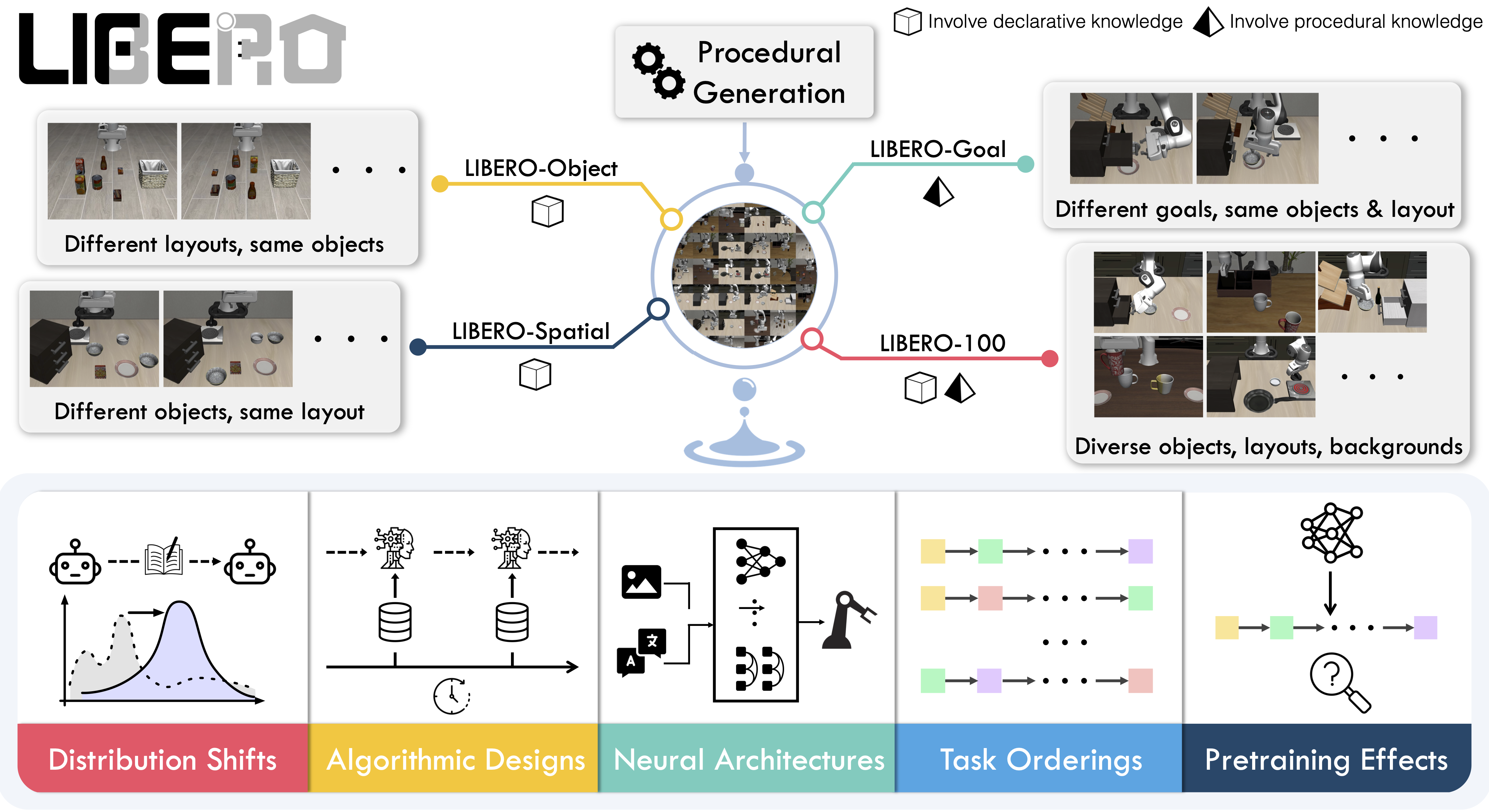
|
||||
|
||||
## Evaluating with LIBERO
|
||||
|
||||
At **LeRobot**, we ported [LIBERO](https://github.com/Lifelong-Robot-Learning/LIBERO) into our framework and used it mainly to **evaluate [SmolVLA](https://huggingface.co/docs/lerobot/en/smolvla)**, our lightweight Vision-Language-Action model.
|
||||
|
||||
LIBERO is now part of our **multi-eval supported simulation**, meaning you can benchmark your policies either on a **single suite of tasks** or across **multiple suites at once** with just a flag.
|
||||
|
||||
To Install LIBERO, after following LeRobot official instructions, just do:
|
||||
`pip install -e ".[libero]"`
|
||||
|
||||
### Single-suite evaluation
|
||||
|
||||
Evaluate a policy on one LIBERO suite:
|
||||
|
||||
```bash
|
||||
lerobot-eval \
|
||||
--policy.path="your-policy-id" \
|
||||
--env.type=libero \
|
||||
--env.task=libero_object \
|
||||
--eval.batch_size=2 \
|
||||
--eval.n_episodes=3
|
||||
```
|
||||
|
||||
- `--env.task` picks the suite (`libero_object`, `libero_spatial`, etc.).
|
||||
- `--eval.batch_size` controls how many environments run in parallel.
|
||||
- `--eval.n_episodes` sets how many episodes to run in total.
|
||||
|
||||
---
|
||||
|
||||
### Multi-suite evaluation
|
||||
|
||||
Benchmark a policy across multiple suites at once:
|
||||
|
||||
```bash
|
||||
lerobot-eval \
|
||||
--policy.path="your-policy-id" \
|
||||
--env.type=libero \
|
||||
--env.task=libero_object,libero_spatial \
|
||||
--eval.batch_size=1 \
|
||||
--eval.n_episodes=2
|
||||
```
|
||||
|
||||
- Pass a comma-separated list to `--env.task` for multi-suite evaluation.
|
||||
|
||||
### Policy inputs and outputs
|
||||
|
||||
When using LIBERO through LeRobot, policies interact with the environment via **observations** and **actions**:
|
||||
|
||||
- **Observations**
|
||||
- `observation.state` – proprioceptive features (agent state).
|
||||
- `observation.images.image` – main camera view (`agentview_image`).
|
||||
- `observation.images.image2` – wrist camera view (`robot0_eye_in_hand_image`).
|
||||
|
||||
⚠️ **Note:** LeRobot enforces the `.images.*` prefix for any multi-modal visual features. Always ensure that your policy config `input_features` use the same naming keys, and that your dataset metadata keys follow this convention during evaluation.
|
||||
If your data contains different keys, you must rename the observations to match what the policy expects, since naming keys are encoded inside the normalization statistics layer.
|
||||
This will be fixed with the upcoming Pipeline PR.
|
||||
|
||||
- **Actions**
|
||||
- Continuous control values in a `Box(-1, 1, shape=(7,))` space.
|
||||
|
||||
We also provide a notebook for quick testing:
|
||||
Training with LIBERO
|
||||
|
||||
## Training with LIBERO
|
||||
|
||||
When training on LIBERO tasks, make sure your dataset parquet and metadata keys follow the LeRobot convention.
|
||||
|
||||
The environment expects:
|
||||
|
||||
- `observation.state` → 8-dim agent state
|
||||
- `observation.images.image` → main camera (`agentview_image`)
|
||||
- `observation.images.image2` → wrist camera (`robot0_eye_in_hand_image`)
|
||||
|
||||
⚠️ Cleaning the dataset upfront is **cleaner and more efficient** than remapping keys inside the code.
|
||||
To avoid potential mismatches and key errors, we provide a **preprocessed LIBERO dataset** that is fully compatible with the current LeRobot codebase and requires no additional manipulation:
|
||||
👉 [HuggingFaceVLA/libero](https://huggingface.co/datasets/HuggingFaceVLA/libero)
|
||||
|
||||
For reference, here is the **original dataset** published by Physical Intelligence:
|
||||
👉 [physical-intelligence/libero](https://huggingface.co/datasets/physical-intelligence/libero)
|
||||
|
||||
---
|
||||
|
||||
### Example training command
|
||||
|
||||
```bash
|
||||
lerobot-train \
|
||||
--policy.type=smolvla \
|
||||
--policy.repo_id=${HF_USER}/libero-test \
|
||||
--policy.load_vlm_weights=true \
|
||||
--dataset.repo_id=HuggingFaceVLA/libero \
|
||||
--env.type=libero \
|
||||
--env.task=libero_10 \
|
||||
--output_dir=./outputs/ \
|
||||
--steps=100000 \
|
||||
--batch_size=4 \
|
||||
--eval.batch_size=1 \
|
||||
--eval.n_episodes=1 \
|
||||
--eval_freq=1000 \
|
||||
```
|
||||
|
||||
---
|
||||
|
||||
### Note on rendering
|
||||
|
||||
LeRobot uses MuJoCo for simulation. You need to set the rendering backend before training or evaluation:
|
||||
|
||||
- `export MUJOCO_GL=egl` → for headless servers (e.g. HPC, cloud)
|
||||
|
||||
## Reproducing π₀.₅ results
|
||||
|
||||
We reproduce the results of π₀.₅ on the LIBERO benchmark using the LeRobot implementation. We take the Physical Intelligence LIBERO base model (`pi05_libero`) and finetune for an additional 6k steps in bfloat16, with batch size of 256 on 8 H100 GPUs using the [HuggingFace LIBERO dataset](https://huggingface.co/datasets/HuggingFaceVLA/libero).
|
||||
|
||||
The finetuned model can be found here:
|
||||
|
||||
- **π₀.₅ LIBERO**: [lerobot/pi05_libero_finetuned](https://huggingface.co/lerobot/pi05_libero_finetuned)
|
||||
|
||||
We then evaluate the finetuned model using the LeRobot LIBERO implementation, by running the following command:
|
||||
|
||||
```bash
|
||||
lerobot-eval \
|
||||
--output_dir=/logs/ \
|
||||
--env.type=libero \
|
||||
--env.task=libero_spatial,libero_object,libero_goal,libero_10 \
|
||||
--eval.batch_size=1 \
|
||||
--eval.n_episodes=10 \
|
||||
--policy.path=pi05_libero_finetuned \
|
||||
--policy.n_action_steps=10 \
|
||||
--output_dir=./eval_logs/ \
|
||||
--env.max_parallel_tasks=1
|
||||
```
|
||||
|
||||
**Note:** We set `n_action_steps=10`, similar to the original OpenPI implementation.
|
||||
|
||||
### Results
|
||||
|
||||
We obtain the following results on the LIBERO benchmark:
|
||||
|
||||
| Model | LIBERO Spatial | LIBERO Object | LIBERO Goal | LIBERO 10 | Average |
|
||||
| -------- | -------------- | ------------- | ----------- | --------- | -------- |
|
||||
| **π₀.₅** | 97.0 | 99.0 | 98.0 | 96.0 | **97.5** |
|
||||
|
||||
These results are consistent with the original [results](https://github.com/Physical-Intelligence/openpi/tree/main/examples/libero#results) reported by Physical Intelligence:
|
||||
|
||||
| Model | LIBERO Spatial | LIBERO Object | LIBERO Goal | LIBERO 10 | Average |
|
||||
| -------- | -------------- | ------------- | ----------- | --------- | --------- |
|
||||
| **π₀.₅** | 98.8 | 98.2 | 98.0 | 92.4 | **96.85** |
|
||||
@@ -0,0 +1,80 @@
|
||||
# Meta-World
|
||||
|
||||
Meta-World is a well-designed, open-source simulation benchmark for multi-task and meta reinforcement learning in continuous-control robotic manipulation. It gives researchers a shared, realistic playground to test whether algorithms can _learn many different tasks_ and _generalize quickly to new ones_ — two central challenges for real-world robotics.
|
||||
|
||||
- 📄 [MetaWorld paper](https://arxiv.org/pdf/1910.10897)
|
||||
- 💻 [Original MetaWorld repo](https://github.com/Farama-Foundation/Metaworld)
|
||||
|
||||
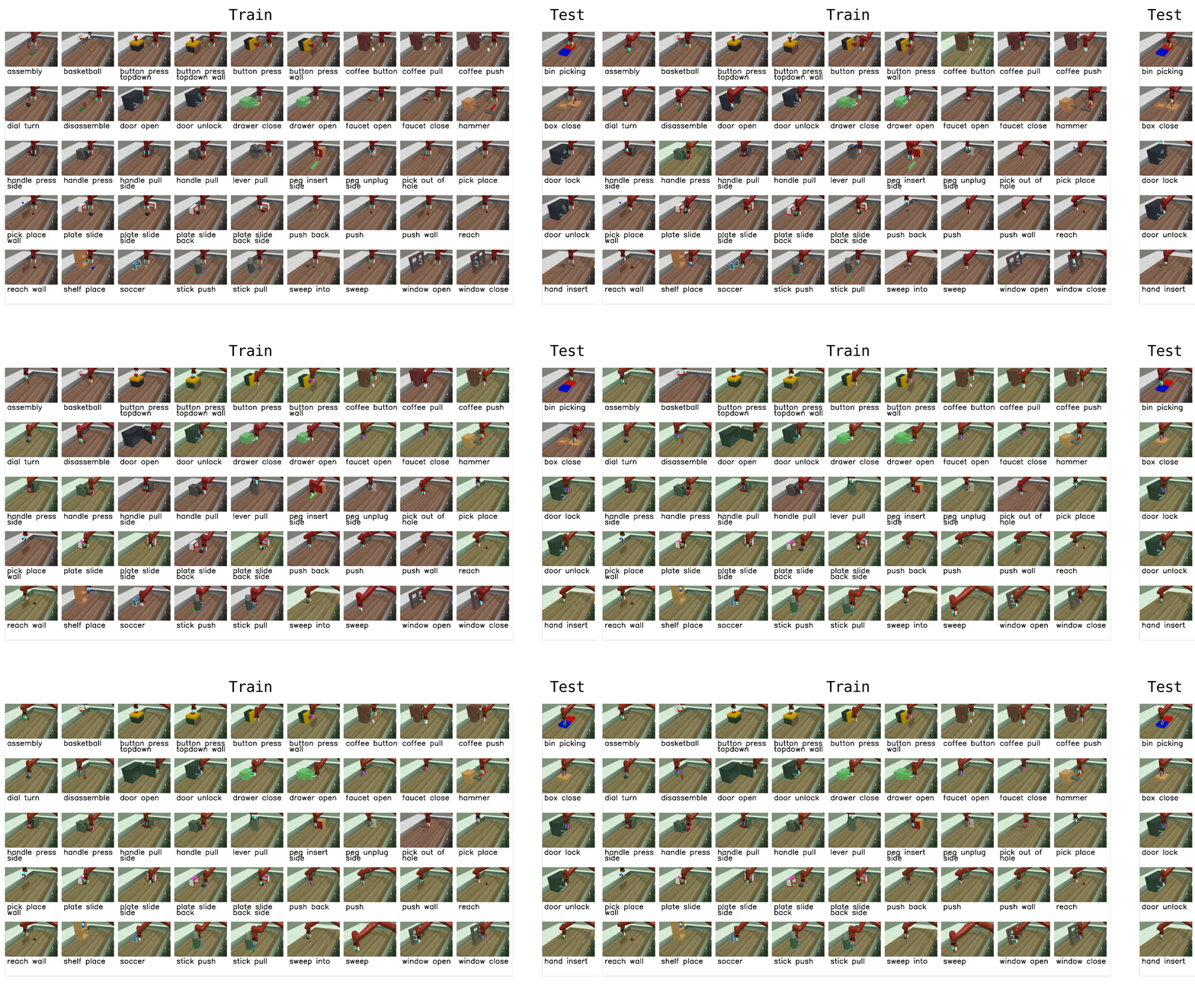
|
||||
|
||||
## Why Meta-World matters
|
||||
|
||||
- **Diverse, realistic tasks.** Meta-World bundles a large suite of simulated manipulation tasks (50 in the MT50 suite) using everyday objects and a common tabletop Sawyer arm. This diversity exposes algorithms to a wide variety of dynamics, contacts and goal specifications while keeping a consistent control and observation structure.
|
||||
- **Focus on generalization and multi-task learning.** By evaluating across task distributions that share structure but differ in goals and objects, Meta-World reveals whether an agent truly learns transferable skills rather than overfitting to a narrow task.
|
||||
- **Standardized evaluation protocol.** It provides clear evaluation modes and difficulty splits, so different methods can be compared fairly across easy, medium, hard and very-hard regimes.
|
||||
- **Empirical insight.** Past evaluations on Meta-World show impressive progress on some fronts, but also highlight that current multi-task and meta-RL methods still struggle with large, diverse task sets. That gap points to important research directions.
|
||||
|
||||
## What it enables in LeRobot
|
||||
|
||||
In LeRobot, you can evaluate any policy or vision-language-action (VLA) model on Meta-World tasks and get a clear success-rate measure. The integration is designed to be straightforward:
|
||||
|
||||
- We provide a LeRobot-ready dataset for Meta-World (MT50) on the HF Hub: `https://huggingface.co/datasets/lerobot/metaworld_mt50`.
|
||||
- This dataset is formatted for the MT50 evaluation that uses all 50 tasks (the most challenging multi-task setting).
|
||||
- MT50 gives the policy a one-hot task vector and uses fixed object/goal positions for consistency.
|
||||
|
||||
- Task descriptions and the exact keys required for evaluation are available in the repo/dataset — use these to ensure your policy outputs the right success signals.
|
||||
|
||||
## Quick start, train a SmolVLA policy on Meta-World
|
||||
|
||||
Example command to train a SmolVLA policy on a subset of tasks:
|
||||
|
||||
```bash
|
||||
lerobot-train \
|
||||
--policy.type=smolvla \
|
||||
--policy.repo_id=${HF_USER}/metaworld-test \
|
||||
--policy.load_vlm_weights=true \
|
||||
--dataset.repo_id=lerobot/metaworld_mt50 \
|
||||
--env.type=metaworld \
|
||||
--env.task=assembly-v3,dial-turn-v3,handle-press-side-v3 \
|
||||
--output_dir=./outputs/ \
|
||||
--steps=100000 \
|
||||
--batch_size=4 \
|
||||
--eval.batch_size=1 \
|
||||
--eval.n_episodes=1 \
|
||||
--eval_freq=1000
|
||||
```
|
||||
|
||||
Notes:
|
||||
|
||||
- `--env.task` accepts explicit task lists (comma separated) or difficulty groups (e.g., `env.task="hard"`).
|
||||
- Adjust `batch_size`, `steps`, and `eval_freq` to match your compute budget.
|
||||
- **Gymnasium Assertion Error**: if you encounter an error like
|
||||
`AssertionError: ['human', 'rgb_array', 'depth_array']` when running MetaWorld environments, this comes from a mismatch between MetaWorld and your Gymnasium version.
|
||||
We recommend using:
|
||||
|
||||
```bash
|
||||
pip install "gymnasium==1.1.0"
|
||||
```
|
||||
|
||||
to ensure proper compatibility.
|
||||
|
||||
## Quick start — evaluate a trained policy
|
||||
|
||||
To evaluate a trained policy on the Meta-World medium difficulty split:
|
||||
|
||||
```bash
|
||||
lerobot-eval \
|
||||
--policy.path="your-policy-id" \
|
||||
--env.type=metaworld \
|
||||
--env.task=medium \
|
||||
--eval.batch_size=1 \
|
||||
--eval.n_episodes=2
|
||||
```
|
||||
|
||||
This will run episodes and return per-task success rates using the standard Meta-World evaluation keys.
|
||||
|
||||
## Practical tips
|
||||
|
||||
- If you care about generalization, run on the full MT50 suite — it’s intentionally challenging and reveals strengths/weaknesses better than a few narrow tasks.
|
||||
- Use the one-hot task conditioning for multi-task training (MT10 / MT50 conventions) so policies have explicit task context.
|
||||
- Inspect the dataset task descriptions and the `info["is_success"]` keys when writing post-processing or logging so your success metrics line up with the benchmark.
|
||||
@@ -0,0 +1,125 @@
|
||||
# Multi-GPU Training
|
||||
|
||||
This guide shows you how to train policies on multiple GPUs using [Hugging Face Accelerate](https://huggingface.co/docs/accelerate).
|
||||
|
||||
## Installation
|
||||
|
||||
First, ensure you have accelerate installed:
|
||||
|
||||
```bash
|
||||
pip install accelerate
|
||||
```
|
||||
|
||||
## Training with Multiple GPUs
|
||||
|
||||
You can launch training in two ways:
|
||||
|
||||
### Option 1: Without config (specify parameters directly)
|
||||
|
||||
You can specify all parameters directly in the command without running `accelerate config`:
|
||||
|
||||
```bash
|
||||
accelerate launch \
|
||||
--multi_gpu \
|
||||
--num_processes=2 \
|
||||
$(which lerobot-train) \
|
||||
--dataset.repo_id=${HF_USER}/my_dataset \
|
||||
--policy.type=act \
|
||||
--policy.repo_id=${HF_USER}/my_trained_policy \
|
||||
--output_dir=outputs/train/act_multi_gpu \
|
||||
--job_name=act_multi_gpu \
|
||||
--wandb.enable=true
|
||||
```
|
||||
|
||||
**Key accelerate parameters:**
|
||||
|
||||
- `--multi_gpu`: Enable multi-GPU training
|
||||
- `--num_processes=2`: Number of GPUs to use
|
||||
- `--mixed_precision=fp16`: Use fp16 mixed precision (or `bf16` if supported)
|
||||
|
||||
### Option 2: Using accelerate config
|
||||
|
||||
If you prefer to save your configuration, you can optionally configure accelerate for your hardware setup by running:
|
||||
|
||||
```bash
|
||||
accelerate config
|
||||
```
|
||||
|
||||
This interactive setup will ask you questions about your training environment (number of GPUs, mixed precision settings, etc.) and saves the configuration for future use. For a simple multi-GPU setup on a single machine, you can use these recommended settings:
|
||||
|
||||
- Compute environment: This machine
|
||||
- Number of machines: 1
|
||||
- Number of processes: (number of GPUs you want to use)
|
||||
- GPU ids to use: (leave empty to use all)
|
||||
- Mixed precision: fp16 or bf16 (recommended for faster training)
|
||||
|
||||
Then launch training with:
|
||||
|
||||
```bash
|
||||
accelerate launch $(which lerobot-train) \
|
||||
--dataset.repo_id=${HF_USER}/my_dataset \
|
||||
--policy.type=act \
|
||||
--policy.repo_id=${HF_USER}/my_trained_policy \
|
||||
--output_dir=outputs/train/act_multi_gpu \
|
||||
--job_name=act_multi_gpu \
|
||||
--wandb.enable=true
|
||||
```
|
||||
|
||||
## How It Works
|
||||
|
||||
When you launch training with accelerate:
|
||||
|
||||
1. **Automatic detection**: LeRobot automatically detects if it's running under accelerate
|
||||
2. **Data distribution**: Your batch is automatically split across GPUs
|
||||
3. **Gradient synchronization**: Gradients are synchronized across GPUs during backpropagation
|
||||
4. **Single process logging**: Only the main process logs to wandb and saves checkpoints
|
||||
|
||||
## Learning Rate and Training Steps Scaling
|
||||
|
||||
**Important:** LeRobot does **NOT** automatically scale learning rates or training steps based on the number of GPUs. This gives you full control over your training hyperparameters.
|
||||
|
||||
### Why No Automatic Scaling?
|
||||
|
||||
Many distributed training frameworks automatically scale the learning rate by the number of GPUs (e.g., `lr = base_lr × num_gpus`).
|
||||
However, LeRobot keeps the learning rate exactly as you specify it.
|
||||
|
||||
### When and How to Scale
|
||||
|
||||
If you want to scale your hyperparameters when using multiple GPUs, you should do it manually:
|
||||
|
||||
**Learning Rate Scaling:**
|
||||
|
||||
```bash
|
||||
# Example: 2 GPUs with linear LR scaling
|
||||
# Base LR: 1e-4, with 2 GPUs -> 2e-4
|
||||
accelerate launch --num_processes=2 $(which lerobot-train) \
|
||||
--optimizer.lr=2e-4 \
|
||||
--dataset.repo_id=lerobot/pusht \
|
||||
--policy=act
|
||||
```
|
||||
|
||||
**Training Steps Scaling:**
|
||||
|
||||
Since the effective batch size `bs` increases with multiple GPUs (batch_size × num_gpus), you may want to reduce the number of training steps proportionally:
|
||||
|
||||
```bash
|
||||
# Example: 2 GPUs with effective batch size 2x larger
|
||||
# Original: batch_size=8, steps=100000
|
||||
# With 2 GPUs: batch_size=8 (16 in total), steps=50000
|
||||
accelerate launch --num_processes=2 $(which lerobot-train) \
|
||||
--batch_size=8 \
|
||||
--steps=50000 \
|
||||
--dataset.repo_id=lerobot/pusht \
|
||||
--policy=act
|
||||
```
|
||||
|
||||
## Notes
|
||||
|
||||
- The `--policy.use_amp` flag in `lerobot-train` is only used when **not** running with accelerate. When using accelerate, mixed precision is controlled by accelerate's configuration.
|
||||
- Training logs, checkpoints, and hub uploads are only done by the main process to avoid conflicts. Non-main processes have console logging disabled to prevent duplicate output.
|
||||
- The effective batch size is `batch_size × num_gpus`. If you use 4 GPUs with `--batch_size=8`, your effective batch size is 32.
|
||||
- Learning rate scheduling is handled correctly across multiple processes—LeRobot sets `step_scheduler_with_optimizer=False` to prevent accelerate from adjusting scheduler steps based on the number of processes.
|
||||
- When saving or pushing models, LeRobot automatically unwraps the model from accelerate's distributed wrapper to ensure compatibility.
|
||||
- WandB integration automatically initializes only on the main process, preventing multiple runs from being created.
|
||||
|
||||
For more advanced configurations and troubleshooting, see the [Accelerate documentation](https://huggingface.co/docs/accelerate). If you want to learn more about how to train on a large number of GPUs, checkout this awesome guide: [Ultrascale Playbook](https://huggingface.co/spaces/nanotron/ultrascale-playbook).
|
||||
@@ -0,0 +1,328 @@
|
||||
# OpenArms Robot
|
||||
|
||||
OpenArms is a 7 DOF robotic arm with a gripper, designed by [Enactic, Inc.](https://www.enactic.com/) It uses Damiao motors controlled via CAN bus communication and MIT control mode for smooth, precise motion.
|
||||
|
||||
## Hardware Overview
|
||||
|
||||
- **7 DOF per arm** (14 DOF total for dual arm setup)
|
||||
- **1 gripper per arm** (2 grippers total)
|
||||
- **Damiao motors** with 4 different types:
|
||||
- **DM8009** (DM-J8009P-2EC) for shoulders (J1, J2) - high torque
|
||||
- **DM4340** for shoulder rotation and elbow (J3, J4)
|
||||
- **DM4310** (DM-J4310-2EC V1.1) for wrist (J5, J6, J7) and gripper (J8)
|
||||
- **24V power supply** required
|
||||
- **CAN interface device**:
|
||||
- **Linux**: Any SocketCAN-compatible adapter
|
||||
- **macOS**: CANable, PEAK PCAN-USB, or Kvaser USBcan
|
||||
- Proper CAN wiring (CANH, CANL, 120Ω termination)
|
||||
|
||||
|
||||
## Motor Configuration
|
||||
|
||||
Each arm has the following motor configuration based on the [OpenArm setup guide](https://docs.openarm.dev/software/setup/):
|
||||
|
||||
| Joint | Motor | Motor Type | Sender CAN ID | Receiver ID | Description |
|
||||
|-------|-------|------------|---------------|-------------|-------------|
|
||||
| J1 | joint_1 | DM8009 | 0x01 | 0x11 | Shoulder pan |
|
||||
| J2 | joint_2 | DM8009 | 0x02 | 0x12 | Shoulder lift |
|
||||
| J3 | joint_3 | DM4340 | 0x03 | 0x13 | Shoulder rotation |
|
||||
| J4 | joint_4 | DM4340 | 0x04 | 0x14 | Elbow flex |
|
||||
| J5 | joint_5 | DM4310 | 0x05 | 0x15 | Wrist roll |
|
||||
| J6 | joint_6 | DM4310 | 0x06 | 0x16 | Wrist pitch |
|
||||
| J7 | joint_7 | DM4310 | 0x07 | 0x17 | Wrist rotation |
|
||||
| J8 | gripper | DM4310 | 0x08 | 0x18 | Gripper |
|
||||
|
||||
For dual arm setups, the left arm uses IDs 0x09-0x10 for joints 1-8 with the same motor types.
|
||||
|
||||
## Quick Start
|
||||
|
||||
```bash
|
||||
# Install system dependencies
|
||||
sudo apt install can-utils iproute2
|
||||
|
||||
# Install LeRobot with OpenArms support
|
||||
pip install -e ".[openarms]"
|
||||
```
|
||||
|
||||
## Setup Guide
|
||||
|
||||
### Step 1: Motor ID Configuration
|
||||
|
||||
**IMPORTANT**: Before using the robot, motors must be configured with the correct CAN IDs.
|
||||
|
||||
Refer to the [OpenArm Motor ID Configuration Guide](https://docs.openarm.dev/software/setup/motor-id) for detailed instructions using the Damiao Debugging Tools on Windows.
|
||||
|
||||
Key points:
|
||||
- Each motor needs a unique **Sender CAN ID** (0x01-0x08)
|
||||
- Each motor needs a unique **Receiver/Master ID** (0x11-0x18)
|
||||
- Use the Damiao Debugging Tools to set these IDs
|
||||
|
||||
### Step 2: Setup CAN Interface
|
||||
|
||||
Configure your CAN interface as described in the [OpenArm CAN Setup Guide](https://docs.openarm.dev/software/setup/can-setup):
|
||||
|
||||
#### Linux (SocketCAN)
|
||||
|
||||
```bash
|
||||
# Find your CAN interface
|
||||
ip link show
|
||||
|
||||
# Configure can0, 1, 2, 3
|
||||
sudo ip link set can0 down
|
||||
sudo ip link set can0 type can bitrate 1000000
|
||||
sudo ip link set can0 up
|
||||
|
||||
sudo ip link set can1 down
|
||||
sudo ip link set can1 type can bitrate 1000000
|
||||
sudo ip link set can1 up
|
||||
|
||||
sudo ip link set can2 down
|
||||
sudo ip link set can2 type can bitrate 1000000
|
||||
sudo ip link set can2 up
|
||||
|
||||
sudo ip link set can3 down
|
||||
sudo ip link set can3 type can bitrate 1000000
|
||||
sudo ip link set can3 up
|
||||
|
||||
# Verify configuration
|
||||
ip link show can0
|
||||
```
|
||||
|
||||
or run:
|
||||
|
||||
`examples/openarms/setup_can.sh`
|
||||
|
||||
### Testing canbus and motor connection
|
||||
|
||||
Please run this script to check if all motors can be found and to find your can-fd speed: `python examples/openarms/debug_can_communication.py`
|
||||
|
||||
## Usage
|
||||
|
||||
### Basic Setup
|
||||
|
||||
|
||||
```python
|
||||
from lerobot.robots.openarms import OpenArmsFollower
|
||||
from lerobot.robots.openarms.config_openarms_follower import OpenArmsFollowerConfig
|
||||
|
||||
# Configure for dual arm setup
|
||||
config = OpenArmsFollowerConfig(
|
||||
port="can0",
|
||||
can_interface="socketcan", # Or "auto" for auto-detection
|
||||
id="openarms_dual",
|
||||
is_dual_arm=True,
|
||||
)
|
||||
|
||||
robot = OpenArmsFollower(config)
|
||||
robot.connect()
|
||||
```
|
||||
|
||||
### Calibration
|
||||
|
||||
On first use, you'll need to calibrate the robot:
|
||||
|
||||
```python
|
||||
robot.calibrate()
|
||||
```
|
||||
|
||||
The calibration process will:
|
||||
1. Disable torque on all motors
|
||||
2. Ask you to position arms in **hanging position with grippers closed**
|
||||
3. Set this as the zero position
|
||||
4. Ask you to move each joint through its full range
|
||||
5. Record min/max positions for each joint
|
||||
6. Save calibration to file
|
||||
|
||||
### Reading Observations
|
||||
|
||||
The robot provides comprehensive state information:
|
||||
|
||||
```python
|
||||
observation = robot.get_observation()
|
||||
|
||||
# Observation includes for each motor:
|
||||
# - {motor_name}.pos: Position in degrees
|
||||
# - {motor_name}.vel: Velocity in degrees/second
|
||||
# - {motor_name}.torque: Motor torque
|
||||
# - {camera_name}: Camera images (if configured)
|
||||
|
||||
print(f"Right arm joint 1 position: {observation['right_joint_1.pos']:.1f}°")
|
||||
print(f"Right arm joint 1 velocity: {observation['right_joint_1.vel']:.1f}°/s")
|
||||
print(f"Right arm joint 1 torque: {observation['right_joint_1.torque']:.3f} N·m")
|
||||
```
|
||||
|
||||
### Sending Actions
|
||||
|
||||
```python
|
||||
# Send target positions (in degrees)
|
||||
action = {
|
||||
"right_joint_1.pos": 45.0,
|
||||
"right_joint_2.pos": -30.0,
|
||||
# ... all joints
|
||||
"right_gripper.pos": 45.0, # Half-closed
|
||||
}
|
||||
|
||||
actual_action = robot.send_action(action)
|
||||
```
|
||||
|
||||
### Gripper Control
|
||||
|
||||
```python
|
||||
# Open gripper
|
||||
robot.open_gripper(arm="right")
|
||||
|
||||
# Close gripper
|
||||
robot.close_gripper(arm="right")
|
||||
```
|
||||
|
||||
## Safety Features
|
||||
|
||||
### 1. Maximum Relative Target
|
||||
|
||||
Limits how far a joint can move in a single command to prevent sudden movements:
|
||||
|
||||
```python
|
||||
config = OpenArmsFollowerConfig(
|
||||
port="can0",
|
||||
# Limit all joints to 10 degrees per command
|
||||
max_relative_target=10.0,
|
||||
|
||||
# Or set per-motor limits
|
||||
max_relative_target={
|
||||
"right_joint_1": 15.0, # Slower moving joint
|
||||
"right_joint_2": 10.0,
|
||||
"right_gripper": 5.0, # Very slow gripper
|
||||
}
|
||||
)
|
||||
```
|
||||
|
||||
**How it works**: If current position is 50° and you command 80°, with `max_relative_target=10.0`, the robot will only move to 60° in that step.
|
||||
|
||||
### 2. Torque Limits
|
||||
|
||||
Control maximum torque output, especially important for grippers and teleoperation:
|
||||
|
||||
```python
|
||||
config = OpenArmsFollowerConfig(
|
||||
port="can0",
|
||||
# Gripper torque limit (fraction of motor's max torque)
|
||||
gripper_torque_limit=0.5, # 50% of max torque
|
||||
)
|
||||
```
|
||||
|
||||
Lower torque limits prevent damage when gripping delicate objects.
|
||||
|
||||
### 3. MIT Control Gains
|
||||
|
||||
Control responsiveness and stability via PID-like gains:
|
||||
|
||||
```python
|
||||
config = OpenArmsFollowerConfig(
|
||||
port="can0",
|
||||
position_kp=10.0, # Position gain (higher = more responsive)
|
||||
position_kd=0.5, # Velocity damping (higher = more damped)
|
||||
)
|
||||
```
|
||||
|
||||
**Guidelines**:
|
||||
- **For following (robot)**: Higher gains for responsiveness
|
||||
- `position_kp=10.0`, `position_kd=0.5`
|
||||
- **For teleoperation (leader)**: Lower gains or disable torque for manual movement
|
||||
- `manual_control=True` (torque disabled)
|
||||
|
||||
### 4. Velocity Limits
|
||||
|
||||
Velocity limits are enforced by the Damiao motors based on motor type. For DM4310:
|
||||
- Max velocity: 30 rad/s ≈ 1718°/s
|
||||
|
||||
The motors will automatically limit velocity to safe values.
|
||||
|
||||
## Teleoperation
|
||||
|
||||
### Leader Arm Setup
|
||||
|
||||
The leader arm is moved manually (torque disabled) to generate commands:
|
||||
|
||||
```python
|
||||
from lerobot.teleoperators.openarms import OpenArmsLeader
|
||||
from lerobot.teleoperators.openarms.config_openarms_leader import OpenArmsLeaderConfig
|
||||
|
||||
config = OpenArmsLeaderConfig(
|
||||
port="can1", # Separate CAN interface for leader
|
||||
id="openarms_leader",
|
||||
manual_control=True, # Torque disabled for manual movement
|
||||
is_dual_arm=True,
|
||||
)
|
||||
|
||||
leader = OpenArmsLeader(config)
|
||||
leader.connect()
|
||||
|
||||
# Read current position as action
|
||||
action = leader.get_action()
|
||||
# action contains positions for all joints in degrees
|
||||
```
|
||||
|
||||
### Safety Considerations for Teleoperation
|
||||
|
||||
1. **Use separate CAN interfaces** for leader and follower to avoid conflicts
|
||||
2. **Enable max_relative_target** on follower to smooth abrupt movements
|
||||
3. **Lower torque limits** on follower to prevent damage from tracking errors
|
||||
4. **Test with one arm** before enabling dual arm teleoperation
|
||||
5. **Have emergency stop** ready (power switch or CAN disable)
|
||||
|
||||
```python
|
||||
# Recommended follower config for teleoperation
|
||||
follower_config = OpenArmsFollowerConfig(
|
||||
port="can0",
|
||||
max_relative_target=5.0, # Small steps for smooth following
|
||||
gripper_torque_limit=0.3, # Low torque for safety
|
||||
position_kp=5.0, # Lower gains for gentler following
|
||||
position_kd=0.3,
|
||||
)
|
||||
```
|
||||
|
||||
## Troubleshooting
|
||||
|
||||
### Motor Shaking/Unstable
|
||||
|
||||
- **Lower control gains**: Reduce `position_kp` and `position_kd`
|
||||
- **Check calibration**: Re-run calibration procedure
|
||||
- **Verify power**: Insufficient current can cause instability
|
||||
- **Check mechanical**: Loose connections, binding, or damaged components
|
||||
|
||||
### CAN Bus Errors
|
||||
|
||||
```bash
|
||||
# Check for errors
|
||||
ip -s link show can0
|
||||
|
||||
# Reset CAN interface
|
||||
sudo ip link set can0 down
|
||||
sudo ip link set can0 up
|
||||
```
|
||||
|
||||
### Control Mode
|
||||
|
||||
OpenArms uses **MIT control mode** which allows simultaneous control of:
|
||||
- Position (degrees)
|
||||
- Velocity (degrees/second)
|
||||
- Torque (N·m)
|
||||
- Position gain (Kp)
|
||||
- Velocity damping (Kd)
|
||||
|
||||
### Communication
|
||||
|
||||
- **Protocol**: CAN 2.0 at 1 Mbps (or CAN-FD at 5 Mbps)
|
||||
- **Frame format**: Standard 11-bit IDs
|
||||
- **Update rate**: Typically 50-100 Hz depending on motor count
|
||||
- **Latency**: ~10-20ms per motor command
|
||||
|
||||
## References
|
||||
|
||||
- [OpenArm Official Documentation](https://docs.openarm.dev/)
|
||||
- [OpenArm Setup Guide](https://docs.openarm.dev/software/setup/)
|
||||
- [Motor ID Configuration](https://docs.openarm.dev/software/setup/motor-id)
|
||||
- [CAN Interface Setup](https://docs.openarm.dev/software/setup/can-setup)
|
||||
- [Motor Communication Test](https://docs.openarm.dev/software/setup/configure-test)
|
||||
- [Damiao Motor Documentation](https://wiki.seeedstudio.com/damiao_series/)
|
||||
- [Enactic GitHub](https://github.com/enactic/openarm_can)
|
||||
@@ -0,0 +1,191 @@
|
||||
# Phone
|
||||
|
||||
Use your phone (iOS or Android) to control your robot.
|
||||
|
||||
**In this guide you'll learn:**
|
||||
|
||||
- How to connect an iOS/Android phone
|
||||
- How phone pose is mapped to robot end‑effector (EE) targets
|
||||
- How to tweak safety limits, gripper control, and IK settings
|
||||
|
||||
To use phone to control your robot, install the relevant dependencies with:
|
||||
|
||||
```bash
|
||||
pip install lerobot[phone]
|
||||
```
|
||||
|
||||
## Get started
|
||||
|
||||
### Supported platforms
|
||||
|
||||
- iOS: Uses the HEBI Mobile I/O app (ARKit pose + buttons). Download the app first, open it and the examples will discover it on your network and stream the phone pose and inputs.
|
||||
- Android: Uses the `teleop` package (WebXR). When you start the Python process, it prints a local URL. Open the link on your phone, tap Start, then use Move to stream pose.
|
||||
|
||||
Links:
|
||||
|
||||
- Android WebXR library: [`teleop` on PyPI](https://pypi.org/project/teleop/)
|
||||
- iOS app: [HEBI Mobile I/O](https://docs.hebi.us/tools.html#mobile-io)
|
||||
|
||||
### Phone orientation and controls
|
||||
|
||||
- Orientation: hold the phone with the screen facing up and the top edge pointing in the same direction as the robot gripper. This ensures calibration aligns the phone’s frame with the robot frame so motion feels natural, see the image below for reference.
|
||||
- Enable/disable:
|
||||
- iOS: Hold `B1` to enable teleoperation, release to stop. The first press captures a reference pose.
|
||||
- Android: Press and hold the `Move` button, release to stop. The first press captures a reference pose.
|
||||
- Gripper control:
|
||||
- iOS: Analog input `A3` controls the gripper as velocity input.
|
||||
- Android: Buttons `A` and `B` act like increment/decrement (A opens, B closes). You can tune velocity in the `GripperVelocityToJoint` step.
|
||||
|
||||
<img src="https://huggingface.co/datasets/huggingface/documentation-images/resolve/main/lerobot/phone_teleop.webp" alt="Phone teleop orientation" title="Phone teleop orientation" width="40%">
|
||||
|
||||
### Step 1: Choose the platform
|
||||
|
||||
Modify the examples to use `PhoneOS.IOS` or `PhoneOS.ANDROID` in `PhoneConfig`. The API is identical across platforms, only the input source differs. All examples are under `examples/` and have `phone_so100_*.py` variants.
|
||||
|
||||
Teleoperation example:
|
||||
|
||||
```36:43:examples/phone_so100_teleop.py
|
||||
from lerobot.teleoperators.phone.config_phone import PhoneConfig, PhoneOS
|
||||
|
||||
teleop_config = PhoneConfig(phone_os=PhoneOS.IOS) # or PhoneOS.ANDROID
|
||||
teleop_device = Phone(teleop_config)
|
||||
```
|
||||
|
||||
### Step 2: Connect and calibrate
|
||||
|
||||
When `Phone(teleop_config)` is created and `connect()` is called, calibration is prompted automatically. Hold the phone in the orientation described above, then:
|
||||
|
||||
- iOS: press and hold `B1` to capture the reference pose.
|
||||
- Android: press `Move` button on the WebXR page to capture the reference pose.
|
||||
|
||||
Why calibrate? We capture the current pose so subsequent poses are expressed in a robot aligned frame. When you again press the button to enable control, the position is recaptured to avoid drift when your phone is repositioned while it was disabled.
|
||||
|
||||
### Step 3: Run an example
|
||||
|
||||
Run on of the examples scripts to teleoperate, record a dataset, replay a dataset or evaluate a policy.
|
||||
|
||||
All scripts assume you configured your robot (e.g., SO-100 follower) and set the correct serial port.
|
||||
|
||||
Additionally you need to **copy the urdf of the robot to the examples folder**. For the examples in this tutorial (Using SO100/SO101) it is highly recommended to use the urdf in the [SO-ARM100 repo](https://github.com/TheRobotStudio/SO-ARM100/blob/main/Simulation/SO101/so101_new_calib.urdf)
|
||||
|
||||
- Run this example to teleoperate:
|
||||
|
||||
```bash
|
||||
python examples/phone_to_so100/teleoperate.py
|
||||
```
|
||||
|
||||
After running the example:
|
||||
|
||||
- Android: after starting the script, open the printed local URL on your phone, tap Start, then press and hold Move.
|
||||
- iOS: open HEBI Mobile I/O first; B1 enables motion. A3 controls the gripper.
|
||||
|
||||
Additionally you can customize mapping or safety limits by editing the processor steps shown in the examples. You can also remap inputs (e.g., use a different analog input) or adapt the pipeline to other robots (e.g., LeKiwi) by modifying the input and kinematics steps. More about this in the [Processors for Robots and Teleoperators](./processors_robots_teleop) guide.
|
||||
|
||||
- Run this example to record a dataset, which saves absolute end effector observations and actions:
|
||||
|
||||
```bash
|
||||
python examples/phone_to_so100/record.py
|
||||
```
|
||||
|
||||
- Run this example to replay recorded episodes:
|
||||
|
||||
```bash
|
||||
python examples/phone_to_so100/replay.py
|
||||
```
|
||||
|
||||
- Run this example to evaluate a pretrained policy:
|
||||
|
||||
```bash
|
||||
python examples/phone_to_so100/evaluate.py
|
||||
```
|
||||
|
||||
### Important pipeline steps and options
|
||||
|
||||
- Kinematics are used in multiple steps. We use [Placo](https://github.com/Rhoban/placo) which is a wrapper around Pinocchio for handling our kinematics. We construct the kinematics object by passing the robot's URDF and target frame. We set `target_frame_name` to the gripper frame.
|
||||
|
||||
```examples/phone_to_so100/teleoperate.py
|
||||
kinematics_solver = RobotKinematics(
|
||||
urdf_path="./SO101/so101_new_calib.urdf",
|
||||
target_frame_name="gripper_frame_link",
|
||||
joint_names=list(robot.bus.motors.keys()),
|
||||
)
|
||||
|
||||
```
|
||||
|
||||
- The `MapPhoneActionToRobotAction` step converts the calibrated phone pose and inputs into target deltas and gripper commands, below is shown what the step outputs.
|
||||
|
||||
```src/lerobot/teleoperators/phone/phone_processor.py
|
||||
action["enabled"] = enabled
|
||||
action["target_x"] = -pos[1] if enabled else 0.0
|
||||
action["target_y"] = pos[0] if enabled else 0.0
|
||||
action["target_z"] = pos[2] if enabled else 0.0
|
||||
action["target_wx"] = rotvec[1] if enabled else 0.0
|
||||
action["target_wy"] = rotvec[0] if enabled else 0.0
|
||||
action["target_wz"] = -rotvec[2] if enabled else 0.0
|
||||
action["gripper_vel"] = gripper_vel # Still send gripper action when disabled
|
||||
```
|
||||
|
||||
- The `EEReferenceAndDelta` step converts target deltas to an absolute desired EE pose, storing a reference on enable, the `end_effector_step_sizes` are the step sizes for the EE pose and can be modified to change the motion speed.
|
||||
|
||||
```examples/phone_to_so100/teleoperate.py
|
||||
EEReferenceAndDelta(
|
||||
kinematics=kinematics_solver,
|
||||
end_effector_step_sizes={"x": 0.5, "y": 0.5, "z": 0.5},
|
||||
motor_names=list(robot.bus.motors.keys()),
|
||||
use_latched_reference=True,
|
||||
),
|
||||
```
|
||||
|
||||
- The `EEBoundsAndSafety` step clamps EE motion to a workspace and checks for large ee step jumps to ensure safety. The `end_effector_bounds` are the bounds for the EE pose and can be modified to change the workspace. The `max_ee_step_m` are the step limits for the EE pose and can be modified to change the safety limits.
|
||||
|
||||
```examples/phone_to_so100/teleoperate.py
|
||||
EEBoundsAndSafety(
|
||||
end_effector_bounds={"min": [-1.0, -1.0, -1.0], "max": [1.0, 1.0, 1.0]},
|
||||
max_ee_step_m=0.10,
|
||||
)
|
||||
```
|
||||
|
||||
- The `GripperVelocityToJoint` step turns a velocity‑like gripper input into absolute gripper position using the current measured state. The `speed_factor` is the factor by which the velocity is multiplied.
|
||||
|
||||
```examples/phone_to_so100/teleoperate.py
|
||||
GripperVelocityToJoint(speed_factor=20.0)
|
||||
```
|
||||
|
||||
#### Different IK initial guesses
|
||||
|
||||
We use different IK initial guesses in the kinematic steps. As initial guess either the current measured joints or the previous IK solution is used.
|
||||
|
||||
- Closed loop (used in record/eval): sets `initial_guess_current_joints=True` so IK starts from the measured joints each frame.
|
||||
|
||||
```examples/phone_to_so100/record.py
|
||||
InverseKinematicsEEToJoints(
|
||||
kinematics=kinematics_solver,
|
||||
motor_names=list(robot.bus.motors.keys()),
|
||||
initial_guess_current_joints=True, # closed loop
|
||||
)
|
||||
```
|
||||
|
||||
- Open loop (used in replay): sets `initial_guess_current_joints=False` so IK continues from the previous IK solution rather than the measured state. This preserves action stability when we replay without feedback.
|
||||
|
||||
```examples/phone_to_so100/replay.py
|
||||
InverseKinematicsEEToJoints(
|
||||
kinematics=kinematics_solver,
|
||||
motor_names=list(robot.bus.motors.keys()),
|
||||
initial_guess_current_joints=False, # open loop
|
||||
)
|
||||
```
|
||||
|
||||
### Pipeline steps explained
|
||||
|
||||
- MapPhoneActionToRobotAction: converts calibrated phone pose and inputs into target deltas and a gripper command. Motion is gated by an enable signal (B1 on iOS, Move on Android).
|
||||
- EEReferenceAndDelta: latches a reference EE pose on enable and combines it with target deltas to produce an absolute desired EE pose each frame. When disabled, it keeps sending the last commanded pose.
|
||||
- EEBoundsAndSafety: clamps the EE pose to a workspace and rate‑limits jumps for safety. Also declares `action.ee.*` features.
|
||||
- InverseKinematicsEEToJoints: turns an EE pose into joint positions with IK. `initial_guess_current_joints=True` is recommended for closed‑loop control; set `False` for open‑loop replay for stability.
|
||||
- GripperVelocityToJoint: integrates a velocity‑like gripper input into an absolute gripper position using the current measured state.
|
||||
- ForwardKinematicsJointsToEE: computes `observation.state.ee.*` from observed joints for logging and training on EE state.
|
||||
|
||||
### Troubleshooting
|
||||
|
||||
- iOS not discovered: ensure HEBI Mobile I/O is open and your laptop/phone are on the same network.
|
||||
- Android URL not reachable: check local you used `https` instead of `http`, use the exact IP printed by the script and allow your browser to enter and ignore the certificate issue.
|
||||
- Motion feels inverted: adjust the sign flips in `MapPhoneActionToRobotAction` or swap axes to match your setup.
|
||||
@@ -0,0 +1,79 @@
|
||||
# π₀ (Pi0)
|
||||
|
||||
π₀ is a **Vision-Language-Action model for general robot control**, from Physical Intelligence. The LeRobot implementation is adapted from their open source [OpenPI](https://github.com/Physical-Intelligence/openpi) repository.
|
||||
|
||||
## Model Overview
|
||||
|
||||
π₀ represents a breakthrough in robotics as the first general-purpose robot foundation model developed by [Physical Intelligence](https://www.physicalintelligence.company/blog/pi0). Unlike traditional robot programs that are narrow specialists programmed for repetitive motions, π₀ is designed to be a generalist policy that can understand visual inputs, interpret natural language instructions, and control a variety of different robots across diverse tasks.
|
||||
|
||||
### The Vision for Physical Intelligence
|
||||
|
||||
As described by Physical Intelligence, while AI has achieved remarkable success in digital domains, from chess-playing to drug discovery, human intelligence still dramatically outpaces AI in the physical world. To paraphrase Moravec's paradox, winning a game of chess represents an "easy" problem for AI, but folding a shirt or cleaning up a table requires solving some of the most difficult engineering problems ever conceived. π₀ represents a first step toward developing artificial physical intelligence that enables users to simply ask robots to perform any task they want, just like they can with large language models.
|
||||
|
||||
### Architecture and Approach
|
||||
|
||||
π₀ combines several key innovations:
|
||||
|
||||
- **Flow Matching**: Uses a novel method to augment pre-trained VLMs with continuous action outputs via flow matching (a variant of diffusion models)
|
||||
- **Cross-Embodiment Training**: Trained on data from 8 distinct robot platforms including UR5e, Bimanual UR5e, Franka, Bimanual Trossen, Bimanual ARX, Mobile Trossen, and Mobile Fibocom
|
||||
- **Internet-Scale Pre-training**: Inherits semantic knowledge from a pre-trained 3B parameter Vision-Language Model
|
||||
- **High-Frequency Control**: Outputs motor commands at up to 50 Hz for real-time dexterous manipulation
|
||||
|
||||
## Installation Requirements
|
||||
|
||||
1. Install LeRobot by following our [Installation Guide](./installation).
|
||||
2. Install Pi0 dependencies by running:
|
||||
|
||||
```bash
|
||||
pip install -e ".[pi]"
|
||||
```
|
||||
|
||||
## Training Data and Capabilities
|
||||
|
||||
π₀ is trained on the largest robot interaction dataset to date, combining three key data sources:
|
||||
|
||||
1. **Internet-Scale Pre-training**: Vision-language data from the web for semantic understanding
|
||||
2. **Open X-Embodiment Dataset**: Open-source robot manipulation datasets
|
||||
3. **Physical Intelligence Dataset**: Large and diverse dataset of dexterous tasks across 8 distinct robots
|
||||
|
||||
## Usage
|
||||
|
||||
To use π₀ in LeRobot, specify the policy type as:
|
||||
|
||||
```python
|
||||
policy.type=pi0
|
||||
```
|
||||
|
||||
## Training
|
||||
|
||||
For training π₀, you can use the standard LeRobot training script with the appropriate configuration:
|
||||
|
||||
```bash
|
||||
python src/lerobot/scripts/lerobot_train.py \
|
||||
--dataset.repo_id=your_dataset \
|
||||
--policy.type=pi0 \
|
||||
--output_dir=./outputs/pi0_training \
|
||||
--job_name=pi0_training \
|
||||
--policy.pretrained_path=lerobot/pi0_base \
|
||||
--policy.repo_id=your_repo_id \
|
||||
--policy.compile_model=true \
|
||||
--policy.gradient_checkpointing=true \
|
||||
--policy.dtype=bfloat16 \
|
||||
--steps=3000 \
|
||||
--policy.device=cuda \
|
||||
--batch_size=32
|
||||
```
|
||||
|
||||
### Key Training Parameters
|
||||
|
||||
- **`--policy.compile_model=true`**: Enables model compilation for faster training
|
||||
- **`--policy.gradient_checkpointing=true`**: Reduces memory usage significantly during training
|
||||
- **`--policy.dtype=bfloat16`**: Use mixed precision training for efficiency
|
||||
- **`--batch_size=32`**: Batch size for training, adapt this based on your GPU memory
|
||||
- **`--policy.pretrained_path=lerobot/pi0_base`**: The base π₀ model you want to finetune, options are:
|
||||
- [lerobot/pi0_base](https://huggingface.co/lerobot/pi0_base)
|
||||
- [lerobot/pi0_libero](https://huggingface.co/lerobot/pi0_libero) (specifically trained on the Libero dataset)
|
||||
|
||||
## License
|
||||
|
||||
This model follows the **Apache 2.0 License**, consistent with the original [OpenPI repository](https://github.com/Physical-Intelligence/openpi).
|
||||
@@ -0,0 +1,107 @@
|
||||
# π₀.₅ (Pi05) Policy
|
||||
|
||||
π₀.₅ is a **Vision-Language-Action model with open-world generalization**, from Physical Intelligence. The LeRobot implementation is adapted from their open source [OpenPI](https://github.com/Physical-Intelligence/openpi) repository.
|
||||
|
||||
## Model Overview
|
||||
|
||||
π₀.₅ represents a significant evolution from π₀, developed by [Physical Intelligence](https://www.physicalintelligence.company/blog/pi05) to address a big challenge in robotics: **open-world generalization**. While robots can perform impressive tasks in controlled environments, π₀.₅ is designed to generalize to entirely new environments and situations that were never seen during training.
|
||||
|
||||
### The Generalization Challenge
|
||||
|
||||
As Physical Intelligence explains, the fundamental challenge isn't performing tasks of agility or dexterity, but generalization, the ability to correctly perform tasks in new settings with new objects. Consider a robot cleaning different homes: each home has different objects in different places. Generalization must occur at multiple levels:
|
||||
|
||||
- **Physical Level**: Understanding how to pick up a spoon (by the handle) or plate (by the edge), even with unseen objects in cluttered environments
|
||||
- **Semantic Level**: Understanding task semantics, where to put clothes and shoes (laundry hamper, not on the bed), and what tools are appropriate for cleaning spills
|
||||
- **Environmental Level**: Adapting to "messy" real-world environments like homes, grocery stores, offices, and hospitals
|
||||
|
||||
### Co-Training on Heterogeneous Data
|
||||
|
||||
The breakthrough innovation in π₀.₅ is **co-training on heterogeneous data sources**. The model learns from:
|
||||
|
||||
1. **Multimodal Web Data**: Image captioning, visual question answering, object detection
|
||||
2. **Verbal Instructions**: Humans coaching robots through complex tasks step-by-step
|
||||
3. **Subtask Commands**: High-level semantic behavior labels (e.g., "pick up the pillow" for an unmade bed)
|
||||
4. **Cross-Embodiment Robot Data**: Data from various robot platforms with different capabilities
|
||||
5. **Multi-Environment Data**: Static robots deployed across many different homes
|
||||
6. **Mobile Manipulation Data**: ~400 hours of mobile robot demonstrations
|
||||
|
||||
This diverse training mixture creates a "curriculum" that enables generalization across physical, visual, and semantic levels simultaneously.
|
||||
|
||||
## Installation Requirements
|
||||
|
||||
1. Install LeRobot by following our [Installation Guide](./installation).
|
||||
2. Install Pi0.5 dependencies by running:
|
||||
|
||||
```bash
|
||||
pip install -e ".[pi]"
|
||||
```
|
||||
|
||||
## Usage
|
||||
|
||||
To use π₀.₅ in your LeRobot configuration, specify the policy type as:
|
||||
|
||||
```python
|
||||
policy.type=pi05
|
||||
```
|
||||
|
||||
## Training
|
||||
|
||||
### Training Command Example
|
||||
|
||||
Here's a complete training command for finetuning the base π₀.₅ model on your own dataset:
|
||||
|
||||
```bash
|
||||
python src/lerobot/scripts/lerobot_train.py\
|
||||
--dataset.repo_id=your_dataset \
|
||||
--policy.type=pi05 \
|
||||
--output_dir=./outputs/pi05_training \
|
||||
--job_name=pi05_training \
|
||||
--policy.repo_id=your_repo_id \
|
||||
--policy.pretrained_path=lerobot/pi05_base \
|
||||
--policy.compile_model=true \
|
||||
--policy.gradient_checkpointing=true \
|
||||
--wandb.enable=true \
|
||||
--policy.dtype=bfloat16 \
|
||||
--steps=3000 \
|
||||
--policy.device=cuda \
|
||||
--batch_size=32
|
||||
```
|
||||
|
||||
### Key Training Parameters
|
||||
|
||||
- **`--policy.compile_model=true`**: Enables model compilation for faster training
|
||||
- **`--policy.gradient_checkpointing=true`**: Reduces memory usage significantly during training
|
||||
- **`--policy.dtype=bfloat16`**: Use mixed precision training for efficiency
|
||||
- **`--batch_size=32`**: Batch size for training, adapt this based on your GPU memory
|
||||
- **`--policy.pretrained_path=lerobot/pi05_base`**: The base π₀.₅ model you want to finetune, options are:
|
||||
- [lerobot/pi05_base](https://huggingface.co/lerobot/pi05_base)
|
||||
- [lerobot/pi05_libero](https://huggingface.co/lerobot/pi05_libero) (specifically trained on the Libero dataset)
|
||||
|
||||
If your dataset is not converted with `quantiles`, you can convert it with the following command:
|
||||
|
||||
```bash
|
||||
python src/lerobot/datasets/v30/augment_dataset_quantile_stats.py \
|
||||
--repo-id=your_dataset \
|
||||
```
|
||||
|
||||
Or train pi05 with this normalization mapping: `--policy.normalization_mapping='{"ACTION": "MEAN_STD", "STATE": "MEAN_STD", "VISUAL": "IDENTITY"}'`
|
||||
|
||||
## Performance Results
|
||||
|
||||
### Libero Benchmark Results
|
||||
|
||||
π₀.₅ has demonstrated strong performance on the Libero benchmark suite. To compare and test its LeRobot implementation, we finetuned the libero base model for an additional 6k steps on the Libero dataset and compared the results to the OpenPI reference results.
|
||||
|
||||
| Benchmark | LeRobot Implementation | OpenPI Reference |
|
||||
| ------------------ | ---------------------- | ---------------- |
|
||||
| **Libero Spatial** | 97.0% | 98.8% |
|
||||
| **Libero Object** | 99.0% | 98.2% |
|
||||
| **Libero Goal** | 98.0% | 98.0% |
|
||||
| **Libero 10** | 96.0% | 92.4% |
|
||||
| **Average** | 97.5% | 96.85% |
|
||||
|
||||
These results demonstrate π₀.₅'s strong generalization capabilities across diverse robotic manipulation tasks. To reproduce these results, you can follow the instructions in the [Libero](https://huggingface.co/docs/lerobot/libero) section.
|
||||
|
||||
## License
|
||||
|
||||
This model follows the **Apache 2.0 License**, consistent with the original [OpenPI repository](https://github.com/Physical-Intelligence/openpi).
|
||||
@@ -0,0 +1,27 @@
|
||||
## Research Paper
|
||||
|
||||
Paper: https://research.nvidia.com/labs/gear/gr00t-n1_5/
|
||||
|
||||
## Repository
|
||||
|
||||
Code: https://github.com/NVIDIA/Isaac-GR00T
|
||||
|
||||
## Citation
|
||||
|
||||
```bibtex
|
||||
@inproceedings{gr00tn1_2025,
|
||||
archivePrefix = {arxiv},
|
||||
eprint = {2503.14734},
|
||||
title = {{GR00T} {N1}: An Open Foundation Model for Generalist Humanoid Robots},
|
||||
author = {NVIDIA and Johan Bjorck andFernando Castañeda, Nikita Cherniadev and Xingye Da and Runyu Ding and Linxi "Jim" Fan and Yu Fang and Dieter Fox and Fengyuan Hu and Spencer Huang and Joel Jang and Zhenyu Jiang and Jan Kautz and Kaushil Kundalia and Lawrence Lao and Zhiqi Li and Zongyu Lin and Kevin Lin and Guilin Liu and Edith Llontop and Loic Magne and Ajay Mandlekar and Avnish Narayan and Soroush Nasiriany and Scott Reed and You Liang Tan and Guanzhi Wang and Zu Wang and Jing Wang and Qi Wang and Jiannan Xiang and Yuqi Xie and Yinzhen Xu and Zhenjia Xu and Seonghyeon Ye and Zhiding Yu and Ao Zhang and Hao Zhang and Yizhou Zhao and Ruijie Zheng and Yuke Zhu},
|
||||
month = {March},
|
||||
year = {2025},
|
||||
booktitle = {ArXiv Preprint},
|
||||
}
|
||||
```
|
||||
|
||||
## Additional Resources
|
||||
|
||||
Blog: https://developer.nvidia.com/isaac/gr00t
|
||||
|
||||
Hugging Face Model: https://huggingface.co/nvidia/GR00T-N1.5-3B
|
||||
@@ -0,0 +1,321 @@
|
||||
# Porting Large Datasets to LeRobot Dataset v3.0
|
||||
|
||||
This tutorial explains how to port large-scale robotic datasets to the LeRobot Dataset v3.0 format. We'll use the **DROID 1.0.1** dataset as our primary example, which demonstrates handling multi-terabyte datasets with thousands of shards across SLURM clusters.
|
||||
|
||||
## File Organization: v2.1 vs v3.0
|
||||
|
||||
Dataset v3.0 fundamentally changes how data is organized and stored:
|
||||
|
||||
**v2.1 Structure (Episode-based)**:
|
||||
|
||||
```
|
||||
dataset/
|
||||
├── data/chunk-000/episode_000000.parquet
|
||||
├── data/chunk-000/episode_000001.parquet
|
||||
├── videos/chunk-000/camera/episode_000000.mp4
|
||||
└── meta/episodes.jsonl
|
||||
```
|
||||
|
||||
**v3.0 Structure (File-based)**:
|
||||
|
||||
```
|
||||
dataset/
|
||||
├── data/chunk-000/file-000.parquet # Multiple episodes per file
|
||||
├── videos/camera/chunk-000/file-000.mp4 # Consolidated video chunks
|
||||
└── meta/episodes/chunk-000/file-000.parquet # Structured metadata
|
||||
```
|
||||
|
||||
This transition from individual episode files to file-based chunks dramatically improves performance and reduces storage overhead.
|
||||
|
||||
## What's New in Dataset v3.0
|
||||
|
||||
Dataset v3.0 introduces significant improvements for handling large datasets:
|
||||
|
||||
### 🏗️ **Enhanced File Organization**
|
||||
|
||||
- **File-based structure**: Episodes are now grouped into chunked files rather than individual episode files
|
||||
- **Configurable file sizes**: for data and video files
|
||||
- **Improved storage efficiency**: Better compression and reduced overhead
|
||||
|
||||
### 📊 **Modern Metadata Management**
|
||||
|
||||
- **Parquet-based metadata**: Replaced JSON Lines with efficient parquet format
|
||||
- **Structured episode access**: Direct pandas DataFrame access via `dataset.meta.episodes`
|
||||
- **Per-episode statistics**: Enhanced statistics tracking at episode level
|
||||
|
||||
### 🚀 **Performance Enhancements**
|
||||
|
||||
- **Memory-mapped access**: Improved RAM usage through PyArrow memory mapping
|
||||
- **Faster loading**: Significantly reduced dataset initialization time
|
||||
- **Better scalability**: Designed for datasets with millions of episodes
|
||||
|
||||
## Prerequisites
|
||||
|
||||
Before porting large datasets, ensure you have:
|
||||
|
||||
- **LeRobot installed** with v3.0 support. Follow our [Installation Guide](./installation).
|
||||
- **Sufficient storage**: Raw datasets can be very large (e.g., DROID requires 2TB)
|
||||
- **Cluster access** (recommended for large datasets): SLURM or similar job scheduler
|
||||
- **Dataset-specific dependencies**: For DROID, you'll need TensorFlow Dataset utilities
|
||||
|
||||
## Understanding the DROID Dataset
|
||||
|
||||
[DROID 1.0.1](https://droid-dataset.github.io/droid/the-droid-dataset) is an excellent example of a large-scale robotic dataset:
|
||||
|
||||
- **Size**: 1.7TB (RLDS format), 8.7TB (raw data)
|
||||
- **Structure**: 2048 pre-defined TensorFlow dataset shards
|
||||
- **Content**: 76,000+ robot manipulation trajectories from Franka Emika Panda robots
|
||||
- **Scope**: Real-world manipulation tasks across multiple environments and objects
|
||||
- **Format**: Originally in TensorFlow Records/RLDS format, requiring conversion to LeRobot format
|
||||
- **Hosting**: Google Cloud Storage with public access via `gsutil`
|
||||
|
||||
The dataset contains diverse manipulation demonstrations with:
|
||||
|
||||
- Multiple camera views (wrist camera, exterior cameras)
|
||||
- Natural language task descriptions
|
||||
- Robot proprioceptive state and actions
|
||||
- Success/failure annotations
|
||||
|
||||
### DROID Features Schema
|
||||
|
||||
```python
|
||||
DROID_FEATURES = {
|
||||
# Episode markers
|
||||
"is_first": {"dtype": "bool", "shape": (1,)},
|
||||
"is_last": {"dtype": "bool", "shape": (1,)},
|
||||
"is_terminal": {"dtype": "bool", "shape": (1,)},
|
||||
|
||||
# Language instructions
|
||||
"language_instruction": {"dtype": "string", "shape": (1,)},
|
||||
"language_instruction_2": {"dtype": "string", "shape": (1,)},
|
||||
"language_instruction_3": {"dtype": "string", "shape": (1,)},
|
||||
|
||||
# Robot state
|
||||
"observation.state.gripper_position": {"dtype": "float32", "shape": (1,)},
|
||||
"observation.state.cartesian_position": {"dtype": "float32", "shape": (6,)},
|
||||
"observation.state.joint_position": {"dtype": "float32", "shape": (7,)},
|
||||
|
||||
# Camera observations
|
||||
"observation.images.wrist_left": {"dtype": "image"},
|
||||
"observation.images.exterior_1_left": {"dtype": "image"},
|
||||
"observation.images.exterior_2_left": {"dtype": "image"},
|
||||
|
||||
# Actions
|
||||
"action.gripper_position": {"dtype": "float32", "shape": (1,)},
|
||||
"action.cartesian_position": {"dtype": "float32", "shape": (6,)},
|
||||
"action.joint_position": {"dtype": "float32", "shape": (7,)},
|
||||
|
||||
# Standard LeRobot format
|
||||
"observation.state": {"dtype": "float32", "shape": (8,)}, # joints + gripper
|
||||
"action": {"dtype": "float32", "shape": (8,)}, # joints + gripper
|
||||
}
|
||||
```
|
||||
|
||||
## Approach 1: Single Computer Porting
|
||||
|
||||
### Step 1: Install Dependencies
|
||||
|
||||
For DROID specifically:
|
||||
|
||||
```bash
|
||||
pip install tensorflow
|
||||
pip install tensorflow_datasets
|
||||
```
|
||||
|
||||
For other datasets, install the appropriate readers for your source format.
|
||||
|
||||
### Step 2: Download Raw Data
|
||||
|
||||
Download DROID from Google Cloud Storage using `gsutil`:
|
||||
|
||||
```bash
|
||||
# Install Google Cloud SDK if not already installed
|
||||
# https://cloud.google.com/sdk/docs/install
|
||||
|
||||
# Download the full RLDS dataset (1.7TB)
|
||||
gsutil -m cp -r gs://gresearch/robotics/droid/1.0.1 /your/data/
|
||||
|
||||
# Or download just the 100-episode sample (2GB) for testing
|
||||
gsutil -m cp -r gs://gresearch/robotics/droid_100 /your/data/
|
||||
```
|
||||
|
||||
> [!WARNING]
|
||||
> Large datasets require substantial time and storage:
|
||||
>
|
||||
> - **Full DROID (1.7TB)**: Several days to download depending on bandwidth
|
||||
> - **Processing time**: 7+ days for local porting of full dataset
|
||||
> - **Upload time**: 3+ days to push to Hugging Face Hub
|
||||
> - **Local storage**: ~400GB for processed LeRobot format
|
||||
|
||||
### Step 3: Port the Dataset
|
||||
|
||||
```bash
|
||||
python examples/port_datasets/port_droid.py \
|
||||
--raw-dir /your/data/droid/1.0.1 \
|
||||
--repo-id your_id/droid_1.0.1 \
|
||||
--push-to-hub
|
||||
```
|
||||
|
||||
### Development and Testing
|
||||
|
||||
For development, you can port a single shard:
|
||||
|
||||
```bash
|
||||
python examples/port_datasets/port_droid.py \
|
||||
--raw-dir /your/data/droid/1.0.1 \
|
||||
--repo-id your_id/droid_1.0.1_test \
|
||||
--num-shards 2048 \
|
||||
--shard-index 0
|
||||
```
|
||||
|
||||
This approach works for smaller datasets or testing, but large datasets require cluster computing.
|
||||
|
||||
## Approach 2: SLURM Cluster Porting (Recommended)
|
||||
|
||||
For large datasets like DROID, parallel processing across multiple nodes dramatically reduces processing time.
|
||||
|
||||
### Step 1: Install Cluster Dependencies
|
||||
|
||||
```bash
|
||||
pip install datatrove # Hugging Face's distributed processing library
|
||||
```
|
||||
|
||||
### Step 2: Configure Your SLURM Environment
|
||||
|
||||
Find your partition information:
|
||||
|
||||
```bash
|
||||
sinfo --format="%R" # List available partitions
|
||||
sinfo -N -p your_partition -h -o "%N cpus=%c mem=%m" # Check resources
|
||||
```
|
||||
|
||||
Choose a **CPU partition** - no GPU needed for dataset porting.
|
||||
|
||||
### Step 3: Launch Parallel Porting Jobs
|
||||
|
||||
```bash
|
||||
python examples/port_datasets/slurm_port_shards.py \
|
||||
--raw-dir /your/data/droid/1.0.1 \
|
||||
--repo-id your_id/droid_1.0.1 \
|
||||
--logs-dir /your/logs \
|
||||
--job-name port_droid \
|
||||
--partition your_partition \
|
||||
--workers 2048 \
|
||||
--cpus-per-task 8 \
|
||||
--mem-per-cpu 1950M
|
||||
```
|
||||
|
||||
#### Parameter Guidelines
|
||||
|
||||
- **`--workers`**: Number of parallel jobs (max 2048 for DROID's shard count)
|
||||
- **`--cpus-per-task`**: 8 CPUs recommended for frame encoding parallelization
|
||||
- **`--mem-per-cpu`**: ~16GB total RAM (8×1950M) for loading raw frames
|
||||
|
||||
> [!TIP]
|
||||
> Start with fewer workers (e.g., 100) to test your cluster configuration before launching thousands of jobs.
|
||||
|
||||
### Step 4: Monitor Progress
|
||||
|
||||
Check running jobs:
|
||||
|
||||
```bash
|
||||
squeue -u $USER
|
||||
```
|
||||
|
||||
Monitor overall progress:
|
||||
|
||||
```bash
|
||||
jobs_status /your/logs
|
||||
```
|
||||
|
||||
Inspect individual job logs:
|
||||
|
||||
```bash
|
||||
less /your/logs/port_droid/slurm_jobs/JOB_ID_WORKER_ID.out
|
||||
```
|
||||
|
||||
Debug failed jobs:
|
||||
|
||||
```bash
|
||||
failed_logs /your/logs/port_droid
|
||||
```
|
||||
|
||||
### Step 5: Aggregate Shards
|
||||
|
||||
Once all porting jobs complete:
|
||||
|
||||
```bash
|
||||
python examples/port_datasets/slurm_aggregate_shards.py \
|
||||
--repo-id your_id/droid_1.0.1 \
|
||||
--logs-dir /your/logs \
|
||||
--job-name aggr_droid \
|
||||
--partition your_partition \
|
||||
--workers 2048 \
|
||||
--cpus-per-task 8 \
|
||||
--mem-per-cpu 1950M
|
||||
```
|
||||
|
||||
### Step 6: Upload to Hub
|
||||
|
||||
```bash
|
||||
python examples/port_datasets/slurm_upload.py \
|
||||
--repo-id your_id/droid_1.0.1 \
|
||||
--logs-dir /your/logs \
|
||||
--job-name upload_droid \
|
||||
--partition your_partition \
|
||||
--workers 50 \
|
||||
--cpus-per-task 4 \
|
||||
--mem-per-cpu 1950M
|
||||
```
|
||||
|
||||
> [!NOTE]
|
||||
> Upload uses fewer workers (50) since it's network-bound rather than compute-bound.
|
||||
|
||||
## Dataset v3.0 File Structure
|
||||
|
||||
Your completed dataset will have this modern structure:
|
||||
|
||||
```
|
||||
dataset/
|
||||
├── meta/
|
||||
│ ├── episodes/
|
||||
│ │ └── chunk-000/
|
||||
│ │ └── file-000.parquet # Episode metadata
|
||||
│ ├── tasks.parquet # Task definitions
|
||||
│ ├── stats.json # Aggregated statistics
|
||||
│ └── info.json # Dataset information
|
||||
├── data/
|
||||
│ └── chunk-000/
|
||||
│ └── file-000.parquet # Consolidated episode data
|
||||
└── videos/
|
||||
└── camera_key/
|
||||
└── chunk-000/
|
||||
└── file-000.mp4 # Consolidated video files
|
||||
```
|
||||
|
||||
This replaces the old episode-per-file structure with efficient, optimally-sized chunks.
|
||||
|
||||
## Migrating from Dataset v2.1
|
||||
|
||||
If you have existing datasets in v2.1 format, use the migration tool:
|
||||
|
||||
```bash
|
||||
python src/lerobot/datasets/v30/convert_dataset_v21_to_v30.py \
|
||||
--repo-id your_id/existing_dataset
|
||||
```
|
||||
|
||||
This automatically:
|
||||
|
||||
- Converts file structure to v3.0 format
|
||||
- Migrates metadata from JSON Lines to parquet
|
||||
- Aggregates statistics and creates per-episode stats
|
||||
- Updates version information
|
||||
|
||||
## Performance Benefits
|
||||
|
||||
Dataset v3.0 provides significant improvements for large datasets:
|
||||
|
||||
- **Faster loading**: 3-5x reduction in initialization time
|
||||
- **Memory efficiency**: Better RAM usage through memory mapping
|
||||
- **Scalable processing**: Handles millions of episodes efficiently
|
||||
- **Storage optimization**: Reduced file count and improved compression
|
||||
@@ -0,0 +1,151 @@
|
||||
# Processors for Robots and Teleoperators
|
||||
|
||||
This guide shows how to build and modify processing pipelines that connect teleoperators (e.g., phone) to robots and datasets. Pipelines standardize conversions between different action/observation spaces so you can swap teleops and robots without rewriting glue code.
|
||||
|
||||
We use the Phone to SO‑100 follower examples for concreteness, but the same patterns apply to other robots.
|
||||
|
||||
**What you'll learn**
|
||||
|
||||
- Absolute vs. relative EE control: What each means, trade‑offs, and how to choose for your task.
|
||||
- Three-pipeline pattern: How to map teleop actions → dataset actions → robot commands, and robot observations → dataset observations.
|
||||
- Adapters (`to_transition` / `to_output`): How these convert raw dicts to `EnvTransition` and back to reduce boilerplate.
|
||||
- Dataset feature contracts: How steps declare features via `transform_features(...)`, and how to aggregate/merge them for recording.
|
||||
- Choosing a representation: When to store joints, absolute EE poses, or relative EE deltas—and how that affects training.
|
||||
- Pipeline customization guidance: How to swap robots/URDFs safely and tune bounds, step sizes, and options like IK initialization.
|
||||
|
||||
### Absolute vs relative EE control
|
||||
|
||||
The examples in this guide use absolute end effector (EE) poses because they are easy to reason about. In practice, relative EE deltas or joint position are often preferred as learning features.
|
||||
|
||||
With processors, you choose the learning features you want to use for your policy. This could be joints positions/velocities, absolute EE, or relative EE positions. You can also choose to store other features, such as joint torques, motor currents, etc.
|
||||
|
||||
## Three pipelines
|
||||
|
||||
We often compose three pipelines. Depending on your setup, some can be empty if action and observation spaces already match.
|
||||
Each of these pipelines handle different conversions between different action and observation spaces. Below is a quick explanation of each pipeline.
|
||||
|
||||
1. Pipeline 1: Teleop action space → dataset action space (phone pose → EE targets)
|
||||
2. Pipeline 2: Dataset action space → robot command space (EE targets → joints)
|
||||
3. Pipeline 3: Robot observation space → dataset observation space (joints → EE pose)
|
||||
|
||||
Below is an example of the three pipelines that we use in the phone to SO-100 follower examples:
|
||||
|
||||
```69:90:examples/phone_so100_record.py
|
||||
phone_to_robot_ee_pose_processor = RobotProcessorPipeline[RobotAction, RobotAction]( # teleop -> dataset action
|
||||
steps=[
|
||||
MapPhoneActionToRobotAction(platform=teleop_config.phone_os),
|
||||
EEReferenceAndDelta(
|
||||
kinematics=kinematics_solver, end_effector_step_sizes={"x": 0.5, "y": 0.5, "z": 0.5}, motor_names=list(robot.bus.motors.keys()),
|
||||
),
|
||||
EEBoundsAndSafety(
|
||||
end_effector_bounds={"min": [-1.0, -1.0, -1.0], "max": [1.0, 1.0, 1.0]}, max_ee_step_m=0.20,
|
||||
),
|
||||
GripperVelocityToJoint(),
|
||||
],
|
||||
to_transition=robot_action_to_transition,
|
||||
to_output=transition_to_robot_action,
|
||||
)
|
||||
|
||||
robot_ee_to_joints_processor = RobotProcessorPipeline[RobotAction, RobotAction]( # dataset action -> robot
|
||||
steps=[
|
||||
InverseKinematicsEEToJoints(
|
||||
kinematics=kinematics_solver, motor_names=list(robot.bus.motors.keys()), initial_guess_current_joints=True,
|
||||
),
|
||||
],
|
||||
to_transition=robot_action_to_transition,
|
||||
to_output=transition_to_robot_action,
|
||||
)
|
||||
|
||||
robot_joints_to_ee_pose = RobotProcessorPipeline[RobotObservation, RobotObservation]( # robot obs -> dataset obs
|
||||
steps=[
|
||||
ForwardKinematicsJointsToEE(kinematics=kinematics_solver, motor_names=list(robot.bus.motors.keys()))
|
||||
],
|
||||
to_transition=observation_to_transition,
|
||||
to_output=transition_to_observation,
|
||||
)
|
||||
```
|
||||
|
||||
## Why to_transition / to_output
|
||||
|
||||
To convert from robot/teleoperator to pipeline and back, we use the `to_transition` and `to_output` pipeline adapters.
|
||||
They standardize conversions to reduce boilerplate code, and form the bridge between the robot and teleoperators raw dictionaries and the pipeline’s `EnvTransition` format.
|
||||
In the phone to SO-100 follower examples we use the following adapters:
|
||||
|
||||
- `robot_action_to_transition`: transforms the teleop action dict to a pipeline transition.
|
||||
- `transition_to_robot_action`: transforms the pipeline transition to a robot action dict.
|
||||
- `observation_to_transition`: transforms the robot observation dict to a pipeline transition.
|
||||
- `transition_to_observation`: transforms the pipeline transition to a observation dict.
|
||||
|
||||
Checkout [src/lerobot/processor/converters.py](https://github.com/huggingface/lerobot/blob/main/src/lerobot/processor/converters.py) for more details.
|
||||
|
||||
## Dataset feature contracts
|
||||
|
||||
Dataset features are determined by the keys saved in the dataset. Each step can declare what features it modifies in a contract called `transform_features(...)`. Once you build a processor, the processor can then aggregate all of these features with `aggregate_pipeline_dataset_features()` and merge multiple feature dicts with `combine_feature_dicts(...)`.
|
||||
|
||||
Below is and example of how we declare features with the `transform_features` method in the phone to SO-100 follower examples:
|
||||
|
||||
```src/lerobot/robots/so100_follower/robot_kinematic_processor.py
|
||||
def transform_features(
|
||||
self, features: dict[PipelineFeatureType, dict[str, PolicyFeature]]
|
||||
) -> dict[PipelineFeatureType, dict[str, PolicyFeature]]:
|
||||
# We only use the ee pose in the dataset, so we don't need the joint positions
|
||||
for n in self.motor_names:
|
||||
features[PipelineFeatureType.ACTION].pop(f"{n}.pos", None)
|
||||
# We specify the dataset features of this step that we want to be stored in the dataset
|
||||
for k in ["x", "y", "z", "wx", "wy", "wz", "gripper_pos"]:
|
||||
features[PipelineFeatureType.ACTION][f"ee.{k}"] = PolicyFeature(
|
||||
type=FeatureType.STATE, shape=(1,)
|
||||
)
|
||||
return features
|
||||
```
|
||||
|
||||
Here we declare what PolicyFeatures we modify in this step, so we know what features we can expect when we run the processor. These features can then be aggregated and used to create the dataset features.
|
||||
|
||||
Below is an example of how we aggregate and merge features in the phone to SO-100 record example:
|
||||
|
||||
```121:145:examples/phone_so100_record.py
|
||||
features=combine_feature_dicts(
|
||||
# Run the feature contract of the pipelines
|
||||
# This tells you how the features would look like after the pipeline steps
|
||||
aggregate_pipeline_dataset_features(
|
||||
pipeline=phone_to_robot_ee_pose_processor,
|
||||
initial_features=create_initial_features(action=phone.action_features), # <- Action features we can expect, these come from our teleop device (phone) and action processor
|
||||
use_videos=True,
|
||||
),
|
||||
aggregate_pipeline_dataset_features(
|
||||
pipeline=robot_joints_to_ee_pose,
|
||||
initial_features=create_initial_features(observation=robot.observation_features), # <- Observation features we can expect, these come from our robot and observation processor
|
||||
use_videos=True,
|
||||
patterns=["observation.state.ee"], # <- Here you could optionally filter the features we want to store in the dataset, with a specific pattern
|
||||
|
||||
),
|
||||
),
|
||||
```
|
||||
|
||||
How it works:
|
||||
|
||||
- `aggregate_pipeline_dataset_features(...)`: applies `transform_features` across the pipeline and filters by patterns (images included when `use_videos=True`, and state features included when `patterns` is specified).
|
||||
- `combine_feature_dicts(...)`: combine multiple feature dicts.
|
||||
- Recording with `record_loop(...)` uses `build_dataset_frame(...)` to build frames consistent with `dataset.features` before we call `add_frame(...)` to add the frame to the dataset.
|
||||
|
||||
## Guidance when customizing robot pipelines
|
||||
|
||||
You can store any of the following features as your action/observation space:
|
||||
|
||||
- Joint positions
|
||||
- Absolute EE poses
|
||||
- Relative EE deltas
|
||||
- Other features: joint velocity, torques, etc.
|
||||
|
||||
Pick what you want to use for your policy action and observation space and configure/modify the pipelines and steps accordingly.
|
||||
|
||||
### Different robots
|
||||
|
||||
- You can easily reuse pipelines, for example to use another robot with phone teleop, modify the examples and swap the robot `RobotKinematics` (URDF) and `motor_names` to use your own robot with Phone teleop. Additionally you should ensure `target_frame_name` points to your gripper/wrist.
|
||||
|
||||
### Safety first
|
||||
|
||||
- When changing pipelines, start with tight bounds, implement safety steps when working with real robots.
|
||||
- Its advised to start with simulation first and then move to real robots.
|
||||
|
||||
Thats it! We hope this guide helps you get started with customizing your robot pipelines, If you run into any issues at any point, jump into our [Discord community](https://discord.com/invite/s3KuuzsPFb) for support.
|
||||
@@ -1,4 +1,4 @@
|
||||
# Finetune SmolVLA
|
||||
# SmolVLA
|
||||
|
||||
SmolVLA is Hugging Face’s lightweight foundation model for robotics. Designed for easy fine-tuning on LeRobot datasets, it helps accelerate your development!
|
||||
|
||||
@@ -29,7 +29,7 @@ SmolVLA is Hugging Face’s lightweight foundation model for robotics. Designed
|
||||
## Collect a dataset
|
||||
|
||||
SmolVLA is a base model, so fine-tuning on your own data is required for optimal performance in your setup.
|
||||
We recommend recording ~50 episodes of your task as a starting point. Follow our guide to get started: [Recording a Dataset](https://huggingface.co/docs/lerobot/getting_started_real_world_robot#record-a-dataset)
|
||||
We recommend recording ~50 episodes of your task as a starting point. Follow our guide to get started: [Recording a Dataset](./il_robots)
|
||||
|
||||
<Tip>
|
||||
|
||||
@@ -93,7 +93,7 @@ lerobot-train --help
|
||||
|
||||
## Evaluate the finetuned model and run it in real-time
|
||||
|
||||
Similarly for when recording an episode, it is recommended that you are logged in to the HuggingFace Hub. You can follow the corresponding steps: [Record a dataset](./getting_started_real_world_robot#record-a-dataset).
|
||||
Similarly for when recording an episode, it is recommended that you are logged in to the HuggingFace Hub. You can follow the corresponding steps: [Record a dataset](./il_robots).
|
||||
Once you are logged in, you can run inference in your setup by doing:
|
||||
|
||||
```bash
|
||||
|
||||
@@ -634,7 +634,7 @@ leader.disconnect()
|
||||
</hfoption>
|
||||
</hfoptions>
|
||||
|
||||
Congrats 🎉, your robot is all set to learn a task on its own. Start training it by following this tutorial: [Getting started with real-world robots](./getting_started_real_world_robot)
|
||||
Congrats 🎉, your robot is all set to learn a task on its own. Start training it by following this tutorial: [Getting started with real-world robots](./il_robots)
|
||||
|
||||
> [!TIP]
|
||||
> If you have any questions or need help, please reach out on [Discord](https://discord.com/invite/s3KuuzsPFb).
|
||||
|
||||
@@ -430,7 +430,7 @@ leader.disconnect()
|
||||
</hfoption>
|
||||
</hfoptions>
|
||||
|
||||
Congrats 🎉, your robot is all set to learn a task on its own. Start training it by following this tutorial: [Getting started with real-world robots](./getting_started_real_world_robot)
|
||||
Congrats 🎉, your robot is all set to learn a task on its own. Start training it by following this tutorial: [Getting started with real-world robots](./il_robots)
|
||||
|
||||
> [!TIP]
|
||||
> If you have any questions or need help, please reach out on [Discord](https://discord.com/invite/s3KuuzsPFb).
|
||||
|
||||
@@ -0,0 +1,102 @@
|
||||
# Using Dataset Tools
|
||||
|
||||
This guide covers the dataset tools utilities available in LeRobot for modifying and editing existing datasets.
|
||||
|
||||
## Overview
|
||||
|
||||
LeRobot provides several utilities for manipulating datasets:
|
||||
|
||||
1. **Delete Episodes** - Remove specific episodes from a dataset
|
||||
2. **Split Dataset** - Divide a dataset into multiple smaller datasets
|
||||
3. **Merge Datasets** - Combine multiple datasets into one. The datasets must have identical features, and episodes are concatenated in the order specified in `repo_ids`
|
||||
4. **Add Features** - Add new features to a dataset
|
||||
5. **Remove Features** - Remove features from a dataset
|
||||
|
||||
The core implementation is in `lerobot.datasets.dataset_tools`.
|
||||
An example script detailing how to use the tools API is available in `examples/dataset/use_dataset_tools.py`.
|
||||
|
||||
## Command-Line Tool: lerobot-edit-dataset
|
||||
|
||||
`lerobot-edit-dataset` is a command-line script for editing datasets. It can be used to delete episodes, split datasets, merge datasets, add features, and remove features.
|
||||
|
||||
Run `lerobot-edit-dataset --help` for more information on the configuration of each operation.
|
||||
|
||||
### Usage Examples
|
||||
|
||||
#### Delete Episodes
|
||||
|
||||
Remove specific episodes from a dataset. This is useful for filtering out undesired data.
|
||||
|
||||
```bash
|
||||
# Delete episodes 0, 2, and 5 (modifies original dataset)
|
||||
lerobot-edit-dataset \
|
||||
--repo_id lerobot/pusht \
|
||||
--operation.type delete_episodes \
|
||||
--operation.episode_indices "[0, 2, 5]"
|
||||
|
||||
# Delete episodes and save to a new dataset (preserves original dataset)
|
||||
lerobot-edit-dataset \
|
||||
--repo_id lerobot/pusht \
|
||||
--new_repo_id lerobot/pusht_after_deletion \
|
||||
--operation.type delete_episodes \
|
||||
--operation.episode_indices "[0, 2, 5]"
|
||||
```
|
||||
|
||||
#### Split Dataset
|
||||
|
||||
Divide a dataset into multiple subsets.
|
||||
|
||||
```bash
|
||||
# Split by fractions (e.g. 80% train, 20% test, 20% val)
|
||||
lerobot-edit-dataset \
|
||||
--repo_id lerobot/pusht \
|
||||
--operation.type split \
|
||||
--operation.splits '{"train": 0.8, "test": 0.2, "val": 0.2}'
|
||||
|
||||
# Split by specific episode indices
|
||||
lerobot-edit-dataset \
|
||||
--repo_id lerobot/pusht \
|
||||
--operation.type split \
|
||||
--operation.splits '{"task1": [0, 1, 2, 3], "task2": [4, 5]}'
|
||||
```
|
||||
|
||||
There are no constraints on the split names, they can be determined by the user. Resulting datasets are saved under the repo id with the split name appended, e.g. `lerobot/pusht_train`, `lerobot/pusht_task1`, `lerobot/pusht_task2`.
|
||||
|
||||
#### Merge Datasets
|
||||
|
||||
Combine multiple datasets into a single dataset.
|
||||
|
||||
```bash
|
||||
# Merge train and validation splits back into one dataset
|
||||
lerobot-edit-dataset \
|
||||
--repo_id lerobot/pusht_merged \
|
||||
--operation.type merge \
|
||||
--operation.repo_ids "['lerobot/pusht_train', 'lerobot/pusht_val']"
|
||||
```
|
||||
|
||||
#### Remove Features
|
||||
|
||||
Remove features from a dataset.
|
||||
|
||||
```bash
|
||||
# Remove a camera feature
|
||||
lerobot-edit-dataset \
|
||||
--repo_id lerobot/pusht \
|
||||
--operation.type remove_feature \
|
||||
--operation.feature_names "['observation.images.top']"
|
||||
```
|
||||
|
||||
### Push to Hub
|
||||
|
||||
Add the `--push_to_hub` flag to any command to automatically upload the resulting dataset to the Hugging Face Hub:
|
||||
|
||||
```bash
|
||||
lerobot-edit-dataset \
|
||||
--repo_id lerobot/pusht \
|
||||
--new_repo_id lerobot/pusht_after_deletion \
|
||||
--operation.type delete_episodes \
|
||||
--operation.episode_indices "[0, 2, 5]" \
|
||||
--push_to_hub
|
||||
```
|
||||
|
||||
There is also a tool for adding features to a dataset that is not yet covered in `lerobot-edit-dataset`.
|
||||
@@ -1,139 +0,0 @@
|
||||
# Copyright 2024 The HuggingFace Inc. team. All rights reserved.
|
||||
#
|
||||
# Licensed under the Apache License, Version 2.0 (the "License");
|
||||
# you may not use this file except in compliance with the License.
|
||||
# You may obtain a copy of the License at
|
||||
#
|
||||
# http://www.apache.org/licenses/LICENSE-2.0
|
||||
#
|
||||
# Unless required by applicable law or agreed to in writing, software
|
||||
# distributed under the License is distributed on an "AS IS" BASIS,
|
||||
# WITHOUT WARRANTIES OR CONDITIONS OF ANY KIND, either express or implied.
|
||||
# See the License for the specific language governing permissions and
|
||||
# limitations under the License.
|
||||
|
||||
"""
|
||||
This script demonstrates how to evaluate a pretrained policy from the HuggingFace Hub or from your local
|
||||
training outputs directory. In the latter case, you might want to run examples/3_train_policy.py first.
|
||||
|
||||
It requires the installation of the 'gym_pusht' simulation environment. Install it by running:
|
||||
```bash
|
||||
pip install -e ".[pusht]"
|
||||
```
|
||||
"""
|
||||
|
||||
from pathlib import Path
|
||||
|
||||
import gym_pusht # noqa: F401
|
||||
import gymnasium as gym
|
||||
import imageio
|
||||
import numpy
|
||||
import torch
|
||||
|
||||
from lerobot.policies.diffusion.modeling_diffusion import DiffusionPolicy
|
||||
|
||||
# Create a directory to store the video of the evaluation
|
||||
output_directory = Path("outputs/eval/example_pusht_diffusion")
|
||||
output_directory.mkdir(parents=True, exist_ok=True)
|
||||
|
||||
# Select your device
|
||||
device = "cuda"
|
||||
|
||||
# Provide the [hugging face repo id](https://huggingface.co/lerobot/diffusion_pusht):
|
||||
pretrained_policy_path = "lerobot/diffusion_pusht"
|
||||
# OR a path to a local outputs/train folder.
|
||||
# pretrained_policy_path = Path("outputs/train/example_pusht_diffusion")
|
||||
|
||||
policy = DiffusionPolicy.from_pretrained(pretrained_policy_path)
|
||||
|
||||
# Initialize evaluation environment to render two observation types:
|
||||
# an image of the scene and state/position of the agent. The environment
|
||||
# also automatically stops running after 300 interactions/steps.
|
||||
env = gym.make(
|
||||
"gym_pusht/PushT-v0",
|
||||
obs_type="pixels_agent_pos",
|
||||
max_episode_steps=300,
|
||||
)
|
||||
|
||||
# We can verify that the shapes of the features expected by the policy match the ones from the observations
|
||||
# produced by the environment
|
||||
print(policy.config.input_features)
|
||||
print(env.observation_space)
|
||||
|
||||
# Similarly, we can check that the actions produced by the policy will match the actions expected by the
|
||||
# environment
|
||||
print(policy.config.output_features)
|
||||
print(env.action_space)
|
||||
|
||||
# Reset the policy and environments to prepare for rollout
|
||||
policy.reset()
|
||||
numpy_observation, info = env.reset(seed=42)
|
||||
|
||||
# Prepare to collect every rewards and all the frames of the episode,
|
||||
# from initial state to final state.
|
||||
rewards = []
|
||||
frames = []
|
||||
|
||||
# Render frame of the initial state
|
||||
frames.append(env.render())
|
||||
|
||||
step = 0
|
||||
done = False
|
||||
while not done:
|
||||
# Prepare observation for the policy running in Pytorch
|
||||
state = torch.from_numpy(numpy_observation["agent_pos"])
|
||||
image = torch.from_numpy(numpy_observation["pixels"])
|
||||
|
||||
# Convert to float32 with image from channel first in [0,255]
|
||||
# to channel last in [0,1]
|
||||
state = state.to(torch.float32)
|
||||
image = image.to(torch.float32) / 255
|
||||
image = image.permute(2, 0, 1)
|
||||
|
||||
# Send data tensors from CPU to GPU
|
||||
state = state.to(device, non_blocking=True)
|
||||
image = image.to(device, non_blocking=True)
|
||||
|
||||
# Add extra (empty) batch dimension, required to forward the policy
|
||||
state = state.unsqueeze(0)
|
||||
image = image.unsqueeze(0)
|
||||
|
||||
# Create the policy input dictionary
|
||||
observation = {
|
||||
"observation.state": state,
|
||||
"observation.image": image,
|
||||
}
|
||||
|
||||
# Predict the next action with respect to the current observation
|
||||
with torch.inference_mode():
|
||||
action = policy.select_action(observation)
|
||||
|
||||
# Prepare the action for the environment
|
||||
numpy_action = action.squeeze(0).to("cpu").numpy()
|
||||
|
||||
# Step through the environment and receive a new observation
|
||||
numpy_observation, reward, terminated, truncated, info = env.step(numpy_action)
|
||||
print(f"{step=} {reward=} {terminated=}")
|
||||
|
||||
# Keep track of all the rewards and frames
|
||||
rewards.append(reward)
|
||||
frames.append(env.render())
|
||||
|
||||
# The rollout is considered done when the success state is reached (i.e. terminated is True),
|
||||
# or the maximum number of iterations is reached (i.e. truncated is True)
|
||||
done = terminated | truncated | done
|
||||
step += 1
|
||||
|
||||
if terminated:
|
||||
print("Success!")
|
||||
else:
|
||||
print("Failure!")
|
||||
|
||||
# Get the speed of environment (i.e. its number of frames per second).
|
||||
fps = env.metadata["render_fps"]
|
||||
|
||||
# Encode all frames into a mp4 video.
|
||||
video_path = output_directory / "rollout.mp4"
|
||||
imageio.mimsave(str(video_path), numpy.stack(frames), fps=fps)
|
||||
|
||||
print(f"Video of the evaluation is available in '{video_path}'.")
|
||||
@@ -1,311 +0,0 @@
|
||||
This tutorial will explain the training script, how to use it, and particularly how to configure everything needed for the training run.
|
||||
|
||||
> **Note:** The following assumes you're running these commands on a machine equipped with a cuda GPU. If you don't have one (or if you're using a Mac), you can add `--policy.device=cpu` (`--policy.device=mps` respectively). However, be advised that the code executes much slower on cpu.
|
||||
|
||||
## The training script
|
||||
|
||||
LeRobot offers a training script at [`lerobot/scripts/train.py`](../src/lerobot/scripts/train.py). At a high level it does the following:
|
||||
|
||||
- Initialize/load a configuration for the following steps using.
|
||||
- Instantiates a dataset.
|
||||
- (Optional) Instantiates a simulation environment corresponding to that dataset.
|
||||
- Instantiates a policy.
|
||||
- Runs a standard training loop with forward pass, backward pass, optimization step, and occasional logging, evaluation (of the policy on the environment), and checkpointing.
|
||||
|
||||
## Overview of the configuration system
|
||||
|
||||
In the training script, the main function `train` expects a `TrainPipelineConfig` object:
|
||||
|
||||
<!-- prettier-ignore-start -->
|
||||
```python
|
||||
# train.py
|
||||
@parser.wrap()
|
||||
def train(cfg: TrainPipelineConfig):
|
||||
```
|
||||
<!-- prettier-ignore-end -->
|
||||
|
||||
You can inspect the `TrainPipelineConfig` defined in [`lerobot/configs/train.py`](../src/lerobot/configs/train.py) (which is heavily commented and meant to be a reference to understand any option)
|
||||
|
||||
When running the script, inputs for the command line are parsed thanks to the `@parser.wrap()` decorator and an instance of this class is automatically generated. Under the hood, this is done with [Draccus](https://github.com/dlwh/draccus) which is a tool dedicated to this purpose. If you're familiar with Hydra, Draccus can similarly load configurations from config files (.json, .yaml) and also override their values through command line inputs. Unlike Hydra, these configurations are pre-defined in the code through dataclasses rather than being defined entirely in config files. This allows for more rigorous serialization/deserialization, typing, and to manipulate configuration as objects directly in the code and not as dictionaries or namespaces (which enables nice features in an IDE such as autocomplete, jump-to-def, etc.)
|
||||
|
||||
Let's have a look at a simplified example. Amongst other attributes, the training config has the following attributes:
|
||||
|
||||
<!-- prettier-ignore-start -->
|
||||
```python
|
||||
@dataclass
|
||||
class TrainPipelineConfig:
|
||||
dataset: DatasetConfig
|
||||
env: envs.EnvConfig | None = None
|
||||
policy: PreTrainedConfig | None = None
|
||||
```
|
||||
<!-- prettier-ignore-end -->
|
||||
|
||||
in which `DatasetConfig` for example is defined as such:
|
||||
|
||||
<!-- prettier-ignore-start -->
|
||||
```python
|
||||
@dataclass
|
||||
class DatasetConfig:
|
||||
repo_id: str
|
||||
episodes: list[int] | None = None
|
||||
video_backend: str = "pyav"
|
||||
```
|
||||
<!-- prettier-ignore-end -->
|
||||
|
||||
This creates a hierarchical relationship where, for example assuming we have a `cfg` instance of `TrainPipelineConfig`, we can access the `repo_id` value with `cfg.dataset.repo_id`.
|
||||
From the command line, we can specify this value by using a very similar syntax `--dataset.repo_id=repo/id`.
|
||||
|
||||
By default, every field takes its default value specified in the dataclass. If a field doesn't have a default value, it needs to be specified either from the command line or from a config file – which path is also given in the command line (more in this below). In the example above, the `dataset` field doesn't have a default value which means it must be specified.
|
||||
|
||||
## Specifying values from the CLI
|
||||
|
||||
Let's say that we want to train [Diffusion Policy](../src/lerobot/policies/diffusion) on the [pusht](https://huggingface.co/datasets/lerobot/pusht) dataset, using the [gym_pusht](https://github.com/huggingface/gym-pusht) environment for evaluation. The command to do so would look like this:
|
||||
|
||||
```bash
|
||||
lerobot-train \
|
||||
--dataset.repo_id=lerobot/pusht \
|
||||
--policy.type=diffusion \
|
||||
--env.type=pusht
|
||||
```
|
||||
|
||||
Let's break this down:
|
||||
|
||||
- To specify the dataset, we just need to specify its `repo_id` on the hub which is the only required argument in the `DatasetConfig`. The rest of the fields have default values and in this case we are fine with those so we can just add the option `--dataset.repo_id=lerobot/pusht`.
|
||||
- To specify the policy, we can just select diffusion policy using `--policy` appended with `.type`. Here, `.type` is a special argument which allows us to select config classes inheriting from `draccus.ChoiceRegistry` and that have been decorated with the `register_subclass()` method. To have a better explanation of this feature, have a look at this [Draccus demo](https://github.com/dlwh/draccus?tab=readme-ov-file#more-flexible-configuration-with-choice-types). In our code, we use this mechanism mainly to select policies, environments, robots, and some other components like optimizers. The policies available to select are located in [lerobot/policies](../src/lerobot/policies)
|
||||
- Similarly, we select the environment with `--env.type=pusht`. The different environment configs are available in [`lerobot/envs/configs.py`](../src/lerobot/envs/configs.py)
|
||||
|
||||
Let's see another example. Let's say you've been training [ACT](../src/lerobot/policies/act) on [lerobot/aloha_sim_insertion_human](https://huggingface.co/datasets/lerobot/aloha_sim_insertion_human) using the [gym-aloha](https://github.com/huggingface/gym-aloha) environment for evaluation with:
|
||||
|
||||
```bash
|
||||
lerobot-train \
|
||||
--policy.type=act \
|
||||
--dataset.repo_id=lerobot/aloha_sim_insertion_human \
|
||||
--env.type=aloha \
|
||||
--output_dir=outputs/train/act_aloha_insertion
|
||||
```
|
||||
|
||||
> Notice we added `--output_dir` to explicitly tell where to write outputs from this run (checkpoints, training state, configs etc.). This is not mandatory and if you don't specify it, a default directory will be created from the current date and time, env.type and policy.type. This will typically look like `outputs/train/2025-01-24/16-10-05_aloha_act`.
|
||||
|
||||
We now want to train a different policy for aloha on another task. We'll change the dataset and use [lerobot/aloha_sim_transfer_cube_human](https://huggingface.co/datasets/lerobot/aloha_sim_transfer_cube_human) instead. Of course, we also need to change the task of the environment as well to match this other task.
|
||||
Looking at the [`AlohaEnv`](../src/lerobot/envs/configs.py) config, the task is `"AlohaInsertion-v0"` by default, which corresponds to the task we trained on in the command above. The [gym-aloha](https://github.com/huggingface/gym-aloha?tab=readme-ov-file#description) environment also has the `AlohaTransferCube-v0` task which corresponds to this other task we want to train on. Putting this together, we can train this new policy on this different task using:
|
||||
|
||||
```bash
|
||||
lerobot-train \
|
||||
--policy.type=act \
|
||||
--dataset.repo_id=lerobot/aloha_sim_transfer_cube_human \
|
||||
--env.type=aloha \
|
||||
--env.task=AlohaTransferCube-v0 \
|
||||
--output_dir=outputs/train/act_aloha_transfer
|
||||
```
|
||||
|
||||
## Loading from a config file
|
||||
|
||||
Now, let's assume that we want to reproduce the run just above. That run has produced a `train_config.json` file in its checkpoints, which serializes the `TrainPipelineConfig` instance it used:
|
||||
|
||||
```json
|
||||
{
|
||||
"dataset": {
|
||||
"repo_id": "lerobot/aloha_sim_transfer_cube_human",
|
||||
"episodes": null,
|
||||
...
|
||||
},
|
||||
"env": {
|
||||
"type": "aloha",
|
||||
"task": "AlohaTransferCube-v0",
|
||||
"fps": 50,
|
||||
...
|
||||
},
|
||||
"policy": {
|
||||
"type": "act",
|
||||
"n_obs_steps": 1,
|
||||
...
|
||||
},
|
||||
...
|
||||
}
|
||||
```
|
||||
|
||||
We can then simply load the config values from this file using:
|
||||
|
||||
```bash
|
||||
lerobot-train \
|
||||
--config_path=outputs/train/act_aloha_transfer/checkpoints/last/pretrained_model/ \
|
||||
--output_dir=outputs/train/act_aloha_transfer_2
|
||||
```
|
||||
|
||||
`--config_path` is also a special argument which allows to initialize the config from a local config file. It can point to a directory that contains `train_config.json` or to the config file itself directly.
|
||||
|
||||
Similarly to Hydra, we can still override some parameters in the CLI if we want to, e.g.:
|
||||
|
||||
```bash
|
||||
lerobot-train \
|
||||
--config_path=outputs/train/act_aloha_transfer/checkpoints/last/pretrained_model/ \
|
||||
--output_dir=outputs/train/act_aloha_transfer_2
|
||||
--policy.n_action_steps=80
|
||||
```
|
||||
|
||||
> Note: While `--output_dir` is not required in general, in this case we need to specify it since it will otherwise take the value from the `train_config.json` (which is `outputs/train/act_aloha_transfer`). In order to prevent accidental deletion of previous run checkpoints, we raise an error if you're trying to write in an existing directory. This is not the case when resuming a run, which is what you'll learn next.
|
||||
|
||||
`--config_path` can also accept the repo_id of a repo on the hub that contains a `train_config.json` file, e.g. running:
|
||||
|
||||
```bash
|
||||
lerobot-train --config_path=lerobot/diffusion_pusht
|
||||
```
|
||||
|
||||
will start a training run with the same configuration used for training [lerobot/diffusion_pusht](https://huggingface.co/lerobot/diffusion_pusht)
|
||||
|
||||
## Resume training
|
||||
|
||||
Being able to resume a training run is important in case it crashed or aborted for any reason. We'll demonstrate how to do that here.
|
||||
|
||||
Let's reuse the command from the previous run and add a few more options:
|
||||
|
||||
```bash
|
||||
lerobot-train \
|
||||
--policy.type=act \
|
||||
--dataset.repo_id=lerobot/aloha_sim_transfer_cube_human \
|
||||
--env.type=aloha \
|
||||
--env.task=AlohaTransferCube-v0 \
|
||||
--log_freq=25 \
|
||||
--save_freq=100 \
|
||||
--output_dir=outputs/train/run_resumption
|
||||
```
|
||||
|
||||
Here we've taken care to set up the log frequency and checkpointing frequency to low numbers so we can showcase resumption. You should be able to see some logging and have a first checkpoint within 1 minute (depending on hardware). Wait for the first checkpoint to happen, you should see a line that looks like this in your terminal:
|
||||
|
||||
```
|
||||
INFO 2025-01-24 16:10:56 ts/train.py:263 Checkpoint policy after step 100
|
||||
```
|
||||
|
||||
Now let's simulate a crash by killing the process (hit `ctrl`+`c`). We can then simply resume this run from the last checkpoint available with:
|
||||
|
||||
```bash
|
||||
lerobot-train \
|
||||
--config_path=outputs/train/run_resumption/checkpoints/last/pretrained_model/ \
|
||||
--resume=true
|
||||
```
|
||||
|
||||
You should see from the logging that your training picks up from where it left off.
|
||||
|
||||
Another reason for which you might want to resume a run is simply to extend training and add more training steps. The number of training steps is set by the option `--steps`, which is 100 000 by default.
|
||||
You could double the number of steps of the previous run with:
|
||||
|
||||
```bash
|
||||
lerobot-train \
|
||||
--config_path=outputs/train/run_resumption/checkpoints/last/pretrained_model/ \
|
||||
--resume=true \
|
||||
--steps=200000
|
||||
```
|
||||
|
||||
## Outputs of a run
|
||||
|
||||
In the output directory, there will be a folder called `checkpoints` with the following structure:
|
||||
|
||||
```bash
|
||||
outputs/train/run_resumption/checkpoints
|
||||
├── 000100 # checkpoint_dir for training step 100
|
||||
│ ├── pretrained_model/
|
||||
│ │ ├── config.json # policy config
|
||||
│ │ ├── model.safetensors # policy weights
|
||||
│ │ └── train_config.json # train config
|
||||
│ └── training_state/
|
||||
│ ├── optimizer_param_groups.json # optimizer param groups
|
||||
│ ├── optimizer_state.safetensors # optimizer state
|
||||
│ ├── rng_state.safetensors # rng states
|
||||
│ ├── scheduler_state.json # scheduler state
|
||||
│ └── training_step.json # training step
|
||||
├── 000200
|
||||
└── last -> 000200 # symlink to the last available checkpoint
|
||||
```
|
||||
|
||||
## Fine-tuning a pre-trained policy
|
||||
|
||||
In addition to the features currently in Draccus, we've added a special `.path` argument for the policy, which allows to load a policy as you would with `PreTrainedPolicy.from_pretrained()`. In that case, `path` can be a local directory that contains a checkpoint or a repo_id pointing to a pretrained policy on the hub.
|
||||
|
||||
For example, we could fine-tune a [policy pre-trained on the aloha transfer task](https://huggingface.co/lerobot/act_aloha_sim_transfer_cube_human) on the aloha insertion task. We can achieve this with:
|
||||
|
||||
```bash
|
||||
lerobot-train \
|
||||
--policy.path=lerobot/act_aloha_sim_transfer_cube_human \
|
||||
--dataset.repo_id=lerobot/aloha_sim_insertion_human \
|
||||
--env.type=aloha \
|
||||
--env.task=AlohaInsertion-v0
|
||||
```
|
||||
|
||||
When doing so, keep in mind that the features of the fine-tuning dataset would have to match the input/output features of the pretrained policy.
|
||||
|
||||
## Typical logs and metrics
|
||||
|
||||
When you start the training process, you will first see your full configuration being printed in the terminal. You can check it to make sure that you configured your run correctly. The final configuration will also be saved with the checkpoint.
|
||||
|
||||
After that, you will see training log like this one:
|
||||
|
||||
```
|
||||
INFO 2024-08-14 13:35:12 ts/train.py:192 step:0 smpl:64 ep:1 epch:0.00 loss:1.112 grdn:15.387 lr:2.0e-07 updt_s:1.738 data_s:4.774
|
||||
```
|
||||
|
||||
or evaluation log:
|
||||
|
||||
```
|
||||
INFO 2024-08-14 13:38:45 ts/train.py:226 step:100 smpl:6K ep:52 epch:0.25 ∑rwrd:20.693 success:0.0% eval_s:120.266
|
||||
```
|
||||
|
||||
These logs will also be saved in wandb if `wandb.enable` is set to `true`. Here are the meaning of some abbreviations:
|
||||
|
||||
- `smpl`: number of samples seen during training.
|
||||
- `ep`: number of episodes seen during training. An episode contains multiple samples in a complete manipulation task.
|
||||
- `epch`: number of time all unique samples are seen (epoch).
|
||||
- `grdn`: gradient norm.
|
||||
- `∑rwrd`: compute the sum of rewards in every evaluation episode and then take an average of them.
|
||||
- `success`: average success rate of eval episodes. Reward and success are usually different except for the sparsing reward setting, where reward=1 only when the task is completed successfully.
|
||||
- `eval_s`: time to evaluate the policy in the environment, in second.
|
||||
- `updt_s`: time to update the network parameters, in second.
|
||||
- `data_s`: time to load a batch of data, in second.
|
||||
|
||||
Some metrics are useful for initial performance profiling. For example, if you find the current GPU utilization is low via the `nvidia-smi` command and `data_s` sometimes is too high, you may need to modify batch size or number of dataloading workers to accelerate dataloading. We also recommend [pytorch profiler](https://github.com/huggingface/lerobot?tab=readme-ov-file#improve-your-code-with-profiling) for detailed performance probing.
|
||||
|
||||
## In short
|
||||
|
||||
We'll summarize here the main use cases to remember from this tutorial.
|
||||
|
||||
#### Train a policy from scratch – CLI
|
||||
|
||||
```bash
|
||||
lerobot-train \
|
||||
--policy.type=act \ # <- select 'act' policy
|
||||
--env.type=pusht \ # <- select 'pusht' environment
|
||||
--dataset.repo_id=lerobot/pusht # <- train on this dataset
|
||||
```
|
||||
|
||||
#### Train a policy from scratch - config file + CLI
|
||||
|
||||
```bash
|
||||
lerobot-train \
|
||||
--config_path=path/to/pretrained_model \ # <- can also be a repo_id
|
||||
--policy.n_action_steps=80 # <- you may still override values
|
||||
```
|
||||
|
||||
#### Resume/continue a training run
|
||||
|
||||
```bash
|
||||
lerobot-train \
|
||||
--config_path=checkpoint/pretrained_model/ \
|
||||
--resume=true \
|
||||
--steps=200000 # <- you can change some training parameters
|
||||
```
|
||||
|
||||
#### Fine-tuning
|
||||
|
||||
```bash
|
||||
lerobot-train \
|
||||
--policy.path=lerobot/act_aloha_sim_transfer_cube_human \ # <- can also be a local path to a checkpoint
|
||||
--dataset.repo_id=lerobot/aloha_sim_insertion_human \
|
||||
--env.type=aloha \
|
||||
--env.task=AlohaInsertion-v0
|
||||
```
|
||||
|
||||
---
|
||||
|
||||
Now that you know the basics of how to train a policy, you might want to know how to apply this knowledge to actual robots, or how to record your own datasets and train policies on your specific task?
|
||||
If that's the case, head over to the next tutorial [`7_get_started_with_real_robot.md`](./7_get_started_with_real_robot.md).
|
||||
|
||||
Or in the meantime, happy training! 🤗
|
||||
@@ -44,6 +44,7 @@ from lerobot.robots import ( # noqa: F401
|
||||
so100_follower,
|
||||
so101_follower,
|
||||
)
|
||||
from lerobot.utils.constants import ACTION
|
||||
from lerobot.utils.robot_utils import busy_wait
|
||||
from lerobot.utils.utils import (
|
||||
init_logging,
|
||||
@@ -78,16 +79,16 @@ def replay(cfg: ReplayConfig):
|
||||
|
||||
robot = make_robot_from_config(cfg.robot)
|
||||
dataset = LeRobotDataset(cfg.dataset.repo_id, root=cfg.dataset.root, episodes=[cfg.dataset.episode])
|
||||
actions = dataset.hf_dataset.select_columns("action")
|
||||
actions = dataset.hf_dataset.select_columns(ACTION)
|
||||
robot.connect()
|
||||
|
||||
log_say("Replaying episode", cfg.play_sounds, blocking=True)
|
||||
for idx in range(dataset.num_frames):
|
||||
start_episode_t = time.perf_counter()
|
||||
|
||||
action_array = actions[idx]["action"]
|
||||
action_array = actions[idx][ACTION]
|
||||
action = {}
|
||||
for i, name in enumerate(dataset.features["action"]["names"]):
|
||||
for i, name in enumerate(dataset.features[ACTION]["names"]):
|
||||
key = f"{name.removeprefix('main_')}.pos"
|
||||
action[key] = action_array[i].item()
|
||||
|
||||
|
||||
@@ -92,11 +92,11 @@ print(dataset.hf_dataset)
|
||||
# LeRobot datasets also subclasses PyTorch datasets so you can do everything you know and love from working
|
||||
# with the latter, like iterating through the dataset.
|
||||
# The __getitem__ iterates over the frames of the dataset. Since our datasets are also structured by
|
||||
# episodes, you can access the frame indices of any episode using the episode_data_index. Here, we access
|
||||
# episodes, you can access the frame indices of any episode using dataset.meta.episodes. Here, we access
|
||||
# frame indices associated to the first episode:
|
||||
episode_index = 0
|
||||
from_idx = dataset.episode_data_index["from"][episode_index].item()
|
||||
to_idx = dataset.episode_data_index["to"][episode_index].item()
|
||||
from_idx = dataset.meta.episodes["dataset_from_index"][episode_index]
|
||||
to_idx = dataset.meta.episodes["dataset_to_index"][episode_index]
|
||||
|
||||
# Then we grab all the image frames from the first camera:
|
||||
camera_key = dataset.meta.camera_keys[0]
|
||||
@@ -132,17 +132,15 @@ print(f"\n{dataset[0][camera_key].shape=}") # (4, c, h, w)
|
||||
print(f"{dataset[0]['observation.state'].shape=}") # (6, c)
|
||||
print(f"{dataset[0]['action'].shape=}\n") # (64, c)
|
||||
|
||||
# Finally, our datasets are fully compatible with PyTorch dataloaders and samplers because they are just
|
||||
# PyTorch datasets.
|
||||
dataloader = torch.utils.data.DataLoader(
|
||||
dataset,
|
||||
num_workers=0,
|
||||
batch_size=32,
|
||||
shuffle=True,
|
||||
)
|
||||
|
||||
for batch in dataloader:
|
||||
print(f"{batch[camera_key].shape=}") # (32, 4, c, h, w)
|
||||
print(f"{batch['observation.state'].shape=}") # (32, 6, c)
|
||||
print(f"{batch['action'].shape=}") # (32, 64, c)
|
||||
break
|
||||
if __name__ == "__main__":
|
||||
dataloader = torch.utils.data.DataLoader(
|
||||
dataset,
|
||||
num_workers=4,
|
||||
batch_size=32,
|
||||
shuffle=True,
|
||||
)
|
||||
for batch in dataloader:
|
||||
print(f"{batch[camera_key].shape=}") # (32, 4, c, h, w)
|
||||
print(f"{batch['observation.state'].shape=}") # (32, 6, c)
|
||||
print(f"{batch['action'].shape=}") # (32, 64, c)
|
||||
break
|
||||
@@ -0,0 +1,177 @@
|
||||
#!/usr/bin/env python
|
||||
|
||||
# Copyright 2024 The HuggingFace Inc. team. All rights reserved.
|
||||
#
|
||||
# Licensed under the Apache License, Version 2.0 (the "License");
|
||||
# you may not use this file except in compliance with the License.
|
||||
# You may obtain a copy of the License at
|
||||
#
|
||||
# http://www.apache.org/licenses/LICENSE-2.0
|
||||
#
|
||||
# Unless required by applicable law or agreed to in writing, software
|
||||
# distributed under the License is distributed on an "AS IS" BASIS,
|
||||
# WITHOUT WARRANTIES OR CONDITIONS OF ANY KIND, either express or implied.
|
||||
# See the License for the specific language governing permissions and
|
||||
# limitations under the License.
|
||||
|
||||
"""
|
||||
This example demonstrates how to use image transforms with LeRobot datasets for data augmentation during training.
|
||||
|
||||
Image transforms are applied to camera frames to improve model robustness and generalization. They are applied
|
||||
at training time only, not during dataset recording, allowing you to experiment with different augmentations
|
||||
without re-recording data.
|
||||
"""
|
||||
|
||||
import torch
|
||||
from torchvision.transforms import v2
|
||||
from torchvision.transforms.functional import to_pil_image
|
||||
|
||||
from lerobot.datasets.lerobot_dataset import LeRobotDataset
|
||||
from lerobot.datasets.transforms import ImageTransformConfig, ImageTransforms, ImageTransformsConfig
|
||||
|
||||
|
||||
def save_image(tensor, filename):
|
||||
"""Helper function to save a tensor as an image file."""
|
||||
if tensor.dim() == 3: # [C, H, W]
|
||||
if tensor.max() > 1.0:
|
||||
tensor = tensor / 255.0
|
||||
tensor = torch.clamp(tensor, 0.0, 1.0)
|
||||
pil_image = to_pil_image(tensor)
|
||||
pil_image.save(filename)
|
||||
print(f"Saved: {filename}")
|
||||
else:
|
||||
print(f"Skipped {filename}: unexpected tensor shape {tensor.shape}")
|
||||
|
||||
|
||||
def example_1_default_transforms():
|
||||
"""Example 1: Use default transform configuration and save original vs transformed images"""
|
||||
print("\n Example 1: Default Transform Configuration with Image Saving")
|
||||
|
||||
repo_id = "pepijn223/record_main_0" # Example dataset
|
||||
|
||||
try:
|
||||
# Load dataset without transforms (original)
|
||||
dataset_original = LeRobotDataset(repo_id=repo_id)
|
||||
|
||||
# Load dataset with transforms enabled
|
||||
transforms_config = ImageTransformsConfig(
|
||||
enable=True, # Enable transforms (disabled by default)
|
||||
max_num_transforms=2, # Apply up to 2 transforms per frame
|
||||
random_order=False, # Apply in standard order
|
||||
)
|
||||
dataset_with_transforms = LeRobotDataset(
|
||||
repo_id=repo_id, image_transforms=ImageTransforms(transforms_config)
|
||||
)
|
||||
|
||||
# Save original and transformed images for comparison
|
||||
if len(dataset_original) > 0:
|
||||
frame_idx = 0 # Use first frame
|
||||
original_sample = dataset_original[frame_idx]
|
||||
transformed_sample = dataset_with_transforms[frame_idx]
|
||||
|
||||
print(f"Saving comparison images (frame {frame_idx}):")
|
||||
|
||||
for cam_key in dataset_original.meta.camera_keys:
|
||||
if cam_key in original_sample and cam_key in transformed_sample:
|
||||
cam_name = cam_key.replace(".", "_").replace("/", "_")
|
||||
|
||||
# Save original and transformed images
|
||||
save_image(original_sample[cam_key], f"{cam_name}_original.png")
|
||||
save_image(transformed_sample[cam_key], f"{cam_name}_transformed.png")
|
||||
|
||||
except Exception as e:
|
||||
print(f"Could not load dataset '{repo_id}': {e}")
|
||||
|
||||
|
||||
def example_2_custom_transforms():
|
||||
"""Example 2: Create custom transform configuration and save examples"""
|
||||
print("\n Example 2: Custom Transform Configuration")
|
||||
|
||||
repo_id = "pepijn223/record_main_0" # Example dataset
|
||||
|
||||
try:
|
||||
# Create custom transform configuration with strong effects
|
||||
custom_transforms_config = ImageTransformsConfig(
|
||||
enable=True,
|
||||
max_num_transforms=2, # Apply up to 2 transforms per frame
|
||||
random_order=True, # Apply transforms in random order
|
||||
tfs={
|
||||
"brightness": ImageTransformConfig(
|
||||
weight=1.0,
|
||||
type="ColorJitter",
|
||||
kwargs={"brightness": (0.5, 1.5)}, # Strong brightness range
|
||||
),
|
||||
"contrast": ImageTransformConfig(
|
||||
weight=1.0, # Higher weight = more likely to be selected
|
||||
type="ColorJitter",
|
||||
kwargs={"contrast": (0.6, 1.4)}, # Strong contrast
|
||||
),
|
||||
"sharpness": ImageTransformConfig(
|
||||
weight=0.5, # Lower weight = less likely to be selected
|
||||
type="SharpnessJitter",
|
||||
kwargs={"sharpness": (0.2, 2.0)}, # Strong sharpness variation
|
||||
),
|
||||
},
|
||||
)
|
||||
|
||||
dataset_with_custom_transforms = LeRobotDataset(
|
||||
repo_id=repo_id, image_transforms=ImageTransforms(custom_transforms_config)
|
||||
)
|
||||
|
||||
# Save examples with strong transforms
|
||||
if len(dataset_with_custom_transforms) > 0:
|
||||
sample = dataset_with_custom_transforms[0]
|
||||
print("Saving custom transform examples:")
|
||||
|
||||
for cam_key in dataset_with_custom_transforms.meta.camera_keys:
|
||||
if cam_key in sample:
|
||||
cam_name = cam_key.replace(".", "_").replace("/", "_")
|
||||
save_image(sample[cam_key], f"{cam_name}_custom_transforms.png")
|
||||
|
||||
except Exception as e:
|
||||
print(f"Could not load dataset '{repo_id}': {e}")
|
||||
|
||||
|
||||
def example_3_torchvision_transforms():
|
||||
"""Example 3: Use pure torchvision transforms and save examples"""
|
||||
print("\n Example 3: Pure Torchvision Transforms")
|
||||
|
||||
repo_id = "pepijn223/record_main_0" # Example dataset
|
||||
|
||||
try:
|
||||
# Create torchvision transform pipeline
|
||||
torchvision_transforms = v2.Compose(
|
||||
[
|
||||
v2.ColorJitter(brightness=0.3, contrast=0.3, saturation=0.3, hue=0.1),
|
||||
v2.GaussianBlur(kernel_size=3, sigma=(0.1, 2.0)),
|
||||
v2.RandomRotation(degrees=10), # Small rotation
|
||||
]
|
||||
)
|
||||
|
||||
dataset_with_torchvision = LeRobotDataset(repo_id=repo_id, image_transforms=torchvision_transforms)
|
||||
|
||||
# Save examples with torchvision transforms
|
||||
if len(dataset_with_torchvision) > 0:
|
||||
sample = dataset_with_torchvision[0]
|
||||
print("Saving torchvision transform examples:")
|
||||
|
||||
for cam_key in dataset_with_torchvision.meta.camera_keys:
|
||||
if cam_key in sample:
|
||||
cam_name = cam_key.replace(".", "_").replace("/", "_")
|
||||
save_image(sample[cam_key], f"{cam_name}_torchvision.png")
|
||||
|
||||
except Exception as e:
|
||||
print(f"Could not load dataset '{repo_id}': {e}")
|
||||
|
||||
|
||||
def main():
|
||||
"""Run all examples"""
|
||||
print("LeRobot Dataset Image Transforms Examples")
|
||||
|
||||
example_1_default_transforms()
|
||||
example_2_custom_transforms()
|
||||
example_3_torchvision_transforms()
|
||||
|
||||
|
||||
if __name__ == "__main__":
|
||||
main()
|
||||
@@ -0,0 +1,124 @@
|
||||
#!/usr/bin/env python
|
||||
|
||||
# Copyright 2025 The HuggingFace Inc. team. All rights reserved.
|
||||
#
|
||||
# Licensed under the Apache License, Version 2.0 (the "License");
|
||||
# you may not use this file except in compliance with the License.
|
||||
# You may obtain a copy of the License at
|
||||
#
|
||||
# http://www.apache.org/licenses/LICENSE-2.0
|
||||
#
|
||||
# Unless required by applicable law or agreed to in writing, software
|
||||
# distributed under the License is distributed on an "AS IS" BASIS,
|
||||
# WITHOUT WARRANTIES OR CONDITIONS OF ANY KIND, either express or implied.
|
||||
# See the License for the specific language governing permissions and
|
||||
# limitations under the License.
|
||||
|
||||
"""
|
||||
Example script demonstrating dataset tools utilities.
|
||||
|
||||
This script shows how to:
|
||||
1. Delete episodes from a dataset
|
||||
2. Split a dataset into train/val sets
|
||||
3. Add/remove features
|
||||
4. Merge datasets
|
||||
|
||||
Usage:
|
||||
python examples/dataset/use_dataset_tools.py
|
||||
"""
|
||||
|
||||
import numpy as np
|
||||
|
||||
from lerobot.datasets.dataset_tools import (
|
||||
add_features,
|
||||
delete_episodes,
|
||||
merge_datasets,
|
||||
modify_features,
|
||||
remove_feature,
|
||||
split_dataset,
|
||||
)
|
||||
from lerobot.datasets.lerobot_dataset import LeRobotDataset
|
||||
|
||||
|
||||
def main():
|
||||
dataset = LeRobotDataset("lerobot/pusht")
|
||||
|
||||
print(f"Original dataset: {dataset.meta.total_episodes} episodes, {dataset.meta.total_frames} frames")
|
||||
print(f"Features: {list(dataset.meta.features.keys())}")
|
||||
|
||||
print("\n1. Deleting episodes 0 and 2...")
|
||||
filtered_dataset = delete_episodes(dataset, episode_indices=[0, 2], repo_id="lerobot/pusht_filtered")
|
||||
print(f"Filtered dataset: {filtered_dataset.meta.total_episodes} episodes")
|
||||
|
||||
print("\n2. Splitting dataset into train/val...")
|
||||
splits = split_dataset(
|
||||
dataset,
|
||||
splits={"train": 0.8, "val": 0.2},
|
||||
)
|
||||
print(f"Train split: {splits['train'].meta.total_episodes} episodes")
|
||||
print(f"Val split: {splits['val'].meta.total_episodes} episodes")
|
||||
|
||||
print("\n3. Adding features...")
|
||||
|
||||
reward_values = np.random.randn(dataset.meta.total_frames).astype(np.float32)
|
||||
|
||||
def compute_success(row_dict, episode_index, frame_index):
|
||||
episode_length = 10
|
||||
return float(frame_index >= episode_length - 10)
|
||||
|
||||
dataset_with_features = add_features(
|
||||
dataset,
|
||||
features={
|
||||
"reward": (
|
||||
reward_values,
|
||||
{"dtype": "float32", "shape": (1,), "names": None},
|
||||
),
|
||||
"success": (
|
||||
compute_success,
|
||||
{"dtype": "float32", "shape": (1,), "names": None},
|
||||
),
|
||||
},
|
||||
repo_id="lerobot/pusht_with_features",
|
||||
)
|
||||
|
||||
print(f"New features: {list(dataset_with_features.meta.features.keys())}")
|
||||
|
||||
print("\n4. Removing the success feature...")
|
||||
dataset_cleaned = remove_feature(
|
||||
dataset_with_features, feature_names="success", repo_id="lerobot/pusht_cleaned"
|
||||
)
|
||||
print(f"Features after removal: {list(dataset_cleaned.meta.features.keys())}")
|
||||
|
||||
print("\n5. Using modify_features to add and remove features simultaneously...")
|
||||
dataset_modified = modify_features(
|
||||
dataset_with_features,
|
||||
add_features={
|
||||
"discount": (
|
||||
np.ones(dataset.meta.total_frames, dtype=np.float32) * 0.99,
|
||||
{"dtype": "float32", "shape": (1,), "names": None},
|
||||
),
|
||||
},
|
||||
remove_features="reward",
|
||||
repo_id="lerobot/pusht_modified",
|
||||
)
|
||||
print(f"Modified features: {list(dataset_modified.meta.features.keys())}")
|
||||
|
||||
print("\n6. Merging train and val splits back together...")
|
||||
merged = merge_datasets([splits["train"], splits["val"]], output_repo_id="lerobot/pusht_merged")
|
||||
print(f"Merged dataset: {merged.meta.total_episodes} episodes")
|
||||
|
||||
print("\n7. Complex workflow example...")
|
||||
|
||||
if len(dataset.meta.camera_keys) > 1:
|
||||
camera_to_remove = dataset.meta.camera_keys[0]
|
||||
print(f"Removing camera: {camera_to_remove}")
|
||||
dataset_no_cam = remove_feature(
|
||||
dataset, feature_names=camera_to_remove, repo_id="pusht_no_first_camera"
|
||||
)
|
||||
print(f"Remaining cameras: {dataset_no_cam.meta.camera_keys}")
|
||||
|
||||
print("\nDone! Check ~/.cache/huggingface/lerobot/ for the created datasets.")
|
||||
|
||||
|
||||
if __name__ == "__main__":
|
||||
main()
|
||||
+61
-13
@@ -1,31 +1,54 @@
|
||||
# !/usr/bin/env python
|
||||
|
||||
# Copyright 2025 The HuggingFace Inc. team. All rights reserved.
|
||||
#
|
||||
# Licensed under the Apache License, Version 2.0 (the "License");
|
||||
# you may not use this file except in compliance with the License.
|
||||
# You may obtain a copy of the License at
|
||||
#
|
||||
# http://www.apache.org/licenses/LICENSE-2.0
|
||||
#
|
||||
# Unless required by applicable law or agreed to in writing, software
|
||||
# distributed under the License is distributed on an "AS IS" BASIS,
|
||||
# WITHOUT WARRANTIES OR CONDITIONS OF ANY KIND, either express or implied.
|
||||
# See the License for the specific language governing permissions and
|
||||
# limitations under the License.
|
||||
|
||||
from lerobot.datasets.lerobot_dataset import LeRobotDataset
|
||||
from lerobot.datasets.utils import hw_to_dataset_features
|
||||
from lerobot.policies.act.modeling_act import ACTPolicy
|
||||
from lerobot.record import record_loop
|
||||
from lerobot.policies.factory import make_pre_post_processors
|
||||
from lerobot.processor import make_default_processors
|
||||
from lerobot.robots.lekiwi import LeKiwiClient, LeKiwiClientConfig
|
||||
from lerobot.scripts.lerobot_record import record_loop
|
||||
from lerobot.utils.constants import ACTION, OBS_STR
|
||||
from lerobot.utils.control_utils import init_keyboard_listener
|
||||
from lerobot.utils.utils import log_say
|
||||
from lerobot.utils.visualization_utils import _init_rerun
|
||||
from lerobot.utils.visualization_utils import init_rerun
|
||||
|
||||
NUM_EPISODES = 2
|
||||
FPS = 30
|
||||
EPISODE_TIME_SEC = 60
|
||||
TASK_DESCRIPTION = "My task description"
|
||||
HF_MODEL_ID = "<hf_username>/<model_repo_id>"
|
||||
HF_DATASET_ID = "<hf_username>/<eval_dataset_repo_id>"
|
||||
|
||||
# Create the robot and teleoperator configurations
|
||||
# Create the robot configuration & robot
|
||||
robot_config = LeKiwiClientConfig(remote_ip="172.18.134.136", id="lekiwi")
|
||||
|
||||
robot = LeKiwiClient(robot_config)
|
||||
|
||||
policy = ACTPolicy.from_pretrained("<hf_username>/<policy_repo_id>")
|
||||
# Create policy
|
||||
policy = ACTPolicy.from_pretrained(HF_MODEL_ID)
|
||||
|
||||
# Configure the dataset features
|
||||
action_features = hw_to_dataset_features(robot.action_features, "action")
|
||||
obs_features = hw_to_dataset_features(robot.observation_features, "observation")
|
||||
action_features = hw_to_dataset_features(robot.action_features, ACTION)
|
||||
obs_features = hw_to_dataset_features(robot.observation_features, OBS_STR)
|
||||
dataset_features = {**action_features, **obs_features}
|
||||
|
||||
# Create the dataset
|
||||
dataset = LeRobotDataset.create(
|
||||
repo_id="<hf_username>/<eval_dataset_repo_id>",
|
||||
repo_id=HF_DATASET_ID,
|
||||
fps=FPS,
|
||||
features=dataset_features,
|
||||
robot_type=robot.name,
|
||||
@@ -33,33 +56,52 @@ dataset = LeRobotDataset.create(
|
||||
image_writer_threads=4,
|
||||
)
|
||||
|
||||
# Build Policy Processors
|
||||
preprocessor, postprocessor = make_pre_post_processors(
|
||||
policy_cfg=policy,
|
||||
pretrained_path=HF_MODEL_ID,
|
||||
dataset_stats=dataset.meta.stats,
|
||||
# The inference device is automatically set to match the detected hardware, overriding any previous device settings from training to ensure compatibility.
|
||||
preprocessor_overrides={"device_processor": {"device": str(policy.config.device)}},
|
||||
)
|
||||
|
||||
# Connect the robot
|
||||
# To connect you already should have this script running on LeKiwi: `python -m lerobot.robots.lekiwi.lekiwi_host --robot.id=my_awesome_kiwi`
|
||||
robot.connect()
|
||||
|
||||
_init_rerun(session_name="recording")
|
||||
# TODO(Steven): Update this example to use pipelines
|
||||
teleop_action_processor, robot_action_processor, robot_observation_processor = make_default_processors()
|
||||
|
||||
# Initialize the keyboard listener and rerun visualization
|
||||
listener, events = init_keyboard_listener()
|
||||
init_rerun(session_name="lekiwi_evaluate")
|
||||
|
||||
if not robot.is_connected:
|
||||
raise ValueError("Robot is not connected!")
|
||||
|
||||
print("Starting evaluate loop...")
|
||||
recorded_episodes = 0
|
||||
while recorded_episodes < NUM_EPISODES and not events["stop_recording"]:
|
||||
log_say(f"Running inference, recording eval episode {recorded_episodes} of {NUM_EPISODES}")
|
||||
|
||||
# Run the policy inference loop
|
||||
# Main record loop
|
||||
record_loop(
|
||||
robot=robot,
|
||||
events=events,
|
||||
fps=FPS,
|
||||
policy=policy,
|
||||
preprocessor=preprocessor, # Pass the pre and post policy processors
|
||||
postprocessor=postprocessor,
|
||||
dataset=dataset,
|
||||
control_time_s=EPISODE_TIME_SEC,
|
||||
single_task=TASK_DESCRIPTION,
|
||||
display_data=True,
|
||||
teleop_action_processor=teleop_action_processor,
|
||||
robot_action_processor=robot_action_processor,
|
||||
robot_observation_processor=robot_observation_processor,
|
||||
)
|
||||
|
||||
# Logic for reset env
|
||||
# Reset the environment if not stopping or re-recording
|
||||
if not events["stop_recording"] and (
|
||||
(recorded_episodes < NUM_EPISODES - 1) or events["rerecord_episode"]
|
||||
):
|
||||
@@ -71,6 +113,9 @@ while recorded_episodes < NUM_EPISODES and not events["stop_recording"]:
|
||||
control_time_s=EPISODE_TIME_SEC,
|
||||
single_task=TASK_DESCRIPTION,
|
||||
display_data=True,
|
||||
teleop_action_processor=teleop_action_processor,
|
||||
robot_action_processor=robot_action_processor,
|
||||
robot_observation_processor=robot_observation_processor,
|
||||
)
|
||||
|
||||
if events["rerecord_episode"]:
|
||||
@@ -80,11 +125,14 @@ while recorded_episodes < NUM_EPISODES and not events["stop_recording"]:
|
||||
dataset.clear_episode_buffer()
|
||||
continue
|
||||
|
||||
# Save episode
|
||||
dataset.save_episode()
|
||||
recorded_episodes += 1
|
||||
|
||||
# Upload to hub and clean up
|
||||
dataset.push_to_hub()
|
||||
|
||||
# Clean up
|
||||
log_say("Stop recording")
|
||||
robot.disconnect()
|
||||
listener.stop()
|
||||
|
||||
dataset.finalize()
|
||||
dataset.push_to_hub()
|
||||
|
||||
+48
-14
@@ -1,37 +1,60 @@
|
||||
# !/usr/bin/env python
|
||||
|
||||
# Copyright 2025 The HuggingFace Inc. team. All rights reserved.
|
||||
#
|
||||
# Licensed under the Apache License, Version 2.0 (the "License");
|
||||
# you may not use this file except in compliance with the License.
|
||||
# You may obtain a copy of the License at
|
||||
#
|
||||
# http://www.apache.org/licenses/LICENSE-2.0
|
||||
#
|
||||
# Unless required by applicable law or agreed to in writing, software
|
||||
# distributed under the License is distributed on an "AS IS" BASIS,
|
||||
# WITHOUT WARRANTIES OR CONDITIONS OF ANY KIND, either express or implied.
|
||||
# See the License for the specific language governing permissions and
|
||||
# limitations under the License.
|
||||
|
||||
from lerobot.datasets.lerobot_dataset import LeRobotDataset
|
||||
from lerobot.datasets.utils import hw_to_dataset_features
|
||||
from lerobot.record import record_loop
|
||||
from lerobot.processor import make_default_processors
|
||||
from lerobot.robots.lekiwi.config_lekiwi import LeKiwiClientConfig
|
||||
from lerobot.robots.lekiwi.lekiwi_client import LeKiwiClient
|
||||
from lerobot.scripts.lerobot_record import record_loop
|
||||
from lerobot.teleoperators.keyboard import KeyboardTeleop, KeyboardTeleopConfig
|
||||
from lerobot.teleoperators.so100_leader import SO100Leader, SO100LeaderConfig
|
||||
from lerobot.utils.constants import ACTION, OBS_STR
|
||||
from lerobot.utils.control_utils import init_keyboard_listener
|
||||
from lerobot.utils.utils import log_say
|
||||
from lerobot.utils.visualization_utils import _init_rerun
|
||||
from lerobot.utils.visualization_utils import init_rerun
|
||||
|
||||
NUM_EPISODES = 3
|
||||
NUM_EPISODES = 2
|
||||
FPS = 30
|
||||
EPISODE_TIME_SEC = 30
|
||||
RESET_TIME_SEC = 10
|
||||
TASK_DESCRIPTION = "My task description"
|
||||
HF_REPO_ID = "<hf_username>/<dataset_repo_id>"
|
||||
|
||||
# Create the robot and teleoperator configurations
|
||||
robot_config = LeKiwiClientConfig(remote_ip="172.18.134.136", id="lekiwi")
|
||||
leader_arm_config = SO100LeaderConfig(port="/dev/tty.usbmodem585A0077581", id="my_awesome_leader_arm")
|
||||
keyboard_config = KeyboardTeleopConfig()
|
||||
|
||||
# Initialize the robot and teleoperator
|
||||
robot = LeKiwiClient(robot_config)
|
||||
leader_arm = SO100Leader(leader_arm_config)
|
||||
keyboard = KeyboardTeleop(keyboard_config)
|
||||
|
||||
# TODO(Steven): Update this example to use pipelines
|
||||
teleop_action_processor, robot_action_processor, robot_observation_processor = make_default_processors()
|
||||
|
||||
# Configure the dataset features
|
||||
action_features = hw_to_dataset_features(robot.action_features, "action")
|
||||
obs_features = hw_to_dataset_features(robot.observation_features, "observation")
|
||||
action_features = hw_to_dataset_features(robot.action_features, ACTION)
|
||||
obs_features = hw_to_dataset_features(robot.observation_features, OBS_STR)
|
||||
dataset_features = {**action_features, **obs_features}
|
||||
|
||||
# Create the dataset
|
||||
dataset = LeRobotDataset.create(
|
||||
repo_id="<hf_username>/<dataset_repo_id>",
|
||||
repo_id=HF_REPO_ID,
|
||||
fps=FPS,
|
||||
features=dataset_features,
|
||||
robot_type=robot.name,
|
||||
@@ -39,23 +62,25 @@ dataset = LeRobotDataset.create(
|
||||
image_writer_threads=4,
|
||||
)
|
||||
|
||||
# Connect the robot and teleoperator
|
||||
# To connect you already should have this script running on LeKiwi: `python -m lerobot.robots.lekiwi.lekiwi_host --robot.id=my_awesome_kiwi`
|
||||
robot.connect()
|
||||
leader_arm.connect()
|
||||
keyboard.connect()
|
||||
|
||||
_init_rerun(session_name="lekiwi_record")
|
||||
|
||||
# Initialize the keyboard listener and rerun visualization
|
||||
listener, events = init_keyboard_listener()
|
||||
init_rerun(session_name="lekiwi_record")
|
||||
|
||||
if not robot.is_connected or not leader_arm.is_connected or not keyboard.is_connected:
|
||||
raise ValueError("Robot, leader arm of keyboard is not connected!")
|
||||
raise ValueError("Robot or teleop is not connected!")
|
||||
|
||||
print("Starting record loop...")
|
||||
recorded_episodes = 0
|
||||
while recorded_episodes < NUM_EPISODES and not events["stop_recording"]:
|
||||
log_say(f"Recording episode {recorded_episodes}")
|
||||
|
||||
# Run the record loop
|
||||
# Main record loop
|
||||
record_loop(
|
||||
robot=robot,
|
||||
events=events,
|
||||
@@ -65,9 +90,12 @@ while recorded_episodes < NUM_EPISODES and not events["stop_recording"]:
|
||||
control_time_s=EPISODE_TIME_SEC,
|
||||
single_task=TASK_DESCRIPTION,
|
||||
display_data=True,
|
||||
teleop_action_processor=teleop_action_processor,
|
||||
robot_action_processor=robot_action_processor,
|
||||
robot_observation_processor=robot_observation_processor,
|
||||
)
|
||||
|
||||
# Logic for reset env
|
||||
# Reset the environment if not stopping or re-recording
|
||||
if not events["stop_recording"] and (
|
||||
(recorded_episodes < NUM_EPISODES - 1) or events["rerecord_episode"]
|
||||
):
|
||||
@@ -80,6 +108,9 @@ while recorded_episodes < NUM_EPISODES and not events["stop_recording"]:
|
||||
control_time_s=RESET_TIME_SEC,
|
||||
single_task=TASK_DESCRIPTION,
|
||||
display_data=True,
|
||||
teleop_action_processor=teleop_action_processor,
|
||||
robot_action_processor=robot_action_processor,
|
||||
robot_observation_processor=robot_observation_processor,
|
||||
)
|
||||
|
||||
if events["rerecord_episode"]:
|
||||
@@ -89,13 +120,16 @@ while recorded_episodes < NUM_EPISODES and not events["stop_recording"]:
|
||||
dataset.clear_episode_buffer()
|
||||
continue
|
||||
|
||||
# Save episode
|
||||
dataset.save_episode()
|
||||
recorded_episodes += 1
|
||||
|
||||
# Upload to hub and clean up
|
||||
dataset.push_to_hub()
|
||||
|
||||
# Clean up
|
||||
log_say("Stop recording")
|
||||
robot.disconnect()
|
||||
leader_arm.disconnect()
|
||||
keyboard.disconnect()
|
||||
listener.stop()
|
||||
|
||||
dataset.finalize()
|
||||
dataset.push_to_hub()
|
||||
|
||||
@@ -1,32 +1,60 @@
|
||||
# !/usr/bin/env python
|
||||
|
||||
# Copyright 2025 The HuggingFace Inc. team. All rights reserved.
|
||||
#
|
||||
# Licensed under the Apache License, Version 2.0 (the "License");
|
||||
# you may not use this file except in compliance with the License.
|
||||
# You may obtain a copy of the License at
|
||||
#
|
||||
# http://www.apache.org/licenses/LICENSE-2.0
|
||||
#
|
||||
# Unless required by applicable law or agreed to in writing, software
|
||||
# distributed under the License is distributed on an "AS IS" BASIS,
|
||||
# WITHOUT WARRANTIES OR CONDITIONS OF ANY KIND, either express or implied.
|
||||
# See the License for the specific language governing permissions and
|
||||
# limitations under the License.
|
||||
|
||||
import time
|
||||
|
||||
from lerobot.datasets.lerobot_dataset import LeRobotDataset
|
||||
from lerobot.robots.lekiwi.config_lekiwi import LeKiwiClientConfig
|
||||
from lerobot.robots.lekiwi.lekiwi_client import LeKiwiClient
|
||||
from lerobot.utils.constants import ACTION
|
||||
from lerobot.utils.robot_utils import busy_wait
|
||||
from lerobot.utils.utils import log_say
|
||||
|
||||
EPISODE_IDX = 0
|
||||
|
||||
# Initialize the robot config
|
||||
robot_config = LeKiwiClientConfig(remote_ip="172.18.134.136", id="lekiwi")
|
||||
|
||||
# Initialize the robot
|
||||
robot = LeKiwiClient(robot_config)
|
||||
|
||||
# Fetch the dataset to replay
|
||||
dataset = LeRobotDataset("<hf_username>/<dataset_repo_id>", episodes=[EPISODE_IDX])
|
||||
actions = dataset.hf_dataset.select_columns("action")
|
||||
# Filter dataset to only include frames from the specified episode since episodes are chunked in dataset V3.0
|
||||
episode_frames = dataset.hf_dataset.filter(lambda x: x["episode_index"] == EPISODE_IDX)
|
||||
actions = episode_frames.select_columns(ACTION)
|
||||
|
||||
# Connect to the robot
|
||||
robot.connect()
|
||||
|
||||
if not robot.is_connected:
|
||||
raise ValueError("Robot is not connected!")
|
||||
|
||||
print("Starting replay loop...")
|
||||
log_say(f"Replaying episode {EPISODE_IDX}")
|
||||
for idx in range(dataset.num_frames):
|
||||
for idx in range(len(episode_frames)):
|
||||
t0 = time.perf_counter()
|
||||
|
||||
# Get recorded action from dataset
|
||||
action = {
|
||||
name: float(actions[idx]["action"][i]) for i, name in enumerate(dataset.features["action"]["names"])
|
||||
name: float(actions[idx][ACTION][i]) for i, name in enumerate(dataset.features[ACTION]["names"])
|
||||
}
|
||||
robot.send_action(action)
|
||||
|
||||
# Send action to robot
|
||||
_ = robot.send_action(action)
|
||||
|
||||
busy_wait(max(1.0 / dataset.fps - (time.perf_counter() - t0), 0.0))
|
||||
|
||||
|
||||
@@ -1,10 +1,26 @@
|
||||
# !/usr/bin/env python
|
||||
|
||||
# Copyright 2025 The HuggingFace Inc. team. All rights reserved.
|
||||
#
|
||||
# Licensed under the Apache License, Version 2.0 (the "License");
|
||||
# you may not use this file except in compliance with the License.
|
||||
# You may obtain a copy of the License at
|
||||
#
|
||||
# http://www.apache.org/licenses/LICENSE-2.0
|
||||
#
|
||||
# Unless required by applicable law or agreed to in writing, software
|
||||
# distributed under the License is distributed on an "AS IS" BASIS,
|
||||
# WITHOUT WARRANTIES OR CONDITIONS OF ANY KIND, either express or implied.
|
||||
# See the License for the specific language governing permissions and
|
||||
# limitations under the License.
|
||||
|
||||
import time
|
||||
|
||||
from lerobot.robots.lekiwi import LeKiwiClient, LeKiwiClientConfig
|
||||
from lerobot.teleoperators.keyboard.teleop_keyboard import KeyboardTeleop, KeyboardTeleopConfig
|
||||
from lerobot.teleoperators.so100_leader import SO100Leader, SO100LeaderConfig
|
||||
from lerobot.utils.robot_utils import busy_wait
|
||||
from lerobot.utils.visualization_utils import _init_rerun, log_rerun_data
|
||||
from lerobot.utils.visualization_utils import init_rerun, log_rerun_data
|
||||
|
||||
FPS = 30
|
||||
|
||||
@@ -13,35 +29,44 @@ robot_config = LeKiwiClientConfig(remote_ip="172.18.134.136", id="my_lekiwi")
|
||||
teleop_arm_config = SO100LeaderConfig(port="/dev/tty.usbmodem585A0077581", id="my_awesome_leader_arm")
|
||||
keyboard_config = KeyboardTeleopConfig(id="my_laptop_keyboard")
|
||||
|
||||
# Initialize the robot and teleoperator
|
||||
robot = LeKiwiClient(robot_config)
|
||||
leader_arm = SO100Leader(teleop_arm_config)
|
||||
keyboard = KeyboardTeleop(keyboard_config)
|
||||
|
||||
# Connect to the robot and teleoperator
|
||||
# To connect you already should have this script running on LeKiwi: `python -m lerobot.robots.lekiwi.lekiwi_host --robot.id=my_awesome_kiwi`
|
||||
robot.connect()
|
||||
leader_arm.connect()
|
||||
keyboard.connect()
|
||||
|
||||
_init_rerun(session_name="lekiwi_teleop")
|
||||
# Init rerun viewer
|
||||
init_rerun(session_name="lekiwi_teleop")
|
||||
|
||||
if not robot.is_connected or not leader_arm.is_connected or not keyboard.is_connected:
|
||||
raise ValueError("Robot, leader arm of keyboard is not connected!")
|
||||
raise ValueError("Robot or teleop is not connected!")
|
||||
|
||||
print("Starting teleop loop...")
|
||||
while True:
|
||||
t0 = time.perf_counter()
|
||||
|
||||
# Get robot observation
|
||||
observation = robot.get_observation()
|
||||
|
||||
# Get teleop action
|
||||
# Arm
|
||||
arm_action = leader_arm.get_action()
|
||||
arm_action = {f"arm_{k}": v for k, v in arm_action.items()}
|
||||
|
||||
# Keyboard
|
||||
keyboard_keys = keyboard.get_action()
|
||||
base_action = robot._from_keyboard_to_base_action(keyboard_keys)
|
||||
|
||||
log_rerun_data(observation, {**arm_action, **base_action})
|
||||
|
||||
action = {**arm_action, **base_action} if len(base_action) > 0 else arm_action
|
||||
|
||||
robot.send_action(action)
|
||||
# Send action to robot
|
||||
_ = robot.send_action(action)
|
||||
|
||||
# Visualize
|
||||
log_rerun_data(observation=observation, action=action)
|
||||
|
||||
busy_wait(max(1.0 / FPS - (time.perf_counter() - t0), 0.0))
|
||||
|
||||
@@ -0,0 +1,140 @@
|
||||
import time
|
||||
import numpy as np
|
||||
import pinocchio as pin
|
||||
from os.path import dirname
|
||||
|
||||
from lerobot.teleoperators.openarms.openarms_leader import OpenArmsLeader
|
||||
from lerobot.teleoperators.openarms.config_openarms_leader import OpenArmsLeaderConfig
|
||||
|
||||
|
||||
same_direction = {"joint_4", "gripper"}
|
||||
|
||||
idx = {
|
||||
"joint_1": 0,
|
||||
"joint_2": 1,
|
||||
"joint_3": 2,
|
||||
"joint_4": 3,
|
||||
"joint_5": 4,
|
||||
"joint_6": 5,
|
||||
"joint_7": 6,
|
||||
"gripper": 7,
|
||||
}
|
||||
|
||||
# joints to freeze
|
||||
frozen = {"joint_6", "joint_7", "gripper"}
|
||||
initial_pose = {}
|
||||
|
||||
|
||||
def pos_deg(rob, obs):
|
||||
out = {}
|
||||
for side in ("left", "right"):
|
||||
for m in getattr(rob, f"bus_{side}").motors:
|
||||
k = f"{side}_{m}.pos"
|
||||
if k in obs:
|
||||
out[f"{side}_{m}"] = obs[k]
|
||||
return out
|
||||
|
||||
|
||||
def vel_rad(rob, obs):
|
||||
out = {}
|
||||
for side in ("left", "right"):
|
||||
for m in getattr(rob, f"bus_{side}").motors:
|
||||
k = f"{side}_{m}.vel"
|
||||
out[f"{side}_{m}"] = np.deg2rad(obs.get(k, 0.0))
|
||||
return out
|
||||
|
||||
|
||||
def main():
|
||||
cfg = OpenArmsLeaderConfig(
|
||||
port_left="can0",
|
||||
port_right="can1",
|
||||
can_interface="socketcan",
|
||||
id="openarms_bilateral",
|
||||
manual_control=False,
|
||||
)
|
||||
|
||||
rob = OpenArmsLeader(cfg)
|
||||
rob.connect(calibrate=True)
|
||||
|
||||
urdf = "/home/yope/Documents/lerobot_g1_integration/openarm_description/openarm_bimanual_pybullet.urdf"
|
||||
rob.pin_robot = pin.RobotWrapper.BuildFromURDF(urdf, dirname(urdf))
|
||||
rob.pin_robot.data = rob.pin_robot.model.createData()
|
||||
|
||||
dt = 0.005
|
||||
grav = 1.0
|
||||
fric = 0.3
|
||||
|
||||
# capture initial pose to freeze selected joints later
|
||||
obs0 = rob.get_action()
|
||||
for side in ("left", "right"):
|
||||
for m in getattr(rob, f"bus_{side}").motors:
|
||||
key = f"{side}_{m}.pos"
|
||||
if key in obs0 and m in frozen:
|
||||
initial_pose[f"{side}_{m}"] = obs0[key]
|
||||
|
||||
try:
|
||||
while True:
|
||||
obs = rob.get_action()
|
||||
|
||||
pdeg = pos_deg(rob, obs)
|
||||
prad = {k: np.deg2rad(v) for k, v in pdeg.items()}
|
||||
vrad = vel_rad(rob, obs)
|
||||
|
||||
tau_g = rob._gravity_from_q(prad)
|
||||
tau_f = rob._friction_from_velocity(vrad, friction_scale=fric)
|
||||
|
||||
# bilateral midpoint calculation
|
||||
cmd = {}
|
||||
for m in rob.bus_right.motors:
|
||||
kl = f"left_{m}.pos"
|
||||
kr = f"right_{m}.pos"
|
||||
if kl not in obs or kr not in obs:
|
||||
continue
|
||||
|
||||
ql = obs[kl]
|
||||
qr = obs[kr]
|
||||
|
||||
if m in same_direction:
|
||||
qmid = 0.5 * (ql + qr)
|
||||
else:
|
||||
qmid = 0.5 * (ql - qr)
|
||||
|
||||
# assign midpoint for both
|
||||
cmd[f"left_{m}"] = qmid
|
||||
cmd[f"right_{m}"] = qmid if m in same_direction else -qmid
|
||||
|
||||
# override midpoint with frozen values
|
||||
for key, val in initial_pose.items():
|
||||
cmd[key] = val
|
||||
|
||||
# single mit control call
|
||||
for side in ("left", "right"):
|
||||
bus = getattr(rob, f"bus_{side}")
|
||||
for m in bus.motors:
|
||||
base_key = f"{side}_{m}"
|
||||
kp = float(cfg.position_kp[idx[m]])
|
||||
kd = float(cfg.position_kd[idx[m]])
|
||||
torque = tau_g.get(base_key, 0.0) * grav + tau_f.get(base_key, 0.0)
|
||||
pos_cmd = cmd.get(base_key, pdeg.get(base_key, 0.0))
|
||||
|
||||
bus._mit_control(
|
||||
motor=m,
|
||||
kp=kp,
|
||||
kd=kd,
|
||||
position_degrees=pos_cmd,
|
||||
velocity_deg_per_sec=0.0,
|
||||
torque=torque,
|
||||
)
|
||||
|
||||
time.sleep(dt)
|
||||
|
||||
except KeyboardInterrupt:
|
||||
pass
|
||||
|
||||
rob.bus_left.disable_torque()
|
||||
rob.bus_right.disable_torque()
|
||||
rob.disconnect()
|
||||
|
||||
|
||||
if __name__ == "__main__":
|
||||
main()
|
||||
@@ -0,0 +1,416 @@
|
||||
#!/usr/bin/env python3
|
||||
"""
|
||||
Comprehensive debug script for OpenArms CAN FD communication.
|
||||
Tests all 4 CAN interfaces with CAN FD support.
|
||||
"""
|
||||
|
||||
import can
|
||||
import time
|
||||
import sys
|
||||
import subprocess
|
||||
|
||||
def check_can_interface(port):
|
||||
"""Check if CAN interface is UP and configured."""
|
||||
try:
|
||||
result = subprocess.run(['ip', 'link', 'show', port],
|
||||
capture_output=True, text=True)
|
||||
if result.returncode != 0:
|
||||
return False, "Interface not found", None
|
||||
|
||||
output = result.stdout
|
||||
if 'UP' not in output:
|
||||
return False, "Interface is DOWN", None
|
||||
|
||||
# Check if CAN FD is enabled
|
||||
is_fd = 'fd on' in output.lower() or 'canfd' in output.lower()
|
||||
|
||||
return True, "Interface is UP", is_fd
|
||||
except FileNotFoundError:
|
||||
return None, "Cannot check (ip command not found)", None
|
||||
|
||||
|
||||
def test_motor_on_interface(bus, motor_id, timeout=2.0, use_fd=False):
|
||||
"""
|
||||
Test a single motor and return all responses.
|
||||
|
||||
Returns:
|
||||
list of (arbitration_id, data) tuples for all responses received
|
||||
"""
|
||||
# Send enable command
|
||||
enable_msg = can.Message(
|
||||
arbitration_id=motor_id,
|
||||
data=[0xFF, 0xFF, 0xFF, 0xFF, 0xFF, 0xFF, 0xFF, 0xFC],
|
||||
is_extended_id=False,
|
||||
is_fd=use_fd
|
||||
)
|
||||
|
||||
try:
|
||||
bus.send(enable_msg)
|
||||
except Exception as e:
|
||||
return None, f"Send error: {e}"
|
||||
|
||||
# Listen for responses
|
||||
responses = []
|
||||
start_time = time.time()
|
||||
|
||||
while time.time() - start_time < timeout:
|
||||
msg = bus.recv(timeout=0.1)
|
||||
if msg:
|
||||
responses.append((msg.arbitration_id, msg.data, msg.is_fd if hasattr(msg, 'is_fd') else False))
|
||||
|
||||
# Send disable command
|
||||
disable_msg = can.Message(
|
||||
arbitration_id=motor_id,
|
||||
data=[0xFF, 0xFF, 0xFF, 0xFF, 0xFF, 0xFF, 0xFF, 0xFD],
|
||||
is_extended_id=False,
|
||||
is_fd=use_fd
|
||||
)
|
||||
try:
|
||||
bus.send(disable_msg)
|
||||
except:
|
||||
pass
|
||||
|
||||
return responses, None
|
||||
|
||||
|
||||
def test_interface(port, interface_type="socketcan", use_can_fd=True):
|
||||
"""Test all 8 motors on a single CAN interface."""
|
||||
|
||||
results = {
|
||||
'interface': port,
|
||||
'status': None,
|
||||
'is_fd': use_can_fd,
|
||||
'motors': {}
|
||||
}
|
||||
|
||||
# Check interface status
|
||||
status_ok, status_msg, interface_has_fd = check_can_interface(port)
|
||||
|
||||
if interface_has_fd is not None:
|
||||
results['interface_fd_enabled'] = interface_has_fd
|
||||
if use_can_fd and not interface_has_fd:
|
||||
status_msg += " (CAN FD NOT enabled on interface!)"
|
||||
elif interface_has_fd:
|
||||
status_msg += " (CAN FD enabled)"
|
||||
|
||||
results['status'] = status_msg
|
||||
|
||||
if status_ok is False:
|
||||
return results
|
||||
|
||||
# Try to connect
|
||||
try:
|
||||
if use_can_fd:
|
||||
print(f" Connecting to {port} with CAN FD (1 Mbps / 5 Mbps)...")
|
||||
bus = can.interface.Bus(
|
||||
channel=port,
|
||||
interface=interface_type,
|
||||
bitrate=1000000,
|
||||
data_bitrate=5000000,
|
||||
fd=True
|
||||
)
|
||||
else:
|
||||
print(f" Connecting to {port} with CAN 2.0 (1 Mbps)...")
|
||||
bus = can.interface.Bus(
|
||||
channel=port,
|
||||
interface=interface_type,
|
||||
bitrate=1000000
|
||||
)
|
||||
except Exception as e:
|
||||
results['status'] = f"Connection failed: {e}"
|
||||
return results
|
||||
|
||||
try:
|
||||
# Clear any pending messages
|
||||
while bus.recv(timeout=0.01):
|
||||
pass
|
||||
|
||||
# Test each motor (0x01 to 0x08)
|
||||
for motor_id in range(0x01, 0x09):
|
||||
responses, error = test_motor_on_interface(bus, motor_id, timeout=1.0, use_fd=use_can_fd)
|
||||
|
||||
if error:
|
||||
results['motors'][motor_id] = {'error': error}
|
||||
elif responses:
|
||||
results['motors'][motor_id] = {
|
||||
'found': True,
|
||||
'responses': responses
|
||||
}
|
||||
else:
|
||||
results['motors'][motor_id] = {
|
||||
'found': False,
|
||||
'responses': []
|
||||
}
|
||||
|
||||
time.sleep(0.05) # Small delay between motors
|
||||
|
||||
finally:
|
||||
bus.shutdown()
|
||||
|
||||
return results
|
||||
|
||||
|
||||
def print_results(all_results):
|
||||
"""Print formatted results for all interfaces."""
|
||||
|
||||
print("SUMMARY - Motors Found on Each Interface")
|
||||
|
||||
motor_names = {
|
||||
0x01: "joint_1 (Shoulder pan)",
|
||||
0x02: "joint_2 (Shoulder lift)",
|
||||
0x03: "joint_3 (Shoulder rotation)",
|
||||
0x04: "joint_4 (Elbow flex)",
|
||||
0x05: "joint_5 (Wrist roll)",
|
||||
0x06: "joint_6 (Wrist pitch)",
|
||||
0x07: "joint_7 (Wrist rotation)",
|
||||
0x08: "gripper",
|
||||
}
|
||||
|
||||
total_found = 0
|
||||
|
||||
for result in all_results:
|
||||
interface = result['interface']
|
||||
status = result['status']
|
||||
|
||||
print(f"{interface}: {status}")
|
||||
if result.get('is_fd'):
|
||||
print(f" Mode: CAN FD")
|
||||
else:
|
||||
print(f" Mode: CAN 2.0")
|
||||
|
||||
if 'Connection failed' in status or 'DOWN' in status:
|
||||
print(f" ⚠ Cannot test {interface}")
|
||||
continue
|
||||
|
||||
motors_found = 0
|
||||
|
||||
for motor_id in range(0x01, 0x09):
|
||||
motor_data = result['motors'].get(motor_id, {})
|
||||
motor_name = motor_names.get(motor_id, "Unknown")
|
||||
|
||||
if motor_data.get('error'):
|
||||
print(f" Motor 0x{motor_id:02X} ({motor_name}): ✗ {motor_data['error']}")
|
||||
elif motor_data.get('found'):
|
||||
motors_found += 1
|
||||
total_found += 1
|
||||
responses = motor_data['responses']
|
||||
print(f" Motor 0x{motor_id:02X} ({motor_name}): ✓ FOUND")
|
||||
|
||||
for resp_id, data, is_fd in responses:
|
||||
data_hex = data.hex()
|
||||
fd_flag = " [FD]" if is_fd else " [2.0]"
|
||||
print(f" → Response from 0x{resp_id:02X}{fd_flag}: {data_hex}")
|
||||
else:
|
||||
print(f" Motor 0x{motor_id:02X} ({motor_name}): ✗ No response")
|
||||
|
||||
print(f"\n Summary: {motors_found}/8 motors found on {interface}")
|
||||
|
||||
# Overall summary
|
||||
print("OVERALL SUMMARY")
|
||||
print(f"Total motors found across all interfaces: {total_found}")
|
||||
|
||||
# Analyze configuration
|
||||
print("DIAGNOSIS")
|
||||
|
||||
for result in all_results:
|
||||
interface = result['interface']
|
||||
motors_found = sum(1 for m in result['motors'].values() if m.get('found'))
|
||||
|
||||
if motors_found == 0:
|
||||
print(f"\n⚠ {interface}: NO MOTORS FOUND")
|
||||
print(" Possible issues:")
|
||||
print(" 1. CAN FD mode mismatch (interface vs motor configuration)")
|
||||
print(" 2. Missing 120Ω termination resistors at BOTH cable ends")
|
||||
print(" 3. Motor timeout parameter set incorrectly (should NOT be 0)")
|
||||
print(" 4. CANH/CANL wiring issue")
|
||||
print(" 5. Cable too long (>40m for CAN FD at 5Mbps)")
|
||||
|
||||
# Check FD mismatch
|
||||
if result.get('is_fd') and not result.get('interface_fd_enabled'):
|
||||
print(" ⚠️ CRITICAL: Trying CAN FD but interface NOT configured for FD!")
|
||||
print(f" Fix: sudo ip link set {interface} type can bitrate 1000000 dbitrate 5000000 fd on")
|
||||
|
||||
elif motors_found < 8:
|
||||
print(f"\n⚠ {interface}: Only {motors_found}/8 motors responding")
|
||||
print(" Check power and connections for missing motors")
|
||||
else:
|
||||
print(f"\n✓ {interface}: All 8 motors responding correctly!")
|
||||
|
||||
# Check for unexpected response IDs
|
||||
print("RESPONSE ID ANALYSIS")
|
||||
|
||||
for result in all_results:
|
||||
interface = result['interface']
|
||||
unexpected = []
|
||||
|
||||
for motor_id, motor_data in result['motors'].items():
|
||||
if motor_data.get('found'):
|
||||
expected_id = motor_id + 0x10
|
||||
actual_ids = [resp[0] for resp in motor_data['responses']]
|
||||
|
||||
if expected_id not in actual_ids:
|
||||
unexpected.append((motor_id, actual_ids))
|
||||
|
||||
if unexpected:
|
||||
print(f"\n⚠ {interface}: Unexpected response IDs detected")
|
||||
for motor_id, actual_ids in unexpected:
|
||||
expected_id = motor_id + 0x10
|
||||
print(f" Motor 0x{motor_id:02X}: Expected 0x{expected_id:02X}, "
|
||||
f"got {[f'0x{id:02X}' for id in actual_ids]}")
|
||||
print(" → Motor Master IDs need reconfiguration")
|
||||
else:
|
||||
motors_found = sum(1 for m in result['motors'].values() if m.get('found'))
|
||||
if motors_found > 0:
|
||||
print(f"\n✓ {interface}: All responding motors use correct IDs")
|
||||
|
||||
|
||||
def test_communication_speed(interface, motor_id, num_iterations=100):
|
||||
"""
|
||||
Test communication speed with a motor.
|
||||
|
||||
Returns:
|
||||
tuple: (hz, avg_latency_ms) or (None, None) if test failed
|
||||
"""
|
||||
try:
|
||||
# Connect to interface
|
||||
bus = can.interface.Bus(
|
||||
channel=interface,
|
||||
interface="socketcan",
|
||||
bitrate=1000000,
|
||||
data_bitrate=5000000,
|
||||
fd=True
|
||||
)
|
||||
|
||||
# Send refresh commands and measure round-trip time
|
||||
latencies = []
|
||||
successful = 0
|
||||
|
||||
for _ in range(num_iterations):
|
||||
start = time.perf_counter()
|
||||
|
||||
# Send enable command (lightweight operation)
|
||||
enable_msg = can.Message(
|
||||
arbitration_id=motor_id,
|
||||
data=[0xFF, 0xFF, 0xFF, 0xFF, 0xFF, 0xFF, 0xFF, 0xFC],
|
||||
is_extended_id=False,
|
||||
is_fd=True
|
||||
)
|
||||
bus.send(enable_msg)
|
||||
|
||||
# Wait for response
|
||||
msg = bus.recv(timeout=0.1)
|
||||
|
||||
if msg:
|
||||
latency = (time.perf_counter() - start) * 1000 # Convert to ms
|
||||
latencies.append(latency)
|
||||
successful += 1
|
||||
|
||||
bus.shutdown()
|
||||
|
||||
if successful > 0:
|
||||
avg_latency = sum(latencies) / len(latencies)
|
||||
hz = 1000.0 / avg_latency if avg_latency > 0 else 0
|
||||
return hz, avg_latency
|
||||
|
||||
return None, None
|
||||
|
||||
except Exception as e:
|
||||
print(f" Speed test error: {e}")
|
||||
return None, None
|
||||
|
||||
|
||||
def main():
|
||||
"""Main function to test all CAN interfaces with CAN FD."""
|
||||
|
||||
print("\nThis will test all 4 CAN interfaces (can0-can3) with CAN FD")
|
||||
print("Testing motors 0x01-0x08 on each interface")
|
||||
print()
|
||||
print("Make sure:")
|
||||
print(" ✓ Motors are powered (24V)")
|
||||
print(" ✓ CAN interfaces configured with FD mode:")
|
||||
print(" ./examples/openarms/setup_can.sh")
|
||||
print(" ✓ Motor 'timeout' parameter NOT set to 0 (use Damiao tools)")
|
||||
print(" ✓ CAN wiring includes 120Ω termination at BOTH ends")
|
||||
print()
|
||||
|
||||
input("Press ENTER to start testing...")
|
||||
|
||||
# Test all 4 interfaces with CAN FD
|
||||
all_results = []
|
||||
|
||||
for i in range(4):
|
||||
interface = f"can{i}"
|
||||
print(f"Testing {interface}...")
|
||||
|
||||
result = test_interface(interface, use_can_fd=True)
|
||||
all_results.append(result)
|
||||
|
||||
# Quick status
|
||||
if 'Connection failed' in result['status'] or 'DOWN' in result['status']:
|
||||
print(f" ⚠ {interface}: {result['status']}")
|
||||
else:
|
||||
motors_found = sum(1 for m in result['motors'].values() if m.get('found'))
|
||||
print(f" {interface}: {motors_found}/8 motors found")
|
||||
|
||||
time.sleep(0.2)
|
||||
|
||||
# Print detailed results
|
||||
print_results(all_results)
|
||||
|
||||
print("Testing Complete!")
|
||||
|
||||
all_found = sum(sum(1 for m in r['motors'].values() if m.get('found')) for r in all_results)
|
||||
|
||||
if all_found == 0:
|
||||
print("\n⚠️ CRITICAL: No motors found on any interface!")
|
||||
print("\nTop issues to check:")
|
||||
print(" 1. Motor 'timeout' parameter (use Damiao tools to set > 0)")
|
||||
print(" 2. CAN FD not enabled (run ./examples/openarms/setup_can.sh)")
|
||||
print(" 3. Missing termination resistors")
|
||||
print("\nTry:")
|
||||
print(" a) Check motor parameters with Damiao Debugging Tools")
|
||||
print(" b) Verify CAN FD is enabled: ip -d link show can0 | grep fd")
|
||||
print(" c) Run setup script: ./examples/openarms/setup_can.sh")
|
||||
else:
|
||||
# Run speed test on interfaces with motors
|
||||
print("COMMUNICATION SPEED TEST")
|
||||
print("\nTesting maximum communication frequency...")
|
||||
|
||||
for result in all_results:
|
||||
interface = result['interface']
|
||||
|
||||
# Find first responding motor
|
||||
responding_motor = None
|
||||
for motor_id, motor_data in result['motors'].items():
|
||||
if motor_data.get('found'):
|
||||
responding_motor = motor_id
|
||||
break
|
||||
|
||||
if responding_motor:
|
||||
print(f"\n{interface}: Testing with motor 0x{responding_motor:02X}...")
|
||||
hz, latency = test_communication_speed(interface, responding_motor, num_iterations=100)
|
||||
|
||||
if hz:
|
||||
print(f" ✓ Max frequency: {hz:.1f} Hz")
|
||||
print(f" ✓ Avg latency: {latency:.2f} ms")
|
||||
print(f" ✓ Commands per second: ~{int(hz)}")
|
||||
else:
|
||||
print(f" ✗ Speed test failed")
|
||||
else:
|
||||
print(f"\n{interface}: No motors found, skipping speed test")
|
||||
|
||||
print()
|
||||
|
||||
|
||||
if __name__ == "__main__":
|
||||
try:
|
||||
main()
|
||||
except KeyboardInterrupt:
|
||||
print("\n\nTesting interrupted by user.")
|
||||
sys.exit(1)
|
||||
except Exception as e:
|
||||
print(f"\nUnexpected error: {e}")
|
||||
import traceback
|
||||
traceback.print_exc()
|
||||
sys.exit(1)
|
||||
|
||||
@@ -0,0 +1,360 @@
|
||||
#!/usr/bin/env python
|
||||
|
||||
# Copyright 2025 The HuggingFace Inc. team. All rights reserved.
|
||||
#
|
||||
# Licensed under the Apache License, Version 2.0 (the "License");
|
||||
# you may not use this file except in compliance with the License.
|
||||
# You may obtain a copy of the License at
|
||||
#
|
||||
# http://www.apache.org/licenses/LICENSE-2.0
|
||||
#
|
||||
# Unless required by applicable law or agreed to in writing, software
|
||||
# distributed under the License is distributed on an "AS IS" BASIS,
|
||||
# WITHOUT WARRANTIES OR CONDITIONS OF ANY KIND, either express or implied.
|
||||
# See the License for the specific language governing permissions and
|
||||
# limitations under the License.
|
||||
|
||||
"""
|
||||
OpenArms Policy Evaluation
|
||||
|
||||
Evaluates a trained policy on the OpenArms robot by running inference and recording
|
||||
the evaluation episodes to a dataset. Supports optional leader arm for manual resets.
|
||||
|
||||
Example usage:
|
||||
python examples/openarms/evaluate.py
|
||||
"""
|
||||
|
||||
import time
|
||||
from pathlib import Path
|
||||
|
||||
from lerobot.cameras.opencv.configuration_opencv import OpenCVCameraConfig
|
||||
from lerobot.configs.policies import PreTrainedConfig
|
||||
from lerobot.datasets.lerobot_dataset import LeRobotDataset
|
||||
from lerobot.datasets.pipeline_features import aggregate_pipeline_dataset_features, create_initial_features
|
||||
from lerobot.datasets.utils import combine_feature_dicts
|
||||
from lerobot.policies.factory import make_policy, make_pre_post_processors
|
||||
from lerobot.processor import make_default_processors
|
||||
from lerobot.robots.openarms.config_openarms_follower import OpenArmsFollowerConfig
|
||||
from lerobot.robots.openarms.openarms_follower import OpenArmsFollower
|
||||
from lerobot.scripts.lerobot_record import record_loop
|
||||
from lerobot.teleoperators.openarms.config_openarms_leader import OpenArmsLeaderConfig
|
||||
from lerobot.teleoperators.openarms.openarms_leader import OpenArmsLeader
|
||||
from lerobot.utils.control_utils import init_keyboard_listener
|
||||
from lerobot.utils.utils import log_say
|
||||
from lerobot.utils.visualization_utils import init_rerun
|
||||
|
||||
|
||||
HF_MODEL_ID = "lerobot-data-collection/three-folds-pi0" # TODO: Replace with your trained model
|
||||
HF_EVAL_DATASET_ID = "lerobot-data-collection/three-folds-pi0_eval7" # TODO: Replace with your eval dataset name
|
||||
TASK_DESCRIPTION = "three-folds-dataset" # TODO: Replace with your task, this should match!!
|
||||
|
||||
NUM_EPISODES = 1
|
||||
FPS = 30
|
||||
EPISODE_TIME_SEC = 300
|
||||
RESET_TIME_SEC = 60
|
||||
|
||||
# Robot CAN interfaces
|
||||
FOLLOWER_LEFT_PORT = "can0"
|
||||
FOLLOWER_RIGHT_PORT = "can1"
|
||||
|
||||
# If enabled, you can manually reset the environment between evaluation episodes
|
||||
USE_LEADER_FOR_RESETS = True # Set to False if you don't want to use leader
|
||||
LEADER_LEFT_PORT = "can2"
|
||||
LEADER_RIGHT_PORT = "can3"
|
||||
|
||||
# Camera configuration
|
||||
CAMERA_CONFIG = {
|
||||
"left_wrist": OpenCVCameraConfig(index_or_path="/dev/video5", width=640, height=480, fps=FPS),
|
||||
"right_wrist": OpenCVCameraConfig(index_or_path="/dev/video1", width=640, height=480, fps=FPS),
|
||||
"base": OpenCVCameraConfig(index_or_path="/dev/video3", width=640, height=480, fps=FPS),
|
||||
}
|
||||
|
||||
def main():
|
||||
"""Main evaluation function."""
|
||||
print("OpenArms Policy Evaluation")
|
||||
print(f"\nModel: {HF_MODEL_ID}")
|
||||
print(f"Evaluation Dataset: {HF_EVAL_DATASET_ID}")
|
||||
print(f"Task: {TASK_DESCRIPTION}")
|
||||
print(f"Episodes: {NUM_EPISODES}")
|
||||
print(f"Episode Duration: {EPISODE_TIME_SEC}s")
|
||||
print(f"Reset Duration: {RESET_TIME_SEC}s")
|
||||
print(f"Use Leader for Resets: {USE_LEADER_FOR_RESETS}")
|
||||
|
||||
follower_config = OpenArmsFollowerConfig(
|
||||
port_left=FOLLOWER_LEFT_PORT,
|
||||
port_right=FOLLOWER_RIGHT_PORT,
|
||||
can_interface="socketcan",
|
||||
id="openarms_follower",
|
||||
disable_torque_on_disconnect=True,
|
||||
max_relative_target=10.0,
|
||||
cameras=CAMERA_CONFIG,
|
||||
)
|
||||
|
||||
follower = OpenArmsFollower(follower_config)
|
||||
follower.connect(calibrate=False)
|
||||
|
||||
if not follower.is_connected:
|
||||
raise RuntimeError("Follower robot failed to connect!")
|
||||
|
||||
|
||||
leader = None
|
||||
if USE_LEADER_FOR_RESETS:
|
||||
leader_config = OpenArmsLeaderConfig(
|
||||
port_left=LEADER_LEFT_PORT,
|
||||
port_right=LEADER_RIGHT_PORT,
|
||||
can_interface="socketcan",
|
||||
id="openarms_leader",
|
||||
manual_control=False, # Enable torque control for gravity compensation
|
||||
)
|
||||
|
||||
leader = OpenArmsLeader(leader_config)
|
||||
leader.connect(calibrate=False)
|
||||
|
||||
if not leader.is_connected:
|
||||
raise RuntimeError("Leader robot failed to connect!")
|
||||
|
||||
# Enable gravity compensation
|
||||
if leader.pin_robot is not None:
|
||||
leader.bus_right.enable_torque()
|
||||
leader.bus_left.enable_torque()
|
||||
time.sleep(0.1)
|
||||
print(f"Leader connected with gravity compensation ({LEADER_LEFT_PORT}, {LEADER_RIGHT_PORT})")
|
||||
else:
|
||||
print(f"Leader connected but gravity compensation unavailable (no URDF)")
|
||||
|
||||
# Build default processors for action and observation
|
||||
teleop_action_processor, robot_action_processor, robot_observation_processor = make_default_processors()
|
||||
|
||||
# Build dataset features from robot features and processors
|
||||
# For actions, only include positions (no velocity or torque)
|
||||
action_features_hw = {}
|
||||
for key, value in follower.action_features.items():
|
||||
if key.endswith(".pos"):
|
||||
action_features_hw[key] = value
|
||||
|
||||
dataset_features = combine_feature_dicts(
|
||||
aggregate_pipeline_dataset_features(
|
||||
pipeline=teleop_action_processor,
|
||||
initial_features=create_initial_features(action=action_features_hw),
|
||||
use_videos=True,
|
||||
),
|
||||
aggregate_pipeline_dataset_features(
|
||||
pipeline=robot_observation_processor,
|
||||
initial_features=create_initial_features(observation=follower.observation_features),
|
||||
use_videos=True,
|
||||
),
|
||||
)
|
||||
|
||||
# Check if dataset already exists
|
||||
dataset_path = Path.home() / ".cache" / "huggingface" / "lerobot" / HF_EVAL_DATASET_ID
|
||||
if dataset_path.exists():
|
||||
print(f"Evaluation dataset already exists at: {dataset_path}")
|
||||
print("This will append new episodes to the existing dataset.")
|
||||
choice = input(" Continue? (y/n): ").strip().lower()
|
||||
if choice != 'y':
|
||||
print(" Aborting evaluation.")
|
||||
follower.disconnect()
|
||||
if leader:
|
||||
leader.disconnect()
|
||||
return
|
||||
|
||||
# Create dataset
|
||||
dataset = LeRobotDataset.create(
|
||||
repo_id=HF_EVAL_DATASET_ID,
|
||||
fps=FPS,
|
||||
features=dataset_features,
|
||||
robot_type=follower.name,
|
||||
use_videos=True,
|
||||
image_writer_processes=0,
|
||||
image_writer_threads=12,
|
||||
)
|
||||
|
||||
# Load policy config from pretrained model and create policy using factory
|
||||
policy_config = PreTrainedConfig.from_pretrained(HF_MODEL_ID)
|
||||
policy_config.pretrained_path = HF_MODEL_ID
|
||||
policy = make_policy(policy_config, ds_meta=dataset.meta)
|
||||
|
||||
preprocessor, postprocessor = make_pre_post_processors(
|
||||
policy_cfg=policy.config,
|
||||
pretrained_path=HF_MODEL_ID,
|
||||
dataset_stats=dataset.meta.stats,
|
||||
preprocessor_overrides={
|
||||
"device_processor": {"device": str(policy.config.device)}
|
||||
},
|
||||
)
|
||||
|
||||
print(f"\nRunning evaluation...")
|
||||
# Initialize keyboard listener and visualization
|
||||
listener, events = init_keyboard_listener()
|
||||
init_rerun(session_name="openarms_evaluation")
|
||||
episode_idx = 0
|
||||
|
||||
try:
|
||||
while episode_idx < NUM_EPISODES and not events["stop_recording"]:
|
||||
log_say(f"Evaluating episode {episode_idx + 1} of {NUM_EPISODES}")
|
||||
print(f"\nRunning inference for episode {episode_idx + 1}...")
|
||||
|
||||
# Run inference with policy
|
||||
record_loop(
|
||||
robot=follower,
|
||||
events=events,
|
||||
fps=FPS,
|
||||
teleop_action_processor=teleop_action_processor,
|
||||
robot_action_processor=robot_action_processor,
|
||||
robot_observation_processor=robot_observation_processor,
|
||||
policy=policy,
|
||||
preprocessor=preprocessor,
|
||||
postprocessor=postprocessor,
|
||||
dataset=dataset,
|
||||
control_time_s=EPISODE_TIME_SEC,
|
||||
single_task=TASK_DESCRIPTION,
|
||||
display_data=True,
|
||||
)
|
||||
|
||||
# Handle re-recording
|
||||
if events["rerecord_episode"]:
|
||||
log_say("Re-recording episode")
|
||||
events["rerecord_episode"] = False
|
||||
events["exit_early"] = False
|
||||
dataset.clear_episode_buffer()
|
||||
continue
|
||||
|
||||
# Save episode
|
||||
if dataset.episode_buffer is not None and dataset.episode_buffer.get("size", 0) > 0:
|
||||
print(f"Saving episode {episode_idx + 1} ({dataset.episode_buffer['size']} frames)...")
|
||||
dataset.save_episode()
|
||||
episode_idx += 1
|
||||
|
||||
# Reset environment between episodes (if not last episode)
|
||||
if not events["stop_recording"] and episode_idx < NUM_EPISODES:
|
||||
if USE_LEADER_FOR_RESETS and leader:
|
||||
log_say("Reset the environment using leader arms")
|
||||
print(f"\nManual reset period ({RESET_TIME_SEC}s)...")
|
||||
|
||||
# Use leader for manual reset with gravity compensation
|
||||
import numpy as np
|
||||
|
||||
dt = 1 / FPS
|
||||
reset_start_time = time.perf_counter()
|
||||
|
||||
while time.perf_counter() - reset_start_time < RESET_TIME_SEC:
|
||||
if events["exit_early"] or events["stop_recording"]:
|
||||
break
|
||||
|
||||
loop_start = time.perf_counter()
|
||||
|
||||
# Get leader state
|
||||
leader_action = leader.get_action()
|
||||
|
||||
# Extract positions and velocities
|
||||
leader_positions_deg = {}
|
||||
leader_velocities_deg_per_sec = {}
|
||||
|
||||
for motor in leader.bus_right.motors:
|
||||
pos_key = f"right_{motor}.pos"
|
||||
vel_key = f"right_{motor}.vel"
|
||||
if pos_key in leader_action:
|
||||
leader_positions_deg[f"right_{motor}"] = leader_action[pos_key]
|
||||
if vel_key in leader_action:
|
||||
leader_velocities_deg_per_sec[f"right_{motor}"] = leader_action[vel_key]
|
||||
|
||||
for motor in leader.bus_left.motors:
|
||||
pos_key = f"left_{motor}.pos"
|
||||
vel_key = f"left_{motor}.vel"
|
||||
if pos_key in leader_action:
|
||||
leader_positions_deg[f"left_{motor}"] = leader_action[pos_key]
|
||||
if vel_key in leader_action:
|
||||
leader_velocities_deg_per_sec[f"left_{motor}"] = leader_action[vel_key]
|
||||
|
||||
# Calculate gravity and friction torques
|
||||
leader_positions_rad = {k: np.deg2rad(v) for k, v in leader_positions_deg.items()}
|
||||
leader_gravity_torques_nm = leader._gravity_from_q(leader_positions_rad)
|
||||
|
||||
leader_velocities_rad_per_sec = {k: np.deg2rad(v) for k, v in leader_velocities_deg_per_sec.items()}
|
||||
leader_friction_torques_nm = leader._friction_from_velocity(
|
||||
leader_velocities_rad_per_sec,
|
||||
friction_scale=1.0
|
||||
)
|
||||
|
||||
# Combine torques
|
||||
leader_total_torques_nm = {}
|
||||
for motor_name in leader_gravity_torques_nm:
|
||||
gravity = leader_gravity_torques_nm.get(motor_name, 0.0)
|
||||
friction = leader_friction_torques_nm.get(motor_name, 0.0)
|
||||
leader_total_torques_nm[motor_name] = gravity + friction
|
||||
|
||||
# Apply compensation
|
||||
for motor in leader.bus_right.motors:
|
||||
full_name = f"right_{motor}"
|
||||
position = leader_positions_deg.get(full_name, 0.0)
|
||||
torque = leader_total_torques_nm.get(full_name, 0.0)
|
||||
kd = leader.get_damping_kd(motor)
|
||||
|
||||
leader.bus_right._mit_control(
|
||||
motor=motor, kp=0.0, kd=kd,
|
||||
position_degrees=position,
|
||||
velocity_deg_per_sec=0.0,
|
||||
torque=torque,
|
||||
)
|
||||
|
||||
for motor in leader.bus_left.motors:
|
||||
full_name = f"left_{motor}"
|
||||
position = leader_positions_deg.get(full_name, 0.0)
|
||||
torque = leader_total_torques_nm.get(full_name, 0.0)
|
||||
kd = leader.get_damping_kd(motor)
|
||||
|
||||
leader.bus_left._mit_control(
|
||||
motor=motor, kp=0.0, kd=kd,
|
||||
position_degrees=position,
|
||||
velocity_deg_per_sec=0.0,
|
||||
torque=torque,
|
||||
)
|
||||
|
||||
# Send leader positions to follower
|
||||
follower_action = {}
|
||||
for joint in leader_positions_deg.keys():
|
||||
pos_key = f"{joint}.pos"
|
||||
if pos_key in leader_action:
|
||||
follower_action[pos_key] = leader_action[pos_key]
|
||||
|
||||
if follower_action:
|
||||
follower.send_action(follower_action)
|
||||
|
||||
# Maintain loop rate
|
||||
loop_duration = time.perf_counter() - loop_start
|
||||
sleep_time = dt - loop_duration
|
||||
if sleep_time > 0:
|
||||
time.sleep(sleep_time)
|
||||
|
||||
print("Reset complete")
|
||||
else:
|
||||
log_say("Waiting for manual reset")
|
||||
print(f"Manually reset the environment and press ENTER to continue")
|
||||
input("Press ENTER when ready...")
|
||||
|
||||
print(f"Evaluation complete! {episode_idx} episodes recorded")
|
||||
log_say("Evaluation complete", blocking=True)
|
||||
|
||||
except KeyboardInterrupt:
|
||||
print("\n\nEvaluation interrupted by user")
|
||||
|
||||
finally:
|
||||
if leader:
|
||||
leader.bus_right.disable_torque()
|
||||
leader.bus_left.disable_torque()
|
||||
time.sleep(0.1)
|
||||
leader.disconnect()
|
||||
|
||||
follower.disconnect()
|
||||
|
||||
if listener is not None:
|
||||
listener.stop()
|
||||
|
||||
dataset.finalize()
|
||||
print("\nUploading to Hugging Face Hub...")
|
||||
dataset.push_to_hub(private=True)
|
||||
|
||||
|
||||
if __name__ == "__main__":
|
||||
main()
|
||||
|
||||
@@ -0,0 +1,216 @@
|
||||
import time
|
||||
import numpy as np
|
||||
|
||||
from lerobot.robots.openarms.openarms_follower import OpenArmsFollower
|
||||
from lerobot.robots.openarms.config_openarms_follower import OpenArmsFollowerConfig
|
||||
|
||||
|
||||
# Friction model parameters from OpenArms config/follower.yaml
|
||||
# τ_fric(ω) = Fo + Fv·ω + Fc·tanh(k·ω)
|
||||
# For 8 motors: [joint_1, joint_2, joint_3, joint_4, joint_5, joint_6, joint_7, gripper]
|
||||
FRICTION_PARAMS = {
|
||||
"Fc": [0.306, 0.306, 0.40, 0.166, 0.050, 0.093, 0.172, 0.0512], # Coulomb friction [Nm]
|
||||
"k": [28.417, 28.417, 29.065, 130.038, 151.771, 242.287, 7.888, 4.000], # tanh steepness
|
||||
"Fv": [0.063, 0.0630, 0.604, 0.813, 0.029, 0.072, 0.084, 0.084], # Viscous friction [Nm·s/rad]
|
||||
"Fo": [0.088, 0.088, 0.008, -0.058, 0.005, 0.009, -0.059, -0.050], # Offset torque [Nm]
|
||||
}
|
||||
|
||||
# Constants from OpenArms C++ implementation
|
||||
AMP_TMP = 1.0
|
||||
COEF_TMP = 0.1
|
||||
|
||||
FRICTION_SCALE = 1.0 # OpenArms C++ uses 0.3 factor in unilateral mode
|
||||
DAMPING_KD = [0.5, 0.5, 0.5, 0.5, 0.1, 0.1, 0.1, 0.1] # Damping gains for stability
|
||||
|
||||
def compute_friction_torque(velocity_rad_per_sec: float, motor_index: int) -> float:
|
||||
"""
|
||||
Compute friction torque for a single motor using the tanh friction model.
|
||||
|
||||
Args:
|
||||
velocity_rad_per_sec: Angular velocity in rad/s
|
||||
motor_index: Index of the motor (0-7)
|
||||
|
||||
Returns:
|
||||
Friction torque in N·m (scaled for stability)
|
||||
"""
|
||||
|
||||
Fc = FRICTION_PARAMS["Fc"][motor_index]
|
||||
k = FRICTION_PARAMS["k"][motor_index]
|
||||
Fv = FRICTION_PARAMS["Fv"][motor_index]
|
||||
Fo = FRICTION_PARAMS["Fo"][motor_index]
|
||||
|
||||
# Friction model: τ_fric = amp * Fc * tanh(coef * k * ω) + Fv * ω + Fo
|
||||
friction_torque = (
|
||||
AMP_TMP * Fc * np.tanh(COEF_TMP * k * velocity_rad_per_sec) +
|
||||
Fv * velocity_rad_per_sec +
|
||||
Fo
|
||||
)
|
||||
|
||||
# Scale down friction compensation for stability at lower control rates
|
||||
# (OpenArms C++ uses 0.3 factor in unilateral mode)!!
|
||||
friction_torque *= FRICTION_SCALE
|
||||
|
||||
return friction_torque
|
||||
|
||||
|
||||
def main() -> None:
|
||||
config = OpenArmsFollowerConfig(
|
||||
port_left="can0",
|
||||
port_right="can1",
|
||||
can_interface="socketcan",
|
||||
id="openarms_follower",
|
||||
disable_torque_on_disconnect=True,
|
||||
max_relative_target=5.0,
|
||||
)
|
||||
|
||||
print("Initializing robot...")
|
||||
follower = OpenArmsFollower(config)
|
||||
follower.connect(calibrate=True)
|
||||
|
||||
print(f"Applying friction compensation")
|
||||
print(" 1. Support the arm before starting")
|
||||
print(" 2. The arm will be held in place by friction compensation")
|
||||
print(" 3. You should be able to move it with gentle force")
|
||||
print("\nPress ENTER when ready to start...")
|
||||
input()
|
||||
|
||||
print(f"✓ Motors enabled")
|
||||
print("\nStarting friction compensation loop...")
|
||||
print("Press Ctrl+C to stop\n")
|
||||
|
||||
loop_times = []
|
||||
last_print_time = time.perf_counter()
|
||||
|
||||
# Motor name to index mapping
|
||||
motor_name_to_index = {
|
||||
"joint_1": 0,
|
||||
"joint_2": 1,
|
||||
"joint_3": 2,
|
||||
"joint_4": 3,
|
||||
"joint_5": 4,
|
||||
"joint_6": 5,
|
||||
"joint_7": 6,
|
||||
"gripper": 7,
|
||||
}
|
||||
|
||||
try:
|
||||
while True:
|
||||
loop_start = time.perf_counter()
|
||||
|
||||
# Get current joint positions and velocities from robot
|
||||
obs = follower.get_observation()
|
||||
|
||||
# Extract velocities in degrees per second
|
||||
velocities_deg_per_sec = {}
|
||||
positions_deg = {}
|
||||
|
||||
for motor in follower.bus_right.motors:
|
||||
vel_key = f"right_{motor}.vel"
|
||||
pos_key = f"right_{motor}.pos"
|
||||
if vel_key in obs:
|
||||
velocities_deg_per_sec[f"right_{motor}"] = obs[vel_key]
|
||||
if pos_key in obs:
|
||||
positions_deg[f"right_{motor}"] = obs[pos_key]
|
||||
|
||||
for motor in follower.bus_left.motors:
|
||||
vel_key = f"left_{motor}.vel"
|
||||
pos_key = f"left_{motor}.pos"
|
||||
if vel_key in obs:
|
||||
velocities_deg_per_sec[f"left_{motor}"] = obs[vel_key]
|
||||
if pos_key in obs:
|
||||
positions_deg[f"left_{motor}"] = obs[pos_key]
|
||||
|
||||
# Convert velocities to rad/s and compute friction torques
|
||||
friction_torques_nm = {}
|
||||
for motor_full_name, velocity_deg_per_sec in velocities_deg_per_sec.items():
|
||||
# Extract motor name without arm prefix
|
||||
if motor_full_name.startswith("right_"):
|
||||
motor_name = motor_full_name.removeprefix("right_")
|
||||
elif motor_full_name.startswith("left_"):
|
||||
motor_name = motor_full_name.removeprefix("left_")
|
||||
else:
|
||||
continue
|
||||
|
||||
# Get motor index for friction parameters
|
||||
motor_index = motor_name_to_index.get(motor_name, 0)
|
||||
|
||||
# Convert velocity to rad/s
|
||||
velocity_rad_per_sec = np.deg2rad(velocity_deg_per_sec)
|
||||
|
||||
# Compute friction torque
|
||||
friction_torque = compute_friction_torque(velocity_rad_per_sec, motor_index)
|
||||
friction_torques_nm[motor_full_name] = friction_torque
|
||||
|
||||
# Apply friction compensation to right arm (all joints INCLUDING gripper)
|
||||
for motor in follower.bus_right.motors:
|
||||
full_name = f"right_{motor}"
|
||||
position = positions_deg.get(full_name, 0.0)
|
||||
torque = friction_torques_nm.get(full_name, 0.0)
|
||||
|
||||
# Get motor index for damping gain
|
||||
motor_index = motor_name_to_index.get(motor, 0)
|
||||
kd = DAMPING_KD[motor_index]
|
||||
|
||||
# Send MIT control command with friction compensation + damping
|
||||
follower.bus_right._mit_control(
|
||||
motor=motor,
|
||||
kp=0.0, # No position control
|
||||
kd=kd, # Add damping for stability
|
||||
position_degrees=position,
|
||||
velocity_deg_per_sec=0.0,
|
||||
torque=torque
|
||||
)
|
||||
|
||||
# Apply friction compensation to left arm (all joints INCLUDING gripper)
|
||||
for motor in follower.bus_left.motors:
|
||||
full_name = f"left_{motor}"
|
||||
position = positions_deg.get(full_name, 0.0)
|
||||
torque = friction_torques_nm.get(full_name, 0.0)
|
||||
|
||||
# Get motor index for damping gain
|
||||
motor_index = motor_name_to_index.get(motor, 0)
|
||||
kd = DAMPING_KD[motor_index]
|
||||
|
||||
# Send MIT control command with friction compensation + damping
|
||||
follower.bus_left._mit_control(
|
||||
motor=motor,
|
||||
kp=0.0, # No position control
|
||||
kd=kd, # Add damping for stability
|
||||
position_degrees=position,
|
||||
velocity_deg_per_sec=0.0,
|
||||
torque=torque
|
||||
)
|
||||
|
||||
# Measure loop time
|
||||
loop_end = time.perf_counter()
|
||||
loop_time = loop_end - loop_start
|
||||
loop_times.append(loop_time)
|
||||
|
||||
# Print status every 2 seconds
|
||||
if loop_end - last_print_time >= 2.0:
|
||||
if loop_times:
|
||||
avg_time = sum(loop_times) / len(loop_times)
|
||||
current_hz = 1.0 / avg_time if avg_time > 0 else 0
|
||||
|
||||
print(f"{current_hz:.1f} Hz")
|
||||
|
||||
loop_times = []
|
||||
last_print_time = loop_end
|
||||
|
||||
time.sleep(0.001)
|
||||
|
||||
except KeyboardInterrupt:
|
||||
print("\n\nStopping friction compensation...")
|
||||
|
||||
finally:
|
||||
print("\nDisabling all motors and disconnecting...")
|
||||
follower.bus_right.disable_torque()
|
||||
follower.bus_left.disable_torque()
|
||||
time.sleep(0.1)
|
||||
follower.disconnect()
|
||||
print("✓ Safe shutdown complete")
|
||||
|
||||
|
||||
if __name__ == "__main__":
|
||||
main()
|
||||
|
||||
Executable
+139
@@ -0,0 +1,139 @@
|
||||
import time
|
||||
import numpy as np
|
||||
import pinocchio as pin
|
||||
from os.path import join, dirname, exists, expanduser
|
||||
|
||||
from lerobot.teleoperators.openarms.openarms_leader import OpenArmsLeader
|
||||
from lerobot.teleoperators.openarms.config_openarms_leader import OpenArmsLeaderConfig
|
||||
|
||||
|
||||
def main() -> None:
|
||||
config = OpenArmsLeaderConfig(
|
||||
port_left="can0",
|
||||
port_right="can1",
|
||||
can_interface="socketcan",
|
||||
id="openarms_leader",
|
||||
manual_control=False, # Enable torque control for gravity compensation
|
||||
)
|
||||
|
||||
|
||||
print("Initializing robot...")
|
||||
follower = OpenArmsLeader(config)
|
||||
follower.connect(calibrate=True)
|
||||
|
||||
# Load URDF for Pinocchio dynamics
|
||||
urdf_path = "/home/yope/Documents/lerobot_g1_integration/openarm_description/openarm_bimanual_pybullet.urdf"
|
||||
pin_robot = pin.RobotWrapper.BuildFromURDF(urdf_path, dirname(urdf_path))
|
||||
pin_robot.data = pin_robot.model.createData()
|
||||
print(f"✓ Loaded Pinocchio model with {pin_robot.nq} DoFs")
|
||||
|
||||
follower.pin_robot = pin_robot
|
||||
|
||||
print(f"Applying gravity compensation")
|
||||
print(" 1. Support the arm before starting")
|
||||
print(" 2. The arm will be held in place by gravity compensation")
|
||||
print(" 3. You should be able to move it with gentle force")
|
||||
print("\nPress ENTER when ready to start...")
|
||||
input()
|
||||
|
||||
print(f"✓ Motors enabled")
|
||||
print("\nStarting gravity compensation loop...")
|
||||
print("Press Ctrl+C to stop\n")
|
||||
|
||||
loop_times = []
|
||||
last_print_time = time.perf_counter()
|
||||
|
||||
try:
|
||||
while True:
|
||||
loop_start = time.perf_counter()
|
||||
|
||||
# Get current joint positions from robot
|
||||
obs = follower.get_action()
|
||||
|
||||
# Extract positions in degrees
|
||||
positions_deg = {}
|
||||
for motor in follower.bus_right.motors:
|
||||
key = f"right_{motor}.pos"
|
||||
if key in obs:
|
||||
positions_deg[f"right_{motor}"] = obs[key]
|
||||
|
||||
for motor in follower.bus_left.motors:
|
||||
key = f"left_{motor}.pos"
|
||||
if key in obs:
|
||||
positions_deg[f"left_{motor}"] = obs[key]
|
||||
|
||||
# Convert to radians and calculate gravity torques
|
||||
# Use the built-in method from OpenArmsFollower
|
||||
positions_rad = {k: np.deg2rad(v) for k, v in positions_deg.items()}
|
||||
torques_nm = follower._gravity_from_q(positions_rad)
|
||||
|
||||
# Apply gravity compensation to right arm (all joints except gripper)
|
||||
for motor in follower.bus_right.motors:
|
||||
|
||||
|
||||
full_name = f"right_{motor}"
|
||||
position = positions_deg.get(full_name, 0.0)
|
||||
torque = torques_nm.get(full_name, 0.0)
|
||||
|
||||
# Send MIT control command with gravity compensation torque
|
||||
follower.bus_right._mit_control(
|
||||
motor=motor,
|
||||
kp=0.0, # No position control
|
||||
kd=0.0, # No velocity damping
|
||||
position_degrees=position,
|
||||
velocity_deg_per_sec=0.0,
|
||||
torque=torque
|
||||
)
|
||||
|
||||
|
||||
# Apply gravity compensation to left arm (all joints except gripper)
|
||||
for motor in follower.bus_left.motors:
|
||||
|
||||
|
||||
full_name = f"left_{motor}"
|
||||
position = positions_deg.get(full_name, 0.0)
|
||||
torque = torques_nm.get(full_name, 0.0)
|
||||
|
||||
# Send MIT control command with gravity compensation torque
|
||||
follower.bus_left._mit_control(
|
||||
motor=motor,
|
||||
kp=0.0, # No position control
|
||||
kd=0.0, # No velocity damping
|
||||
position_degrees=position,
|
||||
velocity_deg_per_sec=0.0,
|
||||
torque=torque
|
||||
)
|
||||
|
||||
# Measure loop time
|
||||
loop_end = time.perf_counter()
|
||||
loop_time = loop_end - loop_start
|
||||
loop_times.append(loop_time)
|
||||
|
||||
# Print status every 2 seconds
|
||||
if loop_end - last_print_time >= 2.0:
|
||||
if loop_times:
|
||||
avg_time = sum(loop_times) / len(loop_times)
|
||||
current_hz = 1.0 / avg_time if avg_time > 0 else 0
|
||||
|
||||
print(f"{current_hz:.1f} Hz ({avg_time*1000:.1f} ms)")
|
||||
|
||||
loop_times = []
|
||||
last_print_time = loop_end
|
||||
|
||||
time.sleep(0.005)
|
||||
|
||||
except KeyboardInterrupt:
|
||||
print("\n\nStopping gravity compensation...")
|
||||
|
||||
finally:
|
||||
print("\nDisabling all motors and disconnecting...")
|
||||
follower.bus_right.disable_torque()
|
||||
follower.bus_left.disable_torque()
|
||||
time.sleep(0.1)
|
||||
follower.disconnect()
|
||||
print("✓ Safe shutdown complete")
|
||||
|
||||
|
||||
if __name__ == "__main__":
|
||||
main()
|
||||
|
||||
@@ -0,0 +1,618 @@
|
||||
<?xml version='1.0' encoding='utf-8'?>
|
||||
<robot name="openarm">
|
||||
<link name="world" />
|
||||
<joint name="openarm_body_world_joint" type="fixed">
|
||||
<parent link="world" />
|
||||
<child link="openarm_body_link0" />
|
||||
<origin rpy="0 0 0" xyz="0 0 0" />
|
||||
</joint>
|
||||
<link name="openarm_body_link0">
|
||||
<visual name="openarm_body_link0_visual">
|
||||
<origin rpy="0.0 0.0 0.0" xyz="0.0 0.0 0.0" />
|
||||
<geometry>
|
||||
<mesh filename="./meshes/body/v10/visual/body_link0.stl" scale="0.001 0.001 0.001" />
|
||||
</geometry>
|
||||
</visual>
|
||||
<collision name="openarm_body_link0_collision">
|
||||
<origin rpy="0.0 0.0 0.0" xyz="0.0 0.0 0.0" />
|
||||
<geometry>
|
||||
<mesh filename="./meshes/body/v10/collision/body_link0_symp.stl" scale="0.001 0.001 0.001" />
|
||||
</geometry>
|
||||
</collision>
|
||||
<inertial>
|
||||
<origin rpy="0.0 0.0 0.0" xyz="0.0 0.0 0.0" />
|
||||
<mass value="13.89" />
|
||||
<inertia ixx="1.653" ixy="0.0" ixz="0.0" iyy="1.653" iyz="0.0" izz="0.051" />
|
||||
</inertial>
|
||||
</link>
|
||||
<joint name="openarm_left_openarm_body_link0_joint" type="fixed">
|
||||
<parent link="openarm_body_link0" />
|
||||
<child link="openarm_left_link0" />
|
||||
<origin rpy="-1.5708 0 0" xyz="0.0 0.031 0.698" />
|
||||
</joint>
|
||||
<link name="openarm_left_link0">
|
||||
<visual name="openarm_left_link0_visual">
|
||||
<origin rpy="0.0 0.0 0.0" xyz="0.0 0.0 0.0" />
|
||||
<geometry>
|
||||
<mesh filename="./meshes/arm/v10/visual/link0.stl" scale="0.001 -0.001 0.001" />
|
||||
</geometry>
|
||||
</visual>
|
||||
<collision name="openarm_left_link0_collision">
|
||||
<origin rpy="0.0 0.0 0.0" xyz="0.0 0.0 0.0" />
|
||||
<geometry>
|
||||
<mesh filename="./meshes/arm/v10/collision/link0_symp.stl" scale="0.001 -0.001 0.001" />
|
||||
</geometry>
|
||||
</collision>
|
||||
<inertial>
|
||||
<origin rpy="0.0 0.0 0.0" xyz="-0.0009483362816297526 -0.0001580207020448382 0.03076860287587199" />
|
||||
<mass value="1.1432284943239561" />
|
||||
<inertia ixx="0.001128" ixy="-4e-06" ixz="-3.3e-05" iyy="0.000962" iyz="-7e-06" izz="0.00147" />
|
||||
</inertial>
|
||||
</link>
|
||||
<link name="openarm_left_link1">
|
||||
<visual name="openarm_left_link1_visual">
|
||||
<origin rpy="0.0 0.0 0.0" xyz="-0.0 0.0 -0.0625" />
|
||||
<geometry>
|
||||
<mesh filename="./meshes/arm/v10/visual/link1.stl" scale="0.001 -0.001 0.001" />
|
||||
</geometry>
|
||||
</visual>
|
||||
<collision name="openarm_left_link1_collision">
|
||||
<origin rpy="0.0 0.0 0.0" xyz="-0.0 0.0 -0.0625" />
|
||||
<geometry>
|
||||
<mesh filename="./meshes/arm/v10/collision/link1_symp.stl" scale="0.001 -0.001 0.001" />
|
||||
</geometry>
|
||||
</collision>
|
||||
<inertial>
|
||||
<origin rpy="0.0 0.0 0.0" xyz="0.0011467657911800769 -3.319987657026362e-05 0.05395284380736254" />
|
||||
<mass value="1.1416684646202298" />
|
||||
<inertia ixx="0.001567" ixy="-1e-06" ixz="-2.9e-05" iyy="0.001273" iyz="1e-06" izz="0.001016" />
|
||||
</inertial>
|
||||
</link>
|
||||
<joint name="openarm_left_joint1" type="revolute">
|
||||
<origin rpy="0 0 0" xyz="0.0 0.0 0.0625" />
|
||||
<parent link="openarm_left_link0" />
|
||||
<child link="openarm_left_link1" />
|
||||
<axis xyz="0 0 1" />
|
||||
<limit effort="40" lower="-3.490659" upper="1.3962629999999998" velocity="16.754666" />
|
||||
</joint>
|
||||
<link name="openarm_left_link2">
|
||||
<visual name="openarm_left_link2_visual">
|
||||
<origin rpy="0.0 0.0 0.0" xyz="0.0301 0.0 -0.1225" />
|
||||
<geometry>
|
||||
<mesh filename="./meshes/arm/v10/visual/link2.stl" scale="0.001 -0.001 0.001" />
|
||||
</geometry>
|
||||
</visual>
|
||||
<collision name="openarm_left_link2_collision">
|
||||
<origin rpy="0.0 0.0 0.0" xyz="0.0301 0.0 -0.1225" />
|
||||
<geometry>
|
||||
<mesh filename="./meshes/arm/v10/collision/link2_symp.stl" scale="0.001 -0.001 0.001" />
|
||||
</geometry>
|
||||
</collision>
|
||||
<inertial>
|
||||
<origin rpy="0.0 0.0 0.0" xyz="0.00839629182351943 2.0145102027597523e-08 0.03256649300522363" />
|
||||
<mass value="0.2775092746011571" />
|
||||
<inertia ixx="0.000359" ixy="1e-06" ixz="-0.000109" iyy="0.000376" iyz="1e-06" izz="0.000232" />
|
||||
</inertial>
|
||||
</link>
|
||||
<joint name="openarm_left_joint2" type="revolute">
|
||||
<origin rpy="-1.57079632679 0 0" xyz="-0.0301 0.0 0.06" />
|
||||
<parent link="openarm_left_link1" />
|
||||
<child link="openarm_left_link2" />
|
||||
<axis xyz="-1 0 0" />
|
||||
<limit effort="40" lower="-3.3161253267948965" upper="0.17453267320510335" velocity="16.754666" />
|
||||
</joint>
|
||||
<link name="openarm_left_link3">
|
||||
<visual name="openarm_left_link3_visual">
|
||||
<origin rpy="0.0 0.0 0.0" xyz="-0.0 -0.0 -0.18875" />
|
||||
<geometry>
|
||||
<mesh filename="./meshes/arm/v10/visual/link3.stl" scale="0.001 -0.001 0.001" />
|
||||
</geometry>
|
||||
</visual>
|
||||
<collision name="openarm_left_link3_collision">
|
||||
<origin rpy="0.0 0.0 0.0" xyz="-0.0 -0.0 -0.18875" />
|
||||
<geometry>
|
||||
<mesh filename="./meshes/arm/v10/collision/link3_symp.stl" scale="0.001 -0.001 0.001" />
|
||||
</geometry>
|
||||
</collision>
|
||||
<inertial>
|
||||
<origin rpy="0.0 0.0 0.0" xyz="-0.002104752099628911 -0.0005549085042607548 0.09047470545721961" />
|
||||
<mass value="1.073863338202347" />
|
||||
<inertia ixx="0.004372" ixy="1e-06" ixz="1.1e-05" iyy="0.004319" iyz="-3.6e-05" izz="0.000661" />
|
||||
</inertial>
|
||||
</link>
|
||||
<joint name="openarm_left_joint3" type="revolute">
|
||||
<origin rpy="0 0 0" xyz="0.0301 0.0 0.06625" />
|
||||
<parent link="openarm_left_link2" />
|
||||
<child link="openarm_left_link3" />
|
||||
<axis xyz="0 0 1" />
|
||||
<limit effort="27" lower="-1.570796" upper="1.570796" velocity="5.445426" />
|
||||
</joint>
|
||||
<link name="openarm_left_link4">
|
||||
<visual name="openarm_left_link4_visual">
|
||||
<origin rpy="0.0 0.0 0.0" xyz="0.0 -0.0315 -0.3425" />
|
||||
<geometry>
|
||||
<mesh filename="./meshes/arm/v10/visual/link4.stl" scale="0.001 0.001 0.001" />
|
||||
</geometry>
|
||||
</visual>
|
||||
<collision name="openarm_left_link4_collision">
|
||||
<origin rpy="0.0 0.0 0.0" xyz="0.0 -0.0315 -0.3425" />
|
||||
<geometry>
|
||||
<mesh filename="./meshes/arm/v10/collision/link4_symp.stl" scale="0.001 0.001 0.001" />
|
||||
</geometry>
|
||||
</collision>
|
||||
<inertial>
|
||||
<origin rpy="0.0 0.0 0.0" xyz="-0.0029006831074562967 -0.03030575826634669 0.06339637422196209" />
|
||||
<mass value="0.6348534566833373" />
|
||||
<inertia ixx="0.000623" ixy="-1e-06" ixz="-1.9e-05" iyy="0.000511" iyz="3.8e-05" izz="0.000334" />
|
||||
</inertial>
|
||||
</link>
|
||||
<joint name="openarm_left_joint4" type="revolute">
|
||||
<origin rpy="0 0 0" xyz="-0.0 0.0315 0.15375" />
|
||||
<parent link="openarm_left_link3" />
|
||||
<child link="openarm_left_link4" />
|
||||
<axis xyz="0 1 0" />
|
||||
<limit effort="27" lower="0.0" upper="2.443461" velocity="5.445426" />
|
||||
</joint>
|
||||
<link name="openarm_left_link5">
|
||||
<visual name="openarm_left_link5_visual">
|
||||
<origin rpy="0.0 0.0 0.0" xyz="-0.0 -0.0 -0.438" />
|
||||
<geometry>
|
||||
<mesh filename="./meshes/arm/v10/visual/link5.stl" scale="0.001 -0.001 0.001" />
|
||||
</geometry>
|
||||
</visual>
|
||||
<collision name="openarm_left_link5_collision">
|
||||
<origin rpy="0.0 0.0 0.0" xyz="-0.0 -0.0 -0.438" />
|
||||
<geometry>
|
||||
<mesh filename="./meshes/arm/v10/collision/link5_symp.stl" scale="0.001 -0.001 0.001" />
|
||||
</geometry>
|
||||
</collision>
|
||||
<inertial>
|
||||
<origin rpy="0.0 0.0 0.0" xyz="-0.003049665024221911 -0.0008866902457326625 0.043079803024980934" />
|
||||
<mass value="0.6156588026168502" />
|
||||
<inertia ixx="0.000423" ixy="-8e-06" ixz="6e-06" iyy="0.000445" iyz="-6e-06" izz="0.000324" />
|
||||
</inertial>
|
||||
</link>
|
||||
<joint name="openarm_left_joint5" type="revolute">
|
||||
<origin rpy="0 0 0" xyz="0.0 -0.0315 0.0955" />
|
||||
<parent link="openarm_left_link4" />
|
||||
<child link="openarm_left_link5" />
|
||||
<axis xyz="0 0 1" />
|
||||
<limit effort="7" lower="-1.570796" upper="1.570796" velocity="20.943946" />
|
||||
</joint>
|
||||
<link name="openarm_left_link6">
|
||||
<visual name="openarm_left_link6_visual">
|
||||
<origin rpy="0.0 0.0 0.0" xyz="-0.0375 -0.0 -0.5585" />
|
||||
<geometry>
|
||||
<mesh filename="./meshes/arm/v10/visual/link6.stl" scale="0.001 -0.001 0.001" />
|
||||
</geometry>
|
||||
</visual>
|
||||
<collision name="openarm_left_link6_collision">
|
||||
<origin rpy="0.0 0.0 0.0" xyz="-0.0375 -0.0 -0.5585" />
|
||||
<geometry>
|
||||
<mesh filename="./meshes/arm/v10/collision/link6_symp.stl" scale="0.001 -0.001 0.001" />
|
||||
</geometry>
|
||||
</collision>
|
||||
<inertial>
|
||||
<origin rpy="0.0 0.0 0.0" xyz="-0.037136587005447405 -0.00033230528343419053 -9.498374522309838e-05" />
|
||||
<mass value="0.475202773187987" />
|
||||
<inertia ixx="0.000143" ixy="1e-06" ixz="1e-06" iyy="0.000157" iyz="1e-06" izz="0.000159" />
|
||||
</inertial>
|
||||
</link>
|
||||
<joint name="openarm_left_joint6" type="revolute">
|
||||
<origin rpy="0 0 0" xyz="0.0375 0.0 0.1205" />
|
||||
<parent link="openarm_left_link5" />
|
||||
<child link="openarm_left_link6" />
|
||||
<axis xyz="1 0 0" />
|
||||
<limit effort="7" lower="-0.785398" upper="0.785398" velocity="20.943946" />
|
||||
</joint>
|
||||
<link name="openarm_left_link7">
|
||||
<visual name="openarm_left_link7_visual">
|
||||
<origin rpy="0.0 0.0 0.0" xyz="0.0 -0.0 -0.5585" />
|
||||
<geometry>
|
||||
<mesh filename="./meshes/arm/v10/visual/link7.stl" scale="0.001 -0.001 0.001" />
|
||||
</geometry>
|
||||
</visual>
|
||||
<collision name="openarm_left_link7_collision">
|
||||
<origin rpy="0.0 0.0 0.0" xyz="0.0 -0.0 -0.5585" />
|
||||
<geometry>
|
||||
<mesh filename="./meshes/arm/v10/collision/link7_symp.stl" scale="0.001 -0.001 0.001" />
|
||||
</geometry>
|
||||
</collision>
|
||||
<inertial>
|
||||
<origin rpy="0.0 0.0 0.0" xyz="6.875510271106056e-05 -0.01266175250761268 0.06951945409987448" />
|
||||
<mass value="0.4659771327380578" />
|
||||
<inertia ixx="0.000639" ixy="1e-06" ixz="1e-06" iyy="0.000497" iyz="8.9e-05" izz="0.000342" />
|
||||
</inertial>
|
||||
</link>
|
||||
<joint name="openarm_left_joint7" type="revolute">
|
||||
<origin rpy="0 0 0" xyz="-0.0375 0.0 0.0" />
|
||||
<parent link="openarm_left_link6" />
|
||||
<child link="openarm_left_link7" />
|
||||
<axis xyz="0 -1 0" />
|
||||
<limit effort="7" lower="-1.570796" upper="1.570796" velocity="20.943946" />
|
||||
</joint>
|
||||
<joint name="openarm_right_openarm_body_link0_joint" type="fixed">
|
||||
<parent link="openarm_body_link0" />
|
||||
<child link="openarm_right_link0" />
|
||||
<origin rpy="1.5708 0 0" xyz="0.0 -0.031 0.698" />
|
||||
</joint>
|
||||
<link name="openarm_right_link0">
|
||||
<visual name="openarm_right_link0_visual">
|
||||
<origin rpy="0.0 0.0 0.0" xyz="0.0 0.0 0.0" />
|
||||
<geometry>
|
||||
<mesh filename="./meshes/arm/v10/visual/link0.stl" scale="0.001 0.001 0.001" />
|
||||
</geometry>
|
||||
</visual>
|
||||
<collision name="openarm_right_link0_collision">
|
||||
<origin rpy="0.0 0.0 0.0" xyz="0.0 0.0 0.0" />
|
||||
<geometry>
|
||||
<mesh filename="./meshes/arm/v10/collision/link0_symp.stl" scale="0.001 0.001 0.001" />
|
||||
</geometry>
|
||||
</collision>
|
||||
<inertial>
|
||||
<origin rpy="0.0 0.0 0.0" xyz="-0.0009483362816297526 0.0001580207020448382 0.03076860287587199" />
|
||||
<mass value="1.1432284943239561" />
|
||||
<inertia ixx="0.001128" ixy="-4e-06" ixz="-3.3e-05" iyy="0.000962" iyz="-7e-06" izz="0.00147" />
|
||||
</inertial>
|
||||
</link>
|
||||
<link name="openarm_right_link1">
|
||||
<visual name="openarm_right_link1_visual">
|
||||
<origin rpy="0.0 0.0 0.0" xyz="-0.0 0.0 -0.0625" />
|
||||
<geometry>
|
||||
<mesh filename="./meshes/arm/v10/visual/link1.stl" scale="0.001 0.001 0.001" />
|
||||
</geometry>
|
||||
</visual>
|
||||
<collision name="openarm_right_link1_collision">
|
||||
<origin rpy="0.0 0.0 0.0" xyz="-0.0 0.0 -0.0625" />
|
||||
<geometry>
|
||||
<mesh filename="./meshes/arm/v10/collision/link1_symp.stl" scale="0.001 0.001 0.001" />
|
||||
</geometry>
|
||||
</collision>
|
||||
<inertial>
|
||||
<origin rpy="0.0 0.0 0.0" xyz="0.0011467657911800769 3.319987657026362e-05 0.05395284380736254" />
|
||||
<mass value="1.1416684646202298" />
|
||||
<inertia ixx="0.001567" ixy="-1e-06" ixz="-2.9e-05" iyy="0.001273" iyz="1e-06" izz="0.001016" />
|
||||
</inertial>
|
||||
</link>
|
||||
<joint name="openarm_right_joint1" type="revolute">
|
||||
<origin rpy="0 0 0" xyz="0.0 0.0 0.0625" />
|
||||
<parent link="openarm_right_link0" />
|
||||
<child link="openarm_right_link1" />
|
||||
<axis xyz="0 0 1" />
|
||||
<limit effort="40" lower="-1.396263" upper="3.490659" velocity="16.754666" />
|
||||
</joint>
|
||||
<link name="openarm_right_link2">
|
||||
<visual name="openarm_right_link2_visual">
|
||||
<origin rpy="0.0 0.0 0.0" xyz="0.0301 0.0 -0.1225" />
|
||||
<geometry>
|
||||
<mesh filename="./meshes/arm/v10/visual/link2.stl" scale="0.001 0.001 0.001" />
|
||||
</geometry>
|
||||
</visual>
|
||||
<collision name="openarm_right_link2_collision">
|
||||
<origin rpy="0.0 0.0 0.0" xyz="0.0301 0.0 -0.1225" />
|
||||
<geometry>
|
||||
<mesh filename="./meshes/arm/v10/collision/link2_symp.stl" scale="0.001 0.001 0.001" />
|
||||
</geometry>
|
||||
</collision>
|
||||
<inertial>
|
||||
<origin rpy="0.0 0.0 0.0" xyz="0.00839629182351943 -2.0145102027597523e-08 0.03256649300522363" />
|
||||
<mass value="0.2775092746011571" />
|
||||
<inertia ixx="0.000359" ixy="1e-06" ixz="-0.000109" iyy="0.000376" iyz="1e-06" izz="0.000232" />
|
||||
</inertial>
|
||||
</link>
|
||||
<joint name="openarm_right_joint2" type="revolute">
|
||||
<origin rpy="1.57079632679 0 0" xyz="-0.0301 0.0 0.06" />
|
||||
<parent link="openarm_right_link1" />
|
||||
<child link="openarm_right_link2" />
|
||||
<axis xyz="-1 0 0" />
|
||||
<limit effort="40" lower="-0.17453267320510335" upper="3.3161253267948965" velocity="16.754666" />
|
||||
</joint>
|
||||
<link name="openarm_right_link3">
|
||||
<visual name="openarm_right_link3_visual">
|
||||
<origin rpy="0.0 0.0 0.0" xyz="-0.0 -0.0 -0.18875" />
|
||||
<geometry>
|
||||
<mesh filename="./meshes/arm/v10/visual/link3.stl" scale="0.001 0.001 0.001" />
|
||||
</geometry>
|
||||
</visual>
|
||||
<collision name="openarm_right_link3_collision">
|
||||
<origin rpy="0.0 0.0 0.0" xyz="-0.0 -0.0 -0.18875" />
|
||||
<geometry>
|
||||
<mesh filename="./meshes/arm/v10/collision/link3_symp.stl" scale="0.001 0.001 0.001" />
|
||||
</geometry>
|
||||
</collision>
|
||||
<inertial>
|
||||
<origin rpy="0.0 0.0 0.0" xyz="-0.002104752099628911 0.0005549085042607548 0.09047470545721961" />
|
||||
<mass value="1.073863338202347" />
|
||||
<inertia ixx="0.004372" ixy="1e-06" ixz="1.1e-05" iyy="0.004319" iyz="-3.6e-05" izz="0.000661" />
|
||||
</inertial>
|
||||
</link>
|
||||
<joint name="openarm_right_joint3" type="revolute">
|
||||
<origin rpy="0 0 0" xyz="0.0301 0.0 0.06625" />
|
||||
<parent link="openarm_right_link2" />
|
||||
<child link="openarm_right_link3" />
|
||||
<axis xyz="0 0 1" />
|
||||
<limit effort="27" lower="-1.570796" upper="1.570796" velocity="5.445426" />
|
||||
</joint>
|
||||
<link name="openarm_right_link4">
|
||||
<visual name="openarm_right_link4_visual">
|
||||
<origin rpy="0.0 0.0 0.0" xyz="0.0 -0.0315 -0.3425" />
|
||||
<geometry>
|
||||
<mesh filename="./meshes/arm/v10/visual/link4.stl" scale="0.001 0.001 0.001" />
|
||||
</geometry>
|
||||
</visual>
|
||||
<collision name="openarm_right_link4_collision">
|
||||
<origin rpy="0.0 0.0 0.0" xyz="0.0 -0.0315 -0.3425" />
|
||||
<geometry>
|
||||
<mesh filename="./meshes/arm/v10/collision/link4_symp.stl" scale="0.001 0.001 0.001" />
|
||||
</geometry>
|
||||
</collision>
|
||||
<inertial>
|
||||
<origin rpy="0.0 0.0 0.0" xyz="-0.0029006831074562967 -0.03030575826634669 0.06339637422196209" />
|
||||
<mass value="0.6348534566833373" />
|
||||
<inertia ixx="0.000623" ixy="-1e-06" ixz="-1.9e-05" iyy="0.000511" iyz="3.8e-05" izz="0.000334" />
|
||||
</inertial>
|
||||
</link>
|
||||
<joint name="openarm_right_joint4" type="revolute">
|
||||
<origin rpy="0 0 0" xyz="-0.0 0.0315 0.15375" />
|
||||
<parent link="openarm_right_link3" />
|
||||
<child link="openarm_right_link4" />
|
||||
<axis xyz="0 1 0" />
|
||||
<limit effort="27" lower="0.0" upper="2.443461" velocity="5.445426" />
|
||||
</joint>
|
||||
<link name="openarm_right_link5">
|
||||
<visual name="openarm_right_link5_visual">
|
||||
<origin rpy="0.0 0.0 0.0" xyz="-0.0 -0.0 -0.438" />
|
||||
<geometry>
|
||||
<mesh filename="./meshes/arm/v10/visual/link5.stl" scale="0.001 0.001 0.001" />
|
||||
</geometry>
|
||||
</visual>
|
||||
<collision name="openarm_right_link5_collision">
|
||||
<origin rpy="0.0 0.0 0.0" xyz="-0.0 -0.0 -0.438" />
|
||||
<geometry>
|
||||
<mesh filename="./meshes/arm/v10/collision/link5_symp.stl" scale="0.001 0.001 0.001" />
|
||||
</geometry>
|
||||
</collision>
|
||||
<inertial>
|
||||
<origin rpy="0.0 0.0 0.0" xyz="-0.003049665024221911 0.0008866902457326625 0.043079803024980934" />
|
||||
<mass value="0.6156588026168502" />
|
||||
<inertia ixx="0.000423" ixy="-8e-06" ixz="6e-06" iyy="0.000445" iyz="-6e-06" izz="0.000324" />
|
||||
</inertial>
|
||||
</link>
|
||||
<joint name="openarm_right_joint5" type="revolute">
|
||||
<origin rpy="0 0 0" xyz="0.0 -0.0315 0.0955" />
|
||||
<parent link="openarm_right_link4" />
|
||||
<child link="openarm_right_link5" />
|
||||
<axis xyz="0 0 1" />
|
||||
<limit effort="7" lower="-1.570796" upper="1.570796" velocity="20.943946" />
|
||||
</joint>
|
||||
<link name="openarm_right_link6">
|
||||
<visual name="openarm_right_link6_visual">
|
||||
<origin rpy="0.0 0.0 0.0" xyz="-0.0375 -0.0 -0.5585" />
|
||||
<geometry>
|
||||
<mesh filename="./meshes/arm/v10/visual/link6.stl" scale="0.001 0.001 0.001" />
|
||||
</geometry>
|
||||
</visual>
|
||||
<collision name="openarm_right_link6_collision">
|
||||
<origin rpy="0.0 0.0 0.0" xyz="-0.0375 -0.0 -0.5585" />
|
||||
<geometry>
|
||||
<mesh filename="./meshes/arm/v10/collision/link6_symp.stl" scale="0.001 0.001 0.001" />
|
||||
</geometry>
|
||||
</collision>
|
||||
<inertial>
|
||||
<origin rpy="0.0 0.0 0.0" xyz="-0.037136587005447405 0.00033230528343419053 -9.498374522309838e-05" />
|
||||
<mass value="0.475202773187987" />
|
||||
<inertia ixx="0.000143" ixy="1e-06" ixz="1e-06" iyy="0.000157" iyz="1e-06" izz="0.000159" />
|
||||
</inertial>
|
||||
</link>
|
||||
<joint name="openarm_right_joint6" type="revolute">
|
||||
<origin rpy="0 0 0" xyz="0.0375 0.0 0.1205" />
|
||||
<parent link="openarm_right_link5" />
|
||||
<child link="openarm_right_link6" />
|
||||
<axis xyz="1 0 0" />
|
||||
<limit effort="7" lower="-0.785398" upper="0.785398" velocity="20.943946" />
|
||||
</joint>
|
||||
<link name="openarm_right_link7">
|
||||
<visual name="openarm_right_link7_visual">
|
||||
<origin rpy="0.0 0.0 0.0" xyz="0.0 -0.0 -0.5585" />
|
||||
<geometry>
|
||||
<mesh filename="./meshes/arm/v10/visual/link7.stl" scale="0.001 0.001 0.001" />
|
||||
</geometry>
|
||||
</visual>
|
||||
<collision name="openarm_right_link7_collision">
|
||||
<origin rpy="0.0 0.0 0.0" xyz="0.0 -0.0 -0.5585" />
|
||||
<geometry>
|
||||
<mesh filename="./meshes/arm/v10/collision/link7_symp.stl" scale="0.001 0.001 0.001" />
|
||||
</geometry>
|
||||
</collision>
|
||||
<inertial>
|
||||
<origin rpy="0.0 0.0 0.0" xyz="6.875510271106056e-05 0.01266175250761268 0.06951945409987448" />
|
||||
<mass value="0.4659771327380578" />
|
||||
<inertia ixx="0.000639" ixy="1e-06" ixz="1e-06" iyy="0.000497" iyz="8.9e-05" izz="0.000342" />
|
||||
</inertial>
|
||||
</link>
|
||||
<joint name="openarm_right_joint7" type="revolute">
|
||||
<origin rpy="0 0 0" xyz="-0.0375 0.0 0.0" />
|
||||
<parent link="openarm_right_link6" />
|
||||
<child link="openarm_right_link7" />
|
||||
<axis xyz="0 1 0" />
|
||||
<limit effort="7" lower="-1.570796" upper="1.570796" velocity="20.943946" />
|
||||
</joint>
|
||||
<link name="openarm_left_hand">
|
||||
<visual name="openarm_left_hand_visual">
|
||||
<origin rpy="0.0 0.0 0.0" xyz="0.0 0.0 -0.6585" />
|
||||
<geometry>
|
||||
<mesh filename="./meshes/ee/openarm_hand/visual/hand.dae" scale="0.001 0.001 0.001" />
|
||||
</geometry>
|
||||
</visual>
|
||||
<collision name="openarm_left_hand_collision">
|
||||
<origin rpy="0.0 0.0 0.0" xyz="0.0 0.0 -0.6585" />
|
||||
<geometry>
|
||||
<mesh filename="./meshes/ee/openarm_hand/collision/hand.stl" scale="0.001 0.001 0.001" />
|
||||
</geometry>
|
||||
</collision>
|
||||
<inertial>
|
||||
<origin rpy="0 0 0" xyz="0.0 0.002 0.03" />
|
||||
<mass value="0.35" />
|
||||
<inertia ixx="0.0002473" ixy="1e-06" ixz="1e-06" iyy="1.763e-05" iyz="1e-06" izz="0.0002521" />
|
||||
</inertial>
|
||||
</link>
|
||||
<joint name="left_openarm_hand_joint" type="fixed">
|
||||
<parent link="openarm_left_link7" />
|
||||
<child link="openarm_left_hand" />
|
||||
<origin rpy="0 0 0" xyz="0 -0.0 0.1001" />
|
||||
</joint>
|
||||
<link name="openarm_left_hand_tcp">
|
||||
<inertial>
|
||||
<origin xyz="0 0 0" rpy="0 0 0" />
|
||||
<mass value="0.001" />
|
||||
<inertia ixx="0.000001" ixy="0.0" ixz="0.0" iyy="0.000001" iyz="0.0" izz="0.000001" />
|
||||
</inertial>
|
||||
</link>
|
||||
<joint name="openarm_left_hand_tcp_joint" type="fixed">
|
||||
<origin rpy="0 0 0" xyz="0 -0.0 0.08" />
|
||||
<parent link="openarm_left_hand" />
|
||||
<child link="openarm_left_hand_tcp" />
|
||||
</joint>
|
||||
<link name="openarm_left_left_finger">
|
||||
<visual name="openarm_left_left_finger_visual">
|
||||
<origin rpy="0.0 0.0 0.0" xyz="0.0 -0.05 -0.673001" />
|
||||
<geometry>
|
||||
<mesh filename="./meshes/ee/openarm_hand/visual/finger.stl" scale="0.001 0.001 0.001" />
|
||||
</geometry>
|
||||
</visual>
|
||||
<collision name="openarm_left_left_finger_collision">
|
||||
<origin rpy="0.0 0.0 0.0" xyz="0.0 -0.05 -0.673001" />
|
||||
<geometry>
|
||||
<mesh filename="./meshes/ee/openarm_hand/collision/finger.stl" scale="0.001 0.001 0.001" />
|
||||
</geometry>
|
||||
</collision>
|
||||
<inertial>
|
||||
<origin rpy="0 0 0" xyz="0.0064528 0.01702 0.0219685" />
|
||||
<mass value="0.03602545343277134" />
|
||||
<inertia ixx="2.3749999999999997e-06" ixy="1e-06" ixz="1e-06" iyy="2.3749999999999997e-06" iyz="1e-06" izz="7.5e-07" />
|
||||
</inertial>
|
||||
</link>
|
||||
<link name="openarm_left_right_finger">
|
||||
<visual name="openarm_left_right_finger_visual">
|
||||
<origin rpy="0.0 0.0 0.0" xyz="0.0 0.05 -0.673001" />
|
||||
<geometry>
|
||||
<mesh filename="./meshes/ee/openarm_hand/visual/finger.stl" scale="0.001 -0.001 0.001" />
|
||||
</geometry>
|
||||
</visual>
|
||||
<collision name="openarm_left_right_finger_collision">
|
||||
<origin rpy="0.0 0.0 0.0" xyz="0.0 0.05 -0.673001" />
|
||||
<geometry>
|
||||
<mesh filename="./meshes/ee/openarm_hand/collision/finger.stl" scale="0.001 -0.001 0.001" />
|
||||
</geometry>
|
||||
</collision>
|
||||
<inertial>
|
||||
<origin rpy="0 0 0" xyz="0.0064528 -0.01702 0.0219685" />
|
||||
<mass value="0.03602545343277134" />
|
||||
<inertia ixx="2.3749999999999997e-06" ixy="1e-06" ixz="1e-06" iyy="2.3749999999999997e-06" iyz="1e-06" izz="7.5e-07" />
|
||||
</inertial>
|
||||
</link>
|
||||
<joint name="openarm_left_finger_joint1" type="prismatic">
|
||||
<parent link="openarm_left_hand" />
|
||||
<child link="openarm_left_right_finger" />
|
||||
<origin rpy="0 0 0" xyz="0 -0.006 0.015" />
|
||||
<axis xyz="0 -1 0" />
|
||||
<limit effort="333" lower="0.0" upper="0.044" velocity="10.0" />
|
||||
</joint>
|
||||
<joint name="openarm_left_finger_joint2" type="prismatic">
|
||||
<parent link="openarm_left_hand" />
|
||||
<child link="openarm_left_left_finger" />
|
||||
<origin rpy="0 0 0" xyz="0 0.006 0.015" />
|
||||
<axis xyz="0 1 0" />
|
||||
<limit effort="333" lower="0.0" upper="0.044" velocity="10.0" />
|
||||
<mimic joint="openarm_left_finger_joint1" />
|
||||
</joint>
|
||||
<link name="openarm_right_hand">
|
||||
<visual name="openarm_right_hand_visual">
|
||||
<origin rpy="0.0 0.0 0.0" xyz="0.0 0.0 -0.6585" />
|
||||
<geometry>
|
||||
<mesh filename="./meshes/ee/openarm_hand/visual/hand.dae" scale="0.001 0.001 0.001" />
|
||||
</geometry>
|
||||
</visual>
|
||||
<collision name="openarm_right_hand_collision">
|
||||
<origin rpy="0.0 0.0 0.0" xyz="0.0 0.0 -0.6585" />
|
||||
<geometry>
|
||||
<mesh filename="./meshes/ee/openarm_hand/collision/hand.stl" scale="0.001 0.001 0.001" />
|
||||
</geometry>
|
||||
</collision>
|
||||
<inertial>
|
||||
<origin rpy="0 0 0" xyz="0.0 0.002 0.03" />
|
||||
<mass value="0.35" />
|
||||
<inertia ixx="0.0002473" ixy="1e-06" ixz="1e-06" iyy="1.763e-05" iyz="1e-06" izz="0.0002521" />
|
||||
</inertial>
|
||||
</link>
|
||||
<joint name="right_openarm_hand_joint" type="fixed">
|
||||
<parent link="openarm_right_link7" />
|
||||
<child link="openarm_right_hand" />
|
||||
<origin rpy="0 0 0" xyz="0 -0.0 0.1001" />
|
||||
</joint>
|
||||
<link name="openarm_right_hand_tcp">
|
||||
<inertial>
|
||||
<origin xyz="0 0 0" rpy="0 0 0" />
|
||||
<mass value="0.001" />
|
||||
<inertia ixx="0.000001" ixy="0.0" ixz="0.0" iyy="0.000001" iyz="0.0" izz="0.000001" />
|
||||
</inertial>
|
||||
</link>
|
||||
<joint name="openarm_right_hand_tcp_joint" type="fixed">
|
||||
<origin rpy="0 0 0" xyz="0 -0.0 0.08" />
|
||||
<parent link="openarm_right_hand" />
|
||||
<child link="openarm_right_hand_tcp" />
|
||||
</joint>
|
||||
<link name="openarm_right_left_finger">
|
||||
<visual name="openarm_right_left_finger_visual">
|
||||
<origin rpy="0.0 0.0 0.0" xyz="0.0 -0.05 -0.673001" />
|
||||
<geometry>
|
||||
<mesh filename="./meshes/ee/openarm_hand/visual/finger.stl" scale="0.001 0.001 0.001" />
|
||||
</geometry>
|
||||
</visual>
|
||||
<collision name="openarm_right_left_finger_collision">
|
||||
<origin rpy="0.0 0.0 0.0" xyz="0.0 -0.05 -0.673001" />
|
||||
<geometry>
|
||||
<mesh filename="./meshes/ee/openarm_hand/collision/finger.stl" scale="0.001 0.001 0.001" />
|
||||
</geometry>
|
||||
</collision>
|
||||
<inertial>
|
||||
<origin rpy="0 0 0" xyz="0.0064528 0.01702 0.0219685" />
|
||||
<mass value="0.03602545343277134" />
|
||||
<inertia ixx="2.3749999999999997e-06" ixy="1e-06" ixz="1e-06" iyy="2.3749999999999997e-06" iyz="1e-06" izz="7.5e-07" />
|
||||
</inertial>
|
||||
</link>
|
||||
<link name="openarm_right_right_finger">
|
||||
<visual name="openarm_right_right_finger_visual">
|
||||
<origin rpy="0.0 0.0 0.0" xyz="0.0 0.05 -0.673001" />
|
||||
<geometry>
|
||||
<mesh filename="./meshes/ee/openarm_hand/visual/finger.stl" scale="0.001 -0.001 0.001" />
|
||||
</geometry>
|
||||
</visual>
|
||||
<collision name="openarm_right_right_finger_collision">
|
||||
<origin rpy="0.0 0.0 0.0" xyz="0.0 0.05 -0.673001" />
|
||||
<geometry>
|
||||
<mesh filename="./meshes/ee/openarm_hand/collision/finger.stl" scale="0.001 -0.001 0.001" />
|
||||
</geometry>
|
||||
</collision>
|
||||
<inertial>
|
||||
<origin rpy="0 0 0" xyz="0.0064528 -0.01702 0.0219685" />
|
||||
<mass value="0.03602545343277134" />
|
||||
<inertia ixx="2.3749999999999997e-06" ixy="1e-06" ixz="1e-06" iyy="2.3749999999999997e-06" iyz="1e-06" izz="7.5e-07" />
|
||||
</inertial>
|
||||
</link>
|
||||
<joint name="openarm_right_finger_joint1" type="prismatic">
|
||||
<parent link="openarm_right_hand" />
|
||||
<child link="openarm_right_right_finger" />
|
||||
<origin rpy="0 0 0" xyz="0 -0.006 0.015" />
|
||||
<axis xyz="0 -1 0" />
|
||||
<limit effort="333" lower="0.0" upper="0.044" velocity="10.0" />
|
||||
</joint>
|
||||
<joint name="openarm_right_finger_joint2" type="prismatic">
|
||||
<parent link="openarm_right_hand" />
|
||||
<child link="openarm_right_left_finger" />
|
||||
<origin rpy="0 0 0" xyz="0 0.006 0.015" />
|
||||
<axis xyz="0 1 0" />
|
||||
<limit effort="333" lower="0.0" upper="0.044" velocity="10.0" />
|
||||
<mimic joint="openarm_right_finger_joint1" />
|
||||
</joint>
|
||||
</robot>
|
||||
@@ -0,0 +1,395 @@
|
||||
"""
|
||||
OpenArms Dataset Recording with Gravity + Friction Compensation
|
||||
|
||||
Records a dataset using OpenArms follower robot with leader teleoperator.
|
||||
Leader arms have gravity and friction compensation for weightless, easy movement.
|
||||
Includes 3 cameras: left wrist, right wrist, and base camera.
|
||||
|
||||
Uses the same compensation approach as teleop_with_compensation.py
|
||||
"""
|
||||
|
||||
import shutil
|
||||
import time
|
||||
from pathlib import Path
|
||||
|
||||
import numpy as np
|
||||
|
||||
from lerobot.cameras.opencv.configuration_opencv import OpenCVCameraConfig
|
||||
from lerobot.datasets.lerobot_dataset import LeRobotDataset
|
||||
from lerobot.datasets.utils import build_dataset_frame, hw_to_dataset_features
|
||||
from lerobot.robots.openarms.config_openarms_follower import OpenArmsFollowerConfig
|
||||
from lerobot.robots.openarms.openarms_follower import OpenArmsFollower
|
||||
from lerobot.teleoperators.openarms.config_openarms_leader import OpenArmsLeaderConfig
|
||||
from lerobot.teleoperators.openarms.openarms_leader import OpenArmsLeader
|
||||
from lerobot.utils.control_utils import init_keyboard_listener
|
||||
from lerobot.utils.utils import log_say
|
||||
from lerobot.utils.visualization_utils import init_rerun, log_rerun_data
|
||||
|
||||
# Recording parameters
|
||||
NUM_EPISODES = 1
|
||||
FPS = 30
|
||||
EPISODE_TIME_SEC = 600
|
||||
RESET_TIME_SEC = 120
|
||||
TASK_DESCRIPTION = "OpenArms task description"
|
||||
|
||||
# Friction compensation scale factor (1.0 = full, 0.3 = 30% for stability)
|
||||
FRICTION_SCALE = 1.0
|
||||
|
||||
def record_loop_with_compensation(
|
||||
robot,
|
||||
leader,
|
||||
events,
|
||||
fps,
|
||||
dataset,
|
||||
dataset_features,
|
||||
control_time_s,
|
||||
single_task,
|
||||
display_data=True,
|
||||
):
|
||||
"""
|
||||
Custom record loop that applies gravity + friction compensation to leader.
|
||||
Based on record_loop but with integrated compensation.
|
||||
"""
|
||||
dt = 1 / fps
|
||||
episode_start_time = time.perf_counter()
|
||||
|
||||
# All joints (both arms)
|
||||
all_joints = []
|
||||
for motor in leader.bus_right.motors:
|
||||
all_joints.append(f"right_{motor}")
|
||||
for motor in leader.bus_left.motors:
|
||||
all_joints.append(f"left_{motor}")
|
||||
|
||||
while True:
|
||||
loop_start = time.perf_counter()
|
||||
elapsed = loop_start - episode_start_time
|
||||
|
||||
# Check if we should exit
|
||||
if elapsed >= control_time_s or events["exit_early"] or events["stop_recording"]:
|
||||
break
|
||||
|
||||
# Get leader state
|
||||
leader_action = leader.get_action()
|
||||
|
||||
# Extract positions and velocities in degrees
|
||||
leader_positions_deg = {}
|
||||
leader_velocities_deg_per_sec = {}
|
||||
|
||||
for motor in leader.bus_right.motors:
|
||||
pos_key = f"right_{motor}.pos"
|
||||
vel_key = f"right_{motor}.vel"
|
||||
if pos_key in leader_action:
|
||||
leader_positions_deg[f"right_{motor}"] = leader_action[pos_key]
|
||||
if vel_key in leader_action:
|
||||
leader_velocities_deg_per_sec[f"right_{motor}"] = leader_action[vel_key]
|
||||
|
||||
for motor in leader.bus_left.motors:
|
||||
pos_key = f"left_{motor}.pos"
|
||||
vel_key = f"left_{motor}.vel"
|
||||
if pos_key in leader_action:
|
||||
leader_positions_deg[f"left_{motor}"] = leader_action[pos_key]
|
||||
if vel_key in leader_action:
|
||||
leader_velocities_deg_per_sec[f"left_{motor}"] = leader_action[vel_key]
|
||||
|
||||
# Calculate gravity torques for leader using built-in method
|
||||
leader_positions_rad = {k: np.deg2rad(v) for k, v in leader_positions_deg.items()}
|
||||
leader_gravity_torques_nm = leader._gravity_from_q(leader_positions_rad)
|
||||
|
||||
# Calculate friction torques for leader using built-in method
|
||||
leader_velocities_rad_per_sec = {k: np.deg2rad(v) for k, v in leader_velocities_deg_per_sec.items()}
|
||||
leader_friction_torques_nm = leader._friction_from_velocity(
|
||||
leader_velocities_rad_per_sec,
|
||||
friction_scale=FRICTION_SCALE
|
||||
)
|
||||
|
||||
# Combine gravity + friction torques
|
||||
leader_total_torques_nm = {}
|
||||
for motor_name in leader_gravity_torques_nm:
|
||||
gravity = leader_gravity_torques_nm.get(motor_name, 0.0)
|
||||
friction = leader_friction_torques_nm.get(motor_name, 0.0)
|
||||
leader_total_torques_nm[motor_name] = gravity + friction
|
||||
|
||||
# Apply gravity + friction compensation to leader RIGHT arm (all joints including gripper)
|
||||
for motor in leader.bus_right.motors:
|
||||
full_name = f"right_{motor}"
|
||||
position = leader_positions_deg.get(full_name, 0.0)
|
||||
torque = leader_total_torques_nm.get(full_name, 0.0)
|
||||
|
||||
# Get damping gain for stability
|
||||
kd = leader.get_damping_kd(motor)
|
||||
|
||||
leader.bus_right._mit_control(
|
||||
motor=motor,
|
||||
kp=0.0,
|
||||
kd=kd, # Add damping for stability
|
||||
position_degrees=position,
|
||||
velocity_deg_per_sec=0.0,
|
||||
torque=torque,
|
||||
)
|
||||
|
||||
# Apply gravity + friction compensation to leader LEFT arm (all joints including gripper)
|
||||
for motor in leader.bus_left.motors:
|
||||
full_name = f"left_{motor}"
|
||||
position = leader_positions_deg.get(full_name, 0.0)
|
||||
torque = leader_total_torques_nm.get(full_name, 0.0)
|
||||
|
||||
# Get damping gain for stability
|
||||
kd = leader.get_damping_kd(motor)
|
||||
|
||||
leader.bus_left._mit_control(
|
||||
motor=motor,
|
||||
kp=0.0,
|
||||
kd=kd, # Add damping for stability
|
||||
position_degrees=position,
|
||||
velocity_deg_per_sec=0.0,
|
||||
torque=torque,
|
||||
)
|
||||
|
||||
# Send leader positions to follower (both arms)
|
||||
follower_action = {}
|
||||
for joint in all_joints:
|
||||
pos_key = f"{joint}.pos"
|
||||
if pos_key in leader_action:
|
||||
follower_action[pos_key] = leader_action[pos_key]
|
||||
|
||||
# Send action to robot
|
||||
if follower_action:
|
||||
robot.send_action(follower_action)
|
||||
|
||||
# Get observation from robot (includes camera images)
|
||||
observation = robot.get_observation()
|
||||
|
||||
# Add to dataset if we have a dataset
|
||||
if dataset is not None:
|
||||
# Build properly formatted observation frame
|
||||
obs_frame = build_dataset_frame(dataset_features, observation, prefix="observation")
|
||||
|
||||
# Build properly formatted action frame (keep .pos suffix - it matches the feature names)
|
||||
action_frame = build_dataset_frame(dataset_features, follower_action, prefix="action")
|
||||
|
||||
# Combine into single frame
|
||||
frame = {**obs_frame, **action_frame}
|
||||
|
||||
# Add metadata (task is required, timestamp will be auto-calculated by add_frame)
|
||||
frame["task"] = single_task
|
||||
|
||||
dataset.add_frame(frame)
|
||||
|
||||
# Display data if requested
|
||||
if display_data:
|
||||
log_rerun_data(observation=observation, action=follower_action)
|
||||
|
||||
# Maintain loop rate
|
||||
loop_duration = time.perf_counter() - loop_start
|
||||
sleep_time = dt - loop_duration
|
||||
if sleep_time > 0:
|
||||
time.sleep(sleep_time)
|
||||
|
||||
|
||||
def main():
|
||||
"""Main recording loop with gravity compensation."""
|
||||
|
||||
print("=" * 70)
|
||||
print("OpenArms Dataset Recording with Compensation")
|
||||
print("=" * 70)
|
||||
|
||||
# Create camera configurations (3 cameras: left wrist, right wrist, base)
|
||||
# Using actual device paths found by lerobot-find-cameras opencv
|
||||
camera_config = {
|
||||
"left_wrist": OpenCVCameraConfig(index_or_path="/dev/video0", width=640, height=480, fps=FPS),
|
||||
"right_wrist": OpenCVCameraConfig(index_or_path="/dev/video1", width=640, height=480, fps=FPS),
|
||||
"base": OpenCVCameraConfig(index_or_path="/dev/video7", width=640, height=480, fps=FPS),
|
||||
}
|
||||
|
||||
# Configure follower robot with cameras
|
||||
follower_config = OpenArmsFollowerConfig(
|
||||
port_left="can2",
|
||||
port_right="can3",
|
||||
can_interface="socketcan",
|
||||
id="openarms_follower",
|
||||
disable_torque_on_disconnect=True,
|
||||
max_relative_target=10.0,
|
||||
cameras=camera_config,
|
||||
)
|
||||
|
||||
# Configure leader teleoperator (no cameras needed)
|
||||
leader_config = OpenArmsLeaderConfig(
|
||||
port_left="can0",
|
||||
port_right="can1",
|
||||
can_interface="socketcan",
|
||||
id="openarms_leader",
|
||||
manual_control=False, # Enable torque control for gravity compensation
|
||||
)
|
||||
|
||||
# Initialize robot and teleoperator
|
||||
print("\nInitializing devices...")
|
||||
follower = OpenArmsFollower(follower_config)
|
||||
leader = OpenArmsLeader(leader_config)
|
||||
|
||||
# Connect devices
|
||||
print("Connecting and calibrating...")
|
||||
follower.connect(calibrate=True)
|
||||
leader.connect(calibrate=True)
|
||||
|
||||
# Verify URDF is loaded for gravity compensation
|
||||
if leader.pin_robot is None:
|
||||
raise RuntimeError("URDF model not loaded on leader. Gravity compensation not available.")
|
||||
|
||||
# Configure the dataset features
|
||||
# For actions, we only want to record positions (not velocity or torque)
|
||||
action_features_hw = {}
|
||||
for key, value in follower.action_features.items():
|
||||
if key.endswith(".pos"):
|
||||
action_features_hw[key] = value
|
||||
|
||||
action_features = hw_to_dataset_features(action_features_hw, "action")
|
||||
obs_features = hw_to_dataset_features(follower.observation_features, "observation")
|
||||
dataset_features = {**action_features, **obs_features}
|
||||
|
||||
# Create the dataset
|
||||
print("\nCreating dataset...")
|
||||
repo_id = "<hf_username>/<dataset_repo_id>" # TODO: Replace with your Hugging Face repo
|
||||
|
||||
# Check if dataset already exists and prompt user
|
||||
dataset_path = Path.home() / ".cache" / "huggingface" / "lerobot" / repo_id
|
||||
while dataset_path.exists():
|
||||
print(f"\nDataset already exists at: {dataset_path}")
|
||||
print("\nOptions:")
|
||||
print(" 1. Overwrite existing dataset")
|
||||
print(" 2. Use a different name")
|
||||
print(" 3. Abort")
|
||||
|
||||
choice = input("\nEnter your choice (1/2/3): ").strip()
|
||||
|
||||
if choice == '1':
|
||||
print(f"Removing existing dataset...")
|
||||
shutil.rmtree(dataset_path)
|
||||
print("✓ Existing dataset removed")
|
||||
break
|
||||
elif choice == '2':
|
||||
print("\nCurrent repo_id:", repo_id)
|
||||
new_repo_id = input("Enter new repo_id (format: <username>/<dataset_name>): ").strip()
|
||||
if new_repo_id and '/' in new_repo_id:
|
||||
repo_id = new_repo_id
|
||||
dataset_path = Path.home() / ".cache" / "huggingface" / "lerobot" / repo_id
|
||||
print(f"✓ Using new repo_id: {repo_id}")
|
||||
# Loop will continue if this new path also exists
|
||||
else:
|
||||
print("Invalid repo_id format. Please use format: <username>/<dataset_name>")
|
||||
elif choice == '3':
|
||||
print("Aborting. Please remove the existing dataset manually or restart with a different repo_id.")
|
||||
follower.disconnect()
|
||||
leader.disconnect()
|
||||
return
|
||||
else:
|
||||
print("Invalid choice. Please enter 1, 2, or 3.")
|
||||
|
||||
dataset = LeRobotDataset.create(
|
||||
repo_id=repo_id,
|
||||
fps=FPS,
|
||||
features=dataset_features,
|
||||
robot_type=follower.name,
|
||||
use_videos=True,
|
||||
image_writer_threads=4,
|
||||
)
|
||||
|
||||
# Initialize keyboard listener and visualization
|
||||
_, events = init_keyboard_listener()
|
||||
init_rerun(session_name="openarms_recording")
|
||||
|
||||
# Enable motors on both leader arms for gravity compensation
|
||||
leader.bus_right.enable_torque()
|
||||
leader.bus_left.enable_torque()
|
||||
time.sleep(0.1)
|
||||
|
||||
print("\n" + "=" * 70)
|
||||
print(f"Recording {NUM_EPISODES} episodes")
|
||||
print(f"Task: {TASK_DESCRIPTION}")
|
||||
print("=" * 70)
|
||||
print("\nLeader BOTH arms: Gravity + Friction comp | Follower BOTH arms: Teleop")
|
||||
print("\nKeyboard controls:")
|
||||
print(" - Press 'q' to stop recording")
|
||||
print(" - Press 'r' to re-record current episode")
|
||||
print("=" * 70)
|
||||
|
||||
episode_idx = 0
|
||||
|
||||
try:
|
||||
while episode_idx < NUM_EPISODES and not events["stop_recording"]:
|
||||
log_say(f"Recording episode {episode_idx + 1} of {NUM_EPISODES}")
|
||||
|
||||
# Record episode with compensation active
|
||||
record_loop_with_compensation(
|
||||
robot=follower,
|
||||
leader=leader,
|
||||
events=events,
|
||||
fps=FPS,
|
||||
dataset=dataset,
|
||||
dataset_features=dataset_features,
|
||||
control_time_s=EPISODE_TIME_SEC,
|
||||
single_task=TASK_DESCRIPTION,
|
||||
display_data=True,
|
||||
)
|
||||
|
||||
# Reset the environment if not stopping or re-recording
|
||||
if not events["stop_recording"] and (episode_idx < NUM_EPISODES - 1 or events["rerecord_episode"]):
|
||||
log_say("Reset the environment")
|
||||
record_loop_with_compensation(
|
||||
robot=follower,
|
||||
leader=leader,
|
||||
events=events,
|
||||
fps=FPS,
|
||||
dataset=None, # Don't save reset period
|
||||
dataset_features=dataset_features,
|
||||
control_time_s=RESET_TIME_SEC,
|
||||
single_task=TASK_DESCRIPTION,
|
||||
display_data=True,
|
||||
)
|
||||
|
||||
# Handle re-recording
|
||||
if events["rerecord_episode"]:
|
||||
log_say("Re-recording episode")
|
||||
events["rerecord_episode"] = False
|
||||
events["exit_early"] = False
|
||||
dataset.clear_episode_buffer()
|
||||
continue
|
||||
|
||||
# Only save episode if frames were recorded
|
||||
if dataset.episode_buffer is not None and dataset.episode_buffer["size"] > 0:
|
||||
dataset.save_episode()
|
||||
episode_idx += 1
|
||||
else:
|
||||
log_say("No frames recorded, skipping episode save")
|
||||
# Clear the empty buffer
|
||||
dataset.episode_buffer = None
|
||||
|
||||
except KeyboardInterrupt:
|
||||
print("\n\nStopping recording...")
|
||||
|
||||
finally:
|
||||
# Clean up
|
||||
log_say("Stop recording")
|
||||
try:
|
||||
leader.bus_right.disable_torque()
|
||||
leader.bus_left.disable_torque()
|
||||
time.sleep(0.1)
|
||||
leader.disconnect()
|
||||
follower.disconnect()
|
||||
print("✓ Shutdown complete")
|
||||
except Exception as e:
|
||||
print(f"Shutdown error: {e}")
|
||||
|
||||
# Upload dataset
|
||||
print("\nUploading dataset to Hugging Face Hub...")
|
||||
try:
|
||||
dataset.push_to_hub()
|
||||
print("✓ Dataset uploaded successfully")
|
||||
except Exception as e:
|
||||
print(f"Warning: Failed to upload dataset: {e}")
|
||||
print("You can manually upload later using: dataset.push_to_hub()")
|
||||
|
||||
print("✓ Recording complete!")
|
||||
|
||||
|
||||
if __name__ == "__main__":
|
||||
main()
|
||||
@@ -0,0 +1,166 @@
|
||||
#!/usr/bin/env python
|
||||
|
||||
# Copyright 2025 The HuggingFace Inc. team. All rights reserved.
|
||||
#
|
||||
# Licensed under the Apache License, Version 2.0 (the "License");
|
||||
# you may not use this file except in compliance with the License.
|
||||
# You may obtain a copy of the License at
|
||||
#
|
||||
# http://www.apache.org/licenses/LICENSE-2.0
|
||||
#
|
||||
# Unless required by applicable law or agreed to in writing, software
|
||||
# distributed under the License is distributed on an "AS IS" BASIS,
|
||||
# WITHOUT WARRANTIES OR CONDITIONS OF ANY KIND, either express or implied.
|
||||
# See the License for the specific language governing permissions and
|
||||
# limitations under the License.
|
||||
|
||||
"""
|
||||
OpenArms Dataset Replay Example
|
||||
|
||||
Replays position actions from a recorded dataset on an OpenArms follower robot.
|
||||
Only position commands (ending with .pos) are replayed, not velocity or torque.
|
||||
|
||||
Example usage:
|
||||
python examples/openarms/replay.py
|
||||
"""
|
||||
|
||||
import time
|
||||
|
||||
from lerobot.datasets.lerobot_dataset import LeRobotDataset
|
||||
from lerobot.robots.openarms.config_openarms_follower import OpenArmsFollowerConfig
|
||||
from lerobot.robots.openarms.openarms_follower import OpenArmsFollower
|
||||
from lerobot.utils.constants import ACTION
|
||||
from lerobot.utils.robot_utils import busy_wait
|
||||
from lerobot.utils.utils import log_say
|
||||
|
||||
# Configuration
|
||||
EPISODE_IDX = 0
|
||||
DATASET_REPO_ID = "lerobot-data-collection/replay-this-2025-11-02-17-58" # TODO: Replace with your dataset
|
||||
DATASET_ROOT = None # Use default cache location, or specify custom path
|
||||
|
||||
# Robot configuration - adjust these to match your setup
|
||||
ROBOT_CONFIG = OpenArmsFollowerConfig(
|
||||
port_left="can2", # CAN interface for left arm
|
||||
port_right="can3", # CAN interface for right arm
|
||||
can_interface="socketcan",
|
||||
id="openarms_follower",
|
||||
disable_torque_on_disconnect=True,
|
||||
max_relative_target=10.0, # Safety limit: max degrees to move per step
|
||||
)
|
||||
|
||||
|
||||
def main():
|
||||
"""Main replay function."""
|
||||
print("=" * 70)
|
||||
print("OpenArms Dataset Replay")
|
||||
print("=" * 70)
|
||||
print(f"\nDataset: {DATASET_REPO_ID}")
|
||||
print(f"Episode: {EPISODE_IDX}")
|
||||
print(f"Robot: {ROBOT_CONFIG.id}")
|
||||
print(f" Left arm: {ROBOT_CONFIG.port_left}")
|
||||
print(f" Right arm: {ROBOT_CONFIG.port_right}")
|
||||
print("\n" + "=" * 70)
|
||||
|
||||
# Initialize the robot
|
||||
print("\n[1/3] Initializing robot...")
|
||||
robot = OpenArmsFollower(ROBOT_CONFIG)
|
||||
|
||||
# Load the dataset
|
||||
print(f"\n[2/3] Loading dataset '{DATASET_REPO_ID}'...")
|
||||
dataset = LeRobotDataset(
|
||||
DATASET_REPO_ID,
|
||||
root=DATASET_ROOT,
|
||||
episodes=[EPISODE_IDX]
|
||||
)
|
||||
|
||||
# Filter dataset to only include frames from the specified episode
|
||||
# (required for dataset V3.0 where episodes are chunked)
|
||||
episode_frames = dataset.hf_dataset.filter(
|
||||
lambda x: x["episode_index"] == EPISODE_IDX
|
||||
)
|
||||
|
||||
if len(episode_frames) == 0:
|
||||
raise ValueError(
|
||||
f"No frames found for episode {EPISODE_IDX} in dataset {DATASET_REPO_ID}"
|
||||
)
|
||||
|
||||
print(f" Found {len(episode_frames)} frames in episode {EPISODE_IDX}")
|
||||
|
||||
# Extract action features from dataset
|
||||
action_features = dataset.features.get(ACTION, {})
|
||||
action_names = action_features.get("names", [])
|
||||
|
||||
# Filter to only position actions (ending with .pos)
|
||||
position_action_names = [name for name in action_names if name.endswith(".pos")]
|
||||
|
||||
if not position_action_names:
|
||||
raise ValueError(
|
||||
f"No position actions found in dataset. Action names: {action_names}"
|
||||
)
|
||||
|
||||
print(f" Found {len(position_action_names)} position actions to replay")
|
||||
print(f" Actions: {', '.join(position_action_names[:5])}{'...' if len(position_action_names) > 5 else ''}")
|
||||
|
||||
# Select only action columns from dataset
|
||||
actions = episode_frames.select_columns(ACTION)
|
||||
|
||||
# Connect to the robot
|
||||
print(f"\n[3/3] Connecting to robot...")
|
||||
robot.connect(calibrate=False) # Skip calibration for replay
|
||||
|
||||
if not robot.is_connected:
|
||||
raise RuntimeError("Robot failed to connect!")
|
||||
|
||||
print("\n" + "=" * 70)
|
||||
print("Ready to replay!")
|
||||
print("=" * 70)
|
||||
print("\nThe robot will replay the recorded positions.")
|
||||
print("Press Ctrl+C to stop at any time.\n")
|
||||
|
||||
input("Press ENTER to start replaying...")
|
||||
|
||||
# Replay loop
|
||||
log_say(f"Replaying episode {EPISODE_IDX}", blocking=True)
|
||||
|
||||
try:
|
||||
for idx in range(len(episode_frames)):
|
||||
loop_start = time.perf_counter()
|
||||
|
||||
# Extract action array from dataset
|
||||
action_array = actions[idx][ACTION]
|
||||
|
||||
# Build action dictionary, but only include position actions
|
||||
action = {}
|
||||
for i, name in enumerate(action_names):
|
||||
# Only include position actions (ending with .pos)
|
||||
if name.endswith(".pos"):
|
||||
action[name] = float(action_array[i])
|
||||
|
||||
# Send action to robot
|
||||
robot.send_action(action)
|
||||
|
||||
# Maintain replay rate (use dataset fps)
|
||||
loop_duration = time.perf_counter() - loop_start
|
||||
dt_s = 1.0 / dataset.fps - loop_duration
|
||||
busy_wait(dt_s)
|
||||
|
||||
# Progress indicator every 100 frames
|
||||
if (idx + 1) % 100 == 0:
|
||||
progress = (idx + 1) / len(episode_frames) * 100
|
||||
print(f"Progress: {idx + 1}/{len(episode_frames)} frames ({progress:.1f}%)")
|
||||
|
||||
print(f"\n✓ Successfully replayed {len(episode_frames)} frames")
|
||||
log_say("Replay complete", blocking=True)
|
||||
|
||||
except KeyboardInterrupt:
|
||||
print("\n\nReplay interrupted by user")
|
||||
finally:
|
||||
# Disconnect robot
|
||||
print("\nDisconnecting robot...")
|
||||
robot.disconnect()
|
||||
print("✓ Replay complete!")
|
||||
|
||||
|
||||
if __name__ == "__main__":
|
||||
main()
|
||||
|
||||
Executable
+73
@@ -0,0 +1,73 @@
|
||||
#!/bin/bash
|
||||
# Setup all OpenArms CAN interfaces with CAN FD
|
||||
|
||||
set -e
|
||||
|
||||
echo "=========================================="
|
||||
echo "OpenArms CAN FD Interface Setup"
|
||||
echo "=========================================="
|
||||
echo ""
|
||||
echo "Mode: CAN FD"
|
||||
echo " - Nominal bitrate: 1 Mbps"
|
||||
echo " - Data bitrate: 5 Mbps"
|
||||
echo ""
|
||||
echo "Configuring interfaces can0, can1, can2, can3..."
|
||||
echo ""
|
||||
|
||||
# Configure each CAN interface with CAN FD
|
||||
for i in 0 1 2 3; do
|
||||
interface="can$i"
|
||||
|
||||
# Check if interface exists
|
||||
if ! ip link show "$interface" &> /dev/null; then
|
||||
echo "⚠ $interface: Not found, skipping"
|
||||
continue
|
||||
fi
|
||||
|
||||
# Bring down interface
|
||||
sudo ip link set "$interface" down 2>/dev/null
|
||||
|
||||
# Configure CAN FD mode
|
||||
sudo ip link set "$interface" type can \
|
||||
bitrate 1000000 \
|
||||
dbitrate 5000000 \
|
||||
fd on
|
||||
|
||||
# Bring up interface
|
||||
sudo ip link set "$interface" up
|
||||
|
||||
# Verify configuration
|
||||
if ip link show "$interface" | grep -q "UP"; then
|
||||
echo "✓ $interface: Configured and UP"
|
||||
else
|
||||
echo "✗ $interface: Failed to bring UP"
|
||||
fi
|
||||
done
|
||||
|
||||
echo ""
|
||||
echo "=========================================="
|
||||
echo "Verification"
|
||||
echo "=========================================="
|
||||
echo ""
|
||||
|
||||
# Show detailed status for each interface
|
||||
for i in 0 1 2 3; do
|
||||
interface="can$i"
|
||||
if ip link show "$interface" &> /dev/null; then
|
||||
echo "$interface:"
|
||||
# Show key parameters
|
||||
ip -d link show "$interface" | grep -E "can|state|bitrate|dbitrate" | head -3
|
||||
echo ""
|
||||
fi
|
||||
done
|
||||
|
||||
echo "=========================================="
|
||||
echo "Setup Complete!"
|
||||
echo "=========================================="
|
||||
echo ""
|
||||
echo "All interfaces configured for CAN FD mode"
|
||||
echo ""
|
||||
echo "Next steps:"
|
||||
echo " 1. Test motors: python debug_can_communication.py"
|
||||
echo " 2. Run teleoperation: python examples/openarms/teleop.py"
|
||||
echo ""
|
||||
@@ -0,0 +1,148 @@
|
||||
"""
|
||||
OpenArms Teleoperation Example - Full Dual Arms
|
||||
|
||||
This script demonstrates teleoperation of OpenArms follower robot using an OpenArms leader arm.
|
||||
It first calibrates both devices, then enters a teleoperation loop for both arms.
|
||||
"""
|
||||
|
||||
import time
|
||||
|
||||
from lerobot.robots.openarms.openarms_follower import OpenArmsFollower
|
||||
from lerobot.robots.openarms.config_openarms_follower import OpenArmsFollowerConfig
|
||||
from lerobot.teleoperators.openarms.openarms_leader import OpenArmsLeader
|
||||
from lerobot.teleoperators.openarms.config_openarms_leader import OpenArmsLeaderConfig
|
||||
|
||||
|
||||
follower_config = OpenArmsFollowerConfig(
|
||||
port_left="can2", # CAN interface for follower left arm
|
||||
port_right="can3", # CAN interface for follower right arm
|
||||
can_interface="socketcan", # Linux SocketCAN
|
||||
id="openarms_follower",
|
||||
disable_torque_on_disconnect=True,
|
||||
max_relative_target=5.0, # Safety limit
|
||||
)
|
||||
|
||||
|
||||
leader_config = OpenArmsLeaderConfig(
|
||||
port_left="can0", # CAN interface for leader left arm
|
||||
port_right="can1", # CAN interface for leader right arm
|
||||
can_interface="socketcan", # Linux SocketCAN
|
||||
id="openarms_leader",
|
||||
manual_control=True, # Enable manual control (torque disabled)
|
||||
)
|
||||
|
||||
print("=" * 60)
|
||||
print("OpenArms Teleoperation - Full Dual Arms")
|
||||
print("=" * 60)
|
||||
|
||||
# Initialize devices
|
||||
print("\n[1/4] Initializing devices...")
|
||||
follower = OpenArmsFollower(follower_config)
|
||||
leader = OpenArmsLeader(leader_config)
|
||||
|
||||
# Connect and calibrate follower
|
||||
print("\n[2/4] Connecting and calibrating follower robot...")
|
||||
print("Note: If you have existing calibration, just press ENTER to use it.")
|
||||
follower.connect(calibrate=True)
|
||||
|
||||
# Connect and calibrate leader
|
||||
print("\n[3/4] Connecting and calibrating leader arm...")
|
||||
print("Note: The leader arm will have torque disabled for manual control.")
|
||||
leader.connect(calibrate=True)
|
||||
|
||||
# Wait for user to be ready
|
||||
print("\n[4/4] Ready for teleoperation!")
|
||||
print("\nBoth arms will be controlled (16 motors total):")
|
||||
print(" RIGHT ARM: joints 1-7 + gripper")
|
||||
print(" LEFT ARM: joints 1-7 + gripper")
|
||||
|
||||
print("\nPress ENTER to start teleoperation...")
|
||||
input()
|
||||
|
||||
print("\nTeleoperation started! Move both leader arms.")
|
||||
print("Press Ctrl+C to stop.\n")
|
||||
|
||||
# All joints for both arms (16 motors total)
|
||||
all_joints = [
|
||||
# Right arm
|
||||
"right_joint_1",
|
||||
"right_joint_2",
|
||||
"right_joint_3",
|
||||
"right_joint_4",
|
||||
"right_joint_5",
|
||||
"right_joint_6",
|
||||
"right_joint_7",
|
||||
"right_gripper",
|
||||
# Left arm
|
||||
"left_joint_1",
|
||||
"left_joint_2",
|
||||
"left_joint_3",
|
||||
"left_joint_4",
|
||||
"left_joint_5",
|
||||
"left_joint_6",
|
||||
"left_joint_7",
|
||||
"left_gripper",
|
||||
]
|
||||
|
||||
# Performance monitoring
|
||||
loop_times = []
|
||||
start_time = time.perf_counter()
|
||||
last_print_time = start_time
|
||||
|
||||
try:
|
||||
while True:
|
||||
loop_start = time.perf_counter()
|
||||
|
||||
# Get action from leader
|
||||
leader_action = leader.get_action()
|
||||
|
||||
# Filter to only position data for all joints (both arms)
|
||||
joint_action = {}
|
||||
for joint in all_joints:
|
||||
pos_key = f"{joint}.pos"
|
||||
if pos_key in leader_action:
|
||||
joint_action[pos_key] = leader_action[pos_key]
|
||||
|
||||
# Send action to follower (both arms)
|
||||
if joint_action:
|
||||
follower.send_action(joint_action)
|
||||
|
||||
# Measure loop time
|
||||
loop_end = time.perf_counter()
|
||||
loop_time = loop_end - loop_start
|
||||
loop_times.append(loop_time)
|
||||
|
||||
# Print stats every 2 seconds
|
||||
if loop_end - last_print_time >= 2.0:
|
||||
if loop_times:
|
||||
avg_time = sum(loop_times) / len(loop_times)
|
||||
current_hz = 1.0 / avg_time if avg_time > 0 else 0
|
||||
min_time = min(loop_times)
|
||||
max_time = max(loop_times)
|
||||
max_hz = 1.0 / min_time if min_time > 0 else 0
|
||||
min_hz = 1.0 / max_time if max_time > 0 else 0
|
||||
|
||||
print(f"[Hz Stats] Avg: {current_hz:.1f} Hz | "
|
||||
f"Range: {min_hz:.1f}-{max_hz:.1f} Hz | "
|
||||
f"Avg loop time: {avg_time*1000:.1f} ms")
|
||||
|
||||
# Reset for next measurement window
|
||||
loop_times = []
|
||||
last_print_time = loop_end
|
||||
|
||||
except KeyboardInterrupt:
|
||||
print("\n\nStopping teleoperation...")
|
||||
finally:
|
||||
# Disconnect devices
|
||||
print("Disconnecting devices...")
|
||||
try:
|
||||
follower.disconnect()
|
||||
except Exception as e:
|
||||
print(f"Error disconnecting follower: {e}")
|
||||
|
||||
try:
|
||||
leader.disconnect()
|
||||
except Exception as e:
|
||||
print(f"Error disconnecting leader: {e}")
|
||||
|
||||
print("Done!")
|
||||
@@ -0,0 +1,197 @@
|
||||
"""
|
||||
OpenArms Mini Teleoperation Example
|
||||
|
||||
This script demonstrates teleoperation of an OpenArms follower robot using
|
||||
an OpenArms Mini leader (Feetech-based) with dual arms (16 motors total).
|
||||
|
||||
The OpenArms Mini has:
|
||||
- Right arm: 8 motors (joint_1 to joint_7 + gripper)
|
||||
- Left arm: 8 motors (joint_1 to joint_7 + gripper)
|
||||
|
||||
Note on gripper normalization:
|
||||
- OpenArms Mini gripper: 0-100 scale (0=closed, 100=open)
|
||||
- OpenArms follower gripper: degrees (0=closed, -65=open)
|
||||
- This script automatically converts between the two ranges
|
||||
"""
|
||||
|
||||
import time
|
||||
import os
|
||||
import sys
|
||||
|
||||
from lerobot.robots.openarms.openarms_follower import OpenArmsFollower
|
||||
from lerobot.robots.openarms.config_openarms_follower import OpenArmsFollowerConfig
|
||||
from lerobot.teleoperators.openarms_mini.openarms_mini import OpenArmsMini
|
||||
from lerobot.teleoperators.openarms_mini.config_openarms_mini import OpenArmsMiniConfig
|
||||
from lerobot.utils.robot_utils import busy_wait
|
||||
|
||||
# Target control frequency
|
||||
TARGET_FPS = 30
|
||||
|
||||
# Configure the OpenArms follower (Damiao motors on CAN bus)
|
||||
follower_config = OpenArmsFollowerConfig(
|
||||
port_left="can0", # CAN interface for follower left arm
|
||||
port_right="can1", # CAN interface for follower right arm
|
||||
can_interface="socketcan", # Linux SocketCAN
|
||||
id="openarms_follower",
|
||||
disable_torque_on_disconnect=True,
|
||||
max_relative_target=10.0, # Safety limit (degrees per step)
|
||||
)
|
||||
|
||||
# Configure the OpenArms Mini leader (Feetech motors on serial)
|
||||
leader_config = OpenArmsMiniConfig(
|
||||
port_right="/dev/ttyACM0", # Serial port for right arm
|
||||
port_left="/dev/ttyACM1", # Serial port for left arm
|
||||
id="openarms_mini",
|
||||
use_degrees=True,
|
||||
)
|
||||
|
||||
print("OpenArms Mini → OpenArms Follower Teleoperation")
|
||||
|
||||
# Initialize devices
|
||||
follower = OpenArmsFollower(follower_config)
|
||||
leader = OpenArmsMini(leader_config)
|
||||
|
||||
# Connect and calibrate follower
|
||||
print("Note: If you have existing calibration, just press ENTER to use it.")
|
||||
follower.connect(calibrate=True)
|
||||
|
||||
# Connect and calibrate leader
|
||||
print("Note: The leader arms will have torque disabled for manual control.")
|
||||
leader.connect(calibrate=True)
|
||||
|
||||
print("\nPress ENTER to start teleoperation...")
|
||||
input()
|
||||
|
||||
print("Press Ctrl+C to stop.\n")
|
||||
|
||||
# All joints for both arms (16 motors total)
|
||||
all_joints = [
|
||||
# Right arm
|
||||
"right_joint_1",
|
||||
"right_joint_2",
|
||||
"right_joint_3",
|
||||
"right_joint_4",
|
||||
"right_joint_5",
|
||||
"right_joint_6",
|
||||
"right_joint_7",
|
||||
"right_gripper",
|
||||
# Left arm
|
||||
"left_joint_1",
|
||||
"left_joint_2",
|
||||
"left_joint_3",
|
||||
"left_joint_4",
|
||||
"left_joint_5",
|
||||
"left_joint_6",
|
||||
"left_joint_7",
|
||||
"left_gripper",
|
||||
]
|
||||
|
||||
# Performance monitoring
|
||||
loop_times = []
|
||||
avg_loop_time = 0.0
|
||||
min_loop_time = float('inf')
|
||||
max_loop_time = 0.0
|
||||
stats_update_interval = 1.0 # Update stats every 1 second
|
||||
last_stats_update = time.perf_counter()
|
||||
|
||||
|
||||
SWAPPED_JOINTS = {
|
||||
"right_joint_6": "right_joint_7",
|
||||
"right_joint_7": "right_joint_6",
|
||||
"left_joint_6": "left_joint_7",
|
||||
"left_joint_7": "left_joint_6",
|
||||
}
|
||||
|
||||
try:
|
||||
while True:
|
||||
loop_start = time.perf_counter()
|
||||
|
||||
# Get actions and observations
|
||||
leader_action = leader.get_action()
|
||||
follower_obs = follower.get_observation()
|
||||
|
||||
joint_action = {}
|
||||
for joint in all_joints:
|
||||
leader_key = f"{joint}.pos"
|
||||
|
||||
# Determine which follower joint this leader joint controls
|
||||
follower_joint = SWAPPED_JOINTS.get(joint, joint)
|
||||
follower_key = f"{follower_joint}.pos"
|
||||
|
||||
# Get leader position (default 0 if missing)
|
||||
pos = leader_action.get(leader_key, 0.0)
|
||||
|
||||
# Convert gripper values: Mini uses 0-100, OpenArms uses 0 to -65 degrees
|
||||
if "gripper" in joint:
|
||||
# Map 0-100 (Mini) to 0 to -65 (OpenArms)
|
||||
# 0 (closed) -> 0°, 100 (open) -> -65°
|
||||
pos = (pos / 100.0) * -65.0
|
||||
|
||||
# Store in action dict for follower
|
||||
joint_action[follower_key] = pos
|
||||
|
||||
follower.send_action(joint_action)
|
||||
|
||||
# Loop timing
|
||||
loop_end = time.perf_counter()
|
||||
loop_time = loop_end - loop_start
|
||||
loop_times.append(loop_time)
|
||||
|
||||
# Update stats periodically
|
||||
current_time = time.perf_counter()
|
||||
if current_time - last_stats_update >= stats_update_interval:
|
||||
if loop_times:
|
||||
avg_loop_time = sum(loop_times) / len(loop_times)
|
||||
min_loop_time = min(loop_times)
|
||||
max_loop_time = max(loop_times)
|
||||
loop_times = []
|
||||
last_stats_update = current_time
|
||||
|
||||
# Display everything
|
||||
sys.stdout.write("\033[H\033[J") # Clear screen
|
||||
|
||||
# Show timing stats at the top
|
||||
if avg_loop_time > 0:
|
||||
avg_hz = 1.0 / avg_loop_time
|
||||
min_hz = 1.0 / max_loop_time if max_loop_time > 0 else 0
|
||||
max_hz = 1.0 / min_loop_time if min_loop_time > 0 and min_loop_time < float('inf') else 0
|
||||
print(f"[Performance] Target: {TARGET_FPS} Hz | Avg: {avg_hz:.1f} Hz | Range: {min_hz:.1f}-{max_hz:.1f} Hz | Loop: {avg_loop_time*1000:.1f} ms\n")
|
||||
else:
|
||||
print(f"[Performance] Target: {TARGET_FPS} Hz | Measuring...\n")
|
||||
|
||||
# Show joint positions
|
||||
print(f"{'Joint':<20} {'Leader':>15} {'Follower':>15}")
|
||||
print(f"{'':20} {'(0-100/deg)':>15} {'(deg)':>15}")
|
||||
print("-" * 52)
|
||||
|
||||
for joint in all_joints:
|
||||
leader_key = f"{joint}.pos"
|
||||
follower_joint = SWAPPED_JOINTS.get(joint, joint)
|
||||
follower_key = f"{follower_joint}.pos"
|
||||
|
||||
leader_pos = leader_action.get(leader_key, 0.0)
|
||||
follower_pos = follower_obs.get(follower_key, 0.0)
|
||||
|
||||
print(f"{joint:<20} {leader_pos:>15.2f} {follower_pos:>15.2f}")
|
||||
|
||||
# Smart sleep to maintain target FPS
|
||||
dt_s = time.perf_counter() - loop_start
|
||||
busy_wait(max(0, 1.0 / TARGET_FPS - dt_s))
|
||||
|
||||
except KeyboardInterrupt:
|
||||
print("\n\nStopping teleoperation...")
|
||||
finally:
|
||||
# Disconnect devices
|
||||
print("Disconnecting devices...")
|
||||
try:
|
||||
follower.disconnect()
|
||||
except Exception as e:
|
||||
print(f"Error disconnecting follower: {e}")
|
||||
|
||||
try:
|
||||
leader.disconnect()
|
||||
except Exception as e:
|
||||
print(f"Error disconnecting leader: {e}")
|
||||
|
||||
print("Done!")
|
||||
|
||||
+202
@@ -0,0 +1,202 @@
|
||||
"""
|
||||
OpenArms Teleoperation with Gravity + Friction Compensation
|
||||
|
||||
Leader arms (both LEFT and RIGHT): Gravity + Friction compensation (weightless, easy to move)
|
||||
Follower arms (both LEFT and RIGHT): Mirror leader movements
|
||||
|
||||
Uses the URDF file from the lerobot repository.
|
||||
"""
|
||||
|
||||
import time
|
||||
|
||||
import numpy as np
|
||||
|
||||
from lerobot.robots.openarms.config_openarms_follower import OpenArmsFollowerConfig
|
||||
from lerobot.robots.openarms.openarms_follower import OpenArmsFollower
|
||||
from lerobot.teleoperators.openarms.config_openarms_leader import OpenArmsLeaderConfig
|
||||
from lerobot.teleoperators.openarms.openarms_leader import OpenArmsLeader
|
||||
|
||||
# Friction compensation scale factor (1.0 = full, 0.3 = 30% for stability)
|
||||
FRICTION_SCALE = 1.0
|
||||
|
||||
def main():
|
||||
"""Main teleoperation loop with gravity compensation"""
|
||||
|
||||
print("=" * 70)
|
||||
print("OpenArms Teleoperation with Gravity Compensation")
|
||||
print("=" * 70)
|
||||
|
||||
# Configuration
|
||||
follower_config = OpenArmsFollowerConfig(
|
||||
port_left="can2",
|
||||
port_right="can3",
|
||||
can_interface="socketcan",
|
||||
id="openarms_follower",
|
||||
disable_torque_on_disconnect=True,
|
||||
max_relative_target=10.0,
|
||||
)
|
||||
|
||||
leader_config = OpenArmsLeaderConfig(
|
||||
port_left="can0",
|
||||
port_right="can1",
|
||||
can_interface="socketcan",
|
||||
id="openarms_leader",
|
||||
manual_control=False, # Enable torque control for gravity compensation
|
||||
)
|
||||
|
||||
# Initialize and connect
|
||||
print("\nInitializing devices...")
|
||||
follower = OpenArmsFollower(follower_config)
|
||||
leader = OpenArmsLeader(leader_config)
|
||||
|
||||
follower.connect()
|
||||
leader.connect()
|
||||
|
||||
# URDF is automatically loaded in the leader constructor
|
||||
if leader.pin_robot is None:
|
||||
raise RuntimeError("URDF model not loaded on leader. Gravity compensation not available.")
|
||||
|
||||
print("\nLeader BOTH arms: Gravity + Friction comp | Follower BOTH arms: Teleop")
|
||||
print("Press ENTER to start...")
|
||||
input()
|
||||
|
||||
# Enable motors on both leader arms for gravity compensation
|
||||
leader.bus_right.enable_torque()
|
||||
leader.bus_left.enable_torque()
|
||||
time.sleep(0.1)
|
||||
|
||||
print("Press Ctrl+C to stop\n")
|
||||
|
||||
# Main control loop
|
||||
loop_times = []
|
||||
last_print_time = time.perf_counter()
|
||||
|
||||
# All joints (both arms)
|
||||
all_joints = []
|
||||
for motor in leader.bus_right.motors:
|
||||
all_joints.append(f"right_{motor}")
|
||||
for motor in leader.bus_left.motors:
|
||||
all_joints.append(f"left_{motor}")
|
||||
|
||||
try:
|
||||
while True:
|
||||
loop_start = time.perf_counter()
|
||||
|
||||
# Get leader state
|
||||
leader_action = leader.get_action()
|
||||
|
||||
# Extract positions and velocities in degrees
|
||||
leader_positions_deg = {}
|
||||
leader_velocities_deg_per_sec = {}
|
||||
|
||||
for motor in leader.bus_right.motors:
|
||||
pos_key = f"right_{motor}.pos"
|
||||
vel_key = f"right_{motor}.vel"
|
||||
if pos_key in leader_action:
|
||||
leader_positions_deg[f"right_{motor}"] = leader_action[pos_key]
|
||||
if vel_key in leader_action:
|
||||
leader_velocities_deg_per_sec[f"right_{motor}"] = leader_action[vel_key]
|
||||
|
||||
for motor in leader.bus_left.motors:
|
||||
pos_key = f"left_{motor}.pos"
|
||||
vel_key = f"left_{motor}.vel"
|
||||
if pos_key in leader_action:
|
||||
leader_positions_deg[f"left_{motor}"] = leader_action[pos_key]
|
||||
if vel_key in leader_action:
|
||||
leader_velocities_deg_per_sec[f"left_{motor}"] = leader_action[vel_key]
|
||||
|
||||
# Calculate gravity torques for leader using built-in method
|
||||
leader_positions_rad = {k: np.deg2rad(v) for k, v in leader_positions_deg.items()}
|
||||
leader_gravity_torques_nm = leader._gravity_from_q(leader_positions_rad)
|
||||
|
||||
# Calculate friction torques for leader using built-in method
|
||||
leader_velocities_rad_per_sec = {k: np.deg2rad(v) for k, v in leader_velocities_deg_per_sec.items()}
|
||||
leader_friction_torques_nm = leader._friction_from_velocity(
|
||||
leader_velocities_rad_per_sec,
|
||||
friction_scale=FRICTION_SCALE
|
||||
)
|
||||
|
||||
# Combine gravity + friction torques
|
||||
leader_total_torques_nm = {}
|
||||
for motor_name in leader_gravity_torques_nm:
|
||||
gravity = leader_gravity_torques_nm.get(motor_name, 0.0)
|
||||
friction = leader_friction_torques_nm.get(motor_name, 0.0)
|
||||
leader_total_torques_nm[motor_name] = gravity + friction
|
||||
|
||||
# Apply gravity + friction compensation to leader RIGHT arm (all joints including gripper)
|
||||
for motor in leader.bus_right.motors:
|
||||
full_name = f"right_{motor}"
|
||||
position = leader_positions_deg.get(full_name, 0.0)
|
||||
torque = leader_total_torques_nm.get(full_name, 0.0)
|
||||
|
||||
# Get damping gain for stability
|
||||
kd = leader.get_damping_kd(motor)
|
||||
|
||||
leader.bus_right._mit_control(
|
||||
motor=motor,
|
||||
kp=0.0,
|
||||
kd=kd, # Add damping for stability
|
||||
position_degrees=position,
|
||||
velocity_deg_per_sec=0.0,
|
||||
torque=torque,
|
||||
)
|
||||
|
||||
# Apply gravity + friction compensation to leader LEFT arm (all joints including gripper)
|
||||
for motor in leader.bus_left.motors:
|
||||
full_name = f"left_{motor}"
|
||||
position = leader_positions_deg.get(full_name, 0.0)
|
||||
torque = leader_total_torques_nm.get(full_name, 0.0)
|
||||
|
||||
# Get damping gain for stability
|
||||
kd = leader.get_damping_kd(motor)
|
||||
|
||||
leader.bus_left._mit_control(
|
||||
motor=motor,
|
||||
kp=0.0,
|
||||
kd=kd, # Add damping for stability
|
||||
position_degrees=position,
|
||||
velocity_deg_per_sec=0.0,
|
||||
torque=torque,
|
||||
)
|
||||
|
||||
# Send leader positions to follower (both arms)
|
||||
follower_action = {}
|
||||
for joint in all_joints:
|
||||
pos_key = f"{joint}.pos"
|
||||
if pos_key in leader_action:
|
||||
follower_action[pos_key] = leader_action[pos_key]
|
||||
|
||||
if follower_action:
|
||||
follower.send_action(follower_action)
|
||||
|
||||
# Performance monitoring
|
||||
loop_end = time.perf_counter()
|
||||
loop_time = loop_end - loop_start
|
||||
loop_times.append(loop_time)
|
||||
|
||||
if loop_end - last_print_time >= 2.0:
|
||||
if loop_times:
|
||||
avg_time = sum(loop_times) / len(loop_times)
|
||||
current_hz = 1.0 / avg_time if avg_time > 0 else 0
|
||||
|
||||
print(f"{current_hz:.1f} Hz ({avg_time*1000:.1f} ms)")
|
||||
|
||||
loop_times = []
|
||||
last_print_time = loop_end
|
||||
|
||||
except KeyboardInterrupt:
|
||||
print("\n\nStopping...")
|
||||
finally:
|
||||
try:
|
||||
leader.bus_right.disable_torque()
|
||||
leader.bus_left.disable_torque()
|
||||
time.sleep(0.1)
|
||||
leader.disconnect()
|
||||
follower.disconnect()
|
||||
print("✓ Shutdown complete")
|
||||
except Exception as e:
|
||||
print(f"Shutdown error: {e}")
|
||||
|
||||
|
||||
if __name__ == "__main__":
|
||||
main()
|
||||
@@ -0,0 +1,76 @@
|
||||
import time
|
||||
import math
|
||||
import numpy as np
|
||||
from lerobot.robots.openarms.openarms_follower import OpenArmsFollower
|
||||
from lerobot.robots.openarms.config_openarms_follower import OpenArmsFollowerConfig
|
||||
|
||||
|
||||
def main():
|
||||
cfg = OpenArmsFollowerConfig(
|
||||
port_left="can0",
|
||||
port_right="can1",
|
||||
can_interface="socketcan",
|
||||
id="openarms_test",
|
||||
manual_control=True, # direct position control
|
||||
)
|
||||
|
||||
print('connecting...')
|
||||
rob = OpenArmsFollower(cfg)
|
||||
rob.connect(calibrate=True)
|
||||
|
||||
# disable left torque fully — keep it still
|
||||
rob.bus_left.disable_torque()
|
||||
|
||||
# desired angular sweep = 1/4 of current joint range
|
||||
sweep_deg = 20.0 # tweak if you want bigger movement
|
||||
|
||||
# frequency of movement
|
||||
hz = 100.0
|
||||
dt = 1.0 / hz
|
||||
move_time = 1.0 # seconds per joint
|
||||
|
||||
print('starting right–arm joint test…')
|
||||
print('support the arm and keep clear')
|
||||
|
||||
time.sleep(1.0)
|
||||
|
||||
# iterate motors except gripper
|
||||
for motor in rob.bus_right.motors:
|
||||
if motor == 'gripper':
|
||||
continue
|
||||
|
||||
print(f'testing {motor} on right arm...')
|
||||
start = time.time()
|
||||
|
||||
# read current position as center
|
||||
obs = rob.get_action()
|
||||
key = f'right_{motor}.pos'
|
||||
center = obs.get(key, 0.0)
|
||||
|
||||
t = 0.0
|
||||
while time.time() - start < move_time:
|
||||
offset = sweep_deg * math.sin(2 * math.pi * t)
|
||||
pos_cmd = center + offset
|
||||
|
||||
rob.bus_right._mit_control(
|
||||
motor=motor,
|
||||
kp=3.0, # some stiffness so it tracks well
|
||||
kd=0.2,
|
||||
position_degrees=pos_cmd,
|
||||
velocity_deg_per_sec=0.0,
|
||||
torque=0.0
|
||||
)
|
||||
|
||||
t += dt
|
||||
time.sleep(dt)
|
||||
|
||||
print(f'done {motor}')
|
||||
|
||||
print('\nall right–arm joints tested')
|
||||
print('disabling torque…')
|
||||
rob.bus_right.disable_torque()
|
||||
rob.disconnect()
|
||||
|
||||
|
||||
if __name__ == '__main__':
|
||||
main()
|
||||
@@ -0,0 +1,745 @@
|
||||
body {
|
||||
margin: 0;
|
||||
padding: 0;
|
||||
font-family: -apple-system, BlinkMacSystemFont, 'Segoe UI', Roboto, Oxygen, Ubuntu, sans-serif;
|
||||
background: #f5f5f5;
|
||||
}
|
||||
|
||||
main {
|
||||
min-height: 100vh;
|
||||
padding: 2rem;
|
||||
}
|
||||
|
||||
header {
|
||||
text-align: center;
|
||||
margin-bottom: 2rem;
|
||||
}
|
||||
|
||||
h1 {
|
||||
font-size: 2rem;
|
||||
font-weight: 600;
|
||||
color: #333;
|
||||
margin: 0;
|
||||
}
|
||||
|
||||
h2 {
|
||||
font-size: 1.25rem;
|
||||
font-weight: 600;
|
||||
color: #333;
|
||||
margin: 0 0 1rem 0;
|
||||
}
|
||||
|
||||
h3 {
|
||||
font-size: 0.875rem;
|
||||
font-weight: 600;
|
||||
color: #666;
|
||||
margin: 0 0 0.5rem 0;
|
||||
text-transform: uppercase;
|
||||
letter-spacing: 0.5px;
|
||||
}
|
||||
|
||||
.container {
|
||||
max-width: 1920px;
|
||||
margin: 0 auto;
|
||||
display: grid;
|
||||
grid-template-columns: minmax(500px, 600px) 1fr;
|
||||
gap: 2rem;
|
||||
align-items: start;
|
||||
}
|
||||
|
||||
/* Left column container */
|
||||
.left-column {
|
||||
display: flex;
|
||||
flex-direction: column;
|
||||
gap: 1.5rem;
|
||||
}
|
||||
|
||||
/* Right column container */
|
||||
.right-column {
|
||||
display: flex;
|
||||
flex-direction: column;
|
||||
gap: 1.5rem;
|
||||
}
|
||||
|
||||
/* Responsive: Stack on smaller screens */
|
||||
@media (max-width: 1200px) {
|
||||
.container {
|
||||
grid-template-columns: 1fr;
|
||||
}
|
||||
}
|
||||
|
||||
.panel {
|
||||
background: white;
|
||||
border-radius: 8px;
|
||||
padding: 1.5rem;
|
||||
box-shadow: 0 1px 3px rgba(0,0,0,0.1);
|
||||
}
|
||||
|
||||
.config-panel {
|
||||
border: 2px solid #e5e7eb;
|
||||
}
|
||||
|
||||
.config-header {
|
||||
display: flex;
|
||||
justify-content: space-between;
|
||||
align-items: center;
|
||||
cursor: pointer;
|
||||
user-select: none;
|
||||
padding: 0.5rem 0;
|
||||
}
|
||||
|
||||
.config-header:hover {
|
||||
opacity: 0.7;
|
||||
}
|
||||
|
||||
.toggle-icon {
|
||||
font-size: 1rem;
|
||||
color: #6b7280;
|
||||
transition: transform 0.2s;
|
||||
}
|
||||
|
||||
.config-content {
|
||||
margin-top: 1rem;
|
||||
padding-top: 1rem;
|
||||
border-top: 1px solid #e5e7eb;
|
||||
}
|
||||
|
||||
.robot-setup {
|
||||
margin-bottom: 0.5rem;
|
||||
}
|
||||
|
||||
.robot-status {
|
||||
display: flex;
|
||||
align-items: center;
|
||||
justify-content: space-between;
|
||||
padding: 1rem;
|
||||
border-radius: 6px;
|
||||
font-weight: 500;
|
||||
gap: 1rem;
|
||||
}
|
||||
|
||||
.robot-status.ready {
|
||||
background: linear-gradient(135deg, #d1fae5 0%, #a7f3d0 100%);
|
||||
color: #065f46;
|
||||
border: 1px solid #10b981;
|
||||
}
|
||||
|
||||
.robot-status.not-ready {
|
||||
background: linear-gradient(135deg, #fef3c7 0%, #fde68a 100%);
|
||||
color: #92400e;
|
||||
border: 1px solid #f59e0b;
|
||||
}
|
||||
|
||||
.btn-setup {
|
||||
background: #10b981;
|
||||
color: white;
|
||||
border: none;
|
||||
padding: 0.5rem 1rem;
|
||||
border-radius: 4px;
|
||||
font-size: 0.875rem;
|
||||
font-weight: 500;
|
||||
cursor: pointer;
|
||||
transition: background 0.2s;
|
||||
}
|
||||
|
||||
.btn-setup:hover:not(:disabled) {
|
||||
background: #059669;
|
||||
}
|
||||
|
||||
.btn-setup:disabled {
|
||||
background: #d1d5db;
|
||||
cursor: not-allowed;
|
||||
}
|
||||
|
||||
.btn-zero {
|
||||
background: #8b5cf6;
|
||||
color: white;
|
||||
border: none;
|
||||
padding: 0.5rem 1rem;
|
||||
border-radius: 4px;
|
||||
font-size: 0.875rem;
|
||||
font-weight: 500;
|
||||
cursor: pointer;
|
||||
transition: background 0.2s;
|
||||
}
|
||||
|
||||
.btn-zero:hover:not(:disabled) {
|
||||
background: #7c3aed;
|
||||
}
|
||||
|
||||
.btn-zero:disabled {
|
||||
background: #d1d5db;
|
||||
cursor: not-allowed;
|
||||
}
|
||||
|
||||
.zero-position-section {
|
||||
margin-top: 1rem;
|
||||
padding-top: 1rem;
|
||||
border-top: 1px solid #e5e7eb;
|
||||
}
|
||||
|
||||
.btn-zero-large {
|
||||
width: 100%;
|
||||
background: #8b5cf6;
|
||||
color: white;
|
||||
border: none;
|
||||
padding: 0.875rem 1.5rem;
|
||||
border-radius: 8px;
|
||||
font-size: 1rem;
|
||||
font-weight: 600;
|
||||
cursor: pointer;
|
||||
transition: all 0.2s;
|
||||
box-shadow: 0 2px 4px rgba(139, 92, 246, 0.2);
|
||||
}
|
||||
|
||||
.btn-zero-large:hover:not(:disabled) {
|
||||
background: #7c3aed;
|
||||
box-shadow: 0 4px 8px rgba(139, 92, 246, 0.3);
|
||||
transform: translateY(-1px);
|
||||
}
|
||||
|
||||
.btn-zero-large:disabled {
|
||||
background: #d1d5db;
|
||||
cursor: not-allowed;
|
||||
box-shadow: none;
|
||||
transform: none;
|
||||
}
|
||||
|
||||
.delete-episode-section {
|
||||
margin-top: 1rem;
|
||||
padding-top: 1rem;
|
||||
border-top: 1px solid #e5e7eb;
|
||||
}
|
||||
|
||||
.btn-delete {
|
||||
width: 100%;
|
||||
background: #ef4444;
|
||||
color: white;
|
||||
border: none;
|
||||
padding: 0.875rem 1.5rem;
|
||||
border-radius: 8px;
|
||||
font-size: 1rem;
|
||||
font-weight: 600;
|
||||
cursor: pointer;
|
||||
transition: all 0.2s;
|
||||
box-shadow: 0 2px 4px rgba(239, 68, 68, 0.2);
|
||||
}
|
||||
|
||||
.btn-delete:hover:not(:disabled) {
|
||||
background: #dc2626;
|
||||
box-shadow: 0 4px 8px rgba(239, 68, 68, 0.3);
|
||||
transform: translateY(-1px);
|
||||
}
|
||||
|
||||
.btn-delete:disabled {
|
||||
background: #d1d5db;
|
||||
cursor: not-allowed;
|
||||
box-shadow: none;
|
||||
transform: none;
|
||||
}
|
||||
|
||||
.delete-info {
|
||||
margin-top: 0.5rem;
|
||||
font-size: 0.875rem;
|
||||
color: #666;
|
||||
text-align: center;
|
||||
font-style: italic;
|
||||
}
|
||||
|
||||
.btn-disconnect {
|
||||
background: #ef4444;
|
||||
color: white;
|
||||
border: none;
|
||||
padding: 0.5rem 1rem;
|
||||
border-radius: 4px;
|
||||
font-size: 0.875rem;
|
||||
font-weight: 500;
|
||||
cursor: pointer;
|
||||
transition: background 0.2s;
|
||||
}
|
||||
|
||||
.btn-disconnect:hover {
|
||||
background: #dc2626;
|
||||
}
|
||||
|
||||
.btn-refresh {
|
||||
background: #3b82f6;
|
||||
color: white;
|
||||
border: none;
|
||||
padding: 0.4rem 0.8rem;
|
||||
border-radius: 4px;
|
||||
font-size: 0.75rem;
|
||||
font-weight: 500;
|
||||
cursor: pointer;
|
||||
transition: background 0.2s;
|
||||
}
|
||||
|
||||
.btn-refresh:hover:not(:disabled) {
|
||||
background: #2563eb;
|
||||
}
|
||||
|
||||
.btn-refresh:disabled {
|
||||
background: #d1d5db;
|
||||
cursor: not-allowed;
|
||||
}
|
||||
|
||||
.control-panel {
|
||||
border: 2px solid #10b981;
|
||||
}
|
||||
|
||||
.status-banner {
|
||||
display: flex;
|
||||
align-items: center;
|
||||
gap: 1rem;
|
||||
padding: 1rem 1.5rem;
|
||||
border-radius: 6px;
|
||||
margin-bottom: 1.5rem;
|
||||
font-weight: 500;
|
||||
font-size: 0.95rem;
|
||||
}
|
||||
|
||||
.status-banner.initializing {
|
||||
background: linear-gradient(135deg, #dbeafe 0%, #bfdbfe 100%);
|
||||
color: #1e40af;
|
||||
border-left: 4px solid #3b82f6;
|
||||
}
|
||||
|
||||
.status-banner.encoding {
|
||||
background: linear-gradient(135deg, #fef3c7 0%, #fde68a 100%);
|
||||
color: #92400e;
|
||||
border-left: 4px solid #f59e0b;
|
||||
}
|
||||
|
||||
.status-banner.uploading {
|
||||
background: linear-gradient(135deg, #e0e7ff 0%, #c7d2fe 100%);
|
||||
color: #3730a3;
|
||||
border-left: 4px solid #6366f1;
|
||||
}
|
||||
|
||||
.status-banner.success {
|
||||
background: linear-gradient(135deg, #d1fae5 0%, #a7f3d0 100%);
|
||||
color: #065f46;
|
||||
border-left: 4px solid #10b981;
|
||||
}
|
||||
|
||||
.status-banner.warning {
|
||||
background: linear-gradient(135deg, #fee2e2 0%, #fecaca 100%);
|
||||
color: #991b1b;
|
||||
border-left: 4px solid #ef4444;
|
||||
}
|
||||
|
||||
.spinner {
|
||||
width: 20px;
|
||||
height: 20px;
|
||||
border: 3px solid rgba(0, 0, 0, 0.1);
|
||||
border-top-color: currentColor;
|
||||
border-radius: 50%;
|
||||
animation: spin 0.8s linear infinite;
|
||||
}
|
||||
|
||||
@keyframes spin {
|
||||
to { transform: rotate(360deg); }
|
||||
}
|
||||
|
||||
.control-horizontal {
|
||||
display: flex;
|
||||
flex-direction: column;
|
||||
gap: 1.5rem;
|
||||
}
|
||||
|
||||
.control-left {
|
||||
display: flex;
|
||||
flex-direction: column;
|
||||
gap: 1rem;
|
||||
}
|
||||
|
||||
.control-right {
|
||||
display: flex;
|
||||
align-items: center;
|
||||
justify-content: center;
|
||||
}
|
||||
|
||||
.input-group {
|
||||
display: flex;
|
||||
gap: 0.5rem;
|
||||
margin-bottom: 0;
|
||||
}
|
||||
|
||||
input[type="text"] {
|
||||
flex: 1;
|
||||
padding: 0.75rem;
|
||||
border: 1px solid #ddd;
|
||||
border-radius: 4px;
|
||||
font-size: 1rem;
|
||||
}
|
||||
|
||||
input[type="text"]:disabled {
|
||||
background: #f5f5f5;
|
||||
cursor: not-allowed;
|
||||
}
|
||||
|
||||
input[type="text"]:focus {
|
||||
outline: none;
|
||||
border-color: #10b981;
|
||||
}
|
||||
|
||||
button {
|
||||
padding: 0.75rem 1.5rem;
|
||||
border: none;
|
||||
border-radius: 4px;
|
||||
font-size: 1rem;
|
||||
font-weight: 500;
|
||||
cursor: pointer;
|
||||
transition: all 0.2s;
|
||||
}
|
||||
|
||||
.btn-set-task {
|
||||
background: #3b82f6;
|
||||
color: white;
|
||||
min-width: 120px;
|
||||
}
|
||||
|
||||
.btn-set-task:hover:not(:disabled) {
|
||||
background: #2563eb;
|
||||
}
|
||||
|
||||
.btn-set-task:disabled {
|
||||
background: #d1d5db;
|
||||
cursor: not-allowed;
|
||||
}
|
||||
|
||||
.btn-start {
|
||||
background: #10b981;
|
||||
color: white;
|
||||
}
|
||||
|
||||
.btn-start:hover:not(:disabled) {
|
||||
background: #059669;
|
||||
}
|
||||
|
||||
.btn-start:disabled {
|
||||
background: #d1d5db;
|
||||
cursor: not-allowed;
|
||||
}
|
||||
|
||||
.btn-stop {
|
||||
background: #ef4444;
|
||||
color: white;
|
||||
}
|
||||
|
||||
.btn-stop:hover {
|
||||
background: #dc2626;
|
||||
}
|
||||
|
||||
.btn-reset {
|
||||
padding: 0.5rem 1rem;
|
||||
background: #6b7280;
|
||||
color: white;
|
||||
font-size: 0.875rem;
|
||||
}
|
||||
|
||||
.btn-reset:hover {
|
||||
background: #4b5563;
|
||||
}
|
||||
|
||||
.status {
|
||||
display: flex;
|
||||
align-items: center;
|
||||
gap: 0.75rem;
|
||||
padding: 1rem;
|
||||
border-radius: 4px;
|
||||
margin-bottom: 1rem;
|
||||
}
|
||||
|
||||
.status.recording {
|
||||
background: #fee2e2;
|
||||
color: #991b1b;
|
||||
}
|
||||
|
||||
.status.recording.recording-active {
|
||||
display: flex;
|
||||
flex-direction: column;
|
||||
gap: 1rem;
|
||||
background: #dc2626;
|
||||
color: white;
|
||||
padding: 1.5rem;
|
||||
border: 4px solid #991b1b;
|
||||
box-shadow: 0 4px 12px rgba(220, 38, 38, 0.4);
|
||||
font-weight: 700;
|
||||
font-size: 1rem;
|
||||
}
|
||||
|
||||
.status.recording.recording-active .indicator {
|
||||
width: 20px;
|
||||
height: 20px;
|
||||
background: #fef2f2;
|
||||
animation: pulse-strong 1s ease-in-out infinite;
|
||||
}
|
||||
|
||||
@keyframes pulse-strong {
|
||||
0%, 100% {
|
||||
opacity: 1;
|
||||
transform: scale(1);
|
||||
}
|
||||
50% {
|
||||
opacity: 0.7;
|
||||
transform: scale(1.1);
|
||||
}
|
||||
}
|
||||
|
||||
.status.recording.recording-active .time-display {
|
||||
display: flex;
|
||||
flex-direction: column;
|
||||
gap: 0.5rem;
|
||||
font-size: 1.5rem;
|
||||
font-weight: 700;
|
||||
color: white;
|
||||
}
|
||||
|
||||
.fps-display {
|
||||
font-size: 1rem;
|
||||
font-weight: 500;
|
||||
opacity: 0.95;
|
||||
}
|
||||
|
||||
.fps-warning {
|
||||
color: #fef2f2;
|
||||
animation: pulse-warning 1s ease-in-out infinite;
|
||||
}
|
||||
|
||||
@keyframes pulse-warning {
|
||||
0%, 100% { opacity: 1; }
|
||||
50% { opacity: 0.5; }
|
||||
}
|
||||
|
||||
.status.recording.recording-active .btn-stop {
|
||||
align-self: stretch;
|
||||
}
|
||||
|
||||
.ramp-up-countdown {
|
||||
display: flex;
|
||||
justify-content: center;
|
||||
margin-bottom: 1rem;
|
||||
}
|
||||
|
||||
.countdown-box {
|
||||
display: flex;
|
||||
flex-direction: column;
|
||||
align-items: center;
|
||||
justify-content: center;
|
||||
padding: 2rem 3rem;
|
||||
background: linear-gradient(135deg, #fef3c7 0%, #fde68a 100%);
|
||||
border: 4px solid #f59e0b;
|
||||
border-radius: 16px;
|
||||
box-shadow: 0 6px 20px rgba(245, 158, 11, 0.4);
|
||||
min-width: 280px;
|
||||
animation: pulse-warm 1.5s ease-in-out infinite;
|
||||
}
|
||||
|
||||
@keyframes pulse-warm {
|
||||
0%, 100% {
|
||||
box-shadow: 0 6px 20px rgba(245, 158, 11, 0.4);
|
||||
}
|
||||
50% {
|
||||
box-shadow: 0 6px 25px rgba(245, 158, 11, 0.6);
|
||||
}
|
||||
}
|
||||
|
||||
.countdown-label {
|
||||
font-size: 1rem;
|
||||
color: #92400e;
|
||||
text-transform: uppercase;
|
||||
letter-spacing: 1.5px;
|
||||
font-weight: 800;
|
||||
margin-bottom: 1rem;
|
||||
text-align: center;
|
||||
}
|
||||
|
||||
.countdown-value {
|
||||
font-size: 4.5rem;
|
||||
font-weight: 900;
|
||||
color: #d97706;
|
||||
font-family: 'Courier New', monospace;
|
||||
line-height: 1;
|
||||
text-shadow: 2px 2px 6px rgba(0, 0, 0, 0.15);
|
||||
margin-bottom: 0.5rem;
|
||||
}
|
||||
|
||||
.countdown-subtitle {
|
||||
font-size: 0.875rem;
|
||||
color: #78350f;
|
||||
font-weight: 600;
|
||||
font-style: italic;
|
||||
text-align: center;
|
||||
margin-top: 0.5rem;
|
||||
}
|
||||
|
||||
.status.idle {
|
||||
background: #f3f4f6;
|
||||
color: #374151;
|
||||
}
|
||||
|
||||
.indicator {
|
||||
width: 12px;
|
||||
height: 12px;
|
||||
border-radius: 50%;
|
||||
background: #ef4444;
|
||||
animation: pulse 1.5s ease-in-out infinite;
|
||||
}
|
||||
|
||||
@keyframes pulse {
|
||||
0%, 100% { opacity: 1; }
|
||||
50% { opacity: 0.5; }
|
||||
}
|
||||
|
||||
.counter {
|
||||
display: flex;
|
||||
flex-direction: column;
|
||||
align-items: center;
|
||||
gap: 0.75rem;
|
||||
padding: 1.5rem;
|
||||
background: linear-gradient(135deg, #f9fafb 0%, #f3f4f6 100%);
|
||||
border-radius: 8px;
|
||||
border: 2px solid #e5e7eb;
|
||||
min-width: 200px;
|
||||
}
|
||||
|
||||
.counter-label {
|
||||
font-size: 0.75rem;
|
||||
color: #6b7280;
|
||||
text-transform: uppercase;
|
||||
letter-spacing: 0.5px;
|
||||
font-weight: 600;
|
||||
}
|
||||
|
||||
.counter-value {
|
||||
font-size: 3rem;
|
||||
font-weight: 700;
|
||||
color: #10b981;
|
||||
line-height: 1;
|
||||
}
|
||||
|
||||
.time-display {
|
||||
font-size: 1.5rem;
|
||||
font-weight: 600;
|
||||
font-family: 'Courier New', monospace;
|
||||
}
|
||||
|
||||
.error-box {
|
||||
padding: 1rem;
|
||||
background: #fee2e2;
|
||||
color: #991b1b;
|
||||
border-radius: 4px;
|
||||
border-left: 4px solid #ef4444;
|
||||
font-size: 0.875rem;
|
||||
}
|
||||
|
||||
.config-section {
|
||||
margin-bottom: 1.5rem;
|
||||
}
|
||||
|
||||
.config-section:last-child {
|
||||
margin-bottom: 0;
|
||||
}
|
||||
|
||||
.config-grid {
|
||||
display: grid;
|
||||
grid-template-columns: repeat(auto-fit, minmax(200px, 1fr));
|
||||
gap: 1rem;
|
||||
}
|
||||
|
||||
label {
|
||||
display: flex;
|
||||
flex-direction: column;
|
||||
gap: 0.5rem;
|
||||
font-size: 0.875rem;
|
||||
color: #374151;
|
||||
font-weight: 500;
|
||||
}
|
||||
|
||||
select {
|
||||
padding: 0.5rem;
|
||||
border: 1px solid #ddd;
|
||||
border-radius: 4px;
|
||||
font-size: 0.875rem;
|
||||
background: white;
|
||||
}
|
||||
|
||||
select:disabled {
|
||||
background: #f5f5f5;
|
||||
cursor: not-allowed;
|
||||
}
|
||||
|
||||
/* Camera Layout */
|
||||
.camera-layout {
|
||||
display: flex;
|
||||
flex-direction: column;
|
||||
gap: 1.5rem;
|
||||
}
|
||||
|
||||
.camera-base {
|
||||
width: 100%;
|
||||
}
|
||||
|
||||
.camera-wrist-container {
|
||||
display: grid;
|
||||
grid-template-columns: repeat(2, 1fr);
|
||||
gap: 1.5rem;
|
||||
}
|
||||
|
||||
.camera-wrist {
|
||||
width: 100%;
|
||||
}
|
||||
|
||||
.camera {
|
||||
border: 1px solid #e5e7eb;
|
||||
border-radius: 4px;
|
||||
overflow: hidden;
|
||||
}
|
||||
|
||||
.camera h3 {
|
||||
padding: 0.75rem;
|
||||
background: #f9fafb;
|
||||
border-bottom: 1px solid #e5e7eb;
|
||||
margin: 0;
|
||||
}
|
||||
|
||||
.camera img {
|
||||
width: 100%;
|
||||
height: auto;
|
||||
display: block;
|
||||
background: #000;
|
||||
min-height: 300px;
|
||||
object-fit: cover;
|
||||
}
|
||||
|
||||
.camera-placeholder {
|
||||
text-align: center;
|
||||
padding: 4rem 2rem;
|
||||
background: #f9fafb;
|
||||
border-radius: 4px;
|
||||
border: 2px dashed #d1d5db;
|
||||
}
|
||||
|
||||
.camera-placeholder p {
|
||||
margin: 0.5rem 0;
|
||||
font-size: 1rem;
|
||||
color: #6b7280;
|
||||
}
|
||||
|
||||
.camera-placeholder p:first-child {
|
||||
font-size: 1.25rem;
|
||||
font-weight: 500;
|
||||
color: #374151;
|
||||
}
|
||||
|
||||
.hint {
|
||||
margin-top: 0.5rem;
|
||||
font-size: 0.75rem;
|
||||
color: #6b7280;
|
||||
display: flex;
|
||||
align-items: center;
|
||||
gap: 0.5rem;
|
||||
flex-wrap: wrap;
|
||||
}
|
||||
|
||||
@@ -0,0 +1,857 @@
|
||||
import { useState, useEffect, useCallback, useRef } from 'react';
|
||||
import './App.css';
|
||||
|
||||
const API_BASE = 'http://localhost:8000/api';
|
||||
|
||||
function App() {
|
||||
// State
|
||||
const [task, setTask] = useState('');
|
||||
const [isRecording, setIsRecording] = useState(false);
|
||||
const [isInitializing, setIsInitializing] = useState(false);
|
||||
const [isEncoding, setIsEncoding] = useState(false);
|
||||
const [isUploading, setIsUploading] = useState(false);
|
||||
const [robotsReady, setRobotsReady] = useState(false);
|
||||
const [elapsedTime, setElapsedTime] = useState(0);
|
||||
const [currentFps, setCurrentFps] = useState(0);
|
||||
const [loopFps, setLoopFps] = useState(0);
|
||||
const [episodeCount, setEpisodeCount] = useState(0);
|
||||
const [error, setError] = useState(null);
|
||||
const [statusMessage, setStatusMessage] = useState('Ready');
|
||||
const [uploadStatus, setUploadStatus] = useState(null);
|
||||
const [rampUpRemaining, setRampUpRemaining] = useState(0);
|
||||
const [movingToZero, setMovingToZero] = useState(false);
|
||||
const [configExpanded, setConfigExpanded] = useState(false);
|
||||
const [latestRepoId, setLatestRepoId] = useState(null);
|
||||
|
||||
// Configuration
|
||||
const [config, setConfig] = useState({
|
||||
leader_type: 'openarms', // 'openarms' or 'openarms_mini'
|
||||
leader_left: 'can0',
|
||||
leader_right: 'can1',
|
||||
follower_left: 'can2',
|
||||
follower_right: 'can3',
|
||||
left_wrist: '/dev/video0',
|
||||
right_wrist: '/dev/video1',
|
||||
base: '/dev/video4'
|
||||
});
|
||||
|
||||
// Available options
|
||||
const [availableCameras, setAvailableCameras] = useState([]);
|
||||
const [availableUsbPorts, setAvailableUsbPorts] = useState([]);
|
||||
const canInterfaces = ['can0', 'can1', 'can2', 'can3'];
|
||||
|
||||
const statusIntervalRef = useRef(null);
|
||||
const hasInitializedRef = useRef(false);
|
||||
|
||||
const loadConfig = () => {
|
||||
try {
|
||||
const saved = localStorage.getItem('openarms_config');
|
||||
if (saved) {
|
||||
const loadedConfig = JSON.parse(saved);
|
||||
setConfig(prev => ({ ...prev, ...loadedConfig }));
|
||||
}
|
||||
} catch (e) {
|
||||
console.error('Load config error:', e);
|
||||
}
|
||||
};
|
||||
|
||||
const saveConfig = (newConfig) => {
|
||||
try {
|
||||
localStorage.setItem('openarms_config', JSON.stringify(newConfig || config));
|
||||
} catch (e) {
|
||||
console.error('Save config error:', e);
|
||||
}
|
||||
};
|
||||
|
||||
// Fetch status periodically
|
||||
const fetchStatus = async () => {
|
||||
try {
|
||||
const response = await fetch(`${API_BASE}/status`);
|
||||
const data = await response.json();
|
||||
|
||||
setIsRecording(data.is_recording);
|
||||
setIsInitializing(data.is_initializing);
|
||||
setIsEncoding(data.is_encoding);
|
||||
setIsUploading(data.is_uploading);
|
||||
setRobotsReady(data.robots_ready);
|
||||
setElapsedTime(data.elapsed_time);
|
||||
setCurrentFps(data.current_fps || 0);
|
||||
setLoopFps(data.loop_fps || 0);
|
||||
setEpisodeCount(data.episode_count);
|
||||
setError(data.error);
|
||||
setStatusMessage(data.status_message || 'Ready');
|
||||
setUploadStatus(data.upload_status);
|
||||
setRampUpRemaining(data.ramp_up_remaining || 0);
|
||||
setMovingToZero(data.moving_to_zero || false);
|
||||
|
||||
// Track the latest repo_id from the backend
|
||||
if (data.latest_repo_id) {
|
||||
setLatestRepoId(data.latest_repo_id);
|
||||
}
|
||||
|
||||
if (data.config) {
|
||||
// Only merge server config if we don't have a saved config (first load)
|
||||
if (!localStorage.getItem('openarms_config')) {
|
||||
setConfig(prev => {
|
||||
const merged = { ...data.config, ...prev };
|
||||
localStorage.setItem('openarms_config', JSON.stringify(merged));
|
||||
return merged;
|
||||
});
|
||||
}
|
||||
}
|
||||
} catch (e) {
|
||||
console.error('Failed to fetch status:', e);
|
||||
}
|
||||
};
|
||||
|
||||
const setupRobots = async () => {
|
||||
// Show warning to verify camera positions
|
||||
const confirmed = window.confirm(
|
||||
'⚠️ IMPORTANT: Before connecting robots, please verify:\n\n' +
|
||||
'📹 Check that cameras are correctly positioned:\n' +
|
||||
' • LEFT wrist camera is actually on the LEFT arm\n' +
|
||||
' • RIGHT wrist camera is actually on the RIGHT arm\n' +
|
||||
' • BASE camera is actually the BASE/overhead camera\n\n' +
|
||||
'Incorrect camera positioning will result in invalid training data!\n\n' +
|
||||
'Click OK to continue with robot setup, or Cancel to review configuration.'
|
||||
);
|
||||
|
||||
if (!confirmed) {
|
||||
return; // User cancelled, don't proceed
|
||||
}
|
||||
|
||||
setError(null);
|
||||
try {
|
||||
const response = await fetch(`${API_BASE}/robots/setup`, {
|
||||
method: 'POST',
|
||||
headers: { 'Content-Type': 'application/json' },
|
||||
body: JSON.stringify(config)
|
||||
});
|
||||
|
||||
if (!response.ok) {
|
||||
const data = await response.json();
|
||||
throw new Error(data.detail || 'Failed to setup robots');
|
||||
}
|
||||
|
||||
await response.json();
|
||||
saveConfig(config);
|
||||
} catch (e) {
|
||||
setError(`Robot setup failed: ${e.message}`);
|
||||
}
|
||||
};
|
||||
|
||||
// Disconnect robots
|
||||
const disconnectRobots = async () => {
|
||||
try {
|
||||
await fetch(`${API_BASE}/robots/disconnect`, { method: 'POST' });
|
||||
setRobotsReady(false);
|
||||
} catch (e) {
|
||||
console.error('Failed to disconnect robots:', e);
|
||||
}
|
||||
};
|
||||
|
||||
// Discover cameras
|
||||
const discoverCameras = async () => {
|
||||
try {
|
||||
const response = await fetch(`${API_BASE}/cameras/discover`);
|
||||
const data = await response.json();
|
||||
const cameras = data.cameras || [];
|
||||
setAvailableCameras(cameras);
|
||||
|
||||
// Get list of valid camera IDs
|
||||
const validCameraIds = cameras.map(cam => String(cam.id));
|
||||
|
||||
// Auto-fix config if current values are invalid or not set
|
||||
const updated = { ...config };
|
||||
let changed = false;
|
||||
|
||||
// Auto-fix invalid camera config
|
||||
if (!config.left_wrist || !validCameraIds.includes(config.left_wrist)) {
|
||||
if (cameras.length >= 1) {
|
||||
updated.left_wrist = String(cameras[0].id);
|
||||
changed = true;
|
||||
}
|
||||
}
|
||||
|
||||
if (!config.right_wrist || !validCameraIds.includes(config.right_wrist)) {
|
||||
if (cameras.length >= 2) {
|
||||
updated.right_wrist = String(cameras[1].id);
|
||||
changed = true;
|
||||
}
|
||||
}
|
||||
|
||||
if (!config.base || !validCameraIds.includes(config.base)) {
|
||||
if (cameras.length >= 3) {
|
||||
updated.base = String(cameras[2].id);
|
||||
changed = true;
|
||||
}
|
||||
}
|
||||
|
||||
if (changed) {
|
||||
setConfig(updated);
|
||||
saveConfig(updated);
|
||||
}
|
||||
|
||||
if (cameras.length === 0) {
|
||||
setError('No cameras detected! Please connect cameras and refresh.');
|
||||
}
|
||||
} catch (e) {
|
||||
console.error('Failed to discover cameras:', e);
|
||||
setError(`Camera discovery failed: ${e.message}`);
|
||||
}
|
||||
};
|
||||
|
||||
// Discover USB ports
|
||||
const discoverUsbPorts = async () => {
|
||||
try {
|
||||
const response = await fetch(`${API_BASE}/usb/discover`);
|
||||
const data = await response.json();
|
||||
const ports = data.ports || [];
|
||||
setAvailableUsbPorts(ports);
|
||||
|
||||
// Auto-fix config if OpenArms Mini is selected and ports are invalid
|
||||
if (config.leader_type === 'openarms_mini') {
|
||||
const updated = { ...config };
|
||||
let changed = false;
|
||||
|
||||
if (ports.length >= 1 && !ports.includes(config.leader_left)) {
|
||||
updated.leader_left = ports[0];
|
||||
changed = true;
|
||||
}
|
||||
|
||||
if (ports.length >= 2 && !ports.includes(config.leader_right)) {
|
||||
updated.leader_right = ports[1];
|
||||
changed = true;
|
||||
}
|
||||
|
||||
if (changed) {
|
||||
setConfig(updated);
|
||||
saveConfig(updated);
|
||||
}
|
||||
}
|
||||
|
||||
if (ports.length === 0) {
|
||||
console.warn('No USB ports detected for OpenArms Mini');
|
||||
}
|
||||
} catch (e) {
|
||||
console.error('Failed to discover USB ports:', e);
|
||||
}
|
||||
};
|
||||
|
||||
// Set task only (for pedal use)
|
||||
const setTaskOnly = async () => {
|
||||
if (!task.trim()) {
|
||||
setError('Please enter a task description');
|
||||
return;
|
||||
}
|
||||
|
||||
setError(null);
|
||||
|
||||
try {
|
||||
const response = await fetch(`${API_BASE}/recording/set-task`, {
|
||||
method: 'POST',
|
||||
headers: { 'Content-Type': 'application/json' },
|
||||
body: JSON.stringify({ task, ...config })
|
||||
});
|
||||
|
||||
if (!response.ok) {
|
||||
const data = await response.json();
|
||||
throw new Error(data.detail || 'Failed to set task');
|
||||
}
|
||||
|
||||
const result = await response.json();
|
||||
setStatusMessage(result.message || `Task set: ${task}`);
|
||||
saveConfig(config);
|
||||
|
||||
// Clear success message after 3 seconds
|
||||
setTimeout(() => {
|
||||
if (!isRecording && !isInitializing) {
|
||||
setStatusMessage('Ready');
|
||||
}
|
||||
}, 3000);
|
||||
} catch (e) {
|
||||
setError(e.message);
|
||||
}
|
||||
};
|
||||
|
||||
// Start recording
|
||||
const startRecording = async () => {
|
||||
if (!task.trim()) {
|
||||
setError('Please enter a task description');
|
||||
return;
|
||||
}
|
||||
|
||||
setError(null);
|
||||
|
||||
try {
|
||||
const response = await fetch(`${API_BASE}/recording/start`, {
|
||||
method: 'POST',
|
||||
headers: { 'Content-Type': 'application/json' },
|
||||
body: JSON.stringify({ task, ...config })
|
||||
});
|
||||
|
||||
if (!response.ok) {
|
||||
const data = await response.json();
|
||||
throw new Error(data.detail || 'Failed to start recording');
|
||||
}
|
||||
|
||||
await response.json();
|
||||
saveConfig(config);
|
||||
} catch (e) {
|
||||
setError(e.message);
|
||||
}
|
||||
};
|
||||
|
||||
// Stop recording
|
||||
const stopRecording = async () => {
|
||||
try {
|
||||
const response = await fetch(`${API_BASE}/recording/stop`, {
|
||||
method: 'POST'
|
||||
});
|
||||
|
||||
if (!response.ok) {
|
||||
const data = await response.json();
|
||||
throw new Error(data.detail || 'Failed to stop recording');
|
||||
}
|
||||
|
||||
const data = await response.json();
|
||||
setError(null);
|
||||
// Update latest repo_id after recording
|
||||
if (data.dataset_name) {
|
||||
setLatestRepoId(`lerobot-data-collection/${data.dataset_name}`);
|
||||
}
|
||||
} catch (e) {
|
||||
setError(e.message);
|
||||
}
|
||||
};
|
||||
|
||||
const deleteLatestEpisode = async () => {
|
||||
if (!latestRepoId) {
|
||||
setError('No episode to delete');
|
||||
return;
|
||||
}
|
||||
|
||||
const confirmed = window.confirm(
|
||||
`WARNING: This will permanently delete the repository:\n\n${latestRepoId}\n\nThis action cannot be undone. Continue?`
|
||||
);
|
||||
|
||||
if (!confirmed) {
|
||||
return;
|
||||
}
|
||||
|
||||
try {
|
||||
const response = await fetch(`${API_BASE}/recording/delete-latest`, { method: 'POST' });
|
||||
|
||||
if (!response.ok) {
|
||||
const data = await response.json();
|
||||
throw new Error(data.detail || 'Failed to delete episode');
|
||||
}
|
||||
|
||||
const data = await response.json();
|
||||
setLatestRepoId(null);
|
||||
setEpisodeCount(Math.max(0, episodeCount - 1));
|
||||
setStatusMessage(`Deleted: ${data.deleted_repo}`);
|
||||
|
||||
setTimeout(() => {
|
||||
if (!isRecording && !isInitializing) {
|
||||
setStatusMessage('Ready');
|
||||
}
|
||||
}, 3000);
|
||||
} catch (e) {
|
||||
setError(`Delete failed: ${e.message}`);
|
||||
}
|
||||
};
|
||||
|
||||
// Reset counter
|
||||
const resetCounter = async () => {
|
||||
try {
|
||||
await fetch(`${API_BASE}/counter/reset`, { method: 'POST' });
|
||||
setEpisodeCount(0);
|
||||
} catch (e) {
|
||||
console.error('Failed to reset counter:', e);
|
||||
}
|
||||
};
|
||||
|
||||
// Move robot to zero position
|
||||
const moveToZero = async () => {
|
||||
setError(null);
|
||||
try {
|
||||
const response = await fetch(`${API_BASE}/robots/move-to-zero`, { method: 'POST' });
|
||||
if (!response.ok) {
|
||||
const data = await response.json();
|
||||
throw new Error(data.detail || 'Failed to move to zero position');
|
||||
}
|
||||
await response.json();
|
||||
} catch (e) {
|
||||
setError(`Move to zero failed: ${e.message}`);
|
||||
}
|
||||
};
|
||||
|
||||
// Format time as MM:SS
|
||||
const formatTime = (seconds) => {
|
||||
const mins = Math.floor(seconds / 60);
|
||||
const secs = Math.floor(seconds % 60);
|
||||
return `${mins.toString().padStart(2, '0')}:${secs.toString().padStart(2, '0')}`;
|
||||
};
|
||||
|
||||
// Update config and save
|
||||
const updateConfig = (key, value) => {
|
||||
const updated = { ...config, [key]: value };
|
||||
setConfig(updated);
|
||||
saveConfig(updated);
|
||||
};
|
||||
|
||||
// Initialize on mount only
|
||||
useEffect(() => {
|
||||
// Prevent double-initialization in development
|
||||
if (hasInitializedRef.current) {
|
||||
return;
|
||||
}
|
||||
hasInitializedRef.current = true;
|
||||
|
||||
loadConfig();
|
||||
discoverCameras();
|
||||
discoverUsbPorts();
|
||||
fetchStatus();
|
||||
statusIntervalRef.current = setInterval(fetchStatus, 1000);
|
||||
|
||||
return () => {
|
||||
if (statusIntervalRef.current) {
|
||||
clearInterval(statusIntervalRef.current);
|
||||
}
|
||||
};
|
||||
// eslint-disable-next-line react-hooks/exhaustive-deps
|
||||
}, []); // Run only once on mount
|
||||
|
||||
// Discover USB ports when leader type changes to Mini
|
||||
useEffect(() => {
|
||||
if (config.leader_type === 'openarms_mini') {
|
||||
discoverUsbPorts();
|
||||
}
|
||||
// eslint-disable-next-line react-hooks/exhaustive-deps
|
||||
}, [config.leader_type]);
|
||||
|
||||
return (
|
||||
<main>
|
||||
<header>
|
||||
<h1>OpenArms Recording</h1>
|
||||
</header>
|
||||
|
||||
<div className="container">
|
||||
{/* Left Column: Configuration and Recording Control */}
|
||||
<div className="left-column">
|
||||
{/* Configuration Panel */}
|
||||
<section className="panel config-panel">
|
||||
<div
|
||||
className="config-header"
|
||||
onClick={() => setConfigExpanded(!configExpanded)}
|
||||
role="button"
|
||||
tabIndex={0}
|
||||
onKeyDown={(e) => e.key === 'Enter' && setConfigExpanded(!configExpanded)}
|
||||
>
|
||||
<h2>⚙️ Configuration</h2>
|
||||
<span className="toggle-icon">{configExpanded ? '▼' : '▶'}</span>
|
||||
</div>
|
||||
|
||||
{configExpanded && (
|
||||
<div className="config-content">
|
||||
{/* Robot Setup */}
|
||||
<div className="config-section">
|
||||
<h3>🤖 Robot Setup</h3>
|
||||
<div className="robot-setup">
|
||||
{robotsReady ? (
|
||||
<div className="robot-status ready">
|
||||
<span>✅ Robots Ready - Recording will start instantly</span>
|
||||
<button onClick={disconnectRobots} className="btn-disconnect">
|
||||
Disconnect Robots
|
||||
</button>
|
||||
</div>
|
||||
) : (
|
||||
<div className="robot-status not-ready">
|
||||
<span>⚠️ Robots not initialized - Recording will take ~10 seconds</span>
|
||||
<button
|
||||
onClick={setupRobots}
|
||||
disabled={isRecording || isInitializing}
|
||||
className="btn-setup"
|
||||
>
|
||||
🚀 Setup Robots
|
||||
</button>
|
||||
</div>
|
||||
)}
|
||||
</div>
|
||||
</div>
|
||||
|
||||
{/* Leader Type Selection */}
|
||||
<div className="config-section">
|
||||
<h3>🎮 Leader Type</h3>
|
||||
<div className="config-grid">
|
||||
<label style={{gridColumn: '1 / -1'}}>
|
||||
Leader Arm Type
|
||||
<select
|
||||
value={config.leader_type}
|
||||
onChange={(e) => updateConfig('leader_type', e.target.value)}
|
||||
disabled={isRecording || robotsReady}
|
||||
>
|
||||
<option value="openarms">OpenArms (CAN Bus - Damiao Motors)</option>
|
||||
<option value="openarms_mini">OpenArms Mini (USB - Feetech Motors)</option>
|
||||
</select>
|
||||
</label>
|
||||
</div>
|
||||
</div>
|
||||
|
||||
{/* Leader Interfaces (CAN or USB based on type) */}
|
||||
<div className="config-section">
|
||||
<div style={{ display: 'flex', justifyContent: 'space-between', alignItems: 'center', marginBottom: '0.5rem' }}>
|
||||
<h3>
|
||||
{config.leader_type === 'openarms_mini'
|
||||
? `Leader Ports (USB/Serial) ${availableUsbPorts.length > 0 ? `(${availableUsbPorts.length} detected)` : ''}`
|
||||
: 'Leader Interfaces (CAN)'}
|
||||
</h3>
|
||||
{config.leader_type === 'openarms_mini' && (
|
||||
<button
|
||||
onClick={discoverUsbPorts}
|
||||
className="btn-refresh"
|
||||
disabled={isRecording || robotsReady}
|
||||
>
|
||||
🔄 Refresh
|
||||
</button>
|
||||
)}
|
||||
</div>
|
||||
|
||||
<div className="config-grid">
|
||||
<label>
|
||||
Leader Left
|
||||
<select
|
||||
value={config.leader_left}
|
||||
onChange={(e) => updateConfig('leader_left', e.target.value)}
|
||||
disabled={isRecording || robotsReady}
|
||||
>
|
||||
{config.leader_type === 'openarms_mini' ? (
|
||||
availableUsbPorts.length > 0 ? (
|
||||
availableUsbPorts.map((port) => (
|
||||
<option key={port} value={port}>{port}</option>
|
||||
))
|
||||
) : (
|
||||
<option value="">No USB ports detected</option>
|
||||
)
|
||||
) : (
|
||||
canInterfaces.map((iface) => (
|
||||
<option key={iface} value={iface}>{iface}</option>
|
||||
))
|
||||
)}
|
||||
</select>
|
||||
</label>
|
||||
|
||||
<label>
|
||||
Leader Right
|
||||
<select
|
||||
value={config.leader_right}
|
||||
onChange={(e) => updateConfig('leader_right', e.target.value)}
|
||||
disabled={isRecording || robotsReady}
|
||||
>
|
||||
{config.leader_type === 'openarms_mini' ? (
|
||||
availableUsbPorts.length > 0 ? (
|
||||
availableUsbPorts.map((port) => (
|
||||
<option key={port} value={port}>{port}</option>
|
||||
))
|
||||
) : (
|
||||
<option value="">No USB ports detected</option>
|
||||
)
|
||||
) : (
|
||||
canInterfaces.map((iface) => (
|
||||
<option key={iface} value={iface}>{iface}</option>
|
||||
))
|
||||
)}
|
||||
</select>
|
||||
</label>
|
||||
</div>
|
||||
</div>
|
||||
|
||||
{/* Follower CAN Interfaces */}
|
||||
<div className="config-section">
|
||||
<h3>Follower Interfaces (CAN)</h3>
|
||||
|
||||
<div className="config-grid">
|
||||
<label>
|
||||
Follower Left
|
||||
<select
|
||||
value={config.follower_left}
|
||||
onChange={(e) => updateConfig('follower_left', e.target.value)}
|
||||
disabled={isRecording || robotsReady}
|
||||
>
|
||||
{canInterfaces.map((iface) => (
|
||||
<option key={iface} value={iface}>{iface}</option>
|
||||
))}
|
||||
</select>
|
||||
</label>
|
||||
|
||||
<label>
|
||||
Follower Right
|
||||
<select
|
||||
value={config.follower_right}
|
||||
onChange={(e) => updateConfig('follower_right', e.target.value)}
|
||||
disabled={isRecording || robotsReady}
|
||||
>
|
||||
{canInterfaces.map((iface) => (
|
||||
<option key={iface} value={iface}>{iface}</option>
|
||||
))}
|
||||
</select>
|
||||
</label>
|
||||
</div>
|
||||
</div>
|
||||
|
||||
{/* Camera Configuration */}
|
||||
<div className="config-section">
|
||||
<div style={{ display: 'flex', justifyContent: 'space-between', alignItems: 'center', marginBottom: '0.5rem' }}>
|
||||
<h3>Cameras {availableCameras.length > 0 && `(${availableCameras.length} detected)`}</h3>
|
||||
<button
|
||||
onClick={discoverCameras}
|
||||
className="btn-refresh"
|
||||
disabled={isRecording || robotsReady}
|
||||
>
|
||||
🔄 Refresh
|
||||
</button>
|
||||
</div>
|
||||
<div className="config-grid">
|
||||
<label>
|
||||
Left Wrist
|
||||
<select
|
||||
value={config.left_wrist}
|
||||
onChange={(e) => updateConfig('left_wrist', e.target.value)}
|
||||
disabled={isRecording || robotsReady}
|
||||
>
|
||||
{availableCameras.map((cam) => (
|
||||
<option key={cam.id} value={String(cam.id)}>
|
||||
{cam.name || `Camera @ ${cam.id}`}
|
||||
</option>
|
||||
))}
|
||||
</select>
|
||||
</label>
|
||||
|
||||
<label>
|
||||
Right Wrist
|
||||
<select
|
||||
value={config.right_wrist}
|
||||
onChange={(e) => updateConfig('right_wrist', e.target.value)}
|
||||
disabled={isRecording || robotsReady}
|
||||
>
|
||||
{availableCameras.map((cam) => (
|
||||
<option key={cam.id} value={String(cam.id)}>
|
||||
{cam.name || `Camera @ ${cam.id}`}
|
||||
</option>
|
||||
))}
|
||||
</select>
|
||||
</label>
|
||||
|
||||
<label>
|
||||
Base Camera
|
||||
<select
|
||||
value={config.base}
|
||||
onChange={(e) => updateConfig('base', e.target.value)}
|
||||
disabled={isRecording || robotsReady}
|
||||
>
|
||||
{availableCameras.map((cam) => (
|
||||
<option key={cam.id} value={String(cam.id)}>
|
||||
{cam.name || `Camera @ ${cam.id}`}
|
||||
</option>
|
||||
))}
|
||||
</select>
|
||||
</label>
|
||||
</div>
|
||||
</div>
|
||||
</div>
|
||||
)}
|
||||
</section>
|
||||
|
||||
{/* Control Panel */}
|
||||
<section className="panel control-panel">
|
||||
<h2>🎬 Recording Control</h2>
|
||||
|
||||
{/* Status Banner - Always show important statuses */}
|
||||
{isInitializing && (
|
||||
<div className="status-banner initializing">
|
||||
<div className="spinner"></div>
|
||||
<span>{statusMessage}</span>
|
||||
</div>
|
||||
)}
|
||||
|
||||
{isEncoding && (
|
||||
<div className="status-banner encoding">
|
||||
<div className="spinner"></div>
|
||||
<span>📹 {statusMessage}</span>
|
||||
</div>
|
||||
)}
|
||||
|
||||
{isUploading && (
|
||||
<div className="status-banner uploading">
|
||||
<div className="spinner"></div>
|
||||
<span>☁️ {statusMessage}</span>
|
||||
</div>
|
||||
)}
|
||||
|
||||
{uploadStatus && !isRecording && !isEncoding && !isUploading && (
|
||||
<div className={`status-banner ${uploadStatus.startsWith('✓') ? 'success' : 'warning'}`}>
|
||||
<span>{uploadStatus}</span>
|
||||
</div>
|
||||
)}
|
||||
|
||||
<div className="control-horizontal">
|
||||
{/* Task Input and Status */}
|
||||
<div className="control-left">
|
||||
<div className="input-group">
|
||||
<input
|
||||
type="text"
|
||||
value={task}
|
||||
onChange={(e) => setTask(e.target.value)}
|
||||
placeholder="Task description (e.g., 'pick and place')"
|
||||
disabled={isRecording || isInitializing || isEncoding || isUploading}
|
||||
onKeyPress={(e) => {
|
||||
if (e.key === 'Enter' && robotsReady) {
|
||||
setTaskOnly();
|
||||
}
|
||||
}}
|
||||
/>
|
||||
<button
|
||||
onClick={setTaskOnly}
|
||||
disabled={isRecording || isInitializing || isEncoding || isUploading || !robotsReady}
|
||||
className="btn-set-task"
|
||||
title={!robotsReady ? 'Please setup robots first' : 'Store task for pedal use (Enter key)'}
|
||||
>
|
||||
💾 Set Task
|
||||
</button>
|
||||
<button
|
||||
onClick={startRecording}
|
||||
disabled={isRecording || isInitializing || isEncoding || isUploading || !robotsReady}
|
||||
className="btn-start"
|
||||
title={!robotsReady ? 'Please setup robots first' : ''}
|
||||
>
|
||||
{isInitializing
|
||||
? '⏳ Initializing...'
|
||||
: isRecording
|
||||
? '⏺ Recording...'
|
||||
: robotsReady
|
||||
? '⏺ Start Recording'
|
||||
: '⏺ Setup Robots First'}
|
||||
</button>
|
||||
</div>
|
||||
|
||||
{/* Ramp-up Countdown */}
|
||||
{isRecording && rampUpRemaining > 0 && (
|
||||
<div className="ramp-up-countdown">
|
||||
<div className="countdown-box">
|
||||
<div className="countdown-label">⚡ WARMING UP - PID RAMP-UP</div>
|
||||
<div className="countdown-value">{rampUpRemaining.toFixed(1)}s</div>
|
||||
<div className="countdown-subtitle">Recording will start automatically...</div>
|
||||
</div>
|
||||
</div>
|
||||
)}
|
||||
|
||||
{/* Recording Status - Only show after ramp-up */}
|
||||
{isRecording && rampUpRemaining <= 0 && (
|
||||
<div className="status recording recording-active">
|
||||
<div className="indicator"></div>
|
||||
<div className="time-display">
|
||||
<span>{formatTime(elapsedTime)}</span>
|
||||
<span className="fps-display">
|
||||
Loop: {loopFps.toFixed(1)} Hz
|
||||
{loopFps > 0 && loopFps < 29 && <span className="fps-warning"> ⚠️</span>}
|
||||
</span>
|
||||
<span className="fps-display">Recording: {currentFps.toFixed(1)} FPS</span>
|
||||
</div>
|
||||
<button onClick={stopRecording} className="btn-stop">
|
||||
⏹ Stop
|
||||
</button>
|
||||
</div>
|
||||
)}
|
||||
</div>
|
||||
|
||||
{/* Episode Counter */}
|
||||
<div className="control-right">
|
||||
<div className="counter">
|
||||
<div className="counter-label">Episodes Recorded</div>
|
||||
<div className="counter-value">{episodeCount}</div>
|
||||
<button onClick={resetCounter} className="btn-reset">
|
||||
Reset
|
||||
</button>
|
||||
</div>
|
||||
</div>
|
||||
</div>
|
||||
|
||||
{/* Delete Latest Episode Button */}
|
||||
{!isRecording && !isInitializing && latestRepoId && (
|
||||
<div className="delete-episode-section">
|
||||
<button
|
||||
onClick={deleteLatestEpisode}
|
||||
className="btn-delete"
|
||||
title="Delete the latest recorded episode from HuggingFace Hub"
|
||||
>
|
||||
Delete Latest Episode
|
||||
</button>
|
||||
<div className="delete-info">Will delete: {latestRepoId}</div>
|
||||
</div>
|
||||
)}
|
||||
|
||||
{/* Move to Zero Button */}
|
||||
{robotsReady && !isRecording && !isInitializing && (
|
||||
<div className="zero-position-section">
|
||||
<button
|
||||
onClick={moveToZero}
|
||||
disabled={movingToZero}
|
||||
className="btn-zero-large"
|
||||
title="Move both leader and follower robots to zero position (2s)"
|
||||
>
|
||||
{movingToZero ? '⏳ Moving to Zero Position...' : '🎯 Move to Zero Position (Leader + Follower)'}
|
||||
</button>
|
||||
</div>
|
||||
)}
|
||||
|
||||
{/* Error Display */}
|
||||
{error && (
|
||||
<div className="error-box">
|
||||
⚠️ {error}
|
||||
</div>
|
||||
)}
|
||||
</section>
|
||||
</div>
|
||||
|
||||
{/* Right Column: Camera Feeds */}
|
||||
<div className="right-column">
|
||||
<section className="panel cameras">
|
||||
<h2>📹 Camera Views</h2>
|
||||
{robotsReady || isRecording || isInitializing ? (
|
||||
<div className="camera-layout">
|
||||
{/* Base camera - full width */}
|
||||
<div className="camera camera-base">
|
||||
<h3>Base Camera</h3>
|
||||
<img src={`${API_BASE}/camera/stream/base`} alt="Base Camera" />
|
||||
</div>
|
||||
|
||||
{/* Wrist cameras - side by side */}
|
||||
<div className="camera-wrist-container">
|
||||
<div className="camera camera-wrist">
|
||||
<h3>Left Wrist</h3>
|
||||
<img src={`${API_BASE}/camera/stream/left_wrist`} alt="Left Wrist Camera" />
|
||||
</div>
|
||||
|
||||
<div className="camera camera-wrist">
|
||||
<h3>Right Wrist</h3>
|
||||
<img src={`${API_BASE}/camera/stream/right_wrist`} alt="Right Wrist Camera" />
|
||||
</div>
|
||||
</div>
|
||||
</div>
|
||||
) : (
|
||||
<div className="camera-placeholder">
|
||||
<p>📷 Camera feeds will appear when robots are set up</p>
|
||||
<p className="hint">Click "Setup Robots" above to preview camera feeds</p>
|
||||
</div>
|
||||
)}
|
||||
</section>
|
||||
</div>
|
||||
|
||||
</div>
|
||||
</main>
|
||||
);
|
||||
}
|
||||
|
||||
export default App;
|
||||
|
||||
@@ -0,0 +1,41 @@
|
||||
# OpenArms Web Recording Interface
|
||||
|
||||
A web interface for recording OpenArms datasets.
|
||||
|
||||
## Installation
|
||||
|
||||
```bash
|
||||
cd examples/openarms_web_interface
|
||||
npm install
|
||||
```
|
||||
|
||||
## Usage
|
||||
|
||||
**Start everything with one command:**
|
||||
|
||||
```bash
|
||||
./launch.sh
|
||||
```
|
||||
|
||||
This will:
|
||||
- Start the FastAPI backend on port 8000
|
||||
- Start the React frontend on port 5173
|
||||
- Show live logs from both services
|
||||
|
||||
Then open your browser to: **http://localhost:5173**
|
||||
|
||||
**Stop with:** `Ctrl+C`
|
||||
|
||||
---
|
||||
|
||||
## Workflow
|
||||
|
||||
1. **Configure CAN interfaces** and **camera paths** in the dropdowns
|
||||
2. Click **"Setup Robots"** to initialize (once at start)
|
||||
3. Enter a **task description**
|
||||
4. Click **"Start Recording"** to begin an episode
|
||||
5. Click **"Stop Recording"** when done
|
||||
6. Dataset is automatically encoded and uploaded to HuggingFace Hub as **private**
|
||||
7. Repeat steps 3-6 for more episodes (no need to re-setup robots!)
|
||||
|
||||
---
|
||||
@@ -0,0 +1,12 @@
|
||||
<!doctype html>
|
||||
<html lang="en">
|
||||
<head>
|
||||
<meta charset="UTF-8" />
|
||||
<meta name="viewport" content="width=device-width, initial-scale=1.0" />
|
||||
<title>OpenArms Recording Interface</title>
|
||||
</head>
|
||||
<body>
|
||||
<div id="root"></div>
|
||||
<script type="module" src="/main.jsx"></script>
|
||||
</body>
|
||||
</html>
|
||||
Executable
+142
@@ -0,0 +1,142 @@
|
||||
#!/bin/bash
|
||||
|
||||
# OpenArms Web Interface Launcher
|
||||
# Starts Rerun viewer, FastAPI backend, and React frontend
|
||||
|
||||
set -e
|
||||
|
||||
# Colors for output
|
||||
GREEN='\033[0;32m'
|
||||
BLUE='\033[0;34m'
|
||||
YELLOW='\033[1;33m'
|
||||
RED='\033[0;31m'
|
||||
NC='\033[0m' # No Color
|
||||
|
||||
# Get script directory
|
||||
SCRIPT_DIR="$( cd "$( dirname "${BASH_SOURCE[0]}" )" && pwd )"
|
||||
cd "$SCRIPT_DIR"
|
||||
|
||||
echo -e "${BLUE}╔════════════════════════════════════════╗${NC}"
|
||||
echo -e "${BLUE}║ OpenArms Web Recording Interface ║${NC}"
|
||||
echo -e "${BLUE}╚════════════════════════════════════════╝${NC}"
|
||||
echo ""
|
||||
|
||||
# Function to cleanup on exit
|
||||
cleanup() {
|
||||
echo ""
|
||||
echo -e "${YELLOW}Shutting down services...${NC}"
|
||||
|
||||
# Kill all child processes
|
||||
pkill -P $$ 2>/dev/null || true
|
||||
|
||||
# Kill specific services by port
|
||||
lsof -ti:8000 | xargs kill -9 2>/dev/null || true # Backend
|
||||
lsof -ti:5173 | xargs kill -9 2>/dev/null || true # Frontend
|
||||
lsof -ti:9876 | xargs kill -9 2>/dev/null || true # Rerun (if spawned)
|
||||
|
||||
echo -e "${GREEN}✓ Services stopped${NC}"
|
||||
exit 0
|
||||
}
|
||||
|
||||
# Register cleanup on script exit
|
||||
trap cleanup EXIT INT TERM
|
||||
|
||||
# Check if required commands exist
|
||||
command -v rerun >/dev/null 2>&1 || {
|
||||
echo -e "${RED}✗ Error: 'rerun' not found. Please install: pip install rerun-sdk${NC}"
|
||||
exit 1
|
||||
}
|
||||
|
||||
command -v python >/dev/null 2>&1 || {
|
||||
echo -e "${RED}✗ Error: 'python' not found${NC}"
|
||||
exit 1
|
||||
}
|
||||
|
||||
command -v npm >/dev/null 2>&1 || {
|
||||
echo -e "${RED}✗ Error: 'npm' not found${NC}"
|
||||
exit 1
|
||||
}
|
||||
|
||||
# Check if node_modules exists
|
||||
if [ ! -d "node_modules" ]; then
|
||||
echo -e "${YELLOW}⚠ node_modules not found. Running npm install...${NC}"
|
||||
npm install
|
||||
echo -e "${GREEN}✓ Dependencies installed${NC}"
|
||||
echo ""
|
||||
fi
|
||||
|
||||
echo -e "${GREEN}Starting services...${NC}"
|
||||
echo ""
|
||||
|
||||
# 1. Start FastAPI backend (Rerun will start when recording begins)
|
||||
echo -e "${BLUE}[1/2]${NC} Starting FastAPI backend on port 8000..."
|
||||
cd "$SCRIPT_DIR"
|
||||
|
||||
# Use Python from current environment (if lerobot env is active, it will use that)
|
||||
# Otherwise, check if we need to use conda run
|
||||
if [[ "$CONDA_DEFAULT_ENV" == "lerobot" ]]; then
|
||||
# Already in lerobot environment
|
||||
echo -e "${GREEN}✓ Using active lerobot environment${NC}"
|
||||
PYTHON_CMD="python"
|
||||
elif command -v conda >/dev/null 2>&1 && conda env list | grep -q "^lerobot "; then
|
||||
# lerobot env exists but not active - use conda run
|
||||
echo -e "${YELLOW}Using conda run with lerobot environment...${NC}"
|
||||
PYTHON_CMD="conda run -n lerobot --no-capture-output python"
|
||||
else
|
||||
# Fall back to system python
|
||||
echo -e "${YELLOW}⚠ Warning: lerobot environment not found, using system python${NC}"
|
||||
PYTHON_CMD="python"
|
||||
fi
|
||||
|
||||
$PYTHON_CMD web_record_server.py > /tmp/openarms_backend.log 2>&1 &
|
||||
BACKEND_PID=$!
|
||||
sleep 3
|
||||
|
||||
if ps -p $BACKEND_PID > /dev/null; then
|
||||
echo -e "${GREEN}✓ Backend started${NC} (PID: $BACKEND_PID)"
|
||||
echo -e " URL: ${BLUE}http://localhost:8000${NC}"
|
||||
else
|
||||
echo -e "${RED}✗ Failed to start backend${NC}"
|
||||
echo -e "${YELLOW}Check logs: tail -f /tmp/openarms_backend.log${NC}"
|
||||
exit 1
|
||||
fi
|
||||
echo ""
|
||||
|
||||
# 2. Start React frontend
|
||||
echo -e "${BLUE}[2/2]${NC} Starting React frontend on port 5173..."
|
||||
cd "$SCRIPT_DIR"
|
||||
npm run dev > /tmp/openarms_frontend.log 2>&1 &
|
||||
FRONTEND_PID=$!
|
||||
sleep 3
|
||||
|
||||
if ps -p $FRONTEND_PID > /dev/null; then
|
||||
echo -e "${GREEN}✓ Frontend started${NC} (PID: $FRONTEND_PID)"
|
||||
echo -e " URL: ${BLUE}http://localhost:5173${NC}"
|
||||
else
|
||||
echo -e "${RED}✗ Failed to start frontend${NC}"
|
||||
echo -e "${YELLOW}Check logs: tail -f /tmp/openarms_frontend.log${NC}"
|
||||
exit 1
|
||||
fi
|
||||
echo ""
|
||||
|
||||
# Display status
|
||||
echo -e "${GREEN}╔════════════════════════════════════════╗${NC}"
|
||||
echo -e "${GREEN}║ All services running! 🚀 ║${NC}"
|
||||
echo -e "${GREEN}╚════════════════════════════════════════╝${NC}"
|
||||
echo ""
|
||||
echo -e "🔧 ${BLUE}Backend:${NC} http://localhost:8000"
|
||||
echo -e "🌐 ${BLUE}Frontend:${NC} http://localhost:5173"
|
||||
echo -e "📊 ${BLUE}Rerun:${NC} Will spawn automatically when recording starts"
|
||||
echo ""
|
||||
echo -e "${YELLOW}Open your browser to:${NC} ${BLUE}http://localhost:5173${NC}"
|
||||
echo ""
|
||||
echo -e "${YELLOW}Logs:${NC}"
|
||||
echo -e " • Backend: tail -f /tmp/openarms_backend.log"
|
||||
echo -e " • Frontend: tail -f /tmp/openarms_frontend.log"
|
||||
echo ""
|
||||
echo -e "${RED}Press Ctrl+C to stop all services${NC}"
|
||||
echo ""
|
||||
|
||||
# Keep script running and wait for any service to exit
|
||||
wait
|
||||
|
||||
@@ -0,0 +1,7 @@
|
||||
import { createRoot } from 'react-dom/client'
|
||||
import App from './App.jsx'
|
||||
|
||||
createRoot(document.getElementById('root')).render(
|
||||
<App />
|
||||
)
|
||||
|
||||
+1955
File diff suppressed because it is too large
Load Diff
@@ -0,0 +1,21 @@
|
||||
{
|
||||
"name": "openarms-web-interface",
|
||||
"private": true,
|
||||
"version": "0.0.0",
|
||||
"type": "module",
|
||||
"scripts": {
|
||||
"dev": "vite",
|
||||
"build": "vite build",
|
||||
"preview": "vite preview"
|
||||
},
|
||||
"dependencies": {
|
||||
"react": "^18.3.1",
|
||||
"react-dom": "^18.3.1"
|
||||
},
|
||||
"devDependencies": {
|
||||
"@types/react": "^18.3.12",
|
||||
"@types/react-dom": "^18.3.1",
|
||||
"@vitejs/plugin-react": "^4.3.4",
|
||||
"vite": "^6.0.1"
|
||||
}
|
||||
}
|
||||
@@ -0,0 +1,17 @@
|
||||
import { defineConfig } from 'vite'
|
||||
import react from '@vitejs/plugin-react'
|
||||
|
||||
// https://vite.dev/config/
|
||||
export default defineConfig({
|
||||
plugins: [react()],
|
||||
server: {
|
||||
port: 5173,
|
||||
strictPort: false,
|
||||
host: true,
|
||||
open: false
|
||||
},
|
||||
build: {
|
||||
outDir: 'dist',
|
||||
sourcemap: true
|
||||
}
|
||||
})
|
||||
File diff suppressed because it is too large
Load Diff
@@ -0,0 +1,199 @@
|
||||
# !/usr/bin/env python
|
||||
|
||||
# Copyright 2025 The HuggingFace Inc. team. All rights reserved.
|
||||
#
|
||||
# Licensed under the Apache License, Version 2.0 (the "License");
|
||||
# you may not use this file except in compliance with the License.
|
||||
# You may obtain a copy of the License at
|
||||
#
|
||||
# http://www.apache.org/licenses/LICENSE-2.0
|
||||
#
|
||||
# Unless required by applicable law or agreed to in writing, software
|
||||
# distributed under the License is distributed on an "AS IS" BASIS,
|
||||
# WITHOUT WARRANTIES OR CONDITIONS OF ANY KIND, either express or implied.
|
||||
# See the License for the specific language governing permissions and
|
||||
# limitations under the License.
|
||||
|
||||
from lerobot.cameras.opencv.configuration_opencv import OpenCVCameraConfig
|
||||
from lerobot.configs.types import FeatureType, PolicyFeature
|
||||
from lerobot.datasets.lerobot_dataset import LeRobotDataset
|
||||
from lerobot.datasets.pipeline_features import aggregate_pipeline_dataset_features, create_initial_features
|
||||
from lerobot.datasets.utils import combine_feature_dicts
|
||||
from lerobot.model.kinematics import RobotKinematics
|
||||
from lerobot.policies.act.modeling_act import ACTPolicy
|
||||
from lerobot.policies.factory import make_pre_post_processors
|
||||
from lerobot.processor import (
|
||||
RobotAction,
|
||||
RobotObservation,
|
||||
RobotProcessorPipeline,
|
||||
make_default_teleop_action_processor,
|
||||
)
|
||||
from lerobot.processor.converters import (
|
||||
observation_to_transition,
|
||||
robot_action_observation_to_transition,
|
||||
transition_to_observation,
|
||||
transition_to_robot_action,
|
||||
)
|
||||
from lerobot.robots.so100_follower.config_so100_follower import SO100FollowerConfig
|
||||
from lerobot.robots.so100_follower.robot_kinematic_processor import (
|
||||
ForwardKinematicsJointsToEE,
|
||||
InverseKinematicsEEToJoints,
|
||||
)
|
||||
from lerobot.robots.so100_follower.so100_follower import SO100Follower
|
||||
from lerobot.scripts.lerobot_record import record_loop
|
||||
from lerobot.utils.control_utils import init_keyboard_listener
|
||||
from lerobot.utils.utils import log_say
|
||||
from lerobot.utils.visualization_utils import init_rerun
|
||||
|
||||
NUM_EPISODES = 5
|
||||
FPS = 30
|
||||
EPISODE_TIME_SEC = 60
|
||||
TASK_DESCRIPTION = "My task description"
|
||||
HF_MODEL_ID = "<hf_username>/<model_repo_id>"
|
||||
HF_DATASET_ID = "<hf_username>/<dataset_repo_id>"
|
||||
|
||||
# Create the robot configuration & robot
|
||||
camera_config = {"front": OpenCVCameraConfig(index_or_path=0, width=640, height=480, fps=FPS)}
|
||||
robot_config = SO100FollowerConfig(
|
||||
port="/dev/tty.usbmodem58760434471",
|
||||
id="my_awesome_follower_arm",
|
||||
cameras=camera_config,
|
||||
use_degrees=True,
|
||||
)
|
||||
|
||||
robot = SO100Follower(robot_config)
|
||||
|
||||
# Create policy
|
||||
policy = ACTPolicy.from_pretrained(HF_MODEL_ID)
|
||||
|
||||
# NOTE: It is highly recommended to use the urdf in the SO-ARM100 repo: https://github.com/TheRobotStudio/SO-ARM100/blob/main/Simulation/SO101/so101_new_calib.urdf
|
||||
kinematics_solver = RobotKinematics(
|
||||
urdf_path="./SO101/so101_new_calib.urdf",
|
||||
target_frame_name="gripper_frame_link",
|
||||
joint_names=list(robot.bus.motors.keys()),
|
||||
)
|
||||
|
||||
# Build pipeline to convert EE action to joints action
|
||||
robot_ee_to_joints_processor = RobotProcessorPipeline[tuple[RobotAction, RobotObservation], RobotAction](
|
||||
steps=[
|
||||
InverseKinematicsEEToJoints(
|
||||
kinematics=kinematics_solver,
|
||||
motor_names=list(robot.bus.motors.keys()),
|
||||
initial_guess_current_joints=True,
|
||||
),
|
||||
],
|
||||
to_transition=robot_action_observation_to_transition,
|
||||
to_output=transition_to_robot_action,
|
||||
)
|
||||
|
||||
# Build pipeline to convert joints observation to EE observation
|
||||
robot_joints_to_ee_pose_processor = RobotProcessorPipeline[RobotObservation, RobotObservation](
|
||||
steps=[
|
||||
ForwardKinematicsJointsToEE(kinematics=kinematics_solver, motor_names=list(robot.bus.motors.keys()))
|
||||
],
|
||||
to_transition=observation_to_transition,
|
||||
to_output=transition_to_observation,
|
||||
)
|
||||
|
||||
# Create the dataset
|
||||
dataset = LeRobotDataset.create(
|
||||
repo_id=HF_DATASET_ID,
|
||||
fps=FPS,
|
||||
features=combine_feature_dicts(
|
||||
aggregate_pipeline_dataset_features(
|
||||
pipeline=robot_joints_to_ee_pose_processor,
|
||||
initial_features=create_initial_features(observation=robot.observation_features),
|
||||
use_videos=True,
|
||||
),
|
||||
# User for now should be explicit on the feature keys that were used for record
|
||||
# Alternatively, the user can pass the processor step that has the right features
|
||||
aggregate_pipeline_dataset_features(
|
||||
pipeline=make_default_teleop_action_processor(),
|
||||
initial_features=create_initial_features(
|
||||
action={
|
||||
f"ee.{k}": PolicyFeature(type=FeatureType.ACTION, shape=(1,))
|
||||
for k in ["x", "y", "z", "wx", "wy", "wz", "gripper_pos"]
|
||||
}
|
||||
),
|
||||
use_videos=True,
|
||||
),
|
||||
),
|
||||
robot_type=robot.name,
|
||||
use_videos=True,
|
||||
image_writer_threads=4,
|
||||
)
|
||||
|
||||
# Build Policy Processors
|
||||
preprocessor, postprocessor = make_pre_post_processors(
|
||||
policy_cfg=policy,
|
||||
pretrained_path=HF_MODEL_ID,
|
||||
dataset_stats=dataset.meta.stats,
|
||||
# The inference device is automatically set to match the detected hardware, overriding any previous device settings from training to ensure compatibility.
|
||||
preprocessor_overrides={"device_processor": {"device": str(policy.config.device)}},
|
||||
)
|
||||
|
||||
# Connect the robot
|
||||
robot.connect()
|
||||
|
||||
# Initialize the keyboard listener and rerun visualization
|
||||
listener, events = init_keyboard_listener()
|
||||
init_rerun(session_name="phone_so100_evaluate")
|
||||
|
||||
if not robot.is_connected:
|
||||
raise ValueError("Robot is not connected!")
|
||||
|
||||
print("Starting evaluate loop...")
|
||||
episode_idx = 0
|
||||
for episode_idx in range(NUM_EPISODES):
|
||||
log_say(f"Running inference, recording eval episode {episode_idx + 1} of {NUM_EPISODES}")
|
||||
|
||||
# Main record loop
|
||||
record_loop(
|
||||
robot=robot,
|
||||
events=events,
|
||||
fps=FPS,
|
||||
policy=policy,
|
||||
preprocessor=preprocessor, # Pass the pre and post policy processors
|
||||
postprocessor=postprocessor,
|
||||
dataset=dataset,
|
||||
control_time_s=EPISODE_TIME_SEC,
|
||||
single_task=TASK_DESCRIPTION,
|
||||
display_data=True,
|
||||
teleop_action_processor=make_default_teleop_action_processor(),
|
||||
robot_action_processor=robot_ee_to_joints_processor,
|
||||
robot_observation_processor=robot_joints_to_ee_pose_processor,
|
||||
)
|
||||
|
||||
# Reset the environment if not stopping or re-recording
|
||||
if not events["stop_recording"] and ((episode_idx < NUM_EPISODES - 1) or events["rerecord_episode"]):
|
||||
log_say("Reset the environment")
|
||||
record_loop(
|
||||
robot=robot,
|
||||
events=events,
|
||||
fps=FPS,
|
||||
control_time_s=EPISODE_TIME_SEC,
|
||||
single_task=TASK_DESCRIPTION,
|
||||
display_data=True,
|
||||
teleop_action_processor=make_default_teleop_action_processor(),
|
||||
robot_action_processor=robot_ee_to_joints_processor,
|
||||
robot_observation_processor=robot_joints_to_ee_pose_processor,
|
||||
)
|
||||
|
||||
if events["rerecord_episode"]:
|
||||
log_say("Re-record episode")
|
||||
events["rerecord_episode"] = False
|
||||
events["exit_early"] = False
|
||||
dataset.clear_episode_buffer()
|
||||
continue
|
||||
|
||||
# Save episode
|
||||
dataset.save_episode()
|
||||
episode_idx += 1
|
||||
|
||||
# Clean up
|
||||
log_say("Stop recording")
|
||||
robot.disconnect()
|
||||
listener.stop()
|
||||
|
||||
dataset.finalize()
|
||||
dataset.push_to_hub()
|
||||
@@ -0,0 +1,205 @@
|
||||
# !/usr/bin/env python
|
||||
|
||||
# Copyright 2025 The HuggingFace Inc. team. All rights reserved.
|
||||
#
|
||||
# Licensed under the Apache License, Version 2.0 (the "License");
|
||||
# you may not use this file except in compliance with the License.
|
||||
# You may obtain a copy of the License at
|
||||
#
|
||||
# http://www.apache.org/licenses/LICENSE-2.0
|
||||
#
|
||||
# Unless required by applicable law or agreed to in writing, software
|
||||
# distributed under the License is distributed on an "AS IS" BASIS,
|
||||
# WITHOUT WARRANTIES OR CONDITIONS OF ANY KIND, either express or implied.
|
||||
# See the License for the specific language governing permissions and
|
||||
# limitations under the License.
|
||||
|
||||
from lerobot.cameras.opencv.configuration_opencv import OpenCVCameraConfig
|
||||
from lerobot.datasets.lerobot_dataset import LeRobotDataset
|
||||
from lerobot.datasets.pipeline_features import aggregate_pipeline_dataset_features, create_initial_features
|
||||
from lerobot.datasets.utils import combine_feature_dicts
|
||||
from lerobot.model.kinematics import RobotKinematics
|
||||
from lerobot.processor import RobotAction, RobotObservation, RobotProcessorPipeline
|
||||
from lerobot.processor.converters import (
|
||||
observation_to_transition,
|
||||
robot_action_observation_to_transition,
|
||||
transition_to_observation,
|
||||
transition_to_robot_action,
|
||||
)
|
||||
from lerobot.robots.so100_follower.config_so100_follower import SO100FollowerConfig
|
||||
from lerobot.robots.so100_follower.robot_kinematic_processor import (
|
||||
EEBoundsAndSafety,
|
||||
EEReferenceAndDelta,
|
||||
ForwardKinematicsJointsToEE,
|
||||
GripperVelocityToJoint,
|
||||
InverseKinematicsEEToJoints,
|
||||
)
|
||||
from lerobot.robots.so100_follower.so100_follower import SO100Follower
|
||||
from lerobot.scripts.lerobot_record import record_loop
|
||||
from lerobot.teleoperators.phone.config_phone import PhoneConfig, PhoneOS
|
||||
from lerobot.teleoperators.phone.phone_processor import MapPhoneActionToRobotAction
|
||||
from lerobot.teleoperators.phone.teleop_phone import Phone
|
||||
from lerobot.utils.control_utils import init_keyboard_listener
|
||||
from lerobot.utils.utils import log_say
|
||||
from lerobot.utils.visualization_utils import init_rerun
|
||||
|
||||
NUM_EPISODES = 2
|
||||
FPS = 30
|
||||
EPISODE_TIME_SEC = 60
|
||||
RESET_TIME_SEC = 30
|
||||
TASK_DESCRIPTION = "My task description"
|
||||
HF_REPO_ID = "<hf_username>/<dataset_repo_id>"
|
||||
|
||||
# Create the robot and teleoperator configurations
|
||||
camera_config = {"front": OpenCVCameraConfig(index_or_path=0, width=640, height=480, fps=FPS)}
|
||||
robot_config = SO100FollowerConfig(
|
||||
port="/dev/tty.usbmodem5A460814411",
|
||||
id="my_awesome_follower_arm",
|
||||
cameras=camera_config,
|
||||
use_degrees=True,
|
||||
)
|
||||
teleop_config = PhoneConfig(phone_os=PhoneOS.IOS) # or PhoneOS.ANDROID
|
||||
|
||||
# Initialize the robot and teleoperator
|
||||
robot = SO100Follower(robot_config)
|
||||
phone = Phone(teleop_config)
|
||||
|
||||
# NOTE: It is highly recommended to use the urdf in the SO-ARM100 repo: https://github.com/TheRobotStudio/SO-ARM100/blob/main/Simulation/SO101/so101_new_calib.urdf
|
||||
kinematics_solver = RobotKinematics(
|
||||
urdf_path="./SO101/so101_new_calib.urdf",
|
||||
target_frame_name="gripper_frame_link",
|
||||
joint_names=list(robot.bus.motors.keys()),
|
||||
)
|
||||
|
||||
# Build pipeline to convert phone action to EE action
|
||||
phone_to_robot_ee_pose_processor = RobotProcessorPipeline[tuple[RobotAction, RobotObservation], RobotAction](
|
||||
steps=[
|
||||
MapPhoneActionToRobotAction(platform=teleop_config.phone_os),
|
||||
EEReferenceAndDelta(
|
||||
kinematics=kinematics_solver,
|
||||
end_effector_step_sizes={"x": 0.5, "y": 0.5, "z": 0.5},
|
||||
motor_names=list(robot.bus.motors.keys()),
|
||||
use_latched_reference=True,
|
||||
),
|
||||
EEBoundsAndSafety(
|
||||
end_effector_bounds={"min": [-1.0, -1.0, -1.0], "max": [1.0, 1.0, 1.0]},
|
||||
max_ee_step_m=0.20,
|
||||
),
|
||||
GripperVelocityToJoint(speed_factor=20.0),
|
||||
],
|
||||
to_transition=robot_action_observation_to_transition,
|
||||
to_output=transition_to_robot_action,
|
||||
)
|
||||
|
||||
# Build pipeline to convert EE action to joints action
|
||||
robot_ee_to_joints_processor = RobotProcessorPipeline[tuple[RobotAction, RobotObservation], RobotAction](
|
||||
steps=[
|
||||
InverseKinematicsEEToJoints(
|
||||
kinematics=kinematics_solver,
|
||||
motor_names=list(robot.bus.motors.keys()),
|
||||
initial_guess_current_joints=True,
|
||||
),
|
||||
],
|
||||
to_transition=robot_action_observation_to_transition,
|
||||
to_output=transition_to_robot_action,
|
||||
)
|
||||
|
||||
# Build pipeline to convert joint observation to EE observation
|
||||
robot_joints_to_ee_pose = RobotProcessorPipeline[RobotObservation, RobotObservation](
|
||||
steps=[
|
||||
ForwardKinematicsJointsToEE(kinematics=kinematics_solver, motor_names=list(robot.bus.motors.keys()))
|
||||
],
|
||||
to_transition=observation_to_transition,
|
||||
to_output=transition_to_observation,
|
||||
)
|
||||
|
||||
# Create the dataset
|
||||
dataset = LeRobotDataset.create(
|
||||
repo_id=HF_REPO_ID,
|
||||
fps=FPS,
|
||||
features=combine_feature_dicts(
|
||||
# Run the feature contract of the pipelines
|
||||
# This tells you how the features would look like after the pipeline steps
|
||||
aggregate_pipeline_dataset_features(
|
||||
pipeline=phone_to_robot_ee_pose_processor,
|
||||
initial_features=create_initial_features(action=phone.action_features),
|
||||
use_videos=True,
|
||||
),
|
||||
aggregate_pipeline_dataset_features(
|
||||
pipeline=robot_joints_to_ee_pose,
|
||||
initial_features=create_initial_features(observation=robot.observation_features),
|
||||
use_videos=True,
|
||||
),
|
||||
),
|
||||
robot_type=robot.name,
|
||||
use_videos=True,
|
||||
image_writer_threads=4,
|
||||
)
|
||||
|
||||
# Connect the robot and teleoperator
|
||||
robot.connect()
|
||||
phone.connect()
|
||||
|
||||
# Initialize the keyboard listener and rerun visualization
|
||||
listener, events = init_keyboard_listener()
|
||||
init_rerun(session_name="phone_so100_record")
|
||||
|
||||
if not robot.is_connected or not phone.is_connected:
|
||||
raise ValueError("Robot or teleop is not connected!")
|
||||
|
||||
|
||||
print("Starting record loop. Move your phone to teleoperate the robot...")
|
||||
episode_idx = 0
|
||||
while episode_idx < NUM_EPISODES and not events["stop_recording"]:
|
||||
log_say(f"Recording episode {episode_idx + 1} of {NUM_EPISODES}")
|
||||
|
||||
# Main record loop
|
||||
record_loop(
|
||||
robot=robot,
|
||||
events=events,
|
||||
fps=FPS,
|
||||
teleop=phone,
|
||||
dataset=dataset,
|
||||
control_time_s=EPISODE_TIME_SEC,
|
||||
single_task=TASK_DESCRIPTION,
|
||||
display_data=True,
|
||||
teleop_action_processor=phone_to_robot_ee_pose_processor,
|
||||
robot_action_processor=robot_ee_to_joints_processor,
|
||||
robot_observation_processor=robot_joints_to_ee_pose,
|
||||
)
|
||||
|
||||
# Reset the environment if not stopping or re-recording
|
||||
if not events["stop_recording"] and (episode_idx < NUM_EPISODES - 1 or events["rerecord_episode"]):
|
||||
log_say("Reset the environment")
|
||||
record_loop(
|
||||
robot=robot,
|
||||
events=events,
|
||||
fps=FPS,
|
||||
teleop=phone,
|
||||
control_time_s=RESET_TIME_SEC,
|
||||
single_task=TASK_DESCRIPTION,
|
||||
display_data=True,
|
||||
teleop_action_processor=phone_to_robot_ee_pose_processor,
|
||||
robot_action_processor=robot_ee_to_joints_processor,
|
||||
robot_observation_processor=robot_joints_to_ee_pose,
|
||||
)
|
||||
|
||||
if events["rerecord_episode"]:
|
||||
log_say("Re-recording episode")
|
||||
events["rerecord_episode"] = False
|
||||
events["exit_early"] = False
|
||||
dataset.clear_episode_buffer()
|
||||
continue
|
||||
|
||||
# Save episode
|
||||
dataset.save_episode()
|
||||
episode_idx += 1
|
||||
|
||||
# Clean up
|
||||
log_say("Stop recording")
|
||||
robot.disconnect()
|
||||
phone.disconnect()
|
||||
listener.stop()
|
||||
|
||||
dataset.finalize()
|
||||
dataset.push_to_hub()
|
||||
@@ -0,0 +1,100 @@
|
||||
# !/usr/bin/env python
|
||||
|
||||
# Copyright 2025 The HuggingFace Inc. team. All rights reserved.
|
||||
#
|
||||
# Licensed under the Apache License, Version 2.0 (the "License");
|
||||
# you may not use this file except in compliance with the License.
|
||||
# You may obtain a copy of the License at
|
||||
#
|
||||
# http://www.apache.org/licenses/LICENSE-2.0
|
||||
#
|
||||
# Unless required by applicable law or agreed to in writing, software
|
||||
# distributed under the License is distributed on an "AS IS" BASIS,
|
||||
# WITHOUT WARRANTIES OR CONDITIONS OF ANY KIND, either express or implied.
|
||||
# See the License for the specific language governing permissions and
|
||||
# limitations under the License.
|
||||
|
||||
import time
|
||||
|
||||
from lerobot.datasets.lerobot_dataset import LeRobotDataset
|
||||
from lerobot.model.kinematics import RobotKinematics
|
||||
from lerobot.processor import RobotAction, RobotObservation, RobotProcessorPipeline
|
||||
from lerobot.processor.converters import (
|
||||
robot_action_observation_to_transition,
|
||||
transition_to_robot_action,
|
||||
)
|
||||
from lerobot.robots.so100_follower.config_so100_follower import SO100FollowerConfig
|
||||
from lerobot.robots.so100_follower.robot_kinematic_processor import (
|
||||
InverseKinematicsEEToJoints,
|
||||
)
|
||||
from lerobot.robots.so100_follower.so100_follower import SO100Follower
|
||||
from lerobot.utils.constants import ACTION
|
||||
from lerobot.utils.robot_utils import busy_wait
|
||||
from lerobot.utils.utils import log_say
|
||||
|
||||
EPISODE_IDX = 0
|
||||
HF_REPO_ID = "<hf_username>/<dataset_repo_id>"
|
||||
|
||||
# Initialize the robot config
|
||||
robot_config = SO100FollowerConfig(
|
||||
port="/dev/tty.usbmodem5A460814411", id="my_awesome_follower_arm", use_degrees=True
|
||||
)
|
||||
|
||||
# Initialize the robot
|
||||
robot = SO100Follower(robot_config)
|
||||
|
||||
# NOTE: It is highly recommended to use the urdf in the SO-ARM100 repo: https://github.com/TheRobotStudio/SO-ARM100/blob/main/Simulation/SO101/so101_new_calib.urdf
|
||||
kinematics_solver = RobotKinematics(
|
||||
urdf_path="./SO101/so101_new_calib.urdf",
|
||||
target_frame_name="gripper_frame_link",
|
||||
joint_names=list(robot.bus.motors.keys()),
|
||||
)
|
||||
|
||||
# Build pipeline to convert EE action to joints action
|
||||
robot_ee_to_joints_processor = RobotProcessorPipeline[tuple[RobotAction, RobotObservation], RobotAction](
|
||||
steps=[
|
||||
InverseKinematicsEEToJoints(
|
||||
kinematics=kinematics_solver,
|
||||
motor_names=list(robot.bus.motors.keys()),
|
||||
initial_guess_current_joints=False, # Because replay is open loop
|
||||
),
|
||||
],
|
||||
to_transition=robot_action_observation_to_transition,
|
||||
to_output=transition_to_robot_action,
|
||||
)
|
||||
|
||||
# Fetch the dataset to replay
|
||||
dataset = LeRobotDataset(HF_REPO_ID, episodes=[EPISODE_IDX])
|
||||
# Filter dataset to only include frames from the specified episode since episodes are chunked in dataset V3.0
|
||||
episode_frames = dataset.hf_dataset.filter(lambda x: x["episode_index"] == EPISODE_IDX)
|
||||
actions = episode_frames.select_columns(ACTION)
|
||||
|
||||
# Connect to the robot
|
||||
robot.connect()
|
||||
|
||||
if not robot.is_connected:
|
||||
raise ValueError("Robot is not connected!")
|
||||
|
||||
print("Starting replay loop...")
|
||||
log_say(f"Replaying episode {EPISODE_IDX}")
|
||||
for idx in range(len(episode_frames)):
|
||||
t0 = time.perf_counter()
|
||||
|
||||
# Get recorded action from dataset
|
||||
ee_action = {
|
||||
name: float(actions[idx][ACTION][i]) for i, name in enumerate(dataset.features[ACTION]["names"])
|
||||
}
|
||||
|
||||
# Get robot observation
|
||||
robot_obs = robot.get_observation()
|
||||
|
||||
# Dataset EE -> robot joints
|
||||
joint_action = robot_ee_to_joints_processor((ee_action, robot_obs))
|
||||
|
||||
# Send action to robot
|
||||
_ = robot.send_action(joint_action)
|
||||
|
||||
busy_wait(1.0 / dataset.fps - (time.perf_counter() - t0))
|
||||
|
||||
# Clean up
|
||||
robot.disconnect()
|
||||
@@ -0,0 +1,113 @@
|
||||
# !/usr/bin/env python
|
||||
|
||||
# Copyright 2025 The HuggingFace Inc. team. All rights reserved.
|
||||
#
|
||||
# Licensed under the Apache License, Version 2.0 (the "License");
|
||||
# you may not use this file except in compliance with the License.
|
||||
# You may obtain a copy of the License at
|
||||
#
|
||||
# http://www.apache.org/licenses/LICENSE-2.0
|
||||
#
|
||||
# Unless required by applicable law or agreed to in writing, software
|
||||
# distributed under the License is distributed on an "AS IS" BASIS,
|
||||
# WITHOUT WARRANTIES OR CONDITIONS OF ANY KIND, either express or implied.
|
||||
# See the License for the specif
|
||||
|
||||
import time
|
||||
|
||||
from lerobot.model.kinematics import RobotKinematics
|
||||
from lerobot.processor import RobotAction, RobotObservation, RobotProcessorPipeline
|
||||
from lerobot.processor.converters import (
|
||||
robot_action_observation_to_transition,
|
||||
transition_to_robot_action,
|
||||
)
|
||||
from lerobot.robots.so100_follower.config_so100_follower import SO100FollowerConfig
|
||||
from lerobot.robots.so100_follower.robot_kinematic_processor import (
|
||||
EEBoundsAndSafety,
|
||||
EEReferenceAndDelta,
|
||||
GripperVelocityToJoint,
|
||||
InverseKinematicsEEToJoints,
|
||||
)
|
||||
from lerobot.robots.so100_follower.so100_follower import SO100Follower
|
||||
from lerobot.teleoperators.phone.config_phone import PhoneConfig, PhoneOS
|
||||
from lerobot.teleoperators.phone.phone_processor import MapPhoneActionToRobotAction
|
||||
from lerobot.teleoperators.phone.teleop_phone import Phone
|
||||
from lerobot.utils.robot_utils import busy_wait
|
||||
from lerobot.utils.visualization_utils import init_rerun, log_rerun_data
|
||||
|
||||
FPS = 30
|
||||
|
||||
# Initialize the robot and teleoperator
|
||||
robot_config = SO100FollowerConfig(
|
||||
port="/dev/tty.usbmodem5A460814411", id="my_awesome_follower_arm", use_degrees=True
|
||||
)
|
||||
teleop_config = PhoneConfig(phone_os=PhoneOS.IOS) # or PhoneOS.ANDROID
|
||||
|
||||
# Initialize the robot and teleoperator
|
||||
robot = SO100Follower(robot_config)
|
||||
teleop_device = Phone(teleop_config)
|
||||
|
||||
# NOTE: It is highly recommended to use the urdf in the SO-ARM100 repo: https://github.com/TheRobotStudio/SO-ARM100/blob/main/Simulation/SO101/so101_new_calib.urdf
|
||||
kinematics_solver = RobotKinematics(
|
||||
urdf_path="./SO101/so101_new_calib.urdf",
|
||||
target_frame_name="gripper_frame_link",
|
||||
joint_names=list(robot.bus.motors.keys()),
|
||||
)
|
||||
|
||||
# Build pipeline to convert phone action to ee pose action to joint action
|
||||
phone_to_robot_joints_processor = RobotProcessorPipeline[tuple[RobotAction, RobotObservation], RobotAction](
|
||||
steps=[
|
||||
MapPhoneActionToRobotAction(platform=teleop_config.phone_os),
|
||||
EEReferenceAndDelta(
|
||||
kinematics=kinematics_solver,
|
||||
end_effector_step_sizes={"x": 0.5, "y": 0.5, "z": 0.5},
|
||||
motor_names=list(robot.bus.motors.keys()),
|
||||
use_latched_reference=True,
|
||||
),
|
||||
EEBoundsAndSafety(
|
||||
end_effector_bounds={"min": [-1.0, -1.0, -1.0], "max": [1.0, 1.0, 1.0]},
|
||||
max_ee_step_m=0.10,
|
||||
),
|
||||
GripperVelocityToJoint(
|
||||
speed_factor=20.0,
|
||||
),
|
||||
InverseKinematicsEEToJoints(
|
||||
kinematics=kinematics_solver,
|
||||
motor_names=list(robot.bus.motors.keys()),
|
||||
initial_guess_current_joints=True,
|
||||
),
|
||||
],
|
||||
to_transition=robot_action_observation_to_transition,
|
||||
to_output=transition_to_robot_action,
|
||||
)
|
||||
|
||||
# Connect to the robot and teleoperator
|
||||
robot.connect()
|
||||
teleop_device.connect()
|
||||
|
||||
# Init rerun viewer
|
||||
init_rerun(session_name="phone_so100_teleop")
|
||||
|
||||
if not robot.is_connected or not teleop_device.is_connected:
|
||||
raise ValueError("Robot or teleop is not connected!")
|
||||
|
||||
print("Starting teleop loop. Move your phone to teleoperate the robot...")
|
||||
while True:
|
||||
t0 = time.perf_counter()
|
||||
|
||||
# Get robot observation
|
||||
robot_obs = robot.get_observation()
|
||||
|
||||
# Get teleop action
|
||||
phone_obs = teleop_device.get_action()
|
||||
|
||||
# Phone -> EE pose -> Joints transition
|
||||
joint_action = phone_to_robot_joints_processor((phone_obs, robot_obs))
|
||||
|
||||
# Send action to robot
|
||||
_ = robot.send_action(joint_action)
|
||||
|
||||
# Visualize
|
||||
log_rerun_data(observation=phone_obs, action=joint_action)
|
||||
|
||||
busy_wait(max(1.0 / FPS - (time.perf_counter() - t0), 0.0))
|
||||
@@ -0,0 +1,85 @@
|
||||
#!/usr/bin/env python
|
||||
|
||||
# Copyright 2025 The HuggingFace Inc. team. All rights reserved.
|
||||
#
|
||||
# Licensed under the Apache License, Version 2.0 (the "License");
|
||||
# you may not use this file except in compliance with the License.
|
||||
# You may obtain a copy of the License at
|
||||
#
|
||||
# http://www.apache.org/licenses/LICENSE-2.0
|
||||
#
|
||||
# Unless required by applicable law or agreed to in writing, software
|
||||
# distributed under the License is distributed on an "AS IS" BASIS,
|
||||
# WITHOUT WARRANTIES OR CONDITIONS OF ANY KIND, either express or implied.
|
||||
# See the License for the specific language governing permissions and
|
||||
# limitations under the License.
|
||||
|
||||
import argparse
|
||||
import json
|
||||
from pathlib import Path
|
||||
|
||||
|
||||
def find_missing_workers(completions_dir, world_size):
|
||||
"""Find workers that are not completed and returns their indices."""
|
||||
full = list(range(world_size))
|
||||
|
||||
completed = []
|
||||
for path in completions_dir.glob("*"):
|
||||
if path.name in [".", ".."]:
|
||||
continue
|
||||
index = path.name.lstrip("0")
|
||||
index = 0 if index == "" else int(index)
|
||||
completed.append(index)
|
||||
|
||||
missing_workers = set(full) - set(completed)
|
||||
return missing_workers
|
||||
|
||||
|
||||
def find_output_files(slurm_dir, worker_indices):
|
||||
"""Find output files associated to worker indices, and return tuples
|
||||
of (worker index, output file path)
|
||||
"""
|
||||
out_files = []
|
||||
for path in slurm_dir.glob("*.out"):
|
||||
_, worker_id = path.name.replace(".out", "").split("_")
|
||||
worker_id = int(worker_id)
|
||||
if worker_id in worker_indices:
|
||||
out_files.append((worker_id, path))
|
||||
return out_files
|
||||
|
||||
|
||||
def display_error_files(logs_dir, job_name):
|
||||
executor_path = Path(logs_dir) / job_name / "executor.json"
|
||||
completions_dir = Path(logs_dir) / job_name / "completions"
|
||||
|
||||
with open(executor_path) as f:
|
||||
executor = json.load(f)
|
||||
|
||||
missing_workers = find_missing_workers(completions_dir, executor["world_size"])
|
||||
|
||||
for missing in sorted(missing_workers)[::-1]:
|
||||
print(missing)
|
||||
|
||||
|
||||
def main():
|
||||
parser = argparse.ArgumentParser()
|
||||
|
||||
parser.add_argument(
|
||||
"--logs-dir",
|
||||
type=str,
|
||||
help="Path to logs directory for `datatrove`.",
|
||||
)
|
||||
parser.add_argument(
|
||||
"--job-name",
|
||||
type=str,
|
||||
default="port_droid",
|
||||
help="Job name used in slurm, and name of the directory created inside the provided logs directory.",
|
||||
)
|
||||
|
||||
args = parser.parse_args()
|
||||
|
||||
display_error_files(**vars(args))
|
||||
|
||||
|
||||
if __name__ == "__main__":
|
||||
main()
|
||||
@@ -0,0 +1,432 @@
|
||||
#!/usr/bin/env python
|
||||
|
||||
# Copyright 2025 The HuggingFace Inc. team. All rights reserved.
|
||||
#
|
||||
# Licensed under the Apache License, Version 2.0 (the "License");
|
||||
# you may not use this file except in compliance with the License.
|
||||
# You may obtain a copy of the License at
|
||||
#
|
||||
# http://www.apache.org/licenses/LICENSE-2.0
|
||||
#
|
||||
# Unless required by applicable law or agreed to in writing, software
|
||||
# distributed under the License is distributed on an "AS IS" BASIS,
|
||||
# WITHOUT WARRANTIES OR CONDITIONS OF ANY KIND, either express or implied.
|
||||
# See the License for the specific language governing permissions and
|
||||
# limitations under the License.
|
||||
|
||||
import argparse
|
||||
import logging
|
||||
import time
|
||||
from pathlib import Path
|
||||
|
||||
import numpy as np
|
||||
import tensorflow_datasets as tfds
|
||||
|
||||
from lerobot.datasets.lerobot_dataset import LeRobotDataset, LeRobotDatasetMetadata
|
||||
from lerobot.utils.utils import get_elapsed_time_in_days_hours_minutes_seconds
|
||||
|
||||
DROID_SHARDS = 2048
|
||||
DROID_FPS = 15
|
||||
DROID_ROBOT_TYPE = "Franka"
|
||||
|
||||
# Dataset schema slightly adapted from: https://droid-dataset.github.io/droid/the-droid-dataset.html#-dataset-schema
|
||||
DROID_FEATURES = {
|
||||
# true on first step of the episode
|
||||
"is_first": {
|
||||
"dtype": "bool",
|
||||
"shape": (1,),
|
||||
"names": None,
|
||||
},
|
||||
# true on last step of the episode
|
||||
"is_last": {
|
||||
"dtype": "bool",
|
||||
"shape": (1,),
|
||||
"names": None,
|
||||
},
|
||||
# true on last step of the episode if it is a terminal step, True for demos
|
||||
"is_terminal": {
|
||||
"dtype": "bool",
|
||||
"shape": (1,),
|
||||
"names": None,
|
||||
},
|
||||
# language_instruction is also stored as "task" to follow LeRobot standard
|
||||
"language_instruction": {
|
||||
"dtype": "string",
|
||||
"shape": (1,),
|
||||
"names": None,
|
||||
},
|
||||
"language_instruction_2": {
|
||||
"dtype": "string",
|
||||
"shape": (1,),
|
||||
"names": None,
|
||||
},
|
||||
"language_instruction_3": {
|
||||
"dtype": "string",
|
||||
"shape": (1,),
|
||||
"names": None,
|
||||
},
|
||||
"observation.state.gripper_position": {
|
||||
"dtype": "float32",
|
||||
"shape": (1,),
|
||||
"names": {
|
||||
"axes": ["gripper"],
|
||||
},
|
||||
},
|
||||
"observation.state.cartesian_position": {
|
||||
"dtype": "float32",
|
||||
"shape": (6,),
|
||||
"names": {
|
||||
"axes": ["x", "y", "z", "roll", "pitch", "yaw"],
|
||||
},
|
||||
},
|
||||
"observation.state.joint_position": {
|
||||
"dtype": "float32",
|
||||
"shape": (7,),
|
||||
"names": {
|
||||
"axes": ["joint_0", "joint_1", "joint_2", "joint_3", "joint_4", "joint_5", "joint_6"],
|
||||
},
|
||||
},
|
||||
# Add this new feature to follow LeRobot standard of using joint position + gripper
|
||||
"observation.state": {
|
||||
"dtype": "float32",
|
||||
"shape": (8,),
|
||||
"names": {
|
||||
"axes": ["joint_0", "joint_1", "joint_2", "joint_3", "joint_4", "joint_5", "joint_6", "gripper"],
|
||||
},
|
||||
},
|
||||
# Initially called wrist_image_left
|
||||
"observation.images.wrist_left": {
|
||||
"dtype": "video",
|
||||
"shape": (180, 320, 3),
|
||||
"names": [
|
||||
"height",
|
||||
"width",
|
||||
"channels",
|
||||
],
|
||||
},
|
||||
# Initially called exterior_image_1_left
|
||||
"observation.images.exterior_1_left": {
|
||||
"dtype": "video",
|
||||
"shape": (180, 320, 3),
|
||||
"names": [
|
||||
"height",
|
||||
"width",
|
||||
"channels",
|
||||
],
|
||||
},
|
||||
# Initially called exterior_image_2_left
|
||||
"observation.images.exterior_2_left": {
|
||||
"dtype": "video",
|
||||
"shape": (180, 320, 3),
|
||||
"names": [
|
||||
"height",
|
||||
"width",
|
||||
"channels",
|
||||
],
|
||||
},
|
||||
"action.gripper_position": {
|
||||
"dtype": "float32",
|
||||
"shape": (1,),
|
||||
"names": {
|
||||
"axes": ["gripper"],
|
||||
},
|
||||
},
|
||||
"action.gripper_velocity": {
|
||||
"dtype": "float32",
|
||||
"shape": (1,),
|
||||
"names": {
|
||||
"axes": ["gripper"],
|
||||
},
|
||||
},
|
||||
"action.cartesian_position": {
|
||||
"dtype": "float32",
|
||||
"shape": (6,),
|
||||
"names": {
|
||||
"axes": ["x", "y", "z", "roll", "pitch", "yaw"],
|
||||
},
|
||||
},
|
||||
"action.cartesian_velocity": {
|
||||
"dtype": "float32",
|
||||
"shape": (6,),
|
||||
"names": {
|
||||
"axes": ["x", "y", "z", "roll", "pitch", "yaw"],
|
||||
},
|
||||
},
|
||||
"action.joint_position": {
|
||||
"dtype": "float32",
|
||||
"shape": (7,),
|
||||
"names": {
|
||||
"axes": ["joint_0", "joint_1", "joint_2", "joint_3", "joint_4", "joint_5", "joint_6"],
|
||||
},
|
||||
},
|
||||
"action.joint_velocity": {
|
||||
"dtype": "float32",
|
||||
"shape": (7,),
|
||||
"names": {
|
||||
"axes": ["joint_0", "joint_1", "joint_2", "joint_3", "joint_4", "joint_5", "joint_6"],
|
||||
},
|
||||
},
|
||||
# This feature was called "action" in RLDS dataset and consists of [6x joint velocities, 1x gripper position]
|
||||
"action.original": {
|
||||
"dtype": "float32",
|
||||
"shape": (7,),
|
||||
"names": {
|
||||
"axes": ["x", "y", "z", "roll", "pitch", "yaw", "gripper"],
|
||||
},
|
||||
},
|
||||
# Add this new feature to follow LeRobot standard of using joint position + gripper
|
||||
"action": {
|
||||
"dtype": "float32",
|
||||
"shape": (8,),
|
||||
"names": {
|
||||
"axes": ["joint_0", "joint_1", "joint_2", "joint_3", "joint_4", "joint_5", "joint_6", "gripper"],
|
||||
},
|
||||
},
|
||||
"discount": {
|
||||
"dtype": "float32",
|
||||
"shape": (1,),
|
||||
"names": None,
|
||||
},
|
||||
"reward": {
|
||||
"dtype": "float32",
|
||||
"shape": (1,),
|
||||
"names": None,
|
||||
},
|
||||
# Meta data that are the same for all frames in the episode
|
||||
"task_category": {
|
||||
"dtype": "string",
|
||||
"shape": (1,),
|
||||
"names": None,
|
||||
},
|
||||
"building": {
|
||||
"dtype": "string",
|
||||
"shape": (1,),
|
||||
"names": None,
|
||||
},
|
||||
"collector_id": {
|
||||
"dtype": "string",
|
||||
"shape": (1,),
|
||||
"names": None,
|
||||
},
|
||||
"date": {
|
||||
"dtype": "string",
|
||||
"shape": (1,),
|
||||
"names": None,
|
||||
},
|
||||
"camera_extrinsics.wrist_left": {
|
||||
"dtype": "float32",
|
||||
"shape": (6,),
|
||||
"names": {
|
||||
"axes": ["x", "y", "z", "roll", "pitch", "yaw"],
|
||||
},
|
||||
},
|
||||
"camera_extrinsics.exterior_1_left": {
|
||||
"dtype": "float32",
|
||||
"shape": (6,),
|
||||
"names": {
|
||||
"axes": ["x", "y", "z", "roll", "pitch", "yaw"],
|
||||
},
|
||||
},
|
||||
"camera_extrinsics.exterior_2_left": {
|
||||
"dtype": "float32",
|
||||
"shape": (6,),
|
||||
"names": {
|
||||
"axes": ["x", "y", "z", "roll", "pitch", "yaw"],
|
||||
},
|
||||
},
|
||||
"is_episode_successful": {
|
||||
"dtype": "bool",
|
||||
"shape": (1,),
|
||||
"names": None,
|
||||
},
|
||||
}
|
||||
|
||||
|
||||
def is_episode_successful(tf_episode_metadata):
|
||||
# Adapted from: https://github.com/droid-dataset/droid_policy_learning/blob/dd1020eb20d981f90b5ff07dc80d80d5c0cb108b/robomimic/utils/rlds_utils.py#L8
|
||||
return "/success/" in tf_episode_metadata["file_path"].numpy().decode()
|
||||
|
||||
|
||||
def generate_lerobot_frames(tf_episode):
|
||||
m = tf_episode["episode_metadata"]
|
||||
frame_meta = {
|
||||
"task_category": m["building"].numpy().decode(),
|
||||
"building": m["building"].numpy().decode(),
|
||||
"collector_id": m["collector_id"].numpy().decode(),
|
||||
"date": m["date"].numpy().decode(),
|
||||
"camera_extrinsics.wrist_left": m["extrinsics_wrist_cam"].numpy(),
|
||||
"camera_extrinsics.exterior_1_left": m["extrinsics_exterior_cam_1"].numpy(),
|
||||
"camera_extrinsics.exterior_2_left": m["extrinsics_exterior_cam_2"].numpy(),
|
||||
"is_episode_successful": np.array([is_episode_successful(m)]),
|
||||
}
|
||||
for f in tf_episode["steps"]:
|
||||
# Dataset schema slightly adapted from: https://droid-dataset.github.io/droid/the-droid-dataset.html#-dataset-schema
|
||||
frame = {
|
||||
"is_first": np.array([f["is_first"].numpy()]),
|
||||
"is_last": np.array([f["is_last"].numpy()]),
|
||||
"is_terminal": np.array([f["is_terminal"].numpy()]),
|
||||
"language_instruction": f["language_instruction"].numpy().decode(),
|
||||
"language_instruction_2": f["language_instruction_2"].numpy().decode(),
|
||||
"language_instruction_3": f["language_instruction_3"].numpy().decode(),
|
||||
"observation.state.gripper_position": f["observation"]["gripper_position"].numpy(),
|
||||
"observation.state.cartesian_position": f["observation"]["cartesian_position"].numpy(),
|
||||
"observation.state.joint_position": f["observation"]["joint_position"].numpy(),
|
||||
"observation.images.wrist_left": f["observation"]["wrist_image_left"].numpy(),
|
||||
"observation.images.exterior_1_left": f["observation"]["exterior_image_1_left"].numpy(),
|
||||
"observation.images.exterior_2_left": f["observation"]["exterior_image_2_left"].numpy(),
|
||||
"action.gripper_position": f["action_dict"]["gripper_position"].numpy(),
|
||||
"action.gripper_velocity": f["action_dict"]["gripper_velocity"].numpy(),
|
||||
"action.cartesian_position": f["action_dict"]["cartesian_position"].numpy(),
|
||||
"action.cartesian_velocity": f["action_dict"]["cartesian_velocity"].numpy(),
|
||||
"action.joint_position": f["action_dict"]["joint_position"].numpy(),
|
||||
"action.joint_velocity": f["action_dict"]["joint_velocity"].numpy(),
|
||||
"discount": np.array([f["discount"].numpy()]),
|
||||
"reward": np.array([f["reward"].numpy()]),
|
||||
"action.original": f["action"].numpy(),
|
||||
}
|
||||
|
||||
# language_instruction is also stored as "task" to follow LeRobot standard
|
||||
frame["task"] = frame["language_instruction"]
|
||||
|
||||
# Add this new feature to follow LeRobot standard of using joint position + gripper
|
||||
frame["observation.state"] = np.concatenate(
|
||||
[frame["observation.state.joint_position"], frame["observation.state.gripper_position"]]
|
||||
)
|
||||
frame["action"] = np.concatenate([frame["action.joint_position"], frame["action.gripper_position"]])
|
||||
|
||||
# Meta data that are the same for all frames in the episode
|
||||
frame.update(frame_meta)
|
||||
|
||||
# Cast fp64 to fp32
|
||||
for key in frame:
|
||||
if isinstance(frame[key], np.ndarray) and frame[key].dtype == np.float64:
|
||||
frame[key] = frame[key].astype(np.float32)
|
||||
|
||||
yield frame
|
||||
|
||||
|
||||
def port_droid(
|
||||
raw_dir: Path,
|
||||
repo_id: str,
|
||||
push_to_hub: bool = False,
|
||||
num_shards: int | None = None,
|
||||
shard_index: int | None = None,
|
||||
):
|
||||
dataset_name = raw_dir.parent.name
|
||||
version = raw_dir.name
|
||||
data_dir = raw_dir.parent.parent
|
||||
|
||||
builder = tfds.builder(f"{dataset_name}/{version}", data_dir=data_dir, version="")
|
||||
|
||||
if num_shards is not None:
|
||||
tfds_num_shards = builder.info.splits["train"].num_shards
|
||||
if tfds_num_shards != DROID_SHARDS:
|
||||
raise ValueError(
|
||||
f"Number of shards of Droid dataset is expected to be {DROID_SHARDS} but is {tfds_num_shards}."
|
||||
)
|
||||
if num_shards != tfds_num_shards:
|
||||
raise ValueError(
|
||||
f"We only shard over the fixed number of shards provided by tensorflow dataset ({tfds_num_shards}), but {num_shards} shards provided instead."
|
||||
)
|
||||
if shard_index >= tfds_num_shards:
|
||||
raise ValueError(
|
||||
f"Shard index is greater than the num of shards ({shard_index} >= {num_shards})."
|
||||
)
|
||||
|
||||
raw_dataset = builder.as_dataset(split=f"train[{shard_index}shard]")
|
||||
else:
|
||||
raw_dataset = builder.as_dataset(split="train")
|
||||
|
||||
lerobot_dataset = LeRobotDataset.create(
|
||||
repo_id=repo_id,
|
||||
robot_type=DROID_ROBOT_TYPE,
|
||||
fps=DROID_FPS,
|
||||
features=DROID_FEATURES,
|
||||
)
|
||||
|
||||
start_time = time.time()
|
||||
num_episodes = raw_dataset.cardinality().numpy().item()
|
||||
logging.info(f"Number of episodes {num_episodes}")
|
||||
|
||||
for episode_index, episode in enumerate(raw_dataset):
|
||||
elapsed_time = time.time() - start_time
|
||||
d, h, m, s = get_elapsed_time_in_days_hours_minutes_seconds(elapsed_time)
|
||||
|
||||
logging.info(
|
||||
f"{episode_index} / {num_episodes} episodes processed (after {d} days, {h} hours, {m} minutes, {s:.3f} seconds)"
|
||||
)
|
||||
|
||||
for frame in generate_lerobot_frames(episode):
|
||||
lerobot_dataset.add_frame(frame)
|
||||
|
||||
lerobot_dataset.save_episode()
|
||||
logging.info("Save_episode")
|
||||
|
||||
lerobot_dataset.finalize()
|
||||
|
||||
if push_to_hub:
|
||||
lerobot_dataset.push_to_hub(
|
||||
# Add openx tag, since it belongs to the openx collection of datasets
|
||||
tags=["openx"],
|
||||
private=False,
|
||||
)
|
||||
|
||||
|
||||
def validate_dataset(repo_id):
|
||||
"""Sanity check that ensure meta data can be loaded and all files are present."""
|
||||
meta = LeRobotDatasetMetadata(repo_id)
|
||||
|
||||
if meta.total_episodes == 0:
|
||||
raise ValueError("Number of episodes is 0.")
|
||||
|
||||
for ep_idx in range(meta.total_episodes):
|
||||
data_path = meta.root / meta.get_data_file_path(ep_idx)
|
||||
|
||||
if not data_path.exists():
|
||||
raise ValueError(f"Parquet file is missing in: {data_path}")
|
||||
|
||||
for vid_key in meta.video_keys:
|
||||
vid_path = meta.root / meta.get_video_file_path(ep_idx, vid_key)
|
||||
if not vid_path.exists():
|
||||
raise ValueError(f"Video file is missing in: {vid_path}")
|
||||
|
||||
|
||||
def main():
|
||||
parser = argparse.ArgumentParser()
|
||||
|
||||
parser.add_argument(
|
||||
"--raw-dir",
|
||||
type=Path,
|
||||
required=True,
|
||||
help="Directory containing input raw datasets (e.g. `path/to/dataset` or `path/to/dataset/version).",
|
||||
)
|
||||
parser.add_argument(
|
||||
"--repo-id",
|
||||
type=str,
|
||||
help="Repositery identifier on Hugging Face: a community or a user name `/` the name of the dataset, required when push-to-hub is True",
|
||||
)
|
||||
parser.add_argument(
|
||||
"--push-to-hub",
|
||||
action="store_true",
|
||||
help="Upload to hub.",
|
||||
)
|
||||
parser.add_argument(
|
||||
"--num-shards",
|
||||
type=int,
|
||||
default=None,
|
||||
help="Number of shards. Can be either None to load the full dataset, or 2048 to load one of the 2048 tensorflow dataset files.",
|
||||
)
|
||||
parser.add_argument(
|
||||
"--shard-index",
|
||||
type=int,
|
||||
default=None,
|
||||
help="Index of the shard. Can be either None to load the full dataset, or in [0,2047] to load one of the 2048 tensorflow dataset files.",
|
||||
)
|
||||
|
||||
args = parser.parse_args()
|
||||
|
||||
port_droid(**vars(args))
|
||||
|
||||
|
||||
if __name__ == "__main__":
|
||||
main()
|
||||
@@ -0,0 +1,148 @@
|
||||
#!/usr/bin/env python
|
||||
|
||||
# Copyright 2025 The HuggingFace Inc. team. All rights reserved.
|
||||
#
|
||||
# Licensed under the Apache License, Version 2.0 (the "License");
|
||||
# you may not use this file except in compliance with the License.
|
||||
# You may obtain a copy of the License at
|
||||
#
|
||||
# http://www.apache.org/licenses/LICENSE-2.0
|
||||
#
|
||||
# Unless required by applicable law or agreed to in writing, software
|
||||
# distributed under the License is distributed on an "AS IS" BASIS,
|
||||
# WITHOUT WARRANTIES OR CONDITIONS OF ANY KIND, either express or implied.
|
||||
# See the License for the specific language governing permissions and
|
||||
# limitations under the License.
|
||||
|
||||
import argparse
|
||||
import logging
|
||||
from pathlib import Path
|
||||
|
||||
from datatrove.executor import LocalPipelineExecutor
|
||||
from datatrove.executor.slurm import SlurmPipelineExecutor
|
||||
from datatrove.pipeline.base import PipelineStep
|
||||
from port_datasets.droid_rlds.port_droid import DROID_SHARDS
|
||||
|
||||
from lerobot.datasets.aggregate import aggregate_datasets
|
||||
from lerobot.utils.utils import init_logging
|
||||
|
||||
|
||||
class AggregateDatasets(PipelineStep):
|
||||
def __init__(
|
||||
self,
|
||||
repo_ids: list[str],
|
||||
aggregated_repo_id: str,
|
||||
):
|
||||
super().__init__()
|
||||
self.repo_ids = repo_ids
|
||||
self.aggr_repo_id = aggregated_repo_id
|
||||
|
||||
def run(self, data=None, rank: int = 0, world_size: int = 1):
|
||||
init_logging()
|
||||
|
||||
# Since aggregate_datasets already handles parallel processing internally,
|
||||
# we only need one worker to run the entire aggregation
|
||||
if rank == 0:
|
||||
logging.info(f"Starting aggregation of {len(self.repo_ids)} datasets into {self.aggr_repo_id}")
|
||||
aggregate_datasets(self.repo_ids, self.aggr_repo_id)
|
||||
logging.info("Aggregation complete!")
|
||||
else:
|
||||
logging.info(f"Worker {rank} skipping - only worker 0 performs aggregation")
|
||||
|
||||
|
||||
def make_aggregate_executor(
|
||||
repo_ids, repo_id, job_name, logs_dir, workers, partition, cpus_per_task, mem_per_cpu, slurm=True
|
||||
):
|
||||
kwargs = {
|
||||
"pipeline": [
|
||||
AggregateDatasets(repo_ids, repo_id),
|
||||
],
|
||||
"logging_dir": str(logs_dir / job_name),
|
||||
}
|
||||
|
||||
if slurm:
|
||||
# For aggregation, we only need 1 task since aggregate_datasets handles everything
|
||||
kwargs.update(
|
||||
{
|
||||
"job_name": job_name,
|
||||
"tasks": 1, # Only need 1 task for aggregation
|
||||
"workers": 1, # Only need 1 worker
|
||||
"time": "08:00:00",
|
||||
"partition": partition,
|
||||
"cpus_per_task": cpus_per_task,
|
||||
"sbatch_args": {"mem-per-cpu": mem_per_cpu},
|
||||
}
|
||||
)
|
||||
executor = SlurmPipelineExecutor(**kwargs)
|
||||
else:
|
||||
kwargs.update(
|
||||
{
|
||||
"tasks": 1,
|
||||
"workers": 1,
|
||||
}
|
||||
)
|
||||
executor = LocalPipelineExecutor(**kwargs)
|
||||
|
||||
return executor
|
||||
|
||||
|
||||
def main():
|
||||
parser = argparse.ArgumentParser()
|
||||
|
||||
parser.add_argument(
|
||||
"--repo-id",
|
||||
type=str,
|
||||
help="Repository identifier on Hugging Face: a community or a user name `/` the name of the dataset, required when push-to-hub is True.",
|
||||
)
|
||||
parser.add_argument(
|
||||
"--logs-dir",
|
||||
type=Path,
|
||||
help="Path to logs directory for `datatrove`.",
|
||||
)
|
||||
parser.add_argument(
|
||||
"--job-name",
|
||||
type=str,
|
||||
default="aggr_droid",
|
||||
help="Job name used in slurm, and name of the directory created inside the provided logs directory.",
|
||||
)
|
||||
parser.add_argument(
|
||||
"--slurm",
|
||||
type=int,
|
||||
default=1,
|
||||
help="Launch over slurm. Use `--slurm 0` to launch sequentially (useful to debug).",
|
||||
)
|
||||
parser.add_argument(
|
||||
"--workers",
|
||||
type=int,
|
||||
default=1, # Changed default to 1 since aggregation doesn't need multiple workers
|
||||
help="Number of slurm workers. For aggregation, this should be 1.",
|
||||
)
|
||||
parser.add_argument(
|
||||
"--partition",
|
||||
type=str,
|
||||
help="Slurm partition. Ideally a CPU partition. No need for GPU partition.",
|
||||
)
|
||||
parser.add_argument(
|
||||
"--cpus-per-task",
|
||||
type=int,
|
||||
default=8,
|
||||
help="Number of cpus that each slurm worker will use.",
|
||||
)
|
||||
parser.add_argument(
|
||||
"--mem-per-cpu",
|
||||
type=str,
|
||||
default="1950M",
|
||||
help="Memory per cpu that each worker will use.",
|
||||
)
|
||||
|
||||
args = parser.parse_args()
|
||||
kwargs = vars(args)
|
||||
kwargs["slurm"] = kwargs.pop("slurm") == 1
|
||||
|
||||
repo_ids = [f"{args.repo_id}_world_{DROID_SHARDS}_rank_{rank}" for rank in range(DROID_SHARDS)]
|
||||
aggregate_executor = make_aggregate_executor(repo_ids, **kwargs)
|
||||
aggregate_executor.run()
|
||||
|
||||
|
||||
if __name__ == "__main__":
|
||||
main()
|
||||
@@ -0,0 +1,162 @@
|
||||
#!/usr/bin/env python
|
||||
|
||||
# Copyright 2025 The HuggingFace Inc. team. All rights reserved.
|
||||
#
|
||||
# Licensed under the Apache License, Version 2.0 (the "License");
|
||||
# you may not use this file except in compliance with the License.
|
||||
# You may obtain a copy of the License at
|
||||
#
|
||||
# http://www.apache.org/licenses/LICENSE-2.0
|
||||
#
|
||||
# Unless required by applicable law or agreed to in writing, software
|
||||
# distributed under the License is distributed on an "AS IS" BASIS,
|
||||
# WITHOUT WARRANTIES OR CONDITIONS OF ANY KIND, either express or implied.
|
||||
# See the License for the specific language governing permissions and
|
||||
# limitations under the License.
|
||||
|
||||
import argparse
|
||||
from pathlib import Path
|
||||
|
||||
from datatrove.executor import LocalPipelineExecutor
|
||||
from datatrove.executor.slurm import SlurmPipelineExecutor
|
||||
from datatrove.pipeline.base import PipelineStep
|
||||
from port_datasets.droid_rlds.port_droid import DROID_SHARDS
|
||||
|
||||
|
||||
class PortDroidShards(PipelineStep):
|
||||
def __init__(
|
||||
self,
|
||||
raw_dir: Path | str,
|
||||
repo_id: str = None,
|
||||
):
|
||||
super().__init__()
|
||||
self.raw_dir = Path(raw_dir)
|
||||
self.repo_id = repo_id
|
||||
|
||||
def run(self, data=None, rank: int = 0, world_size: int = 1):
|
||||
from datasets.utils.tqdm import disable_progress_bars
|
||||
from port_datasets.droid_rlds.port_droid import port_droid, validate_dataset
|
||||
|
||||
from lerobot.utils.utils import init_logging
|
||||
|
||||
init_logging()
|
||||
disable_progress_bars()
|
||||
|
||||
shard_repo_id = f"{self.repo_id}_world_{world_size}_rank_{rank}"
|
||||
|
||||
try:
|
||||
validate_dataset(shard_repo_id)
|
||||
return
|
||||
except Exception:
|
||||
pass # nosec B110 - Dataset doesn't exist yet, continue with porting
|
||||
|
||||
port_droid(
|
||||
self.raw_dir,
|
||||
shard_repo_id,
|
||||
push_to_hub=False,
|
||||
num_shards=world_size,
|
||||
shard_index=rank,
|
||||
)
|
||||
|
||||
validate_dataset(shard_repo_id)
|
||||
|
||||
|
||||
def make_port_executor(
|
||||
raw_dir, repo_id, job_name, logs_dir, workers, partition, cpus_per_task, mem_per_cpu, slurm=True
|
||||
):
|
||||
kwargs = {
|
||||
"pipeline": [
|
||||
PortDroidShards(raw_dir, repo_id),
|
||||
],
|
||||
"logging_dir": str(logs_dir / job_name),
|
||||
}
|
||||
|
||||
if slurm:
|
||||
kwargs.update(
|
||||
{
|
||||
"job_name": job_name,
|
||||
"tasks": DROID_SHARDS,
|
||||
"workers": workers,
|
||||
"time": "08:00:00",
|
||||
"partition": partition,
|
||||
"cpus_per_task": cpus_per_task,
|
||||
"sbatch_args": {"mem-per-cpu": mem_per_cpu},
|
||||
}
|
||||
)
|
||||
executor = SlurmPipelineExecutor(**kwargs)
|
||||
else:
|
||||
kwargs.update(
|
||||
{
|
||||
"tasks": 1,
|
||||
"workers": 1,
|
||||
}
|
||||
)
|
||||
executor = LocalPipelineExecutor(**kwargs)
|
||||
|
||||
return executor
|
||||
|
||||
|
||||
def main():
|
||||
parser = argparse.ArgumentParser()
|
||||
|
||||
parser.add_argument(
|
||||
"--raw-dir",
|
||||
type=Path,
|
||||
required=True,
|
||||
help="Directory containing input raw datasets (e.g. `path/to/dataset` or `path/to/dataset/version).",
|
||||
)
|
||||
parser.add_argument(
|
||||
"--repo-id",
|
||||
type=str,
|
||||
help="Repositery identifier on Hugging Face: a community or a user name `/` the name of the dataset, required when push-to-hub is True.",
|
||||
)
|
||||
parser.add_argument(
|
||||
"--logs-dir",
|
||||
type=Path,
|
||||
help="Path to logs directory for `datatrove`.",
|
||||
)
|
||||
parser.add_argument(
|
||||
"--job-name",
|
||||
type=str,
|
||||
default="port_droid",
|
||||
help="Job name used in slurm, and name of the directory created inside the provided logs directory.",
|
||||
)
|
||||
parser.add_argument(
|
||||
"--slurm",
|
||||
type=int,
|
||||
default=1,
|
||||
help="Launch over slurm. Use `--slurm 0` to launch sequentially (useful to debug).",
|
||||
)
|
||||
parser.add_argument(
|
||||
"--workers",
|
||||
type=int,
|
||||
default=2048,
|
||||
help="Number of slurm workers. It should be less than the maximum number of shards.",
|
||||
)
|
||||
parser.add_argument(
|
||||
"--partition",
|
||||
type=str,
|
||||
help="Slurm partition. Ideally a CPU partition. No need for GPU partition.",
|
||||
)
|
||||
parser.add_argument(
|
||||
"--cpus-per-task",
|
||||
type=int,
|
||||
default=8,
|
||||
help="Number of cpus that each slurm worker will use.",
|
||||
)
|
||||
parser.add_argument(
|
||||
"--mem-per-cpu",
|
||||
type=str,
|
||||
default="1950M",
|
||||
help="Memory per cpu that each worker will use.",
|
||||
)
|
||||
|
||||
args = parser.parse_args()
|
||||
kwargs = vars(args)
|
||||
kwargs["slurm"] = kwargs.pop("slurm") == 1
|
||||
port_executor = make_port_executor(**kwargs)
|
||||
port_executor.run()
|
||||
|
||||
|
||||
if __name__ == "__main__":
|
||||
main()
|
||||
@@ -0,0 +1,281 @@
|
||||
#!/usr/bin/env python
|
||||
|
||||
# Copyright 2025 The HuggingFace Inc. team. All rights reserved.
|
||||
#
|
||||
# Licensed under the Apache License, Version 2.0 (the "License");
|
||||
# you may not use this file except in compliance with the License.
|
||||
# You may obtain a copy of the License at
|
||||
#
|
||||
# http://www.apache.org/licenses/LICENSE-2.0
|
||||
#
|
||||
# Unless required by applicable law or agreed to in writing, software
|
||||
# distributed under the License is distributed on an "AS IS" BASIS,
|
||||
# WITHOUT WARRANTIES OR CONDITIONS OF ANY KIND, either express or implied.
|
||||
# See the License for the specific language governing permissions and
|
||||
# limitations under the License.
|
||||
|
||||
import argparse
|
||||
import logging
|
||||
import os
|
||||
from pathlib import Path
|
||||
|
||||
from datatrove.executor import LocalPipelineExecutor
|
||||
from datatrove.executor.slurm import SlurmPipelineExecutor
|
||||
from datatrove.pipeline.base import PipelineStep
|
||||
from huggingface_hub import HfApi
|
||||
from huggingface_hub.constants import REPOCARD_NAME
|
||||
from port_datasets.droid_rlds.port_droid import DROID_SHARDS
|
||||
|
||||
from lerobot.datasets.lerobot_dataset import CODEBASE_VERSION, LeRobotDatasetMetadata
|
||||
from lerobot.datasets.utils import create_lerobot_dataset_card
|
||||
from lerobot.utils.utils import init_logging
|
||||
|
||||
|
||||
class UploadDataset(PipelineStep):
|
||||
def __init__(
|
||||
self,
|
||||
repo_id: str,
|
||||
branch: str | None = None,
|
||||
revision: str | None = None,
|
||||
tags: list | None = None,
|
||||
license: str | None = "apache-2.0",
|
||||
private: bool = False,
|
||||
distant_repo_id: str | None = None,
|
||||
**card_kwargs,
|
||||
):
|
||||
super().__init__()
|
||||
self.repo_id = repo_id
|
||||
self.distant_repo_id = self.repo_id if distant_repo_id is None else distant_repo_id
|
||||
self.branch = branch
|
||||
self.tags = tags
|
||||
self.license = license
|
||||
self.private = private
|
||||
self.card_kwargs = card_kwargs
|
||||
self.revision = revision if revision else CODEBASE_VERSION
|
||||
|
||||
if os.environ.get("HF_HUB_ENABLE_HF_TRANSFER", "0") != "1":
|
||||
logging.warning(
|
||||
'HF_HUB_ENABLE_HF_TRANSFER is not set to "1". Install hf_transfer and set the env '
|
||||
"variable for faster uploads:\npip install hf-transfer\nexport HF_HUB_ENABLE_HF_TRANSFER=1"
|
||||
)
|
||||
|
||||
self.create_repo()
|
||||
|
||||
def create_repo(self):
|
||||
logging.info(f"Loading meta data from {self.repo_id}...")
|
||||
meta = LeRobotDatasetMetadata(self.repo_id)
|
||||
|
||||
logging.info(f"Creating repo {self.distant_repo_id}...")
|
||||
hub_api = HfApi()
|
||||
hub_api.create_repo(
|
||||
repo_id=self.distant_repo_id,
|
||||
private=self.private,
|
||||
repo_type="dataset",
|
||||
exist_ok=True,
|
||||
)
|
||||
if self.branch:
|
||||
hub_api.create_branch(
|
||||
repo_id=self.distant_repo_id,
|
||||
branch=self.branch,
|
||||
revision=self.revision,
|
||||
repo_type="dataset",
|
||||
exist_ok=True,
|
||||
)
|
||||
|
||||
if not hub_api.file_exists(
|
||||
self.distant_repo_id, REPOCARD_NAME, repo_type="dataset", revision=self.branch
|
||||
):
|
||||
card = create_lerobot_dataset_card(
|
||||
tags=self.tags, dataset_info=meta.info, license=self.license, **self.card_kwargs
|
||||
)
|
||||
card.push_to_hub(repo_id=self.distant_repo_id, repo_type="dataset", revision=self.branch)
|
||||
|
||||
hub_api.create_tag(self.distant_repo_id, tag=CODEBASE_VERSION, repo_type="dataset")
|
||||
|
||||
def list_files_recursively(directory):
|
||||
base_path = Path(directory)
|
||||
return [str(file.relative_to(base_path)) for file in base_path.rglob("*") if file.is_file()]
|
||||
|
||||
logging.info(f"Listing all local files from {self.repo_id}...")
|
||||
self.file_paths = list_files_recursively(meta.root)
|
||||
self.file_paths = sorted(self.file_paths)
|
||||
|
||||
def create_chunks(self, lst, n):
|
||||
from itertools import islice
|
||||
|
||||
it = iter(lst)
|
||||
return [list(islice(it, size)) for size in [len(lst) // n + (i < len(lst) % n) for i in range(n)]]
|
||||
|
||||
def create_commits(self, additions):
|
||||
import logging
|
||||
import math
|
||||
import random
|
||||
import time
|
||||
|
||||
from huggingface_hub import create_commit
|
||||
from huggingface_hub.utils import HfHubHTTPError
|
||||
|
||||
FILES_BETWEEN_COMMITS = 10 # noqa: N806
|
||||
BASE_DELAY = 0.1 # noqa: N806
|
||||
MAX_RETRIES = 12 # noqa: N806
|
||||
|
||||
# Split the files into smaller chunks for faster commit
|
||||
# and avoiding "A commit has happened since" error
|
||||
num_chunks = math.ceil(len(additions) / FILES_BETWEEN_COMMITS)
|
||||
chunks = self.create_chunks(additions, num_chunks)
|
||||
|
||||
for chunk in chunks:
|
||||
retries = 0
|
||||
while True:
|
||||
try:
|
||||
create_commit(
|
||||
self.distant_repo_id,
|
||||
repo_type="dataset",
|
||||
operations=chunk,
|
||||
commit_message=f"DataTrove upload ({len(chunk)} files)",
|
||||
revision=self.branch,
|
||||
)
|
||||
# TODO: every 100 chunks super_squach_commits()
|
||||
logging.info("create_commit completed!")
|
||||
break
|
||||
except HfHubHTTPError as e:
|
||||
if "A commit has happened since" in e.server_message:
|
||||
if retries >= MAX_RETRIES:
|
||||
logging.error(f"Failed to create commit after {MAX_RETRIES=}. Giving up.")
|
||||
raise e
|
||||
logging.info("Commit creation race condition issue. Waiting...")
|
||||
time.sleep(BASE_DELAY * 2**retries + random.uniform(0, 2))
|
||||
retries += 1
|
||||
else:
|
||||
raise e
|
||||
|
||||
def run(self, data=None, rank: int = 0, world_size: int = 1):
|
||||
import logging
|
||||
|
||||
from datasets.utils.tqdm import disable_progress_bars
|
||||
from huggingface_hub import CommitOperationAdd, preupload_lfs_files
|
||||
|
||||
from lerobot.datasets.lerobot_dataset import LeRobotDatasetMetadata
|
||||
from lerobot.utils.utils import init_logging
|
||||
|
||||
init_logging()
|
||||
disable_progress_bars()
|
||||
|
||||
chunks = self.create_chunks(self.file_paths, world_size)
|
||||
file_paths = chunks[rank]
|
||||
|
||||
if len(file_paths) == 0:
|
||||
raise ValueError(file_paths)
|
||||
|
||||
logging.info("Pre-uploading LFS files...")
|
||||
for i, path in enumerate(file_paths):
|
||||
logging.info(f"{i}: {path}")
|
||||
|
||||
meta = LeRobotDatasetMetadata(self.repo_id)
|
||||
additions = [
|
||||
CommitOperationAdd(path_in_repo=path, path_or_fileobj=meta.root / path) for path in file_paths
|
||||
]
|
||||
preupload_lfs_files(
|
||||
repo_id=self.distant_repo_id, repo_type="dataset", additions=additions, revision=self.branch
|
||||
)
|
||||
|
||||
logging.info("Creating commits...")
|
||||
self.create_commits(additions)
|
||||
logging.info("Done!")
|
||||
|
||||
|
||||
def make_upload_executor(
|
||||
repo_id, job_name, logs_dir, workers, partition, cpus_per_task, mem_per_cpu, slurm=True
|
||||
):
|
||||
kwargs = {
|
||||
"pipeline": [
|
||||
UploadDataset(repo_id),
|
||||
],
|
||||
"logging_dir": str(logs_dir / job_name),
|
||||
}
|
||||
|
||||
if slurm:
|
||||
kwargs.update(
|
||||
{
|
||||
"job_name": job_name,
|
||||
"tasks": DROID_SHARDS,
|
||||
"workers": workers,
|
||||
"time": "08:00:00",
|
||||
"partition": partition,
|
||||
"cpus_per_task": cpus_per_task,
|
||||
"sbatch_args": {"mem-per-cpu": mem_per_cpu},
|
||||
}
|
||||
)
|
||||
executor = SlurmPipelineExecutor(**kwargs)
|
||||
else:
|
||||
kwargs.update(
|
||||
{
|
||||
"tasks": DROID_SHARDS,
|
||||
"workers": 1,
|
||||
}
|
||||
)
|
||||
executor = LocalPipelineExecutor(**kwargs)
|
||||
|
||||
return executor
|
||||
|
||||
|
||||
def main():
|
||||
parser = argparse.ArgumentParser()
|
||||
|
||||
parser.add_argument(
|
||||
"--repo-id",
|
||||
type=str,
|
||||
help="Repositery identifier on Hugging Face: a community or a user name `/` the name of the dataset, required when push-to-hub is True.",
|
||||
)
|
||||
parser.add_argument(
|
||||
"--logs-dir",
|
||||
type=Path,
|
||||
help="Path to logs directory for `datatrove`.",
|
||||
)
|
||||
parser.add_argument(
|
||||
"--job-name",
|
||||
type=str,
|
||||
default="upload_droid",
|
||||
help="Job name used in slurm, and name of the directory created inside the provided logs directory.",
|
||||
)
|
||||
parser.add_argument(
|
||||
"--slurm",
|
||||
type=int,
|
||||
default=1,
|
||||
help="Launch over slurm. Use `--slurm 0` to launch sequentially (useful to debug).",
|
||||
)
|
||||
parser.add_argument(
|
||||
"--workers",
|
||||
type=int,
|
||||
default=50,
|
||||
help="Number of slurm workers. It should be less than the maximum number of shards.",
|
||||
)
|
||||
parser.add_argument(
|
||||
"--partition",
|
||||
type=str,
|
||||
help="Slurm partition. Ideally a CPU partition. No need for GPU partition.",
|
||||
)
|
||||
parser.add_argument(
|
||||
"--cpus-per-task",
|
||||
type=int,
|
||||
default=8,
|
||||
help="Number of cpus that each slurm worker will use.",
|
||||
)
|
||||
parser.add_argument(
|
||||
"--mem-per-cpu",
|
||||
type=str,
|
||||
default="1950M",
|
||||
help="Memory per cpu that each worker will use.",
|
||||
)
|
||||
|
||||
init_logging()
|
||||
|
||||
args = parser.parse_args()
|
||||
kwargs = vars(args)
|
||||
kwargs["slurm"] = kwargs.pop("slurm") == 1
|
||||
upload_executor = make_upload_executor(**kwargs)
|
||||
upload_executor.run()
|
||||
|
||||
|
||||
if __name__ == "__main__":
|
||||
main()
|
||||
@@ -0,0 +1,200 @@
|
||||
# !/usr/bin/env python
|
||||
|
||||
# Copyright 2025 The HuggingFace Inc. team. All rights reserved.
|
||||
#
|
||||
# Licensed under the Apache License, Version 2.0 (the "License");
|
||||
# you may not use this file except in compliance with the License.
|
||||
# You may obtain a copy of the License at
|
||||
#
|
||||
# http://www.apache.org/licenses/LICENSE-2.0
|
||||
#
|
||||
# Unless required by applicable law or agreed to in writing, software
|
||||
# distributed under the License is distributed on an "AS IS" BASIS,
|
||||
# WITHOUT WARRANTIES OR CONDITIONS OF ANY KIND, either express or implied.
|
||||
# See the License for the specific language governing permissions and
|
||||
# limitations under the License.
|
||||
|
||||
from lerobot.cameras.opencv.configuration_opencv import OpenCVCameraConfig
|
||||
from lerobot.configs.types import FeatureType, PolicyFeature
|
||||
from lerobot.datasets.lerobot_dataset import LeRobotDataset
|
||||
from lerobot.datasets.pipeline_features import aggregate_pipeline_dataset_features, create_initial_features
|
||||
from lerobot.datasets.utils import combine_feature_dicts
|
||||
from lerobot.model.kinematics import RobotKinematics
|
||||
from lerobot.policies.act.modeling_act import ACTPolicy
|
||||
from lerobot.policies.factory import make_pre_post_processors
|
||||
from lerobot.processor import (
|
||||
RobotAction,
|
||||
RobotObservation,
|
||||
RobotProcessorPipeline,
|
||||
make_default_teleop_action_processor,
|
||||
)
|
||||
from lerobot.processor.converters import (
|
||||
observation_to_transition,
|
||||
robot_action_observation_to_transition,
|
||||
transition_to_observation,
|
||||
transition_to_robot_action,
|
||||
)
|
||||
from lerobot.robots.so100_follower.config_so100_follower import SO100FollowerConfig
|
||||
from lerobot.robots.so100_follower.robot_kinematic_processor import (
|
||||
ForwardKinematicsJointsToEE,
|
||||
InverseKinematicsEEToJoints,
|
||||
)
|
||||
from lerobot.robots.so100_follower.so100_follower import SO100Follower
|
||||
from lerobot.scripts.lerobot_record import record_loop
|
||||
from lerobot.utils.control_utils import init_keyboard_listener
|
||||
from lerobot.utils.utils import log_say
|
||||
from lerobot.utils.visualization_utils import init_rerun
|
||||
|
||||
NUM_EPISODES = 5
|
||||
FPS = 30
|
||||
EPISODE_TIME_SEC = 60
|
||||
TASK_DESCRIPTION = "My task description"
|
||||
HF_MODEL_ID = "<hf_username>/<model_repo_id>"
|
||||
HF_DATASET_ID = "<hf_username>/<dataset_repo_id>"
|
||||
|
||||
# Create the robot configuration & robot
|
||||
camera_config = {"front": OpenCVCameraConfig(index_or_path=0, width=640, height=480, fps=FPS)}
|
||||
robot_config = SO100FollowerConfig(
|
||||
port="/dev/tty.usbmodem5A460814411",
|
||||
id="my_awesome_follower_arm",
|
||||
cameras=camera_config,
|
||||
use_degrees=True,
|
||||
)
|
||||
|
||||
robot = SO100Follower(robot_config)
|
||||
|
||||
# Create policy
|
||||
policy = ACTPolicy.from_pretrained(HF_MODEL_ID)
|
||||
|
||||
# NOTE: It is highly recommended to use the urdf in the SO-ARM100 repo: https://github.com/TheRobotStudio/SO-ARM100/blob/main/Simulation/SO101/so101_new_calib.urdf
|
||||
kinematics_solver = RobotKinematics(
|
||||
urdf_path="./SO101/so101_new_calib.urdf",
|
||||
target_frame_name="gripper_frame_link",
|
||||
joint_names=list(robot.bus.motors.keys()),
|
||||
)
|
||||
|
||||
# Build pipeline to convert EE action to joints action
|
||||
robot_ee_to_joints_processor = RobotProcessorPipeline[tuple[RobotAction, RobotObservation], RobotAction](
|
||||
steps=[
|
||||
InverseKinematicsEEToJoints(
|
||||
kinematics=kinematics_solver,
|
||||
motor_names=list(robot.bus.motors.keys()),
|
||||
initial_guess_current_joints=True,
|
||||
),
|
||||
],
|
||||
to_transition=robot_action_observation_to_transition,
|
||||
to_output=transition_to_robot_action,
|
||||
)
|
||||
|
||||
# Build pipeline to convert joints observation to EE observation
|
||||
robot_joints_to_ee_pose_processor = RobotProcessorPipeline[RobotObservation, RobotObservation](
|
||||
steps=[
|
||||
ForwardKinematicsJointsToEE(kinematics=kinematics_solver, motor_names=list(robot.bus.motors.keys()))
|
||||
],
|
||||
to_transition=observation_to_transition,
|
||||
to_output=transition_to_observation,
|
||||
)
|
||||
|
||||
|
||||
# Create the dataset
|
||||
dataset = LeRobotDataset.create(
|
||||
repo_id=HF_DATASET_ID,
|
||||
fps=FPS,
|
||||
features=combine_feature_dicts(
|
||||
aggregate_pipeline_dataset_features(
|
||||
pipeline=robot_joints_to_ee_pose_processor,
|
||||
initial_features=create_initial_features(observation=robot.observation_features),
|
||||
use_videos=True,
|
||||
),
|
||||
# User for now should be explicit on the feature keys that were used for record
|
||||
# Alternatively, the user can pass the processor step that has the right features
|
||||
aggregate_pipeline_dataset_features(
|
||||
pipeline=make_default_teleop_action_processor(),
|
||||
initial_features=create_initial_features(
|
||||
action={
|
||||
f"ee.{k}": PolicyFeature(type=FeatureType.ACTION, shape=(1,))
|
||||
for k in ["x", "y", "z", "wx", "wy", "wz", "gripper_pos"]
|
||||
}
|
||||
),
|
||||
use_videos=True,
|
||||
),
|
||||
),
|
||||
robot_type=robot.name,
|
||||
use_videos=True,
|
||||
image_writer_threads=4,
|
||||
)
|
||||
|
||||
# Build Policy Processors
|
||||
preprocessor, postprocessor = make_pre_post_processors(
|
||||
policy_cfg=policy,
|
||||
pretrained_path=HF_MODEL_ID,
|
||||
dataset_stats=dataset.meta.stats,
|
||||
# The inference device is automatically set to match the detected hardware, overriding any previous device settings from training to ensure compatibility.
|
||||
preprocessor_overrides={"device_processor": {"device": str(policy.config.device)}},
|
||||
)
|
||||
|
||||
# Connect the robot and teleoperator
|
||||
robot.connect()
|
||||
|
||||
# Initialize the keyboard listener and rerun visualization
|
||||
listener, events = init_keyboard_listener()
|
||||
init_rerun(session_name="so100_so100_evaluate")
|
||||
|
||||
if not robot.is_connected:
|
||||
raise ValueError("Robot is not connected!")
|
||||
|
||||
print("Starting evaluate loop...")
|
||||
episode_idx = 0
|
||||
for episode_idx in range(NUM_EPISODES):
|
||||
log_say(f"Running inference, recording eval episode {episode_idx + 1} of {NUM_EPISODES}")
|
||||
|
||||
# Main record loop
|
||||
record_loop(
|
||||
robot=robot,
|
||||
events=events,
|
||||
fps=FPS,
|
||||
policy=policy,
|
||||
preprocessor=preprocessor, # Pass the pre and post policy processors
|
||||
postprocessor=postprocessor,
|
||||
dataset=dataset,
|
||||
control_time_s=EPISODE_TIME_SEC,
|
||||
single_task=TASK_DESCRIPTION,
|
||||
display_data=True,
|
||||
teleop_action_processor=make_default_teleop_action_processor(),
|
||||
robot_action_processor=robot_ee_to_joints_processor,
|
||||
robot_observation_processor=robot_joints_to_ee_pose_processor,
|
||||
)
|
||||
|
||||
# Reset the environment if not stopping or re-recording
|
||||
if not events["stop_recording"] and ((episode_idx < NUM_EPISODES - 1) or events["rerecord_episode"]):
|
||||
log_say("Reset the environment")
|
||||
record_loop(
|
||||
robot=robot,
|
||||
events=events,
|
||||
fps=FPS,
|
||||
control_time_s=EPISODE_TIME_SEC,
|
||||
single_task=TASK_DESCRIPTION,
|
||||
display_data=True,
|
||||
teleop_action_processor=make_default_teleop_action_processor(),
|
||||
robot_action_processor=robot_ee_to_joints_processor,
|
||||
robot_observation_processor=robot_joints_to_ee_pose_processor,
|
||||
)
|
||||
|
||||
if events["rerecord_episode"]:
|
||||
log_say("Re-record episode")
|
||||
events["rerecord_episode"] = False
|
||||
events["exit_early"] = False
|
||||
dataset.clear_episode_buffer()
|
||||
continue
|
||||
|
||||
# Save episode
|
||||
dataset.save_episode()
|
||||
episode_idx += 1
|
||||
|
||||
# Clean up
|
||||
log_say("Stop recording")
|
||||
robot.disconnect()
|
||||
listener.stop()
|
||||
|
||||
dataset.finalize()
|
||||
dataset.push_to_hub()
|
||||
@@ -0,0 +1,204 @@
|
||||
# !/usr/bin/env python
|
||||
|
||||
# Copyright 2025 The HuggingFace Inc. team. All rights reserved.
|
||||
#
|
||||
# Licensed under the Apache License, Version 2.0 (the "License");
|
||||
# you may not use this file except in compliance with the License.
|
||||
# You may obtain a copy of the License at
|
||||
#
|
||||
# http://www.apache.org/licenses/LICENSE-2.0
|
||||
#
|
||||
# Unless required by applicable law or agreed to in writing, software
|
||||
# distributed under the License is distributed on an "AS IS" BASIS,
|
||||
# WITHOUT WARRANTIES OR CONDITIONS OF ANY KIND, either express or implied.
|
||||
# See the License for the specific language governing permissions and
|
||||
# limitations under the License.
|
||||
|
||||
|
||||
from lerobot.cameras.opencv.configuration_opencv import OpenCVCameraConfig
|
||||
from lerobot.datasets.lerobot_dataset import LeRobotDataset
|
||||
from lerobot.datasets.pipeline_features import aggregate_pipeline_dataset_features, create_initial_features
|
||||
from lerobot.datasets.utils import combine_feature_dicts
|
||||
from lerobot.model.kinematics import RobotKinematics
|
||||
from lerobot.processor import RobotAction, RobotObservation, RobotProcessorPipeline
|
||||
from lerobot.processor.converters import (
|
||||
observation_to_transition,
|
||||
robot_action_observation_to_transition,
|
||||
transition_to_observation,
|
||||
transition_to_robot_action,
|
||||
)
|
||||
from lerobot.robots.so100_follower.config_so100_follower import SO100FollowerConfig
|
||||
from lerobot.robots.so100_follower.robot_kinematic_processor import (
|
||||
EEBoundsAndSafety,
|
||||
ForwardKinematicsJointsToEE,
|
||||
InverseKinematicsEEToJoints,
|
||||
)
|
||||
from lerobot.robots.so100_follower.so100_follower import SO100Follower
|
||||
from lerobot.scripts.lerobot_record import record_loop
|
||||
from lerobot.teleoperators.so100_leader.config_so100_leader import SO100LeaderConfig
|
||||
from lerobot.teleoperators.so100_leader.so100_leader import SO100Leader
|
||||
from lerobot.utils.control_utils import init_keyboard_listener
|
||||
from lerobot.utils.utils import log_say
|
||||
from lerobot.utils.visualization_utils import init_rerun
|
||||
|
||||
NUM_EPISODES = 2
|
||||
FPS = 30
|
||||
EPISODE_TIME_SEC = 60
|
||||
RESET_TIME_SEC = 30
|
||||
TASK_DESCRIPTION = "My task description"
|
||||
HF_REPO_ID = "<hf_username>/<dataset_repo_id>"
|
||||
|
||||
# Create the robot and teleoperator configurations
|
||||
camera_config = {"front": OpenCVCameraConfig(index_or_path=0, width=640, height=480, fps=FPS)}
|
||||
follower_config = SO100FollowerConfig(
|
||||
port="/dev/tty.usbmodem5A460814411", id="my_awesome_follower_arm", cameras=camera_config, use_degrees=True
|
||||
)
|
||||
leader_config = SO100LeaderConfig(port="/dev/tty.usbmodem5A460819811", id="my_awesome_leader_arm")
|
||||
|
||||
# Initialize the robot and teleoperator
|
||||
follower = SO100Follower(follower_config)
|
||||
leader = SO100Leader(leader_config)
|
||||
|
||||
# NOTE: It is highly recommended to use the urdf in the SO-ARM100 repo: https://github.com/TheRobotStudio/SO-ARM100/blob/main/Simulation/SO101/so101_new_calib.urdf
|
||||
follower_kinematics_solver = RobotKinematics(
|
||||
urdf_path="./SO101/so101_new_calib.urdf",
|
||||
target_frame_name="gripper_frame_link",
|
||||
joint_names=list(follower.bus.motors.keys()),
|
||||
)
|
||||
|
||||
# NOTE: It is highly recommended to use the urdf in the SO-ARM100 repo: https://github.com/TheRobotStudio/SO-ARM100/blob/main/Simulation/SO101/so101_new_calib.urdf
|
||||
leader_kinematics_solver = RobotKinematics(
|
||||
urdf_path="./SO101/so101_new_calib.urdf",
|
||||
target_frame_name="gripper_frame_link",
|
||||
joint_names=list(leader.bus.motors.keys()),
|
||||
)
|
||||
|
||||
# Build pipeline to convert follower joints to EE observation
|
||||
follower_joints_to_ee = RobotProcessorPipeline[RobotObservation, RobotObservation](
|
||||
steps=[
|
||||
ForwardKinematicsJointsToEE(
|
||||
kinematics=follower_kinematics_solver, motor_names=list(follower.bus.motors.keys())
|
||||
),
|
||||
],
|
||||
to_transition=observation_to_transition,
|
||||
to_output=transition_to_observation,
|
||||
)
|
||||
|
||||
# Build pipeline to convert leader joints to EE action
|
||||
leader_joints_to_ee = RobotProcessorPipeline[tuple[RobotAction, RobotObservation], RobotAction](
|
||||
steps=[
|
||||
ForwardKinematicsJointsToEE(
|
||||
kinematics=leader_kinematics_solver, motor_names=list(leader.bus.motors.keys())
|
||||
),
|
||||
],
|
||||
to_transition=robot_action_observation_to_transition,
|
||||
to_output=transition_to_robot_action,
|
||||
)
|
||||
|
||||
# Build pipeline to convert EE action to follower joints
|
||||
ee_to_follower_joints = RobotProcessorPipeline[tuple[RobotAction, RobotObservation], RobotAction](
|
||||
[
|
||||
EEBoundsAndSafety(
|
||||
end_effector_bounds={"min": [-1.0, -1.0, -1.0], "max": [1.0, 1.0, 1.0]},
|
||||
max_ee_step_m=0.10,
|
||||
),
|
||||
InverseKinematicsEEToJoints(
|
||||
kinematics=follower_kinematics_solver,
|
||||
motor_names=list(follower.bus.motors.keys()),
|
||||
initial_guess_current_joints=True,
|
||||
),
|
||||
],
|
||||
to_transition=robot_action_observation_to_transition,
|
||||
to_output=transition_to_robot_action,
|
||||
)
|
||||
|
||||
# Create the dataset
|
||||
dataset = LeRobotDataset.create(
|
||||
repo_id=HF_REPO_ID,
|
||||
fps=FPS,
|
||||
features=combine_feature_dicts(
|
||||
# Run the feature contract of the pipelines
|
||||
# This tells you how the features would look like after the pipeline steps
|
||||
aggregate_pipeline_dataset_features(
|
||||
pipeline=leader_joints_to_ee,
|
||||
initial_features=create_initial_features(action=leader.action_features),
|
||||
use_videos=True,
|
||||
),
|
||||
aggregate_pipeline_dataset_features(
|
||||
pipeline=follower_joints_to_ee,
|
||||
initial_features=create_initial_features(observation=follower.observation_features),
|
||||
use_videos=True,
|
||||
),
|
||||
),
|
||||
robot_type=follower.name,
|
||||
use_videos=True,
|
||||
image_writer_threads=4,
|
||||
)
|
||||
|
||||
|
||||
# Connect the robot and teleoperator
|
||||
leader.connect()
|
||||
follower.connect()
|
||||
|
||||
# Initialize the keyboard listener and rerun visualization
|
||||
listener, events = init_keyboard_listener()
|
||||
init_rerun(session_name="recording_phone")
|
||||
|
||||
if not leader.is_connected or not follower.is_connected:
|
||||
raise ValueError("Robot or teleop is not connected!")
|
||||
|
||||
print("Starting record loop...")
|
||||
episode_idx = 0
|
||||
while episode_idx < NUM_EPISODES and not events["stop_recording"]:
|
||||
log_say(f"Recording episode {episode_idx + 1} of {NUM_EPISODES}")
|
||||
|
||||
# Main record loop
|
||||
record_loop(
|
||||
robot=follower,
|
||||
events=events,
|
||||
fps=FPS,
|
||||
teleop=leader,
|
||||
dataset=dataset,
|
||||
control_time_s=EPISODE_TIME_SEC,
|
||||
single_task=TASK_DESCRIPTION,
|
||||
display_data=True,
|
||||
teleop_action_processor=leader_joints_to_ee,
|
||||
robot_action_processor=ee_to_follower_joints,
|
||||
robot_observation_processor=follower_joints_to_ee,
|
||||
)
|
||||
|
||||
# Reset the environment if not stopping or re-recording
|
||||
if not events["stop_recording"] and (episode_idx < NUM_EPISODES - 1 or events["rerecord_episode"]):
|
||||
log_say("Reset the environment")
|
||||
record_loop(
|
||||
robot=follower,
|
||||
events=events,
|
||||
fps=FPS,
|
||||
teleop=leader,
|
||||
control_time_s=RESET_TIME_SEC,
|
||||
single_task=TASK_DESCRIPTION,
|
||||
display_data=True,
|
||||
teleop_action_processor=leader_joints_to_ee,
|
||||
robot_action_processor=ee_to_follower_joints,
|
||||
robot_observation_processor=follower_joints_to_ee,
|
||||
)
|
||||
|
||||
if events["rerecord_episode"]:
|
||||
log_say("Re-recording episode")
|
||||
events["rerecord_episode"] = False
|
||||
events["exit_early"] = False
|
||||
dataset.clear_episode_buffer()
|
||||
continue
|
||||
|
||||
# Save episode
|
||||
dataset.save_episode()
|
||||
episode_idx += 1
|
||||
|
||||
# Clean up
|
||||
log_say("Stop recording")
|
||||
leader.disconnect()
|
||||
follower.disconnect()
|
||||
listener.stop()
|
||||
|
||||
dataset.finalize()
|
||||
dataset.push_to_hub()
|
||||
@@ -0,0 +1,101 @@
|
||||
# !/usr/bin/env python
|
||||
|
||||
# Copyright 2025 The HuggingFace Inc. team. All rights reserved.
|
||||
#
|
||||
# Licensed under the Apache License, Version 2.0 (the "License");
|
||||
# you may not use this file except in compliance with the License.
|
||||
# You may obtain a copy of the License at
|
||||
#
|
||||
# http://www.apache.org/licenses/LICENSE-2.0
|
||||
#
|
||||
# Unless required by applicable law or agreed to in writing, software
|
||||
# distributed under the License is distributed on an "AS IS" BASIS,
|
||||
# WITHOUT WARRANTIES OR CONDITIONS OF ANY KIND, either express or implied.
|
||||
# See the License for the specific language governing permissions and
|
||||
# limitations under the License.
|
||||
|
||||
|
||||
import time
|
||||
|
||||
from lerobot.datasets.lerobot_dataset import LeRobotDataset
|
||||
from lerobot.model.kinematics import RobotKinematics
|
||||
from lerobot.processor import RobotAction, RobotObservation, RobotProcessorPipeline
|
||||
from lerobot.processor.converters import (
|
||||
robot_action_observation_to_transition,
|
||||
transition_to_robot_action,
|
||||
)
|
||||
from lerobot.robots.so100_follower.config_so100_follower import SO100FollowerConfig
|
||||
from lerobot.robots.so100_follower.robot_kinematic_processor import (
|
||||
InverseKinematicsEEToJoints,
|
||||
)
|
||||
from lerobot.robots.so100_follower.so100_follower import SO100Follower
|
||||
from lerobot.utils.constants import ACTION
|
||||
from lerobot.utils.robot_utils import busy_wait
|
||||
from lerobot.utils.utils import log_say
|
||||
|
||||
EPISODE_IDX = 0
|
||||
HF_REPO_ID = "<hf_username>/<dataset_repo_id>"
|
||||
|
||||
# Initialize the robot config
|
||||
robot_config = SO100FollowerConfig(
|
||||
port="/dev/tty.usbmodem5A460814411", id="my_awesome_follower_arm", use_degrees=True
|
||||
)
|
||||
|
||||
# Initialize the robot
|
||||
robot = SO100Follower(robot_config)
|
||||
|
||||
# NOTE: It is highly recommended to use the urdf in the SO-ARM100 repo: https://github.com/TheRobotStudio/SO-ARM100/blob/main/Simulation/SO101/so101_new_calib.urdf
|
||||
kinematics_solver = RobotKinematics(
|
||||
urdf_path="./SO101/so101_new_calib.urdf",
|
||||
target_frame_name="gripper_frame_link",
|
||||
joint_names=list(robot.bus.motors.keys()),
|
||||
)
|
||||
|
||||
# Build pipeline to convert EE action to joints action
|
||||
robot_ee_to_joints_processor = RobotProcessorPipeline[tuple[RobotAction, RobotObservation], RobotAction](
|
||||
steps=[
|
||||
InverseKinematicsEEToJoints(
|
||||
kinematics=kinematics_solver,
|
||||
motor_names=list(robot.bus.motors.keys()),
|
||||
initial_guess_current_joints=False, # Because replay is open loop
|
||||
),
|
||||
],
|
||||
to_transition=robot_action_observation_to_transition,
|
||||
to_output=transition_to_robot_action,
|
||||
)
|
||||
|
||||
# Fetch the dataset to replay
|
||||
dataset = LeRobotDataset(HF_REPO_ID, episodes=[EPISODE_IDX])
|
||||
# Filter dataset to only include frames from the specified episode since episodes are chunked in dataset V3.0
|
||||
episode_frames = dataset.hf_dataset.filter(lambda x: x["episode_index"] == EPISODE_IDX)
|
||||
actions = episode_frames.select_columns(ACTION)
|
||||
|
||||
# Connect to the robot
|
||||
robot.connect()
|
||||
|
||||
if not robot.is_connected:
|
||||
raise ValueError("Robot is not connected!")
|
||||
|
||||
print("Starting replay loop...")
|
||||
log_say(f"Replaying episode {EPISODE_IDX}")
|
||||
for idx in range(len(episode_frames)):
|
||||
t0 = time.perf_counter()
|
||||
|
||||
# Get recorded action from dataset
|
||||
ee_action = {
|
||||
name: float(actions[idx][ACTION][i]) for i, name in enumerate(dataset.features[ACTION]["names"])
|
||||
}
|
||||
|
||||
# Get robot observation
|
||||
robot_obs = robot.get_observation()
|
||||
|
||||
# Dataset EE -> robot joints
|
||||
joint_action = robot_ee_to_joints_processor((ee_action, robot_obs))
|
||||
|
||||
# Send action to robot
|
||||
_ = robot.send_action(joint_action)
|
||||
|
||||
busy_wait(1.0 / dataset.fps - (time.perf_counter() - t0))
|
||||
|
||||
# Clean up
|
||||
robot.disconnect()
|
||||
@@ -0,0 +1,121 @@
|
||||
# !/usr/bin/env python
|
||||
|
||||
# Copyright 2025 The HuggingFace Inc. team. All rights reserved.
|
||||
#
|
||||
# Licensed under the Apache License, Version 2.0 (the "License");
|
||||
# you may not use this file except in compliance with the License.
|
||||
# You may obtain a copy of the License at
|
||||
#
|
||||
# http://www.apache.org/licenses/LICENSE-2.0
|
||||
#
|
||||
# Unless required by applicable law or agreed to in writing, software
|
||||
# distributed under the License is distributed on an "AS IS" BASIS,
|
||||
# WITHOUT WARRANTIES OR CONDITIONS OF ANY KIND, either express or implied.
|
||||
# See the License for the specific language governing permissions and
|
||||
# limitations under the License.
|
||||
|
||||
import time
|
||||
|
||||
from lerobot.model.kinematics import RobotKinematics
|
||||
from lerobot.processor import RobotAction, RobotObservation, RobotProcessorPipeline
|
||||
from lerobot.processor.converters import (
|
||||
robot_action_observation_to_transition,
|
||||
robot_action_to_transition,
|
||||
transition_to_robot_action,
|
||||
)
|
||||
from lerobot.robots.so100_follower.config_so100_follower import SO100FollowerConfig
|
||||
from lerobot.robots.so100_follower.robot_kinematic_processor import (
|
||||
EEBoundsAndSafety,
|
||||
ForwardKinematicsJointsToEE,
|
||||
InverseKinematicsEEToJoints,
|
||||
)
|
||||
from lerobot.robots.so100_follower.so100_follower import SO100Follower
|
||||
from lerobot.teleoperators.so100_leader.config_so100_leader import SO100LeaderConfig
|
||||
from lerobot.teleoperators.so100_leader.so100_leader import SO100Leader
|
||||
from lerobot.utils.robot_utils import busy_wait
|
||||
from lerobot.utils.visualization_utils import init_rerun, log_rerun_data
|
||||
|
||||
FPS = 30
|
||||
|
||||
# Initialize the robot and teleoperator config
|
||||
follower_config = SO100FollowerConfig(
|
||||
port="/dev/tty.usbmodem5A460814411", id="my_awesome_follower_arm", use_degrees=True
|
||||
)
|
||||
leader_config = SO100LeaderConfig(port="/dev/tty.usbmodem5A460819811", id="my_awesome_leader_arm")
|
||||
|
||||
# Initialize the robot and teleoperator
|
||||
follower = SO100Follower(follower_config)
|
||||
leader = SO100Leader(leader_config)
|
||||
|
||||
# NOTE: It is highly recommended to use the urdf in the SO-ARM100 repo: https://github.com/TheRobotStudio/SO-ARM100/blob/main/Simulation/SO101/so101_new_calib.urdf
|
||||
follower_kinematics_solver = RobotKinematics(
|
||||
urdf_path="./SO101/so101_new_calib.urdf",
|
||||
target_frame_name="gripper_frame_link",
|
||||
joint_names=list(follower.bus.motors.keys()),
|
||||
)
|
||||
|
||||
# NOTE: It is highly recommended to use the urdf in the SO-ARM100 repo: https://github.com/TheRobotStudio/SO-ARM100/blob/main/Simulation/SO101/so101_new_calib.urdf
|
||||
leader_kinematics_solver = RobotKinematics(
|
||||
urdf_path="./SO101/so101_new_calib.urdf",
|
||||
target_frame_name="gripper_frame_link",
|
||||
joint_names=list(leader.bus.motors.keys()),
|
||||
)
|
||||
|
||||
# Build pipeline to convert teleop joints to EE action
|
||||
leader_to_ee = RobotProcessorPipeline[RobotAction, RobotAction](
|
||||
steps=[
|
||||
ForwardKinematicsJointsToEE(
|
||||
kinematics=leader_kinematics_solver, motor_names=list(leader.bus.motors.keys())
|
||||
),
|
||||
],
|
||||
to_transition=robot_action_to_transition,
|
||||
to_output=transition_to_robot_action,
|
||||
)
|
||||
|
||||
# build pipeline to convert EE action to robot joints
|
||||
ee_to_follower_joints = RobotProcessorPipeline[tuple[RobotAction, RobotObservation], RobotAction](
|
||||
[
|
||||
EEBoundsAndSafety(
|
||||
end_effector_bounds={"min": [-1.0, -1.0, -1.0], "max": [1.0, 1.0, 1.0]},
|
||||
max_ee_step_m=0.10,
|
||||
),
|
||||
InverseKinematicsEEToJoints(
|
||||
kinematics=follower_kinematics_solver,
|
||||
motor_names=list(follower.bus.motors.keys()),
|
||||
initial_guess_current_joints=False,
|
||||
),
|
||||
],
|
||||
to_transition=robot_action_observation_to_transition,
|
||||
to_output=transition_to_robot_action,
|
||||
)
|
||||
|
||||
# Connect to the robot and teleoperator
|
||||
follower.connect()
|
||||
leader.connect()
|
||||
|
||||
# Init rerun viewer
|
||||
init_rerun(session_name="so100_so100_EE_teleop")
|
||||
|
||||
print("Starting teleop loop...")
|
||||
while True:
|
||||
t0 = time.perf_counter()
|
||||
|
||||
# Get robot observation
|
||||
robot_obs = follower.get_observation()
|
||||
|
||||
# Get teleop observation
|
||||
leader_joints_obs = leader.get_action()
|
||||
|
||||
# teleop joints -> teleop EE action
|
||||
leader_ee_act = leader_to_ee(leader_joints_obs)
|
||||
|
||||
# teleop EE -> robot joints
|
||||
follower_joints_act = ee_to_follower_joints((leader_ee_act, robot_obs))
|
||||
|
||||
# Send action to robot
|
||||
_ = follower.send_action(follower_joints_act)
|
||||
|
||||
# Visualize
|
||||
log_rerun_data(observation=leader_ee_act, action=follower_joints_act)
|
||||
|
||||
busy_wait(max(1.0 / FPS - (time.perf_counter() - t0), 0.0))
|
||||
@@ -12,11 +12,7 @@
|
||||
# See the License for the specific language governing permissions and
|
||||
# limitations under the License.
|
||||
|
||||
"""This script demonstrates how to train Diffusion Policy on the PushT environment.
|
||||
|
||||
Once you have trained a model with this script, you can try to evaluate it on
|
||||
examples/2_evaluate_pretrained_policy.py
|
||||
"""
|
||||
"""This script demonstrates how to train Diffusion Policy on the PushT environment."""
|
||||
|
||||
from pathlib import Path
|
||||
|
||||
@@ -27,6 +23,7 @@ from lerobot.datasets.lerobot_dataset import LeRobotDataset, LeRobotDatasetMetad
|
||||
from lerobot.datasets.utils import dataset_to_policy_features
|
||||
from lerobot.policies.diffusion.configuration_diffusion import DiffusionConfig
|
||||
from lerobot.policies.diffusion.modeling_diffusion import DiffusionPolicy
|
||||
from lerobot.policies.factory import make_pre_post_processors
|
||||
|
||||
|
||||
def main():
|
||||
@@ -56,9 +53,10 @@ def main():
|
||||
cfg = DiffusionConfig(input_features=input_features, output_features=output_features)
|
||||
|
||||
# We can now instantiate our policy with this config and the dataset stats.
|
||||
policy = DiffusionPolicy(cfg, dataset_stats=dataset_metadata.stats)
|
||||
policy = DiffusionPolicy(cfg)
|
||||
policy.train()
|
||||
policy.to(device)
|
||||
preprocessor, postprocessor = make_pre_post_processors(cfg, dataset_stats=dataset_metadata.stats)
|
||||
|
||||
# Another policy-dataset interaction is with the delta_timestamps. Each policy expects a given number frames
|
||||
# which can differ for inputs, outputs and rewards (if there are some).
|
||||
@@ -99,7 +97,7 @@ def main():
|
||||
done = False
|
||||
while not done:
|
||||
for batch in dataloader:
|
||||
batch = {k: (v.to(device) if isinstance(v, torch.Tensor) else v) for k, v in batch.items()}
|
||||
batch = preprocessor(batch)
|
||||
loss, _ = policy.forward(batch)
|
||||
loss.backward()
|
||||
optimizer.step()
|
||||
@@ -114,6 +112,8 @@ def main():
|
||||
|
||||
# Save a policy checkpoint.
|
||||
policy.save_pretrained(output_directory)
|
||||
preprocessor.save_pretrained(output_directory)
|
||||
postprocessor.save_pretrained(output_directory)
|
||||
|
||||
|
||||
if __name__ == "__main__":
|
||||
@@ -0,0 +1,108 @@
|
||||
# Copyright 2025 The HuggingFace Inc. team. All rights reserved.
|
||||
#
|
||||
# Licensed under the Apache License, Version 2.0 (the "License");
|
||||
# you may not use this file except in compliance with the License.
|
||||
# You may obtain a copy of the License at
|
||||
#
|
||||
# http://www.apache.org/licenses/LICENSE-2.0
|
||||
#
|
||||
# Unless required by applicable law or agreed to in writing, software
|
||||
# distributed under the License is distributed on an "AS IS" BASIS,
|
||||
# WITHOUT WARRANTIES OR CONDITIONS OF ANY KIND, either express or implied.
|
||||
# See the License for the specific language governing permissions and
|
||||
# limitations under the License.
|
||||
|
||||
"""This script demonstrates how to train a Diffusion Policy on the PushT environment,
|
||||
using a dataset processed in streaming mode."""
|
||||
|
||||
from pathlib import Path
|
||||
|
||||
import torch
|
||||
|
||||
from lerobot.configs.types import FeatureType
|
||||
from lerobot.datasets.lerobot_dataset import LeRobotDatasetMetadata
|
||||
from lerobot.datasets.streaming_dataset import StreamingLeRobotDataset
|
||||
from lerobot.datasets.utils import dataset_to_policy_features
|
||||
from lerobot.policies.act.configuration_act import ACTConfig
|
||||
from lerobot.policies.act.modeling_act import ACTPolicy
|
||||
from lerobot.policies.factory import make_pre_post_processors
|
||||
from lerobot.utils.constants import ACTION
|
||||
|
||||
|
||||
def main():
|
||||
# Create a directory to store the training checkpoint.
|
||||
output_directory = Path("outputs/train/example_streaming_dataset")
|
||||
output_directory.mkdir(parents=True, exist_ok=True)
|
||||
|
||||
# Selects the "best" device available
|
||||
device = (
|
||||
torch.device("cuda")
|
||||
if torch.cuda.is_available()
|
||||
else torch.device("mps")
|
||||
if torch.backends.mps.is_available()
|
||||
else torch.device("cpu")
|
||||
)
|
||||
print(f"Using device: {device}")
|
||||
|
||||
training_steps = 10
|
||||
log_freq = 1
|
||||
|
||||
dataset_id = "lerobot/droid_1.0.1" # 26M frames! Would require 4TB of disk space if installed locally (:
|
||||
dataset_metadata = LeRobotDatasetMetadata(dataset_id)
|
||||
features = dataset_to_policy_features(dataset_metadata.features)
|
||||
output_features = {key: ft for key, ft in features.items() if ft.type is FeatureType.ACTION}
|
||||
input_features = {key: ft for key, ft in features.items() if key not in output_features}
|
||||
|
||||
# We can now instantiate our policy with this config and the dataset stats.
|
||||
cfg = ACTConfig(input_features=input_features, output_features=output_features)
|
||||
policy = ACTPolicy(cfg)
|
||||
policy.train()
|
||||
policy.to(device)
|
||||
preprocessor, postprocessor = make_pre_post_processors(cfg, dataset_stats=dataset_metadata.stats)
|
||||
|
||||
# Delta timestamps are used to (1) augment frames used during training and (2) supervise the policy.
|
||||
# Here, we use delta-timestamps to only provide ground truth actions for supervision
|
||||
delta_timestamps = {
|
||||
ACTION: [t / dataset_metadata.fps for t in range(cfg.n_action_steps)],
|
||||
}
|
||||
|
||||
# Instantiating the training dataset in streaming mode allows to not consume up memory as the data is fetched
|
||||
# iteratively rather than being load into memory all at once. Retrieved frames are shuffled across epochs
|
||||
dataset = StreamingLeRobotDataset(dataset_id, delta_timestamps=delta_timestamps, tolerance_s=1e-3)
|
||||
|
||||
optimizer = torch.optim.Adam(policy.parameters(), lr=1e-4)
|
||||
dataloader = torch.utils.data.DataLoader(
|
||||
dataset,
|
||||
num_workers=4,
|
||||
batch_size=16,
|
||||
pin_memory=device.type != "cpu",
|
||||
drop_last=True,
|
||||
prefetch_factor=2, # loads batches with multiprocessing while policy trains
|
||||
)
|
||||
|
||||
# Run training loop.
|
||||
step = 0
|
||||
done = False
|
||||
while not done:
|
||||
for batch in dataloader:
|
||||
batch = preprocessor(batch)
|
||||
loss, _ = policy.forward(batch)
|
||||
loss.backward()
|
||||
optimizer.step()
|
||||
optimizer.zero_grad()
|
||||
|
||||
if step % log_freq == 0:
|
||||
print(f"step: {step} loss: {loss.item():.3f}")
|
||||
step += 1
|
||||
if step >= training_steps:
|
||||
done = True
|
||||
break
|
||||
|
||||
# Save a policy checkpoint.
|
||||
policy.save_pretrained(output_directory)
|
||||
preprocessor.save_pretrained(output_directory)
|
||||
postprocessor.save_pretrained(output_directory)
|
||||
|
||||
|
||||
if __name__ == "__main__":
|
||||
main()
|
||||
@@ -0,0 +1,98 @@
|
||||
"""This script demonstrates how to train ACT Policy on a real-world dataset."""
|
||||
|
||||
from pathlib import Path
|
||||
|
||||
import torch
|
||||
|
||||
from lerobot.configs.types import FeatureType
|
||||
from lerobot.datasets.lerobot_dataset import LeRobotDataset, LeRobotDatasetMetadata
|
||||
from lerobot.datasets.utils import dataset_to_policy_features
|
||||
from lerobot.policies.act.configuration_act import ACTConfig
|
||||
from lerobot.policies.act.modeling_act import ACTPolicy
|
||||
from lerobot.policies.factory import make_pre_post_processors
|
||||
|
||||
|
||||
def make_delta_timestamps(delta_indices: list[int] | None, fps: int) -> list[float]:
|
||||
if delta_indices is None:
|
||||
return [0]
|
||||
|
||||
return [i / fps for i in delta_indices]
|
||||
|
||||
|
||||
output_directory = Path("outputs/robot_learning_tutorial/act")
|
||||
output_directory.mkdir(parents=True, exist_ok=True)
|
||||
|
||||
# Select your device
|
||||
device = torch.device("mps") # or "cuda" or "cpu"
|
||||
|
||||
dataset_id = "lerobot/svla_so101_pickplace"
|
||||
|
||||
# This specifies the inputs the model will be expecting and the outputs it will produce
|
||||
dataset_metadata = LeRobotDatasetMetadata(dataset_id)
|
||||
features = dataset_to_policy_features(dataset_metadata.features)
|
||||
|
||||
output_features = {key: ft for key, ft in features.items() if ft.type is FeatureType.ACTION}
|
||||
input_features = {key: ft for key, ft in features.items() if key not in output_features}
|
||||
|
||||
cfg = ACTConfig(input_features=input_features, output_features=output_features)
|
||||
policy = ACTPolicy(cfg)
|
||||
preprocessor, postprocessor = make_pre_post_processors(cfg, dataset_stats=dataset_metadata.stats)
|
||||
|
||||
policy.train()
|
||||
policy.to(device)
|
||||
|
||||
# To perform action chunking, ACT expects a given number of actions as targets
|
||||
delta_timestamps = {
|
||||
"action": make_delta_timestamps(cfg.action_delta_indices, dataset_metadata.fps),
|
||||
}
|
||||
|
||||
# add image features if they are present
|
||||
delta_timestamps |= {
|
||||
k: make_delta_timestamps(cfg.observation_delta_indices, dataset_metadata.fps) for k in cfg.image_features
|
||||
}
|
||||
|
||||
# Instantiate the dataset
|
||||
dataset = LeRobotDataset(dataset_id, delta_timestamps=delta_timestamps)
|
||||
|
||||
# Create the optimizer and dataloader for offline training
|
||||
optimizer = cfg.get_optimizer_preset().build(policy.parameters())
|
||||
batch_size = 32
|
||||
dataloader = torch.utils.data.DataLoader(
|
||||
dataset,
|
||||
batch_size=batch_size,
|
||||
shuffle=True,
|
||||
pin_memory=device.type != "cpu",
|
||||
drop_last=True,
|
||||
)
|
||||
|
||||
# Number of training steps and logging frequency
|
||||
training_steps = 1
|
||||
log_freq = 1
|
||||
|
||||
# Run training loop
|
||||
step = 0
|
||||
done = False
|
||||
while not done:
|
||||
for batch in dataloader:
|
||||
batch = preprocessor(batch)
|
||||
loss, _ = policy.forward(batch)
|
||||
loss.backward()
|
||||
optimizer.step()
|
||||
optimizer.zero_grad()
|
||||
|
||||
if step % log_freq == 0:
|
||||
print(f"step: {step} loss: {loss.item():.3f}")
|
||||
step += 1
|
||||
if step >= training_steps:
|
||||
done = True
|
||||
break
|
||||
|
||||
# Save the policy checkpoint, alongside the pre/post processors
|
||||
policy.save_pretrained(output_directory)
|
||||
preprocessor.save_pretrained(output_directory)
|
||||
postprocessor.save_pretrained(output_directory)
|
||||
|
||||
# Save all assets to the Hub
|
||||
policy.push_to_hub("fracapuano/robot_learning_tutorial_act")
|
||||
preprocessor.push_to_hub("fracapuano/robot_learning_tutorial_act")
|
||||
postprocessor.push_to_hub("fracapuano/robot_learning_tutorial_act")
|
||||
@@ -0,0 +1,57 @@
|
||||
import torch
|
||||
|
||||
from lerobot.cameras.opencv.configuration_opencv import OpenCVCameraConfig
|
||||
from lerobot.datasets.lerobot_dataset import LeRobotDatasetMetadata
|
||||
from lerobot.policies.act.modeling_act import ACTPolicy
|
||||
from lerobot.policies.factory import make_pre_post_processors
|
||||
from lerobot.policies.utils import build_inference_frame, make_robot_action
|
||||
from lerobot.robots.so100_follower.config_so100_follower import SO100FollowerConfig
|
||||
from lerobot.robots.so100_follower.so100_follower import SO100Follower
|
||||
|
||||
device = torch.device("mps") # or "cuda" or "cpu"
|
||||
model_id = "fracapuano/robot_learning_tutorial_act"
|
||||
model = ACTPolicy.from_pretrained(model_id)
|
||||
|
||||
dataset_id = "lerobot/svla_so101_pickplace"
|
||||
# This only downloads the metadata for the dataset, ~10s of MB even for large-scale datasets
|
||||
dataset_metadata = LeRobotDatasetMetadata(dataset_id)
|
||||
preprocess, postprocess = make_pre_post_processors(model.config, dataset_stats=dataset_metadata.stats)
|
||||
|
||||
# # find ports using lerobot-find-port
|
||||
follower_port = ... # something like "/dev/tty.usbmodem58760431631"
|
||||
|
||||
# # the robot ids are used the load the right calibration files
|
||||
follower_id = ... # something like "follower_so100"
|
||||
|
||||
MAX_EPISODES = 5
|
||||
MAX_STEPS_PER_EPISODE = 20
|
||||
|
||||
# Robot and environment configuration
|
||||
# Camera keys must match the name and resolutions of the ones used for training!
|
||||
# You can check the camera keys expected by a model in the info.json card on the model card on the Hub
|
||||
camera_config = {
|
||||
"side": OpenCVCameraConfig(index_or_path=0, width=640, height=480, fps=30),
|
||||
"up": OpenCVCameraConfig(index_or_path=1, width=640, height=480, fps=30),
|
||||
}
|
||||
|
||||
robot_cfg = SO100FollowerConfig(port=follower_port, id=follower_id, cameras=camera_config)
|
||||
robot = SO100Follower(robot_cfg)
|
||||
robot.connect()
|
||||
|
||||
for _ in range(MAX_EPISODES):
|
||||
for _ in range(MAX_STEPS_PER_EPISODE):
|
||||
obs = robot.get_observation()
|
||||
obs_frame = build_inference_frame(
|
||||
observation=obs, ds_features=dataset_metadata.features, device=device
|
||||
)
|
||||
|
||||
obs = preprocess(obs_frame)
|
||||
|
||||
action = model.select_action(obs)
|
||||
action = postprocess(action)
|
||||
|
||||
action = make_robot_action(action, dataset_metadata.features)
|
||||
|
||||
robot.send_action(action)
|
||||
|
||||
print("Episode finished! Starting new episode...")
|
||||
@@ -0,0 +1,11 @@
|
||||
from lerobot.async_inference.configs import PolicyServerConfig
|
||||
from lerobot.async_inference.policy_server import serve
|
||||
|
||||
host = ... # something like "127.0.0.1" if you're exposing to localhost
|
||||
port = ... # something like 8080
|
||||
|
||||
config = PolicyServerConfig(
|
||||
host=host,
|
||||
port=port,
|
||||
)
|
||||
serve(config)
|
||||
@@ -0,0 +1,55 @@
|
||||
import threading
|
||||
|
||||
from lerobot.async_inference.configs import RobotClientConfig
|
||||
from lerobot.async_inference.helpers import visualize_action_queue_size
|
||||
from lerobot.async_inference.robot_client import RobotClient
|
||||
from lerobot.cameras.opencv.configuration_opencv import OpenCVCameraConfig
|
||||
from lerobot.robots.so100_follower import SO100FollowerConfig
|
||||
|
||||
# these cameras must match the ones expected by the policy - find your cameras with lerobot-find-cameras
|
||||
# check the config.json on the Hub for the policy you are using to see the expected camera specs
|
||||
camera_cfg = {
|
||||
"up": OpenCVCameraConfig(index_or_path=0, width=640, height=480, fps=30),
|
||||
"side": OpenCVCameraConfig(index_or_path=1, width=640, height=480, fps=30),
|
||||
}
|
||||
|
||||
# # find ports using lerobot-find-port
|
||||
follower_port = ... # something like "/dev/tty.usbmodem58760431631"
|
||||
|
||||
# # the robot ids are used the load the right calibration files
|
||||
follower_id = ... # something like "follower_so100"
|
||||
|
||||
robot_cfg = SO100FollowerConfig(port=follower_port, id=follower_id, cameras=camera_cfg)
|
||||
|
||||
server_address = ... # something like "127.0.0.1:8080" if using localhost
|
||||
|
||||
# 3. Create client configuration
|
||||
client_cfg = RobotClientConfig(
|
||||
robot=robot_cfg,
|
||||
server_address=server_address,
|
||||
policy_device="mps",
|
||||
policy_type="act",
|
||||
pretrained_name_or_path="fracapuano/robot_learning_tutorial_act",
|
||||
chunk_size_threshold=0.5, # g
|
||||
actions_per_chunk=50, # make sure this is less than the max actions of the policy
|
||||
)
|
||||
|
||||
# 4. Create and start client
|
||||
client = RobotClient(client_cfg)
|
||||
|
||||
# 5. Provide a textual description of the task
|
||||
task = ...
|
||||
|
||||
if client.start():
|
||||
# Start action receiver thread
|
||||
action_receiver_thread = threading.Thread(target=client.receive_actions, daemon=True)
|
||||
action_receiver_thread.start()
|
||||
|
||||
try:
|
||||
# Run the control loop
|
||||
client.control_loop(task)
|
||||
except KeyboardInterrupt:
|
||||
client.stop()
|
||||
action_receiver_thread.join()
|
||||
# (Optionally) plot the action queue size
|
||||
visualize_action_queue_size(client.action_queue_size)
|
||||
@@ -0,0 +1,99 @@
|
||||
"""This script demonstrates how to train Diffusion Policy on a real-world dataset."""
|
||||
|
||||
from pathlib import Path
|
||||
|
||||
import torch
|
||||
|
||||
from lerobot.configs.types import FeatureType
|
||||
from lerobot.datasets.lerobot_dataset import LeRobotDataset, LeRobotDatasetMetadata
|
||||
from lerobot.datasets.utils import dataset_to_policy_features
|
||||
from lerobot.policies.diffusion.configuration_diffusion import DiffusionConfig
|
||||
from lerobot.policies.diffusion.modeling_diffusion import DiffusionPolicy
|
||||
from lerobot.policies.factory import make_pre_post_processors
|
||||
|
||||
|
||||
def make_delta_timestamps(delta_indices: list[int] | None, fps: int) -> list[float]:
|
||||
if delta_indices is None:
|
||||
return [0]
|
||||
|
||||
return [i / fps for i in delta_indices]
|
||||
|
||||
|
||||
output_directory = Path("outputs/robot_learning_tutorial/diffusion")
|
||||
output_directory.mkdir(parents=True, exist_ok=True)
|
||||
|
||||
# Select your device
|
||||
device = torch.device("mps") # or "cuda" or "cpu"
|
||||
|
||||
dataset_id = "lerobot/svla_so101_pickplace"
|
||||
|
||||
# This specifies the inputs the model will be expecting and the outputs it will produce
|
||||
dataset_metadata = LeRobotDatasetMetadata(dataset_id)
|
||||
features = dataset_to_policy_features(dataset_metadata.features)
|
||||
|
||||
output_features = {key: ft for key, ft in features.items() if ft.type is FeatureType.ACTION}
|
||||
input_features = {key: ft for key, ft in features.items() if key not in output_features}
|
||||
|
||||
cfg = DiffusionConfig(input_features=input_features, output_features=output_features)
|
||||
policy = DiffusionPolicy(cfg)
|
||||
preprocessor, postprocessor = make_pre_post_processors(cfg, dataset_stats=dataset_metadata.stats)
|
||||
|
||||
policy.train()
|
||||
policy.to(device)
|
||||
|
||||
# To perform action chunking, ACT expects a given number of actions as targets
|
||||
delta_timestamps = {
|
||||
"observation.state": make_delta_timestamps(cfg.observation_delta_indices, dataset_metadata.fps),
|
||||
"action": make_delta_timestamps(cfg.action_delta_indices, dataset_metadata.fps),
|
||||
}
|
||||
|
||||
# add image features if they are present
|
||||
delta_timestamps |= {
|
||||
k: make_delta_timestamps(cfg.observation_delta_indices, dataset_metadata.fps) for k in cfg.image_features
|
||||
}
|
||||
|
||||
# Instantiate the dataset
|
||||
dataset = LeRobotDataset(dataset_id, delta_timestamps=delta_timestamps)
|
||||
|
||||
# Create the optimizer and dataloader for offline training
|
||||
optimizer = cfg.get_optimizer_preset().build(policy.parameters())
|
||||
batch_size = 32
|
||||
dataloader = torch.utils.data.DataLoader(
|
||||
dataset,
|
||||
batch_size=batch_size,
|
||||
shuffle=True,
|
||||
pin_memory=device.type != "cpu",
|
||||
drop_last=True,
|
||||
)
|
||||
|
||||
# Number of training steps and logging frequency
|
||||
training_steps = 1
|
||||
log_freq = 1
|
||||
|
||||
# Run training loop
|
||||
step = 0
|
||||
done = False
|
||||
while not done:
|
||||
for batch in dataloader:
|
||||
batch = preprocessor(batch)
|
||||
loss, _ = policy.forward(batch)
|
||||
loss.backward()
|
||||
optimizer.step()
|
||||
optimizer.zero_grad()
|
||||
|
||||
if step % log_freq == 0:
|
||||
print(f"step: {step} loss: {loss.item():.3f}")
|
||||
step += 1
|
||||
if step >= training_steps:
|
||||
done = True
|
||||
break
|
||||
|
||||
# Save the policy checkpoint, alongside the pre/post processors
|
||||
policy.save_pretrained(output_directory)
|
||||
preprocessor.save_pretrained(output_directory)
|
||||
postprocessor.save_pretrained(output_directory)
|
||||
|
||||
# Save all assets to the Hub
|
||||
policy.push_to_hub("fracapuano/robot_learning_tutorial_diffusion")
|
||||
preprocessor.push_to_hub("fracapuano/robot_learning_tutorial_diffusion")
|
||||
postprocessor.push_to_hub("fracapuano/robot_learning_tutorial_diffusion")
|
||||
@@ -0,0 +1,60 @@
|
||||
import torch
|
||||
|
||||
from lerobot.cameras.opencv.configuration_opencv import OpenCVCameraConfig
|
||||
from lerobot.datasets.lerobot_dataset import LeRobotDatasetMetadata
|
||||
from lerobot.policies.diffusion.modeling_diffusion import DiffusionPolicy
|
||||
from lerobot.policies.factory import make_pre_post_processors
|
||||
from lerobot.policies.utils import build_inference_frame, make_robot_action
|
||||
from lerobot.robots.so100_follower.config_so100_follower import SO100FollowerConfig
|
||||
from lerobot.robots.so100_follower.so100_follower import SO100Follower
|
||||
|
||||
device = torch.device("mps") # or "cuda" or "cpu"
|
||||
model_id = "fracapuano/robot_learning_tutorial_diffusion"
|
||||
|
||||
model = DiffusionPolicy.from_pretrained(model_id)
|
||||
|
||||
dataset_id = "lerobot/svla_so101_pickplace"
|
||||
# This only downloads the metadata for the dataset, ~10s of MB even for large-scale datasets
|
||||
dataset_metadata = LeRobotDatasetMetadata(dataset_id)
|
||||
preprocess, postprocess = make_pre_post_processors(
|
||||
model.config, model_id, dataset_stats=dataset_metadata.stats
|
||||
)
|
||||
|
||||
MAX_EPISODES = 5
|
||||
MAX_STEPS_PER_EPISODE = 20
|
||||
|
||||
|
||||
# # find ports using lerobot-find-port
|
||||
follower_port = ... # something like "/dev/tty.usbmodem58760431631"
|
||||
|
||||
# # the robot ids are used the load the right calibration files
|
||||
follower_id = ... # something like "follower_so100"
|
||||
|
||||
# Robot and environment configuration
|
||||
# Camera keys must match the name and resolutions of the ones used for training!
|
||||
# You can check the camera keys expected by a model in the info.json card on the model card on the Hub
|
||||
camera_config = {
|
||||
"side": OpenCVCameraConfig(index_or_path=0, width=640, height=480, fps=30),
|
||||
"up": OpenCVCameraConfig(index_or_path=1, width=640, height=480, fps=30),
|
||||
}
|
||||
|
||||
robot_cfg = SO100FollowerConfig(port=follower_port, id=follower_id, cameras=camera_config)
|
||||
robot = SO100Follower(robot_cfg)
|
||||
robot.connect()
|
||||
|
||||
|
||||
for _ in range(MAX_EPISODES):
|
||||
for _ in range(MAX_STEPS_PER_EPISODE):
|
||||
obs = robot.get_observation()
|
||||
obs_frame = build_inference_frame(
|
||||
observation=obs, ds_features=dataset_metadata.features, device=device
|
||||
)
|
||||
|
||||
obs = preprocess(obs_frame)
|
||||
|
||||
action = model.select_action(obs)
|
||||
action = postprocess(action)
|
||||
action = make_robot_action(action, dataset_metadata.features)
|
||||
robot.send_action(action)
|
||||
|
||||
print("Episode finished! Starting new episode...")
|
||||
Some files were not shown because too many files have changed in this diff Show More
Reference in New Issue
Block a user